> ## Documentation Index
> Fetch the complete documentation index at: https://docs.noimosai.com/llms.txt
> Use this file to discover all available pages before exploring further.
# Wo kann ich meinen Profilnamen und mein Profilsymbol ändern?
> Finden Sie heraus, wo Sie Ihren Profilnamen und Avatar aktualisieren können.
## Kurze Antwort
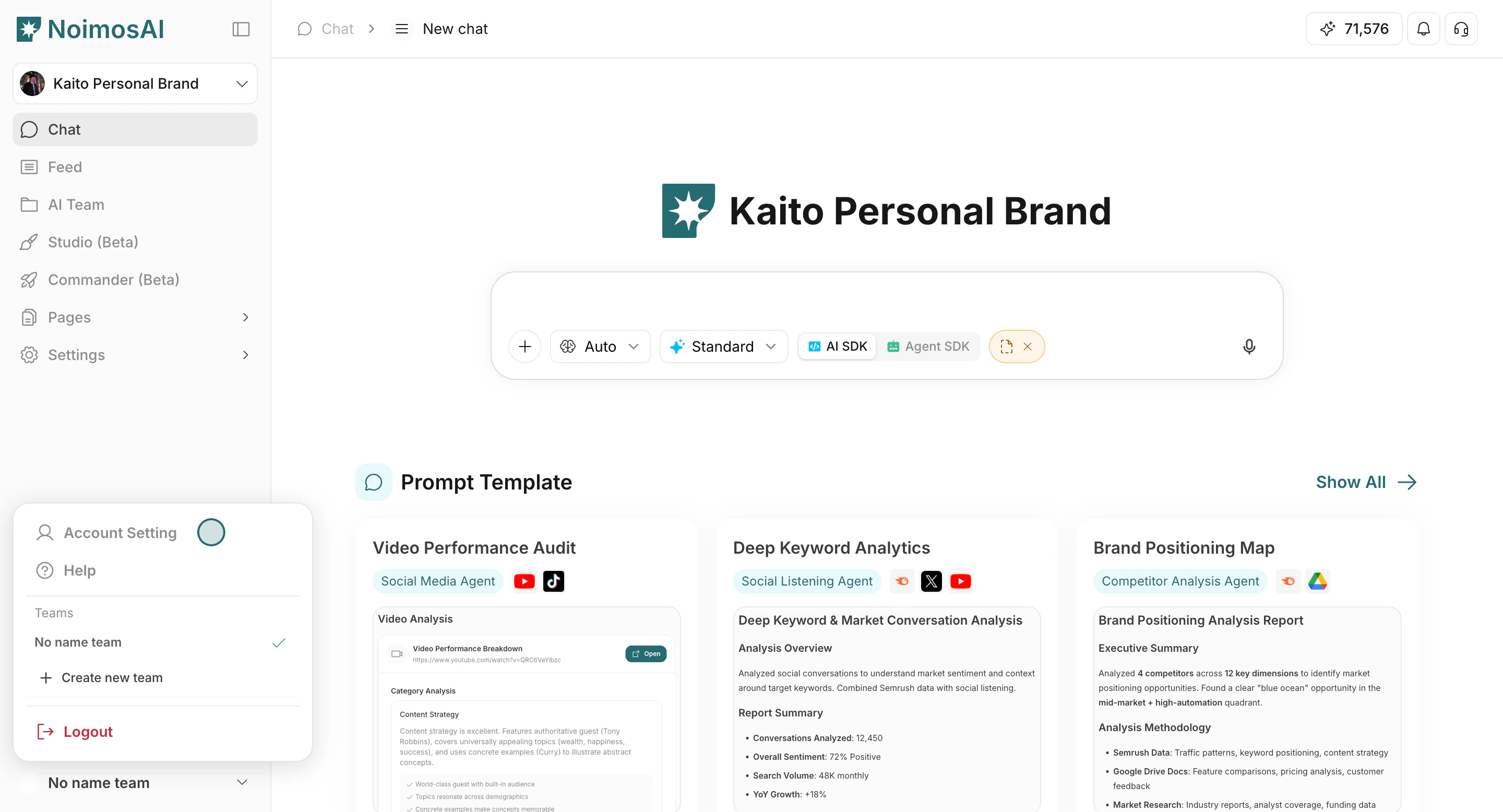
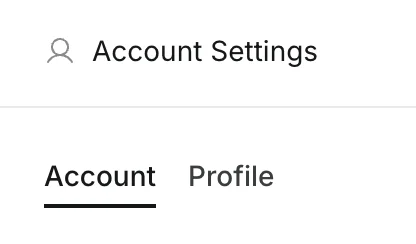
Gehen Sie zu `Einstellungen -> Profil`.
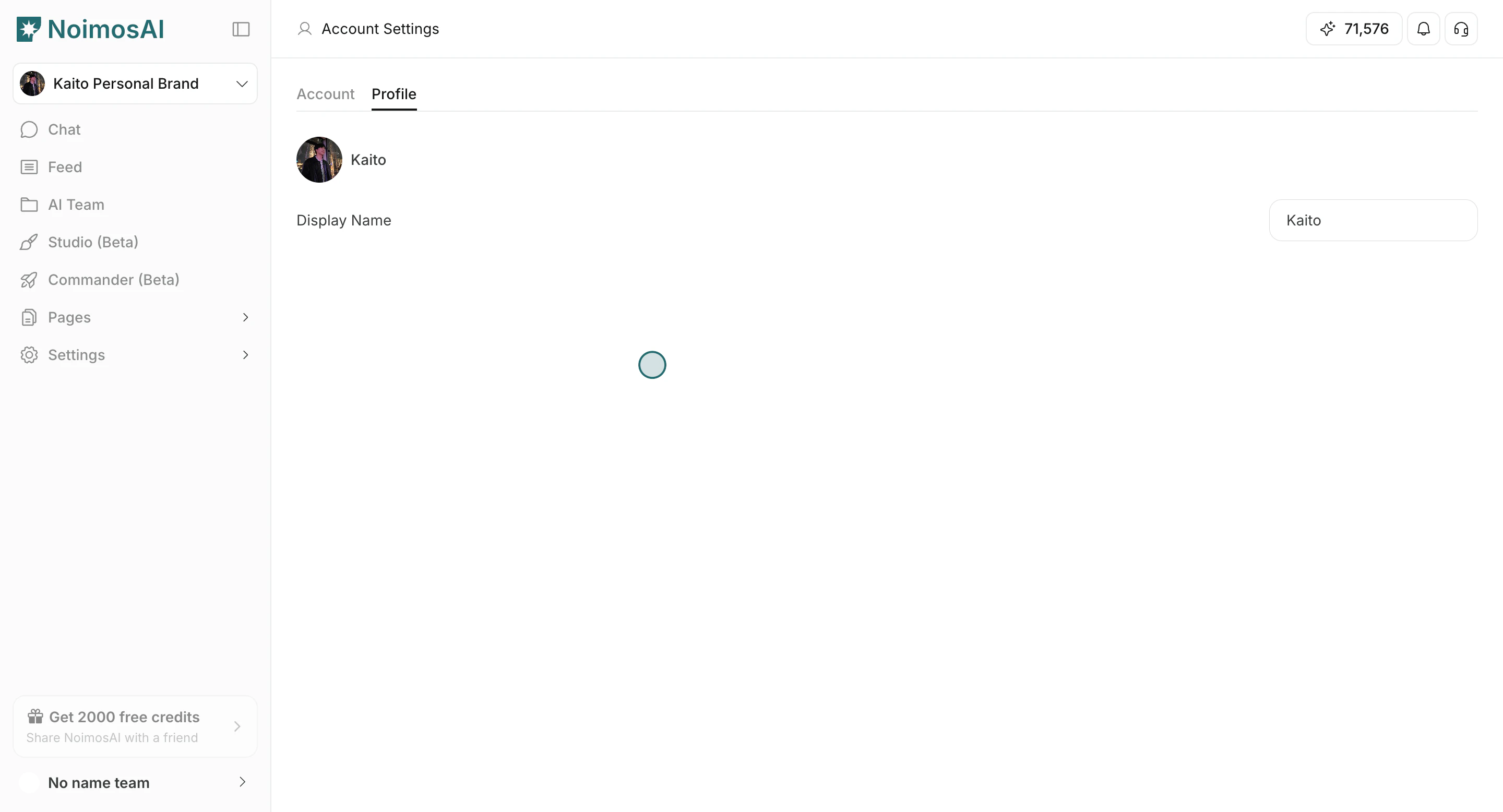
Dort können Sie Ihren Anzeigenamen und Ihr Profilbild bearbeiten.
## Schritt für Schritt
1. Öffnen Sie `Einstellungen`.
 2. Wählen Sie `Profil`.
 3. Aktualisieren Sie `Anzeigename` und/oder Ihr Profilbild.
 ## Demo
* [Anzeigenamen und Profilbild ändern (Lernzentrum)](/de/learning-center/account-settings/change-display-name-and-profile-image)
* [Arcade-Demo](https://app.arcade.software/share/HKaMYL2rMoAYJXrqWIUj)
## Verwandt
* [Kontonamen ändern](/de/help-center/account/change-account-name)
* [Kontoprofilbild ändern](/de/help-center/account/change-account-profile-image)
## Demo
* [Anzeigenamen und Profilbild ändern (Lernzentrum)](/de/learning-center/account-settings/change-display-name-and-profile-image)
* [Arcade-Demo](https://app.arcade.software/share/HKaMYL2rMoAYJXrqWIUj)
## Verwandt
* [Kontonamen ändern](/de/help-center/account/change-account-name)
* [Kontoprofilbild ändern](/de/help-center/account/change-account-profile-image)