> ## Documentation Index
> Fetch the complete documentation index at: https://docs.noimosai.com/llms.txt
> Use this file to discover all available pages before exploring further.
# Modifier l'image du profil du compte
> Téléchargez ou remplacez l'image de profil de votre compte
## Aperçu
Mettez à jour votre image de profil afin que vos coéquipiers puissent vous identifier rapidement dans les espaces de travail partagés.
## Où trouver
Utilisez le chemin suivant pour ouvrir cette zone.
* `Paramètres -> Profil`.
## Comment mettre à jour
Suivez les étapes ci-dessous pour terminer cette action.
1. Ouvrir `Paramètres`, puis allez à `Profil`.
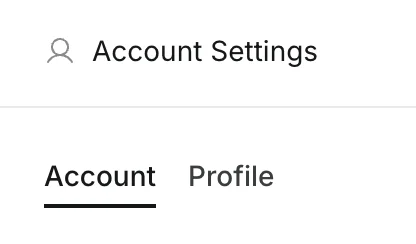 2. Cliquez sur votre avatar actuel (ou sur le bouton Ajouter un avatar).
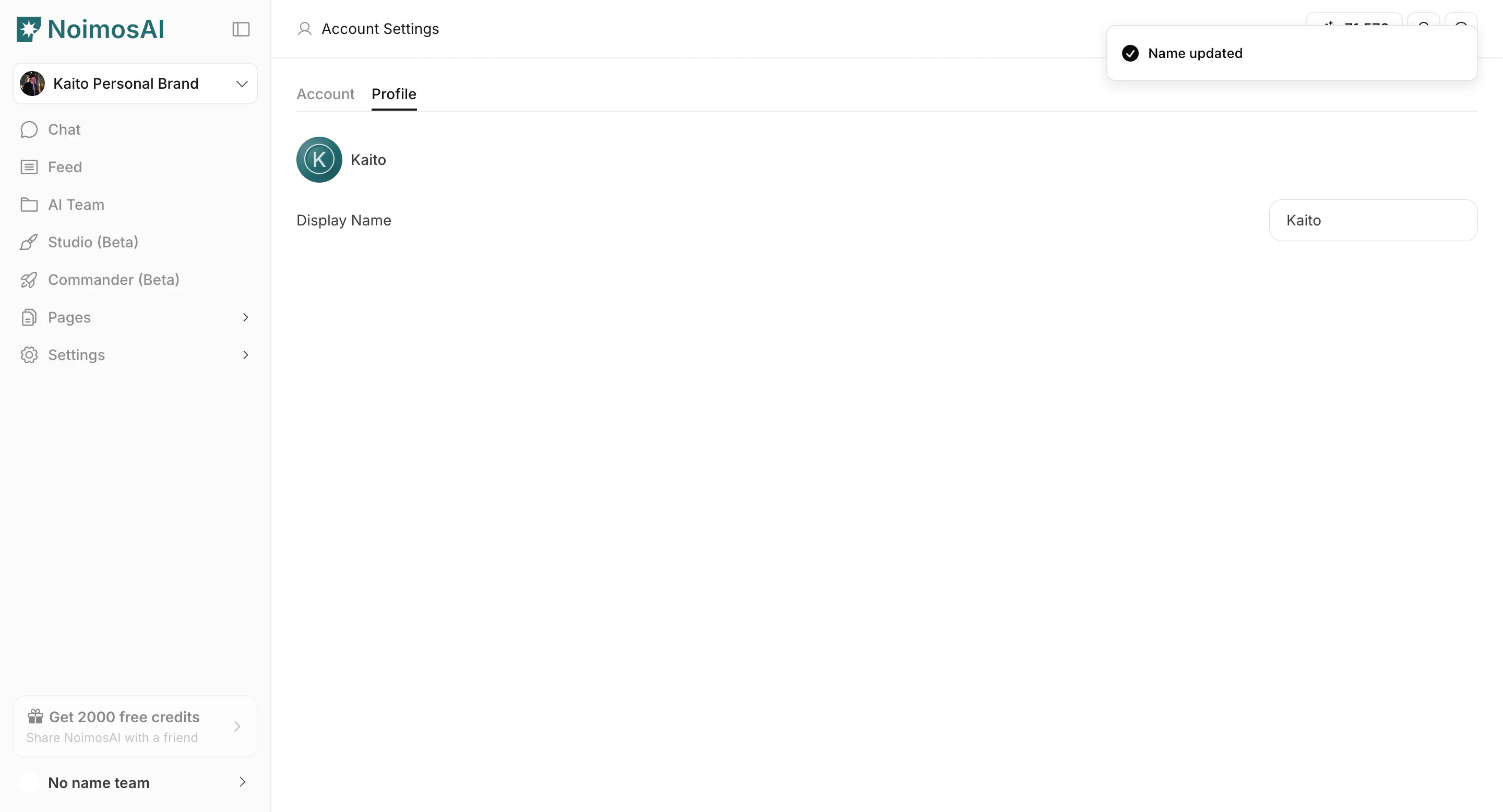 3. Téléchargez un fichier image depuis votre appareil.
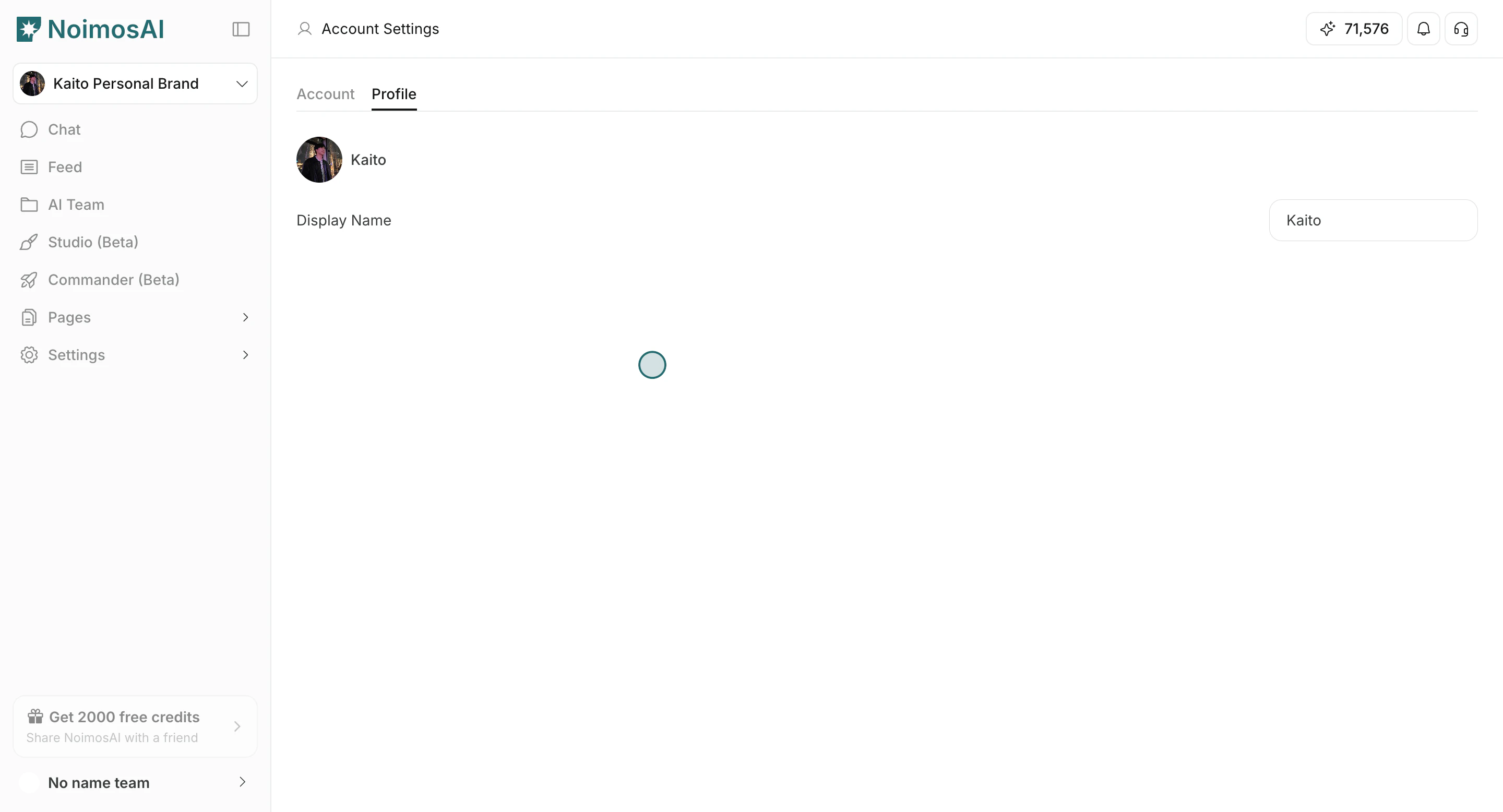
4. Attendez la fin du téléchargement et confirmez que la nouvelle image apparaît.
3. Téléchargez un fichier image depuis votre appareil.
4. Attendez la fin du téléchargement et confirmez que la nouvelle image apparaît.
 ## Conseils
Utilisez ces conseils pour améliorer la cohérence et la qualité des résultats.
* Utilisez une image carrée claire pour une meilleure visibilité dans les petites zones de l'interface utilisateur.
* Gardez votre image de profil distincte des icônes de l'espace de travail et de l'équipe.
## En rapport
Utilisez ces pages connexes pour des conseils plus approfondis.
* [Notions de base du compte](/fr/help-center/account/account-basics)
* [Changer le nom du compte](/fr/help-center/account/change-account-name)
## Conseils
Utilisez ces conseils pour améliorer la cohérence et la qualité des résultats.
* Utilisez une image carrée claire pour une meilleure visibilité dans les petites zones de l'interface utilisateur.
* Gardez votre image de profil distincte des icônes de l'espace de travail et de l'équipe.
## En rapport
Utilisez ces pages connexes pour des conseils plus approfondis.
* [Notions de base du compte](/fr/help-center/account/account-basics)
* [Changer le nom du compte](/fr/help-center/account/change-account-name)