> ## Documentation Index
> Fetch the complete documentation index at: https://docs.noimosai.com/llms.txt
> Use this file to discover all available pages before exploring further.
# Change Account Name
> Update the display name used in your profile
## Overview
Change your display name to control how your name appears to teammates in NoimosAI.
## Where to find
Use the following path to open this area.
* `Settings -> Profile`.
## How to update
Follow the steps below to complete this action.
1. Open `Settings`, then go to `Profile`.
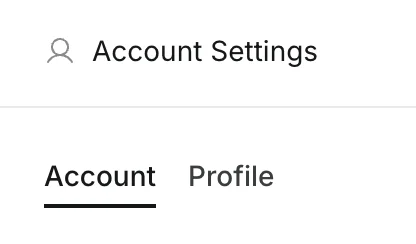 2. Edit the `Display Name` field.
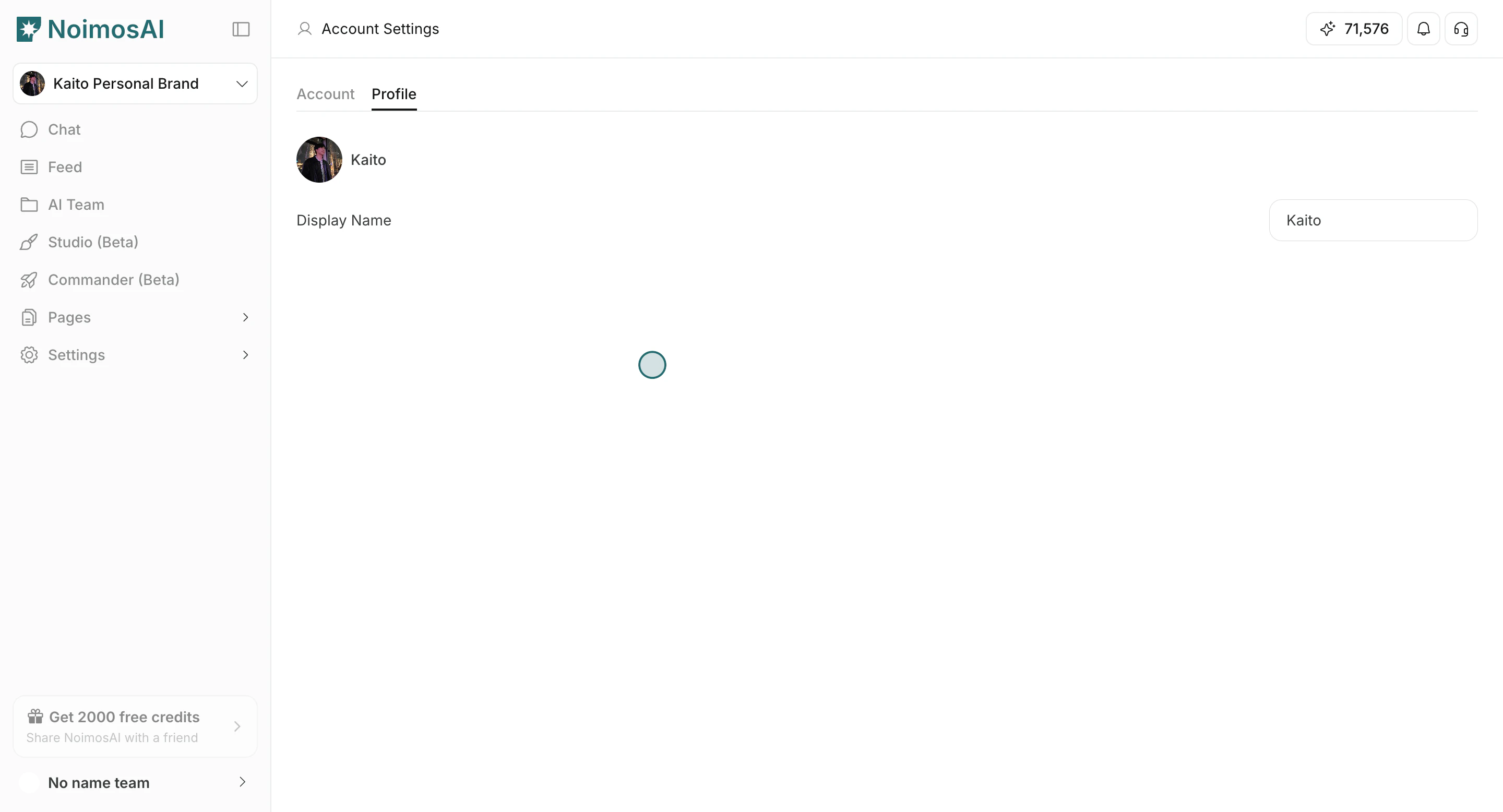
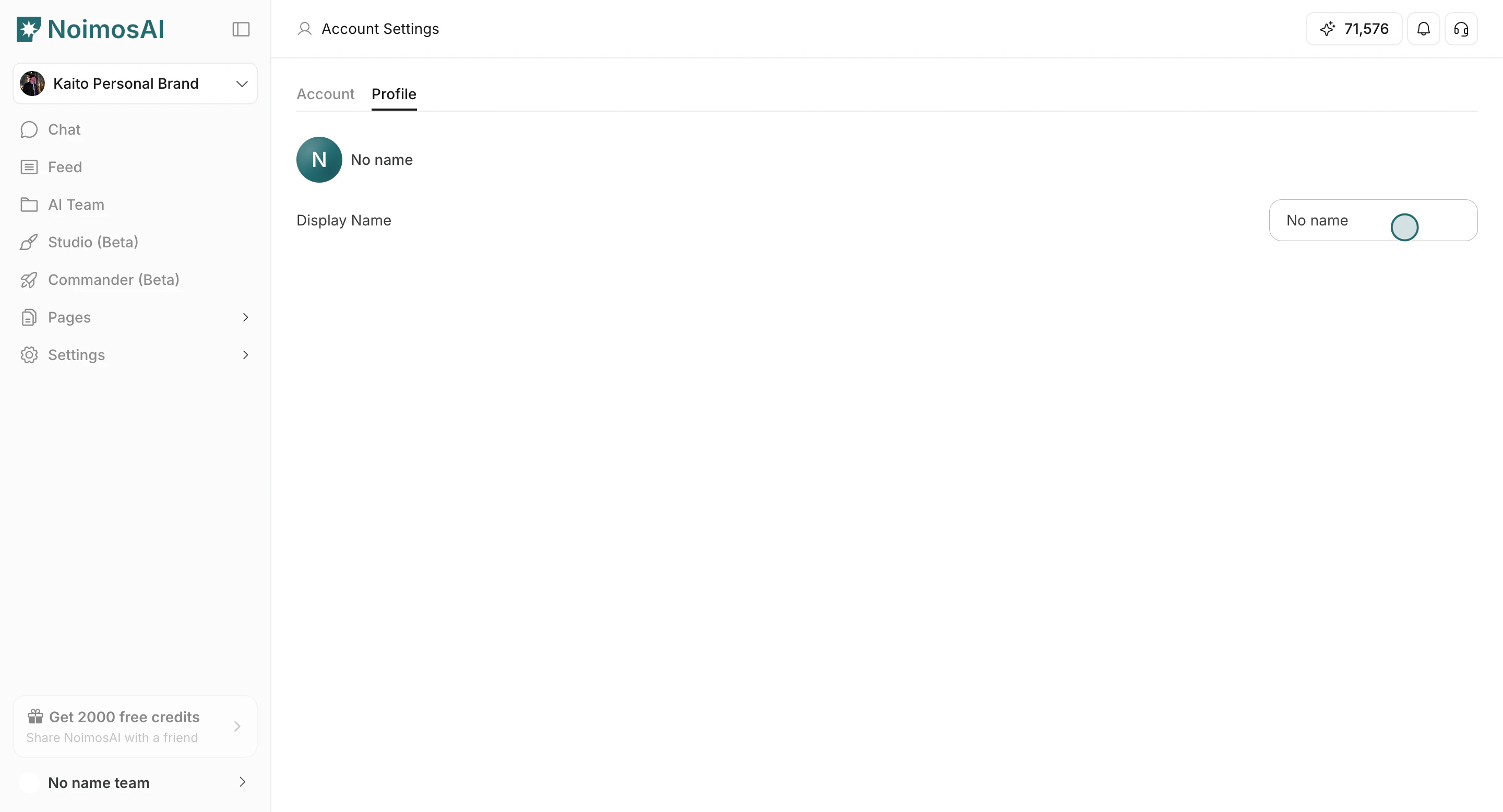 3. Click outside the field to save.
4. Confirm the updated name appears in your profile and team-facing UI.
3. Click outside the field to save.
4. Confirm the updated name appears in your profile and team-facing UI.
 ## Tips
Use these tips to improve consistency and output quality.
* Use a name format teammates can recognize quickly.
* Keep the name short and consistent across your teams.
## Related
Use these related pages for deeper guidance.
* [Account Basics](/help-center/account/account-basics)
* [Change Account Profile Image](/help-center/account/change-account-profile-image)
## Tips
Use these tips to improve consistency and output quality.
* Use a name format teammates can recognize quickly.
* Keep the name short and consistent across your teams.
## Related
Use these related pages for deeper guidance.
* [Account Basics](/help-center/account/account-basics)
* [Change Account Profile Image](/help-center/account/change-account-profile-image)