> ## Documentation Index
> Fetch the complete documentation index at: https://docs.noimosai.com/llms.txt
> Use this file to discover all available pages before exploring further.
# Change Language
> Update app display language in account settings
## Overview
Language settings let you change the display language for NoimosAI.
## Where to find
Use the following path to open this area.
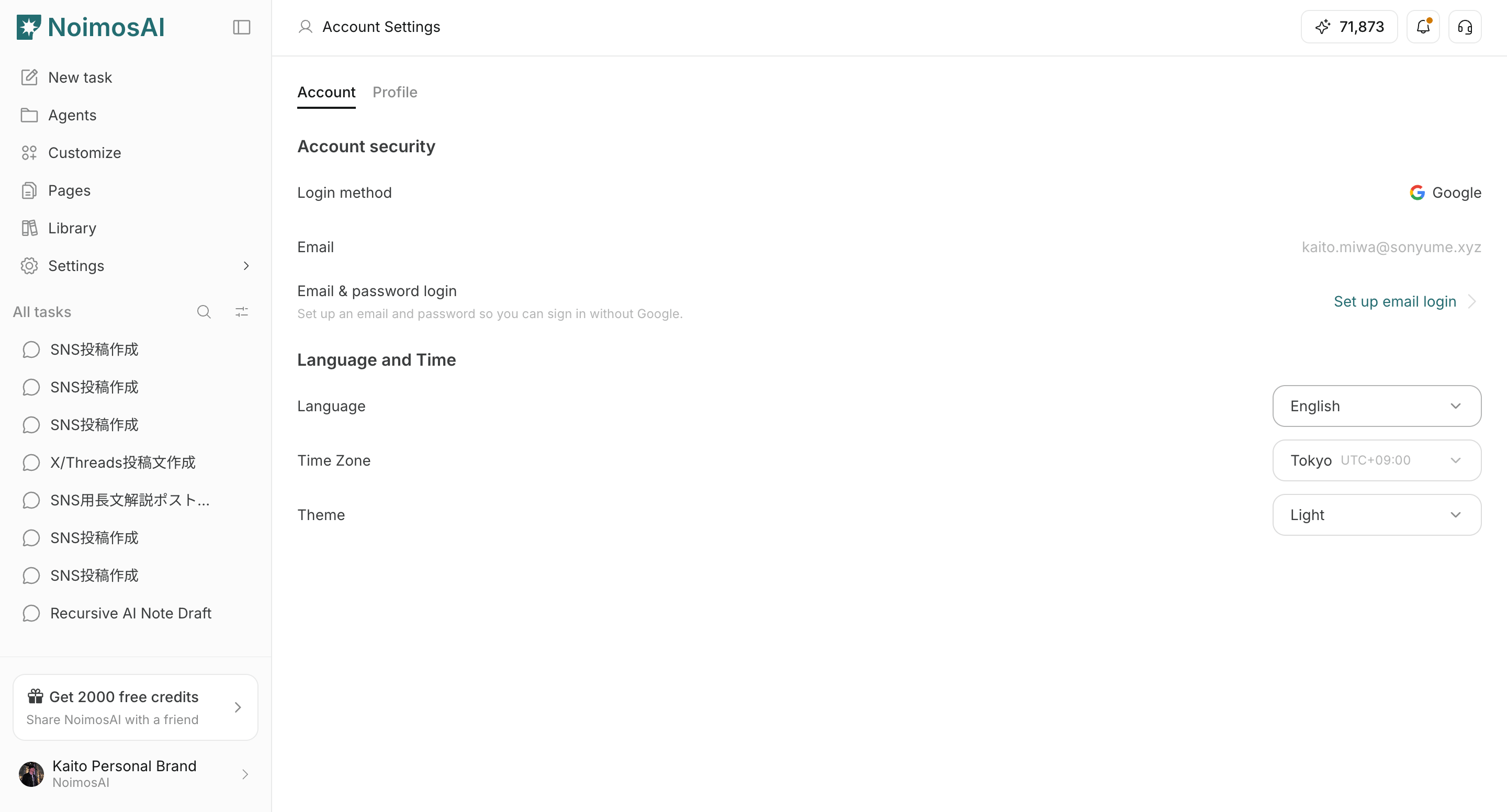
* `Settings -> Account -> Language and Time`.
## How to update
Follow the steps below to complete this action.
1. Open the `Language` dropdown.
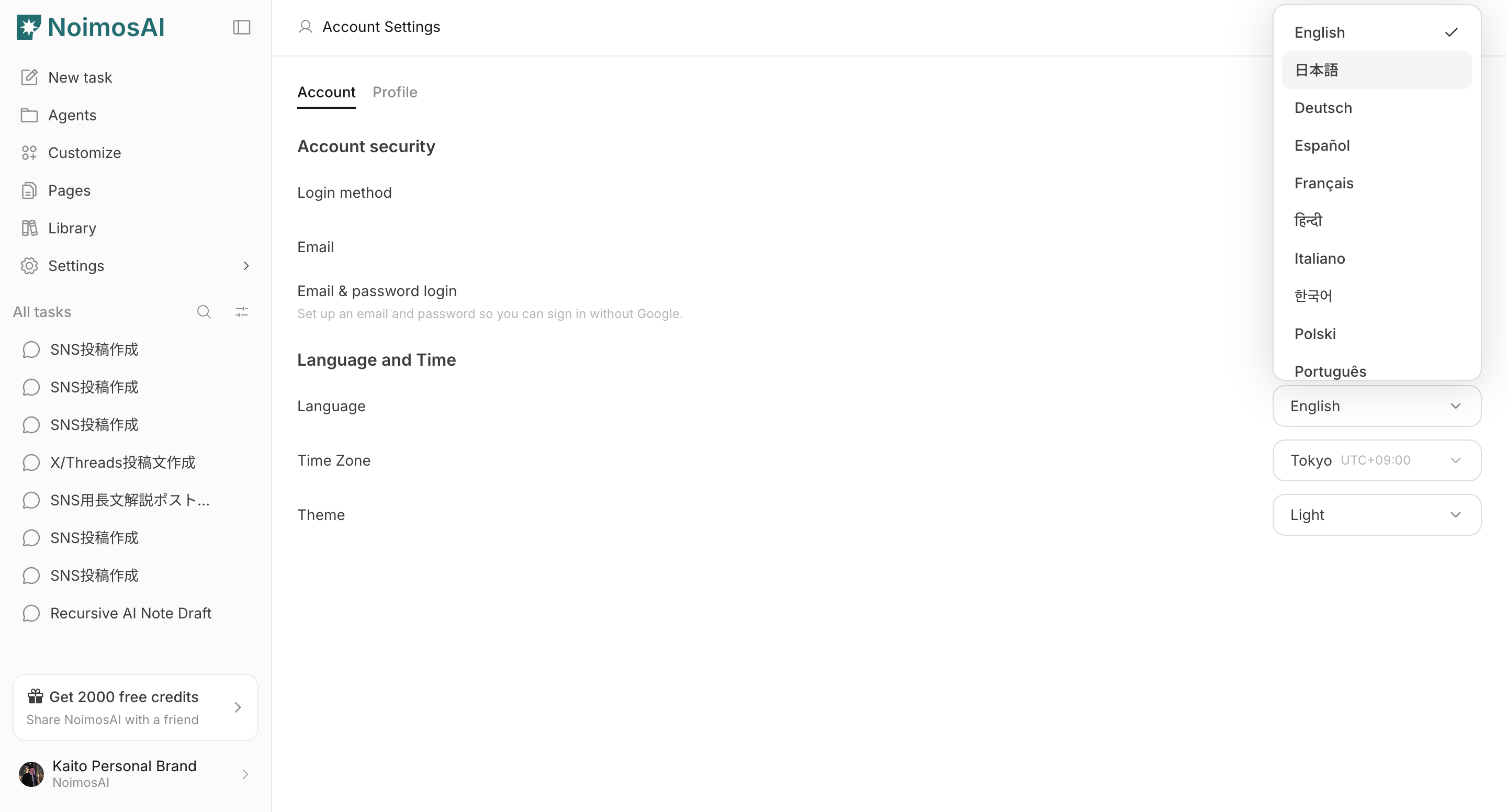
 2. Select your preferred display language.
 ## Important notes
Review these notes before you proceed.
* This setting changes app interface language.
* You can change it again anytime from the same menu.
## Related
Use these related pages for deeper guidance.
* [Account Basics](/help-center/account/account-basics)
* [Change Timezone](/help-center/account/change-timezone)
* [Change Theme](/help-center/account/change-theme)
## Important notes
Review these notes before you proceed.
* This setting changes app interface language.
* You can change it again anytime from the same menu.
## Related
Use these related pages for deeper guidance.
* [Account Basics](/help-center/account/account-basics)
* [Change Timezone](/help-center/account/change-timezone)
* [Change Theme](/help-center/account/change-theme)