> ## Documentation Index
> Fetch the complete documentation index at: https://docs.noimosai.com/llms.txt
> Use this file to discover all available pages before exploring further.

# Select Prompt Templates

> Use prompt templates to start faster with structured prompts you can adapt to your context.

## Overview

`Prompt Templates` help you get high-quality results quickly.
By selecting what you want to achieve in NoimosAI, you can review structured prompt patterns and example outcomes.

## Where to find

Use the following path to open this area.

1. Open `New chat` and select a goal shown below the chat box.
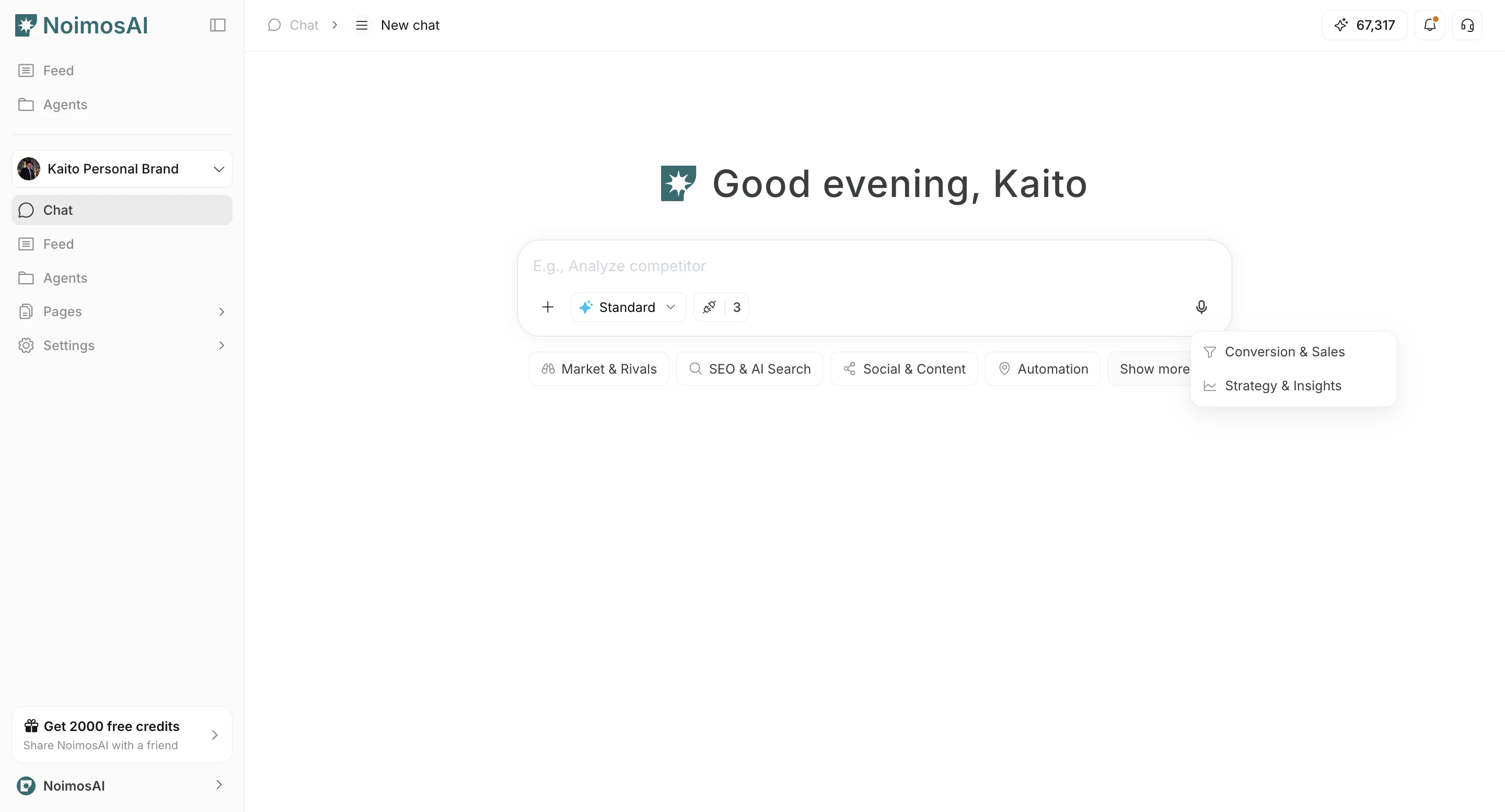
<img src="https://mintcdn.com/agoslabstechnologiesfzco/EszfltwDX-U_LVi3/public/help-center/arcade/ai-chat/select-prompt-from-template/step-03.png?fit=max&auto=format&n=EszfltwDX-U_LVi3&q=85&s=1a84f5e5a76a59fa4c4491e6ee2d51db" alt="Template cards shown in new chat" style={{ border: '1px solid #e5e7eb', borderRadius: '8px', marginBottom: '1rem' }} width="2880" height="1554" data-path="public/help-center/arcade/ai-chat/select-prompt-from-template/step-03.png" />

2. Find a prompt template that matches your use case.
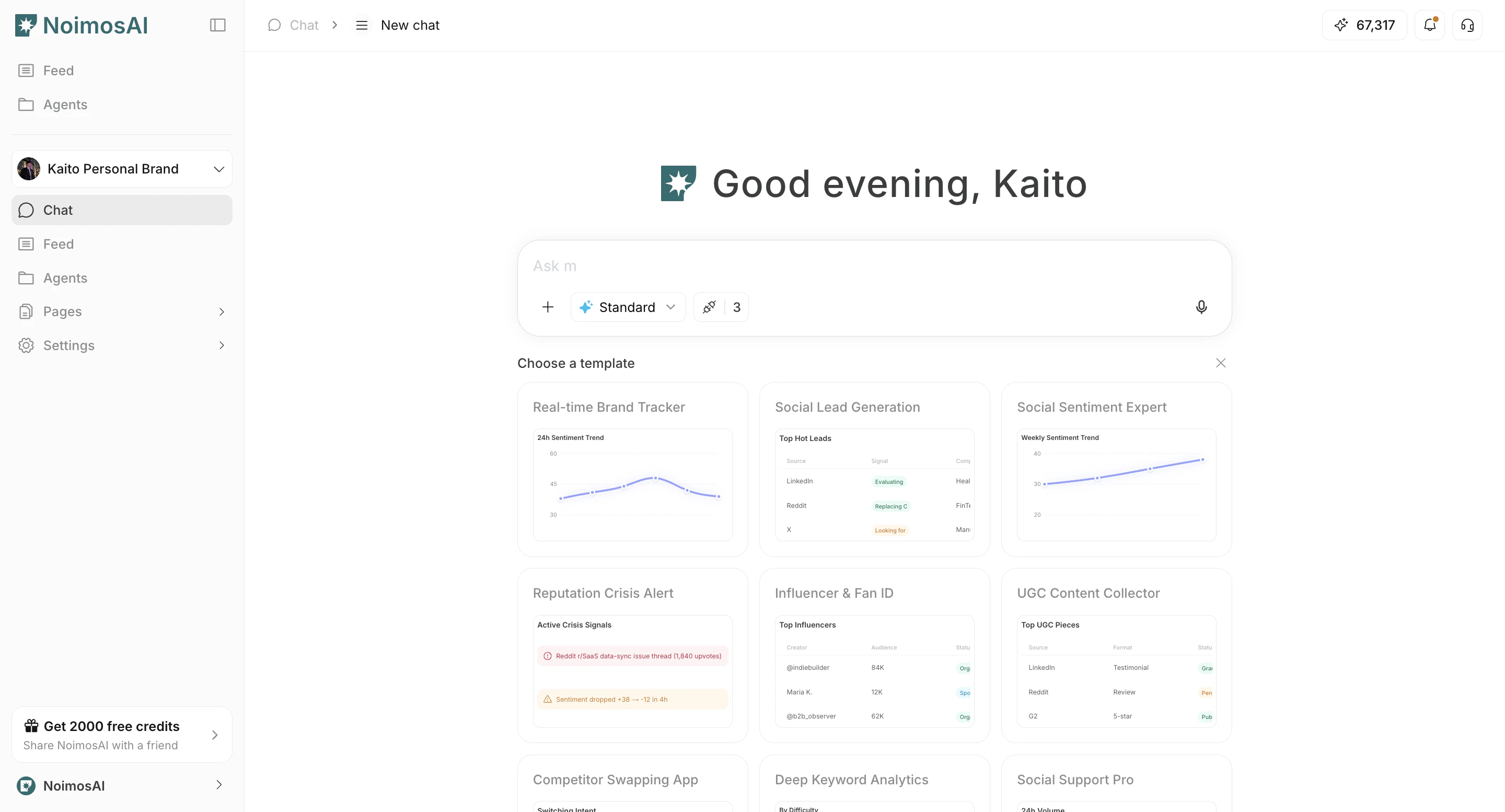
<img src="https://mintcdn.com/agoslabstechnologiesfzco/EszfltwDX-U_LVi3/public/help-center/arcade/ai-chat/select-prompt-from-template/step-04.png?fit=max&auto=format&n=EszfltwDX-U_LVi3&q=85&s=6a653915ebf5cc9c177bb15e46040b9e" alt="Open full template list from show all" style={{ border: '1px solid #e5e7eb', borderRadius: '8px', marginBottom: '1.5rem' }} width="2880" height="1554" data-path="public/help-center/arcade/ai-chat/select-prompt-from-template/step-04.png" />

## How to use templates

Follow the steps below to complete this action.

1. Find a relevant template and click the eye icon to open details.
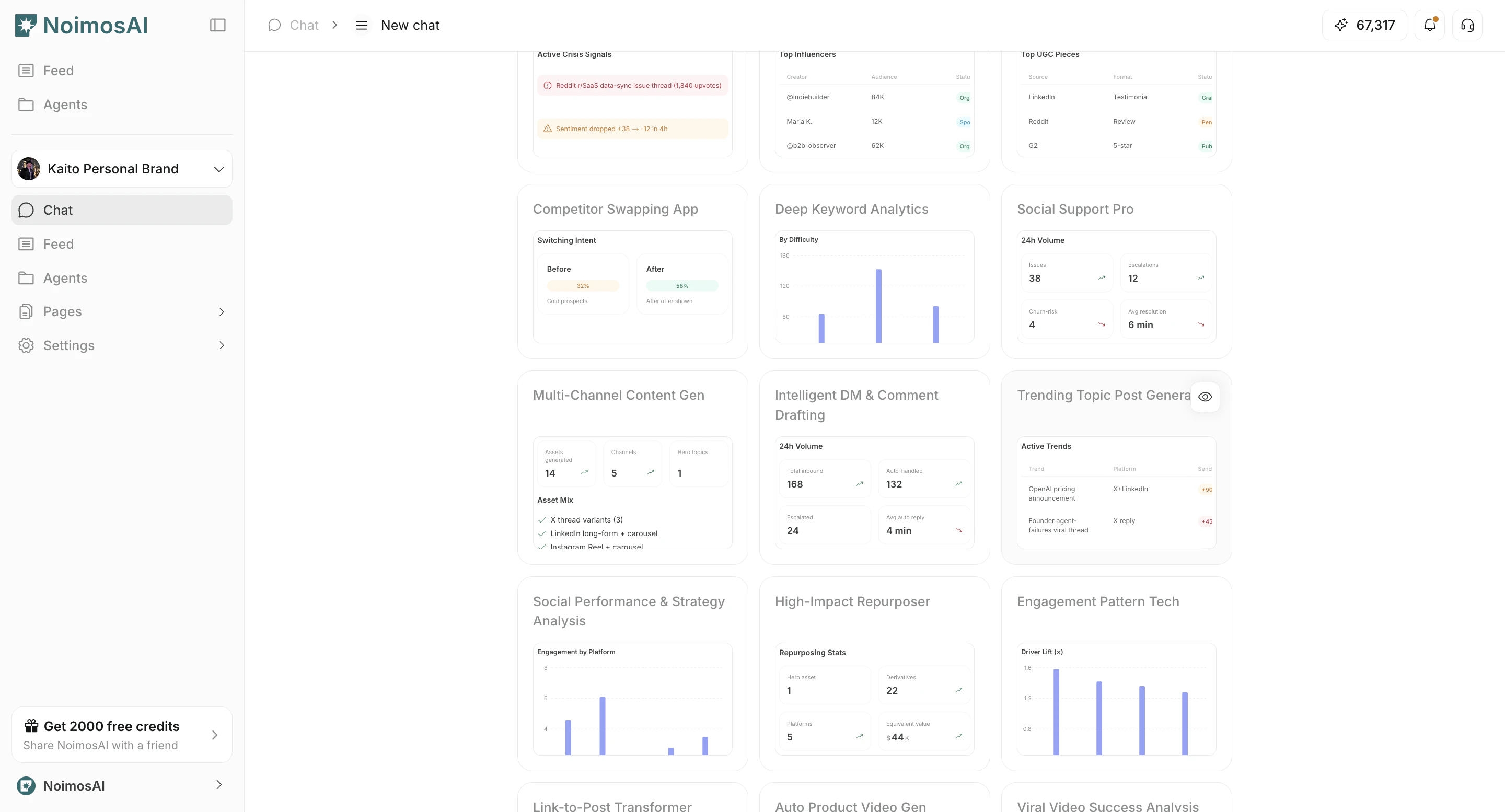
<img src="https://mintcdn.com/agoslabstechnologiesfzco/EszfltwDX-U_LVi3/public/help-center/arcade/ai-chat/select-prompt-from-template/step-05.png?fit=max&auto=format&n=EszfltwDX-U_LVi3&q=85&s=478e5f7e7d57ef2b5f457c5246ea5d40" alt="Filter templates by category" style={{ border: '1px solid #e5e7eb', borderRadius: '8px', marginBottom: '1rem' }} width="2880" height="1554" data-path="public/help-center/arcade/ai-chat/select-prompt-from-template/step-05.png" />

2. Check who the template is for and what kind of output it produces.
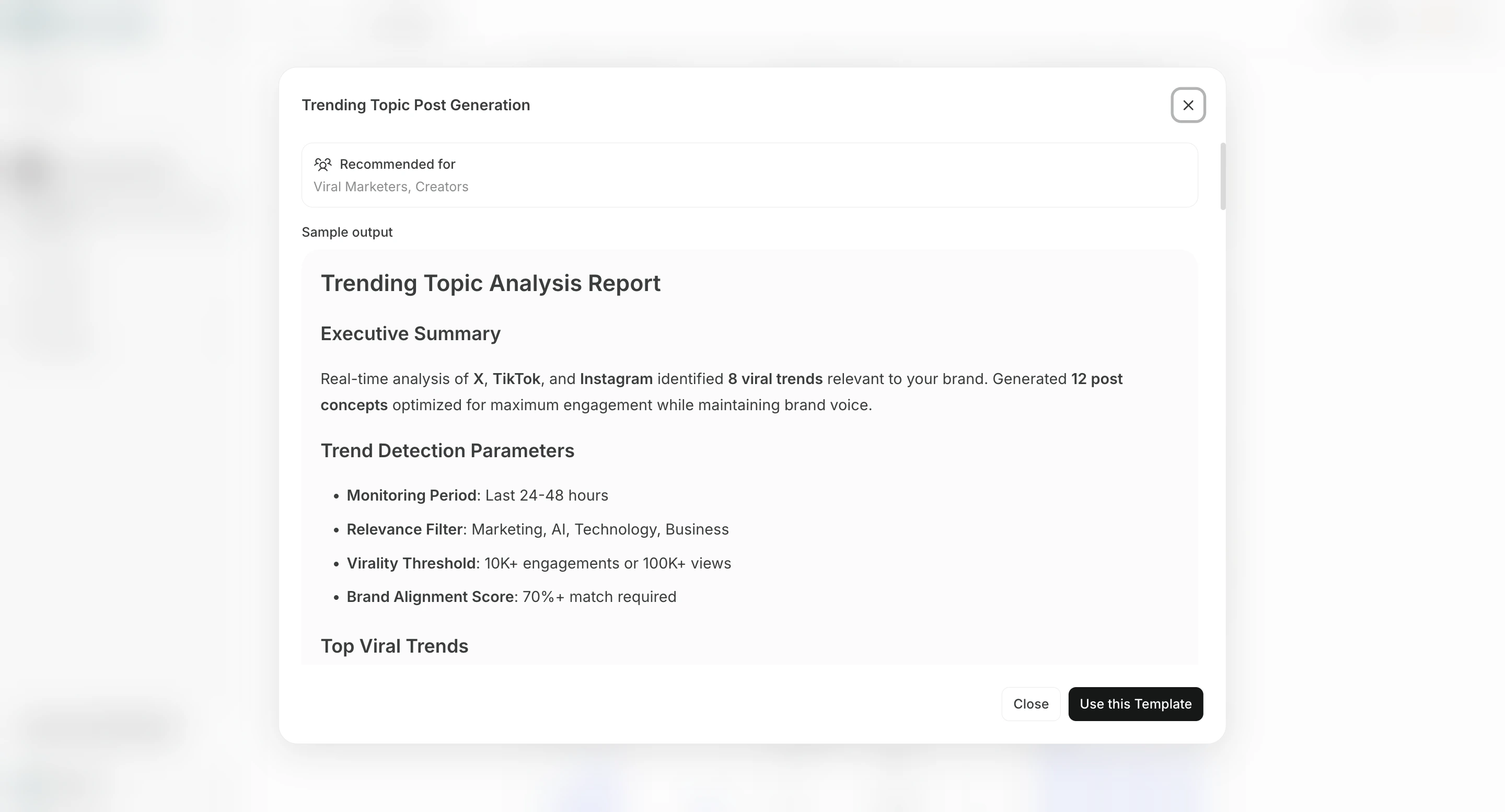
<img src="https://mintcdn.com/agoslabstechnologiesfzco/EszfltwDX-U_LVi3/public/help-center/arcade/ai-chat/select-prompt-from-template/step-07.png?fit=max&auto=format&n=EszfltwDX-U_LVi3&q=85&s=29908541a136a2b6a9c6ec1a1936529d" alt="Click Show Detail on a template" style={{ border: '1px solid #e5e7eb', borderRadius: '8px', marginBottom: '1rem' }} width="2880" height="1554" data-path="public/help-center/arcade/ai-chat/select-prompt-from-template/step-07.png" />

3. Select `Use this Template` to insert it into Chat.
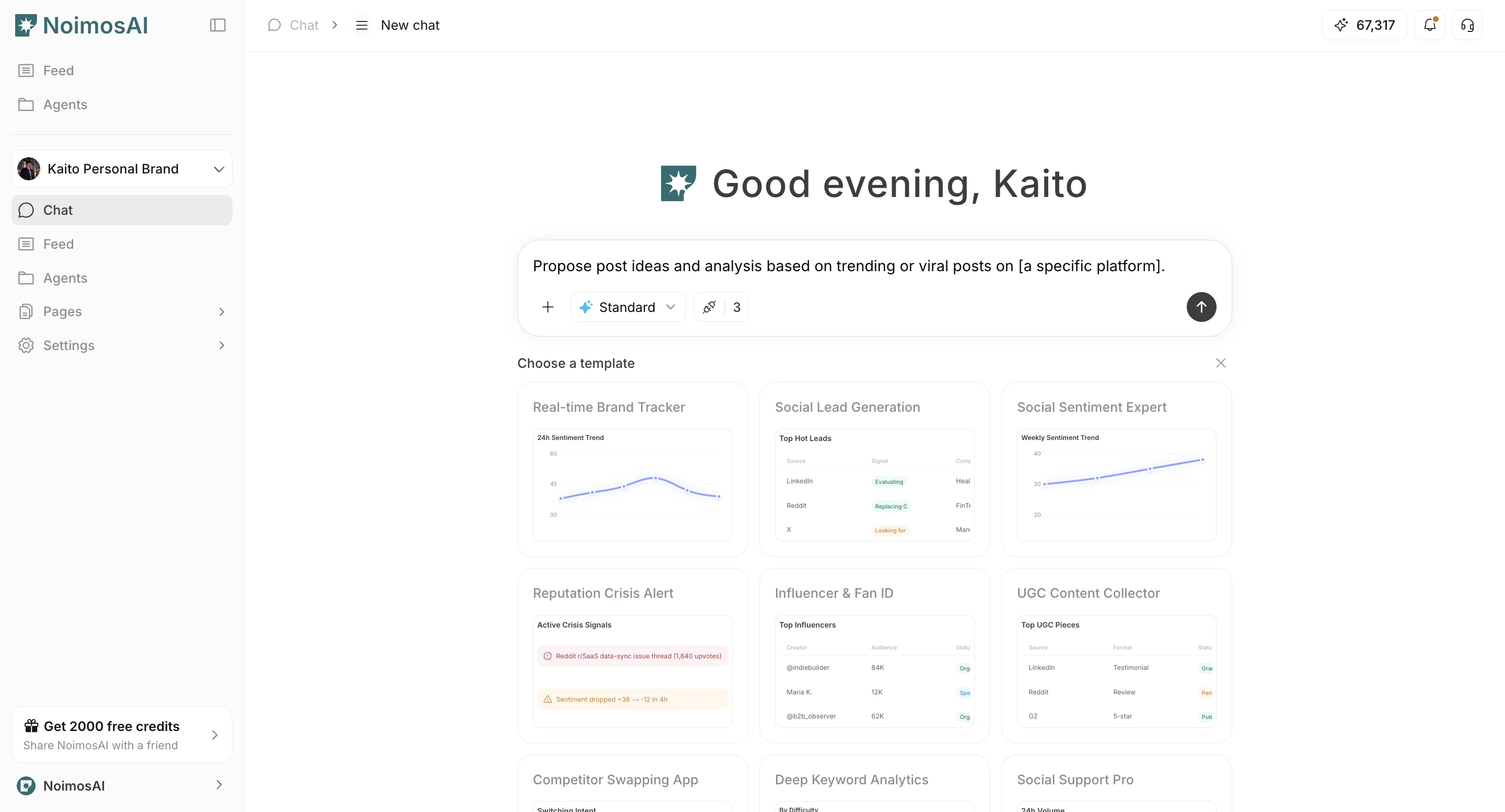
<img src="https://mintcdn.com/agoslabstechnologiesfzco/EszfltwDX-U_LVi3/public/help-center/arcade/ai-chat/select-prompt-from-template/step-10.png?fit=max&auto=format&n=EszfltwDX-U_LVi3&q=85&s=aa1fcfe079d87e61bfb47f9fb567eacd" alt="Use this template in chat" style={{ border: '1px solid #e5e7eb', borderRadius: '8px', marginBottom: '1rem' }} width="2880" height="1554" data-path="public/help-center/arcade/ai-chat/select-prompt-from-template/step-10.png" />

4. Replace placeholders such as `[]` with your own context.
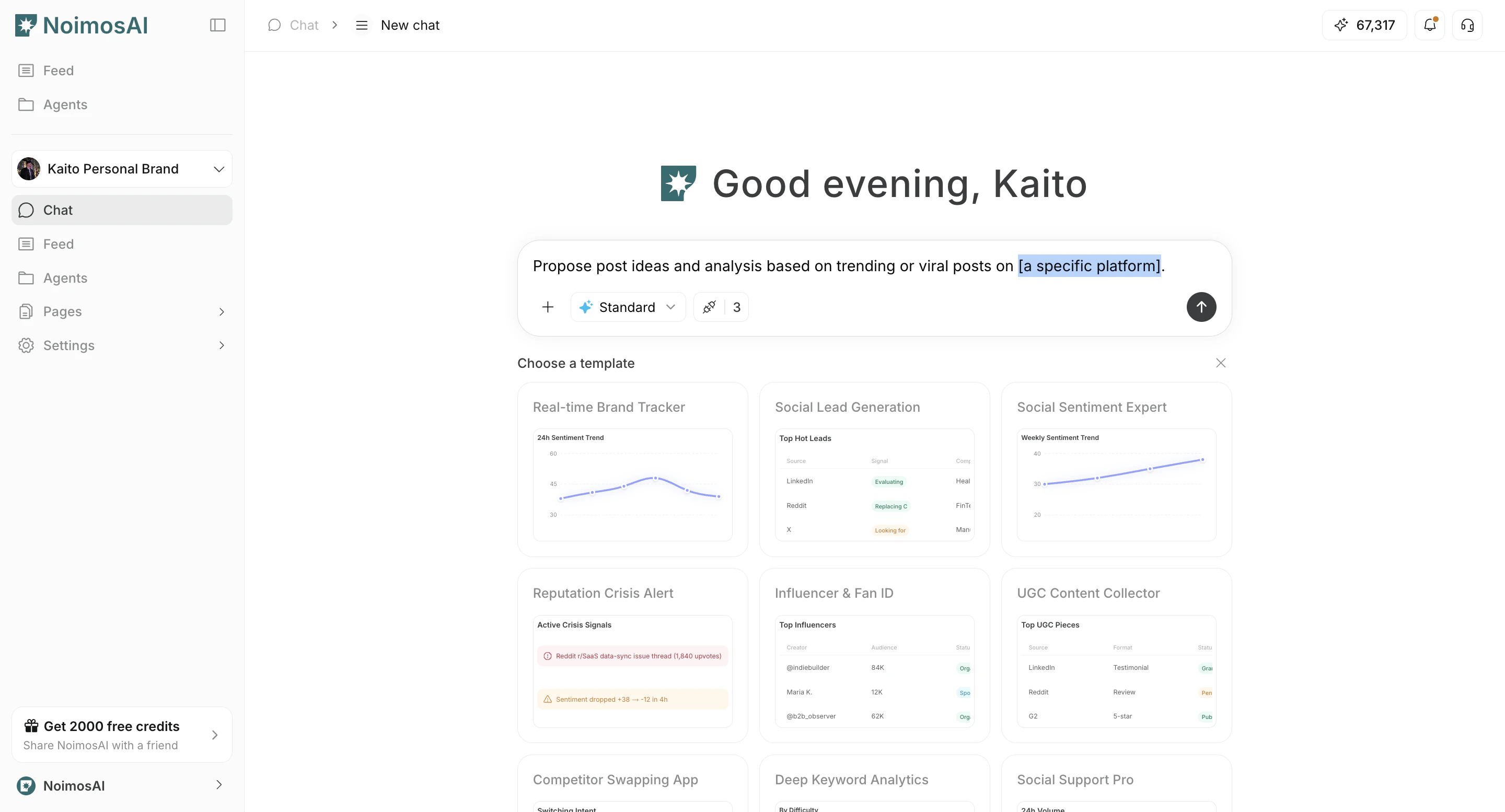
<img src="https://mintcdn.com/agoslabstechnologiesfzco/EszfltwDX-U_LVi3/public/help-center/arcade/ai-chat/select-prompt-from-template/step-12.png?fit=max&auto=format&n=EszfltwDX-U_LVi3&q=85&s=5ca80ec98aa6b1388676e560d5fd6ce5" alt="Send prompt after replacing placeholders" style={{ border: '1px solid #e5e7eb', borderRadius: '8px', marginBottom: '1rem' }} width="2880" height="1554" data-path="public/help-center/arcade/ai-chat/select-prompt-from-template/step-12.png" />

5. Send and refine with follow-up instructions.
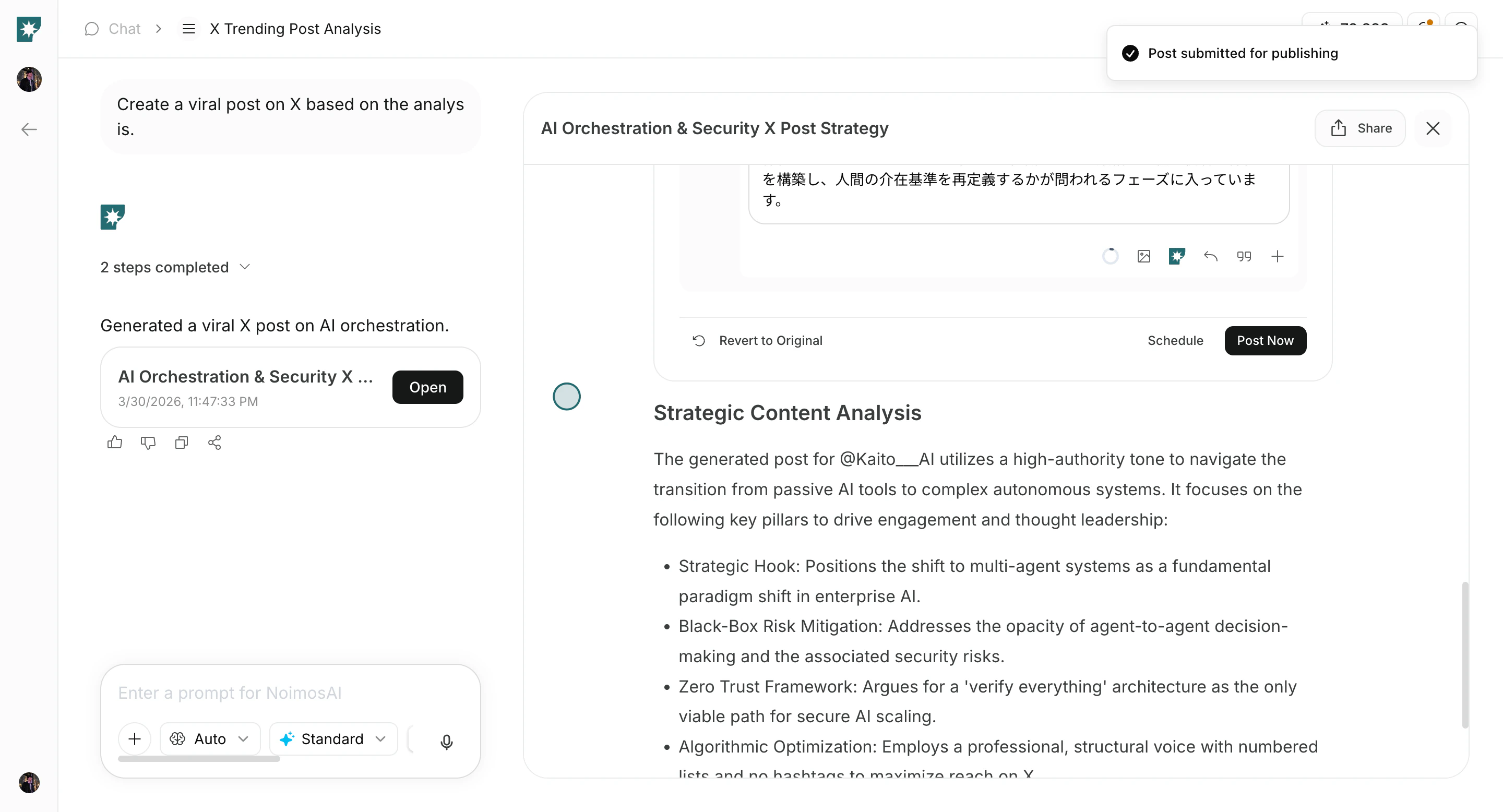
<img src="https://mintcdn.com/agoslabstechnologiesfzco/Fp8XwoziZBVDha6p/public/help-center/arcade/ai-chat/select-prompt-from-template/step-21.png?fit=max&auto=format&n=Fp8XwoziZBVDha6p&q=85&s=65259ae14987f07f4a2211ef12fc31d1" alt="Send prompt and refine via follow-up" style={{ border: '1px solid #e5e7eb', borderRadius: '8px', marginBottom: '1.5rem' }} width="2880" height="1556" data-path="public/help-center/arcade/ai-chat/select-prompt-from-template/step-21.png" />

## Tips

Use these tips to improve consistency and output quality.

* Use templates for repeatable tasks and custom prompts for edge cases.

## Related

Use these related pages for deeper guidance.

* [AI Chat Basics](/help-center/chat/ai-chat-basics)
* [Enter Your Own Prompt](/help-center/chat/enter-your-own-prompt)
* [Customize Chat Settings](/help-center/chat/customize-chat-settings)
