> ## Documentation Index
> Fetch the complete documentation index at: https://docs.noimosai.com/llms.txt
> Use this file to discover all available pages before exploring further.
# Contact Customer Support
> Submit a support request with the right issue category and details for a faster response.
## Overview
Use this flow when you need direct help from the NoimosAI support team.
Support replies are sent to your email address, and the current UI states a response target of within 24 hours.
## When to contact support
Use the following cases to decide when this is appropriate.
* AI Agent setup or behavior is not working as expected.
* Billing or account changes need support assistance.
* You hit technical issues such as login problems or product bugs.
* You want to submit a feature request or other general inquiry.
 ## Submit a support request
Use this section to understand submit a support request and what to confirm while completing this part.
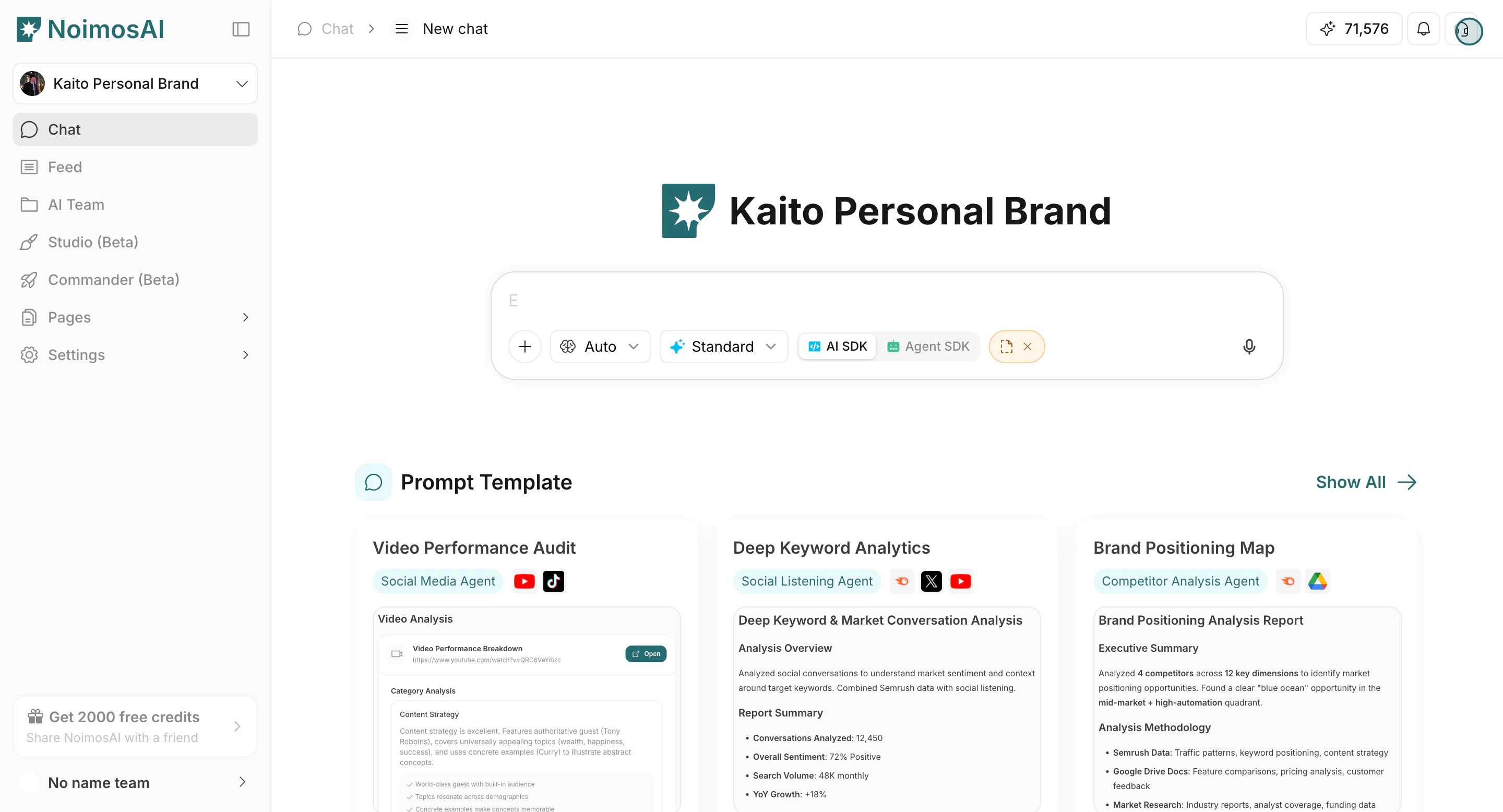
1. Click the Support icon in the top-right of the app.
## Submit a support request
Use this section to understand submit a support request and what to confirm while completing this part.
1. Click the Support icon in the top-right of the app.
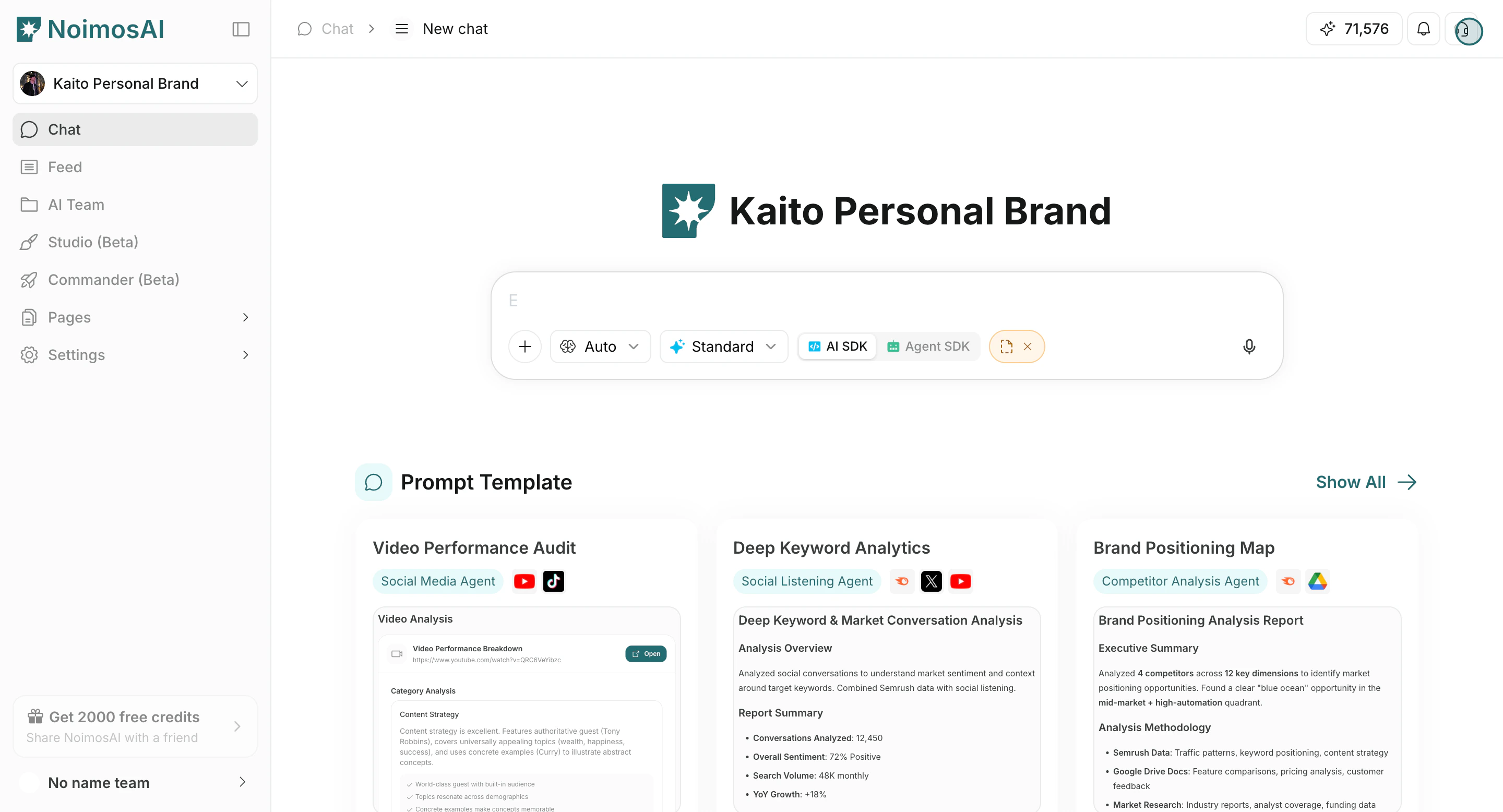 2. Start the support form.
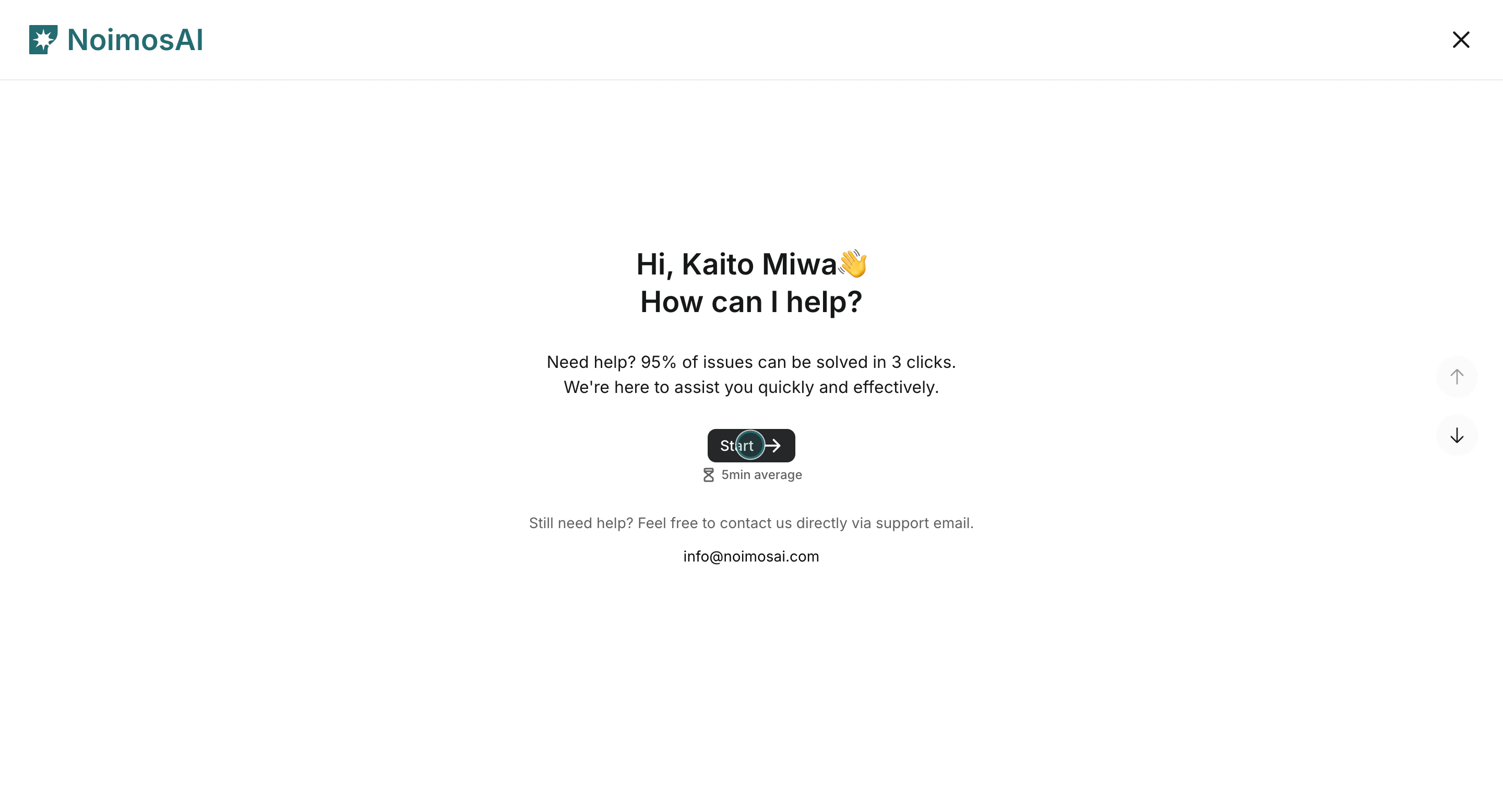 3. Enter your full name.
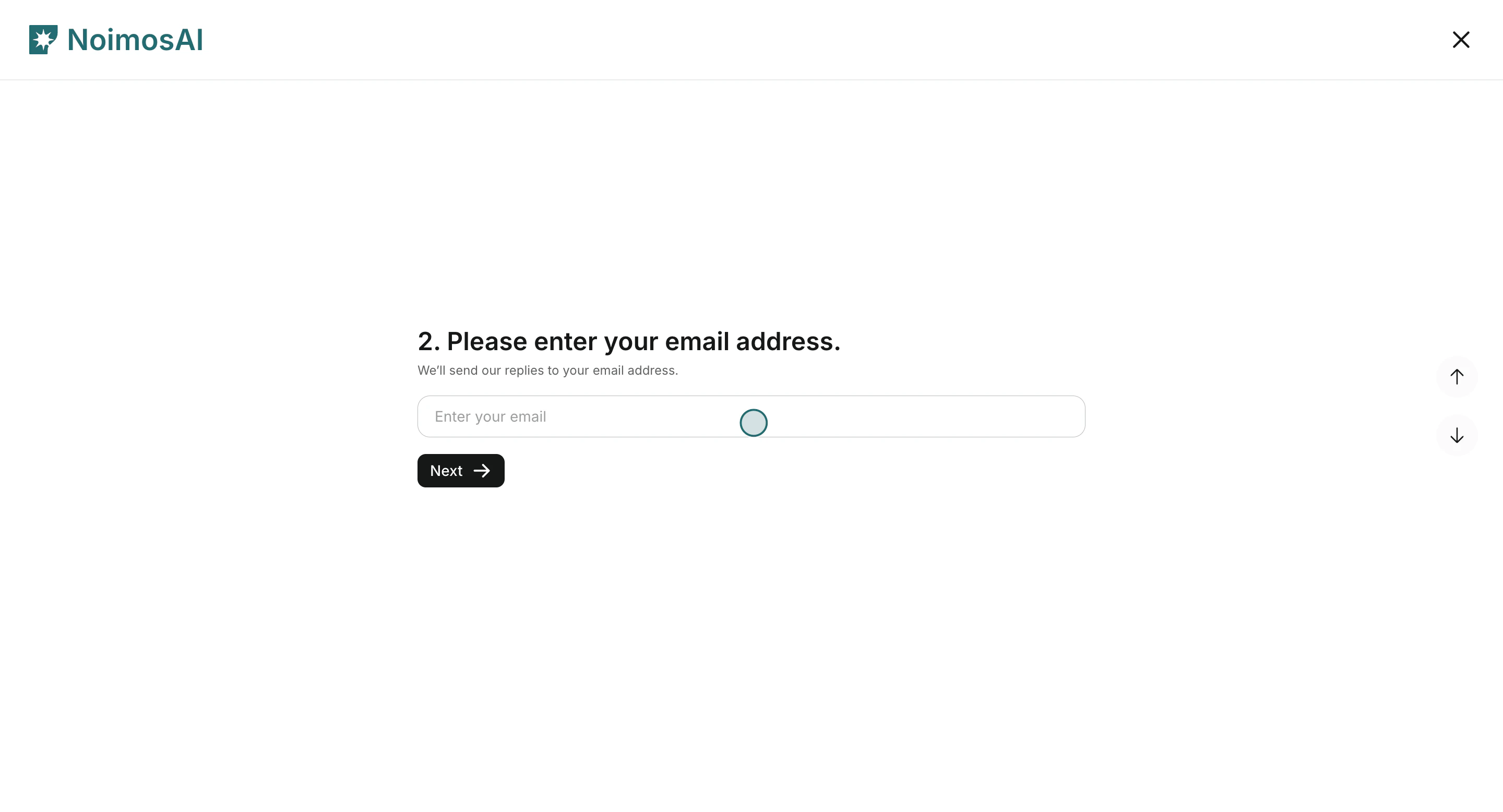
 4. Enter your email address.
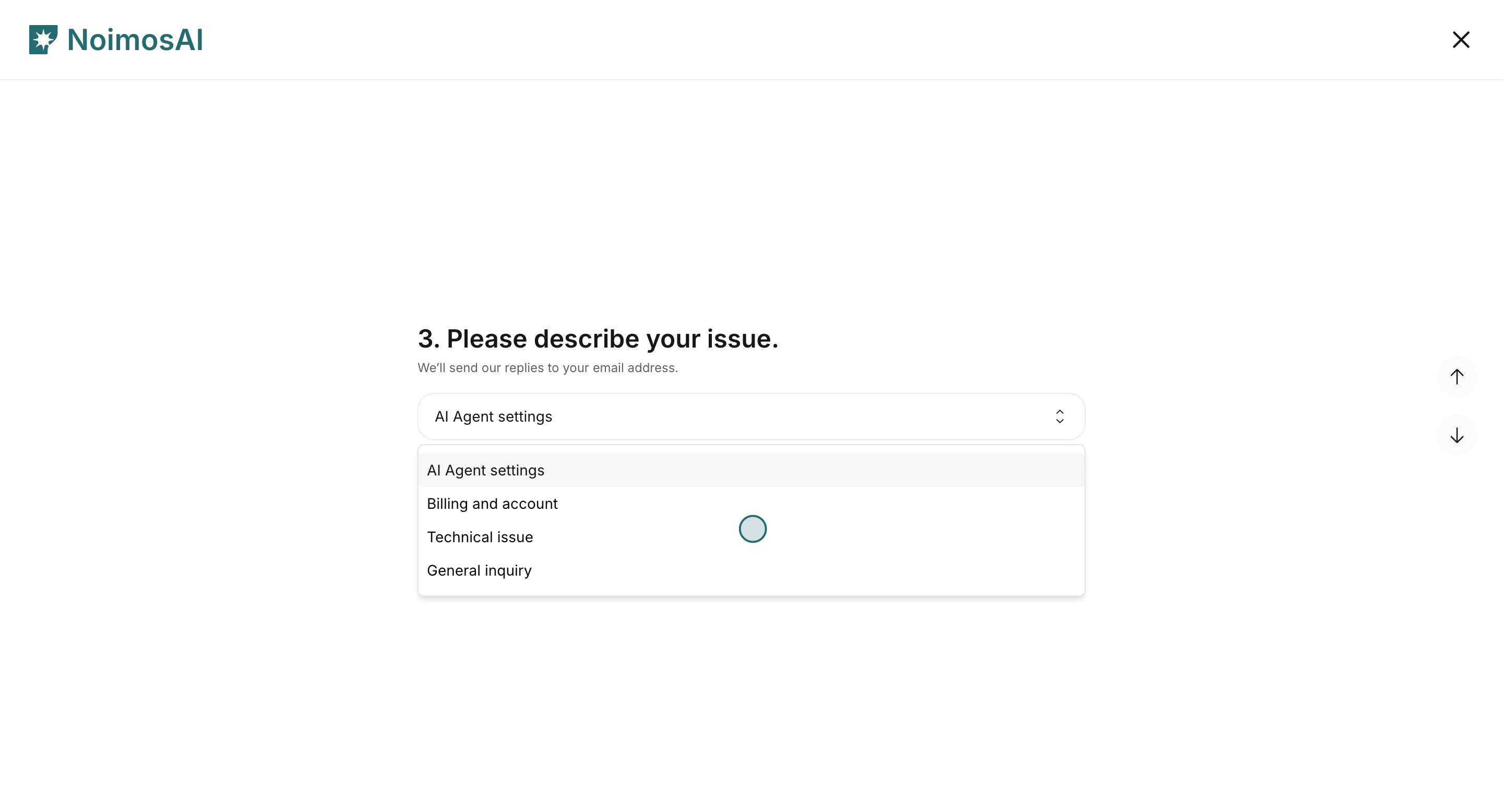
 5. Select issue `Type 1`: `AI Agent settings`, `Billing and account`, `Technical issue`, or `General inquiry`.
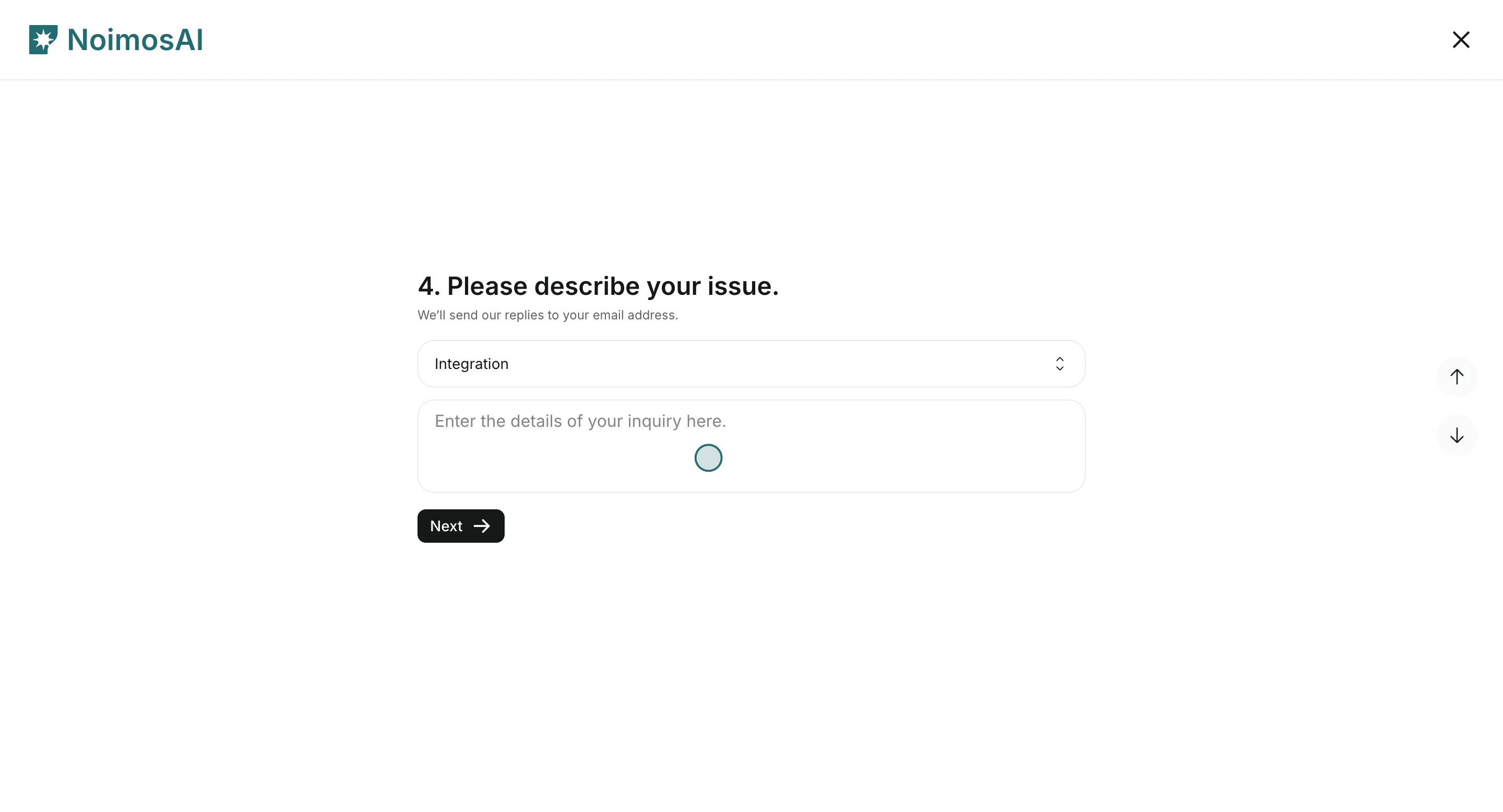
 6. Select issue `Type 2` and add issue details.
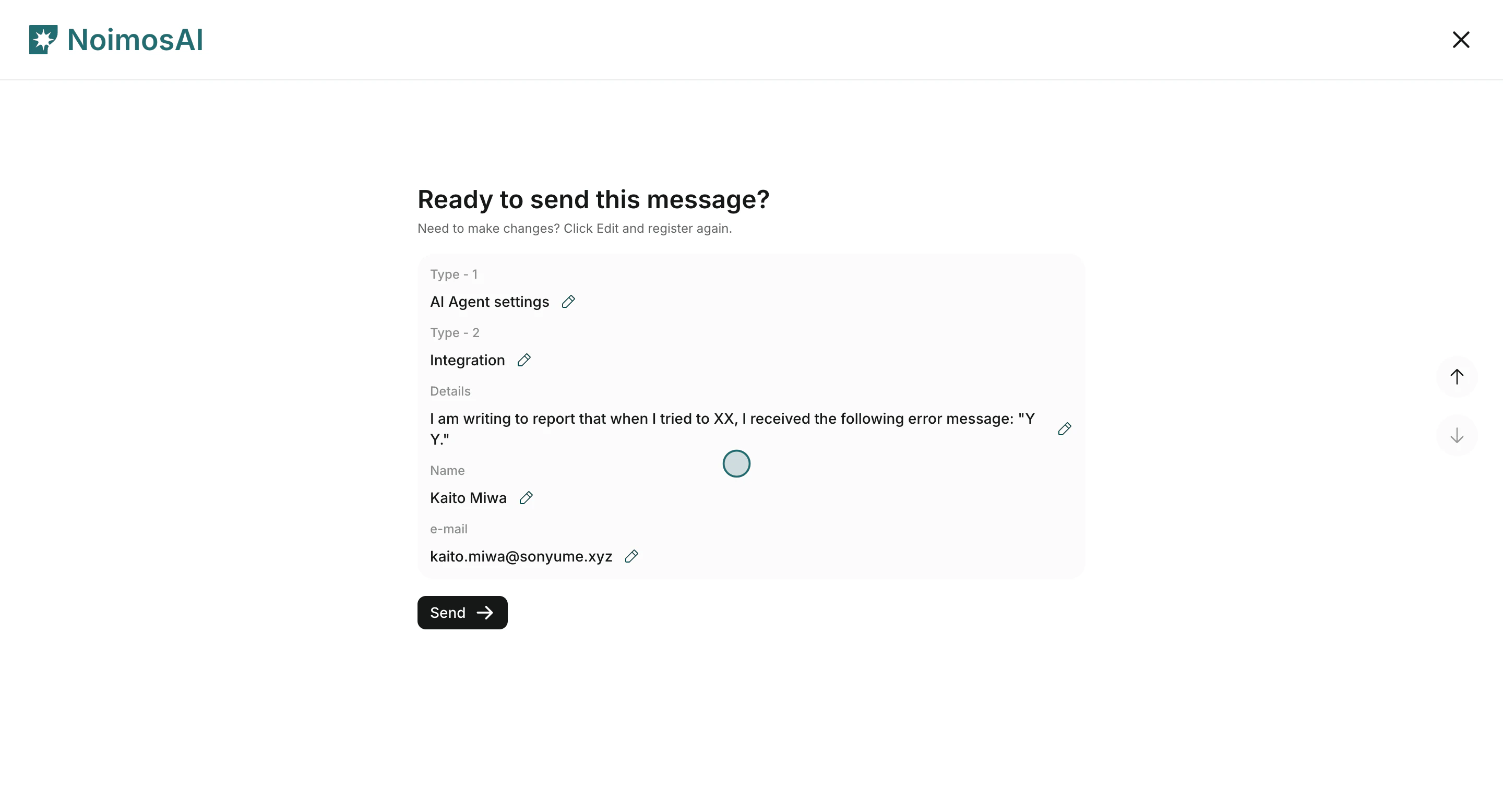
 7. Review the confirmation screen, then click `Send`.
 ## What to include for faster resolution
Use this section to understand what to include for faster resolution and what to verify before moving to the next step.
* Where the issue happened: Team, Workspace, and feature (Agents, All Tasks, Chat, Pages, or Settings).
* What you expected versus what actually happened.
* Reproduction steps and frequency.
* Relevant identifiers such as run IDs, timestamps, or affected account names.
## Related
Use these related pages for deeper guidance.
* [AI Agent Basics](/help-center/ai-team/ai-agent-basics)
* [Check Agent Execution Results](/help-center/ai-team/check-agent-execution-results)
* [Check and Download Payment History](/help-center/plans-and-billing/check-and-download-payment-history)
## What to include for faster resolution
Use this section to understand what to include for faster resolution and what to verify before moving to the next step.
* Where the issue happened: Team, Workspace, and feature (Agents, All Tasks, Chat, Pages, or Settings).
* What you expected versus what actually happened.
* Reproduction steps and frequency.
* Relevant identifiers such as run IDs, timestamps, or affected account names.
## Related
Use these related pages for deeper guidance.
* [AI Agent Basics](/help-center/ai-team/ai-agent-basics)
* [Check Agent Execution Results](/help-center/ai-team/check-agent-execution-results)
* [Check and Download Payment History](/help-center/plans-and-billing/check-and-download-payment-history)