> ## Documentation Index
> Fetch the complete documentation index at: https://docs.noimosai.com/llms.txt
> Use this file to discover all available pages before exploring further.
# What Can NoimosAI Do?
> Understand what NoimosAI is designed to do.
## Key Point
NoimosAI is an AI platform for centralizing marketing operations.
Connect your marketing tools and set your goals, then agents run research, analysis, planning, and execution workflows. Review results in `All Tasks` and `Execution Results`, then approve or adjust when needed before final execution.
## Basic Flow
1. Connect apps in the workspace.
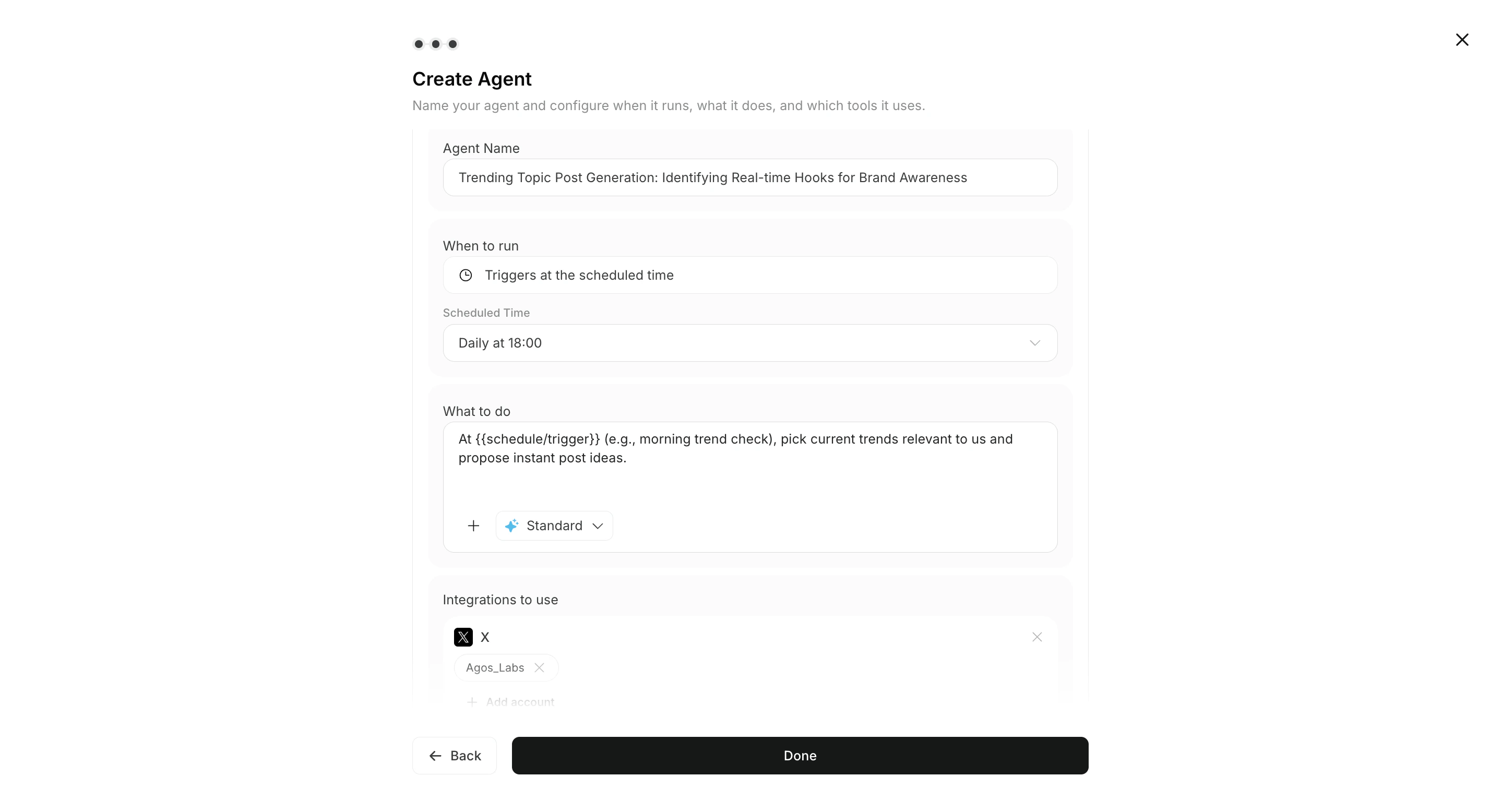
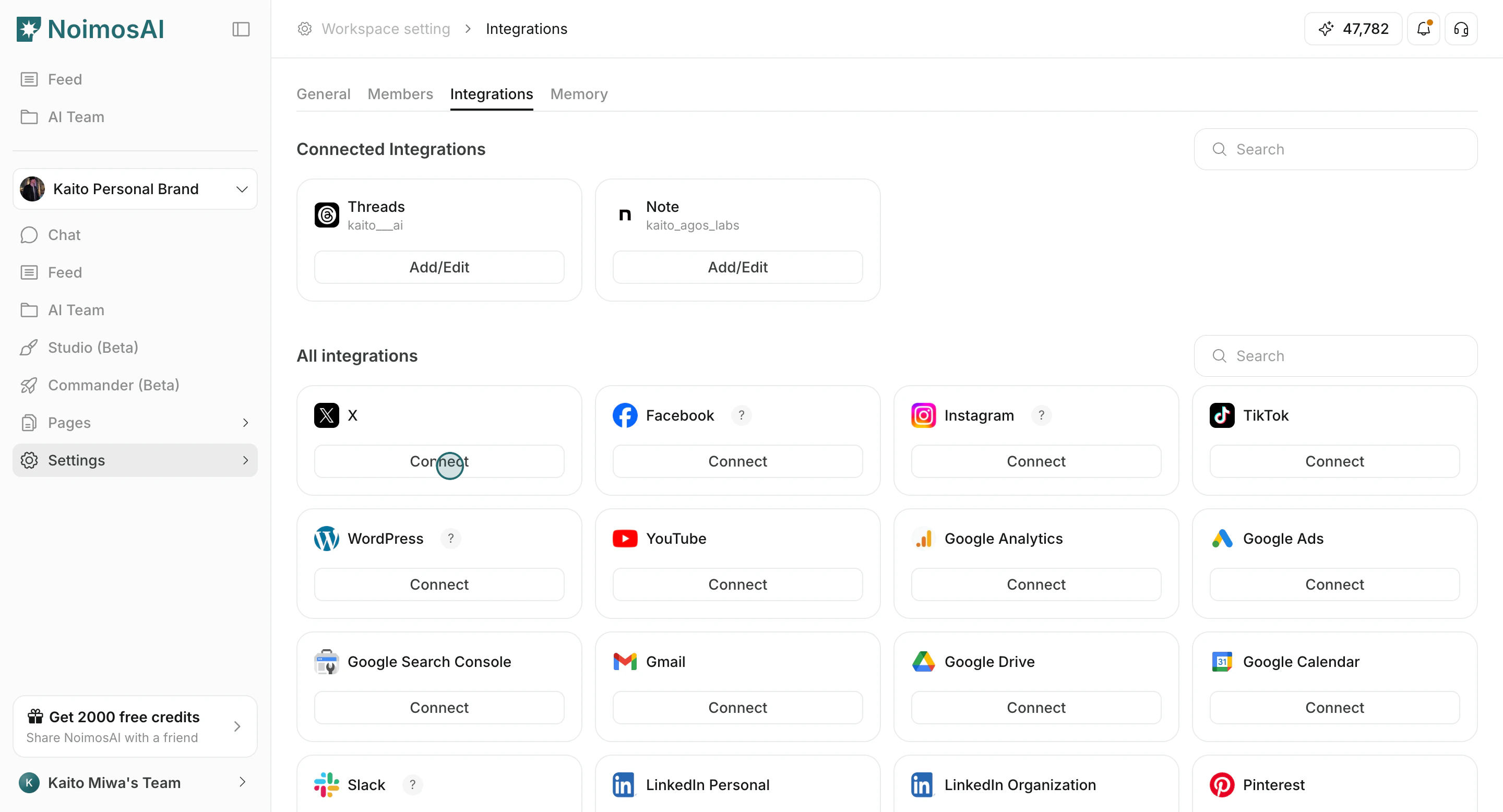 2. Configure execution content, integrations, and triggers in Agents.
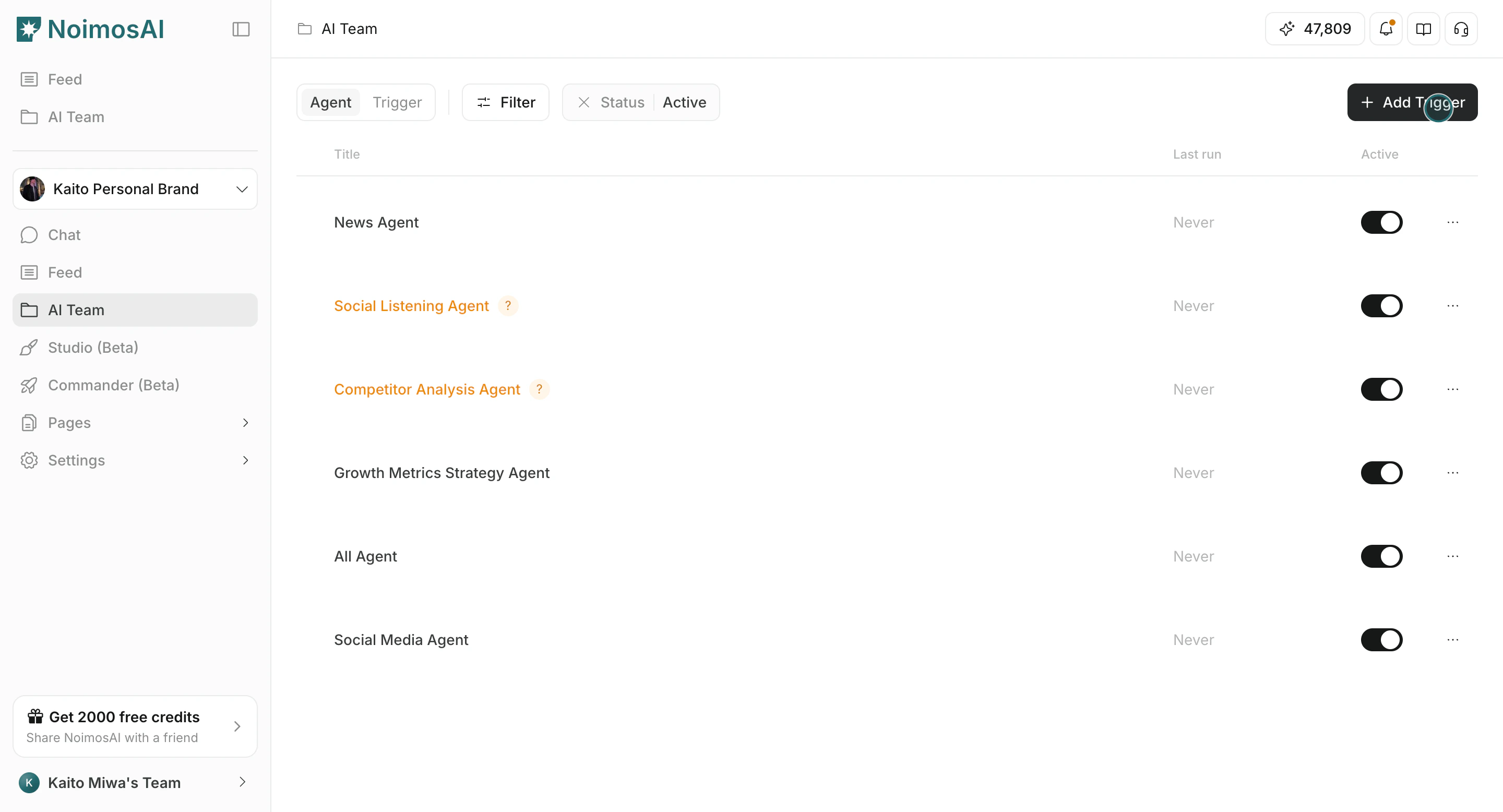 3. Run triggers autonomously or give direct instructions in Chat.
 4. Review outputs in `All Tasks` and continue in the same chat session when needed.
## Common Areas
* `Agents`: Configure autonomous agent execution.
* `All Tasks` and `Execution Results`: Review autonomous execution results and next actions.
* `Chat`: Quickly request one-off outputs.
* `Pages`: Organize and share structured deliverables.
* `Knowledge Base` and `Memory`: Keep outputs aligned with brand context.
## Related
* [What Is NoimosAI?](/help-center/getting-started/what-is-noimosai)
* [Quickstart Guide](/help-center/getting-started/quickstart-guide)
* [Navigate the Interface](/help-center/getting-started/navigate-the-interface)
4. Review outputs in `All Tasks` and continue in the same chat session when needed.
## Common Areas
* `Agents`: Configure autonomous agent execution.
* `All Tasks` and `Execution Results`: Review autonomous execution results and next actions.
* `Chat`: Quickly request one-off outputs.
* `Pages`: Organize and share structured deliverables.
* `Knowledge Base` and `Memory`: Keep outputs aligned with brand context.
## Related
* [What Is NoimosAI?](/help-center/getting-started/what-is-noimosai)
* [Quickstart Guide](/help-center/getting-started/quickstart-guide)
* [Navigate the Interface](/help-center/getting-started/navigate-the-interface)