> ## Documentation Index
> Fetch the complete documentation index at: https://docs.noimosai.com/llms.txt
> Use this file to discover all available pages before exploring further.
# What Does Sample Mean?
> Understand what the Sample label means in tasks and execution results.
## Key Point
`Sample` means an example output for onboarding. It is not a normal production run.
## What It Means
* Sample items are generated during initial workspace setup so you can understand the output format.
* They are handled separately from normal trigger executions.
* Generating sample output does not consume credits.
## How to Generate Real Results
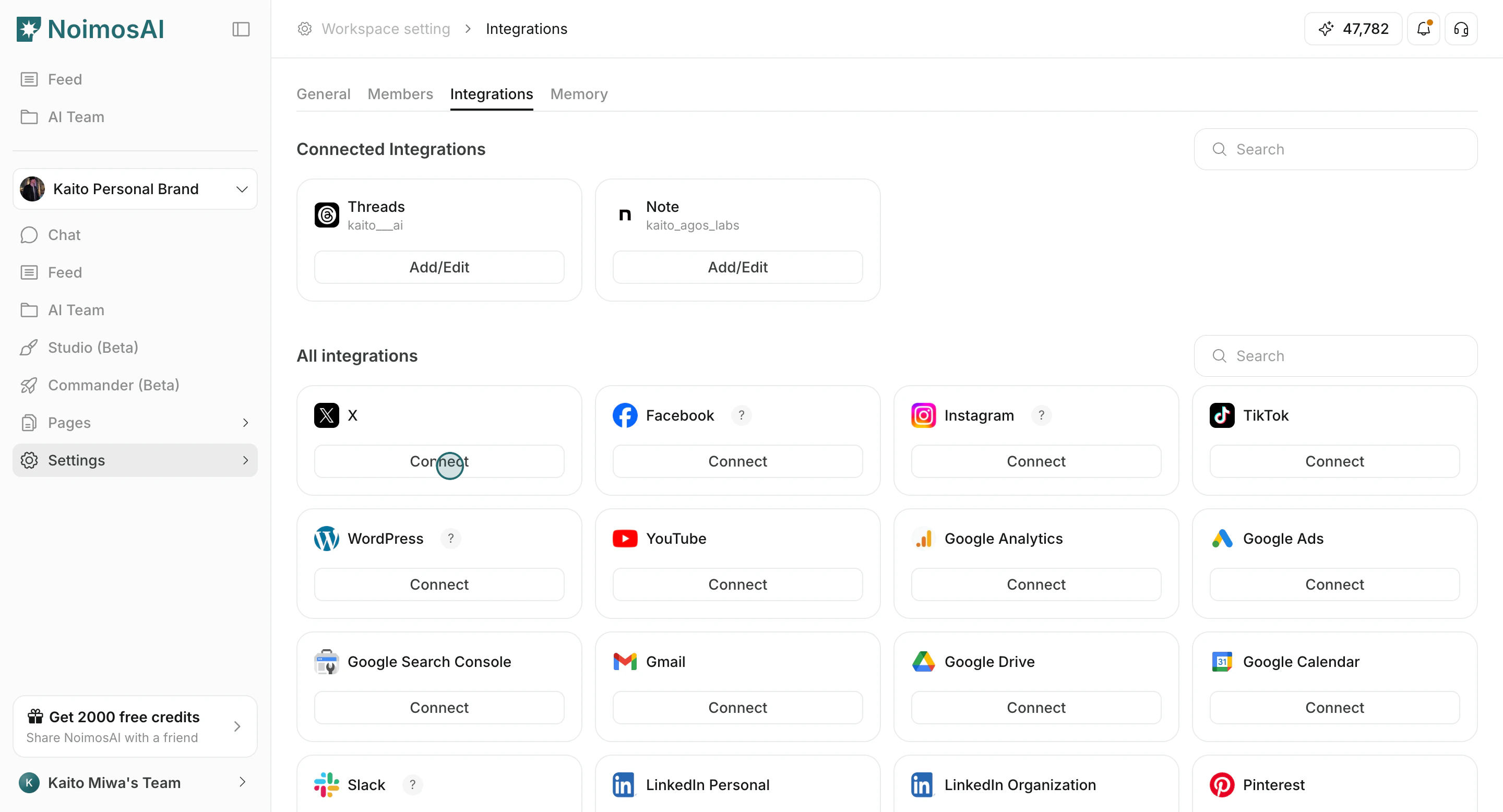
1. Connect real apps to the workspace.
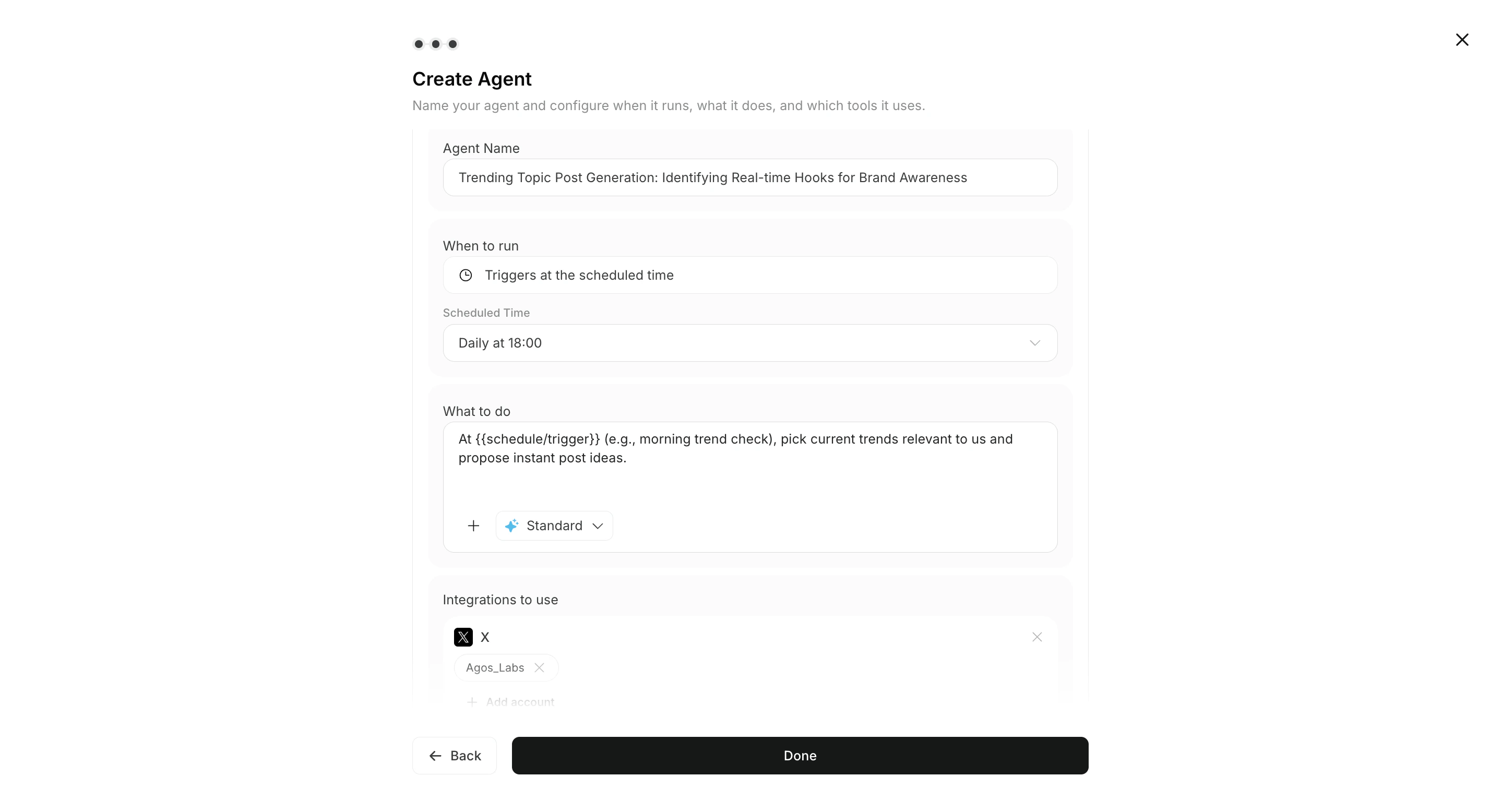
 2. Enable integrations and triggers in Agents.
 3. Run the workflow and review new outputs in `All Tasks` and `Execution Results`.
## Related
* [Check Agent Execution Results](/help-center/ai-team/check-agent-execution-results)
* [Integrate Apps](/help-center/workspace/integrate-apps)
* [Edit, Add, and Delete Agents](/help-center/ai-team/edit-add-and-delete-triggers)
3. Run the workflow and review new outputs in `All Tasks` and `Execution Results`.
## Related
* [Check Agent Execution Results](/help-center/ai-team/check-agent-execution-results)
* [Integrate Apps](/help-center/workspace/integrate-apps)
* [Edit, Add, and Delete Agents](/help-center/ai-team/edit-add-and-delete-triggers)