> ## Documentation Index
> Fetch the complete documentation index at: https://docs.noimosai.com/llms.txt
> Use this file to discover all available pages before exploring further.
# How Do I Check Duplicate Charge or Subscription?
> Check billing history when duplicate charge is suspected.
## Short Answer
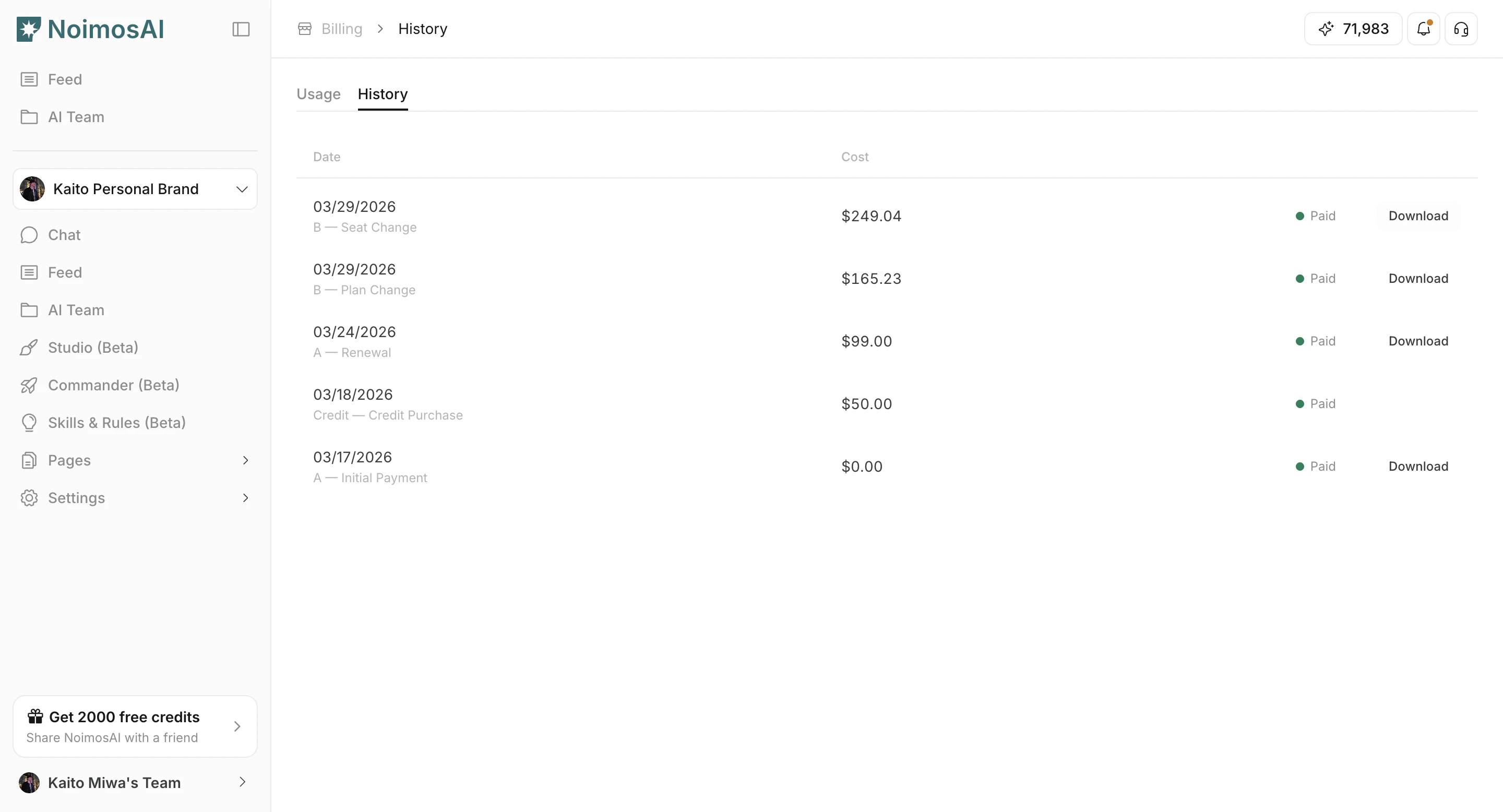
Use `Team -> Billing -> History` to compare each charge event by date, amount, billing reason, and invoice.
## How to Verify
1. Open Billing History and sort charges by date.
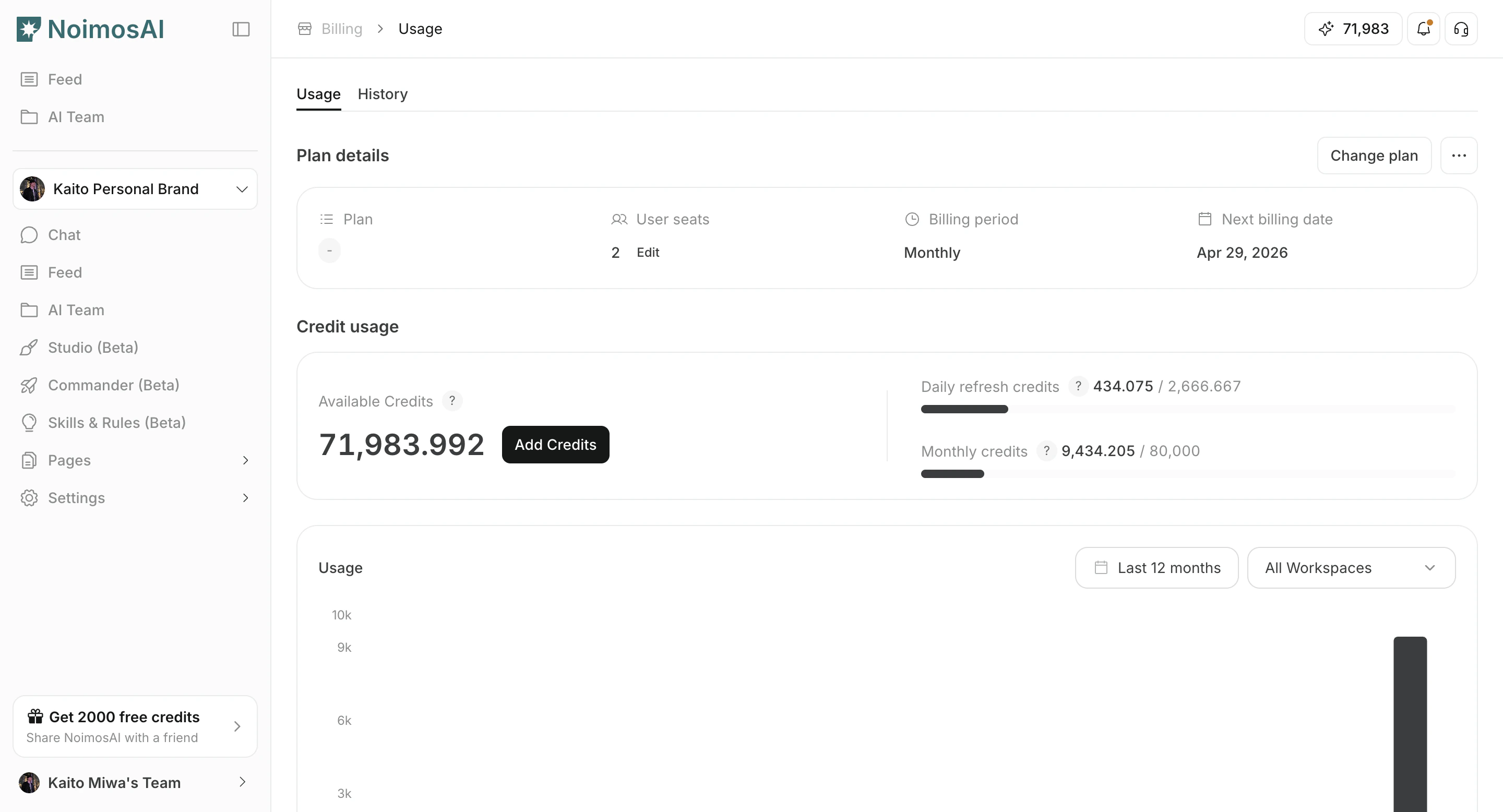 2. Check whether each event is renewal, plan change, or one-time top-up.
3. Identify possible duplicates with same amount and close timestamps.
4. Download invoices/receipts for evidence.
2. Check whether each event is renewal, plan change, or one-time top-up.
3. Identify possible duplicates with same amount and close timestamps.
4. Download invoices/receipts for evidence.
 ## Send to Support
Provide:
* Suspected duplicate invoice IDs
* Charge timestamps
* Amount/currency
* Team name and account email
## Related
* [How Can I Contact Support?](/help-center/faq/support/how-can-i-contact-support)
## Send to Support
Provide:
* Suspected duplicate invoice IDs
* Charge timestamps
* Amount/currency
* Team name and account email
## Related
* [How Can I Contact Support?](/help-center/faq/support/how-can-i-contact-support)