> ## Documentation Index
> Fetch the complete documentation index at: https://docs.noimosai.com/llms.txt
> Use this file to discover all available pages before exploring further.
# How Can I Contact Support?
> Find how to open and submit a support request.
## Short Answer
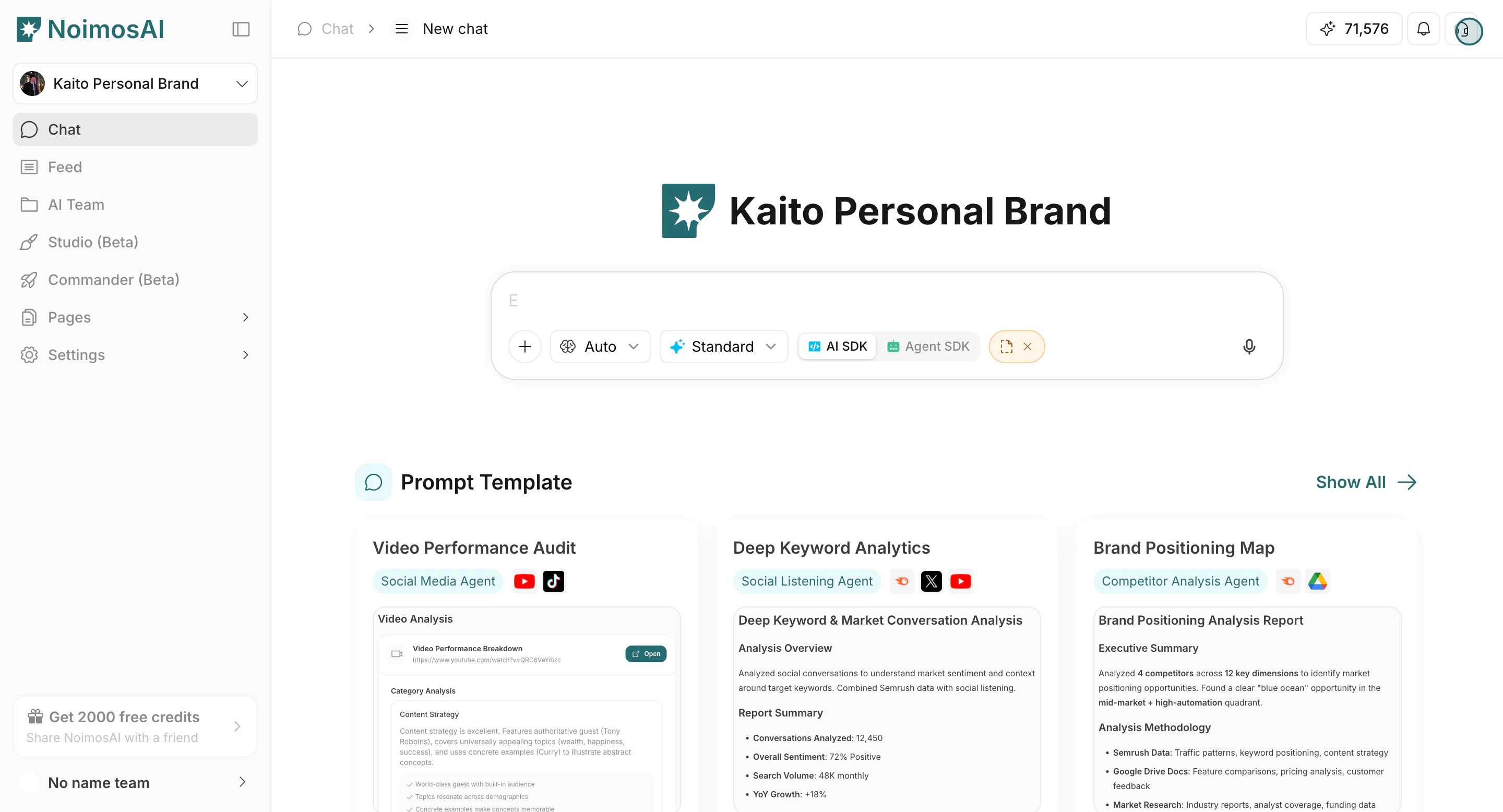
Use the support icon in the top-right corner of the app and submit the support form.
## Step-by-Step
1. Click the support icon in the top-right corner.
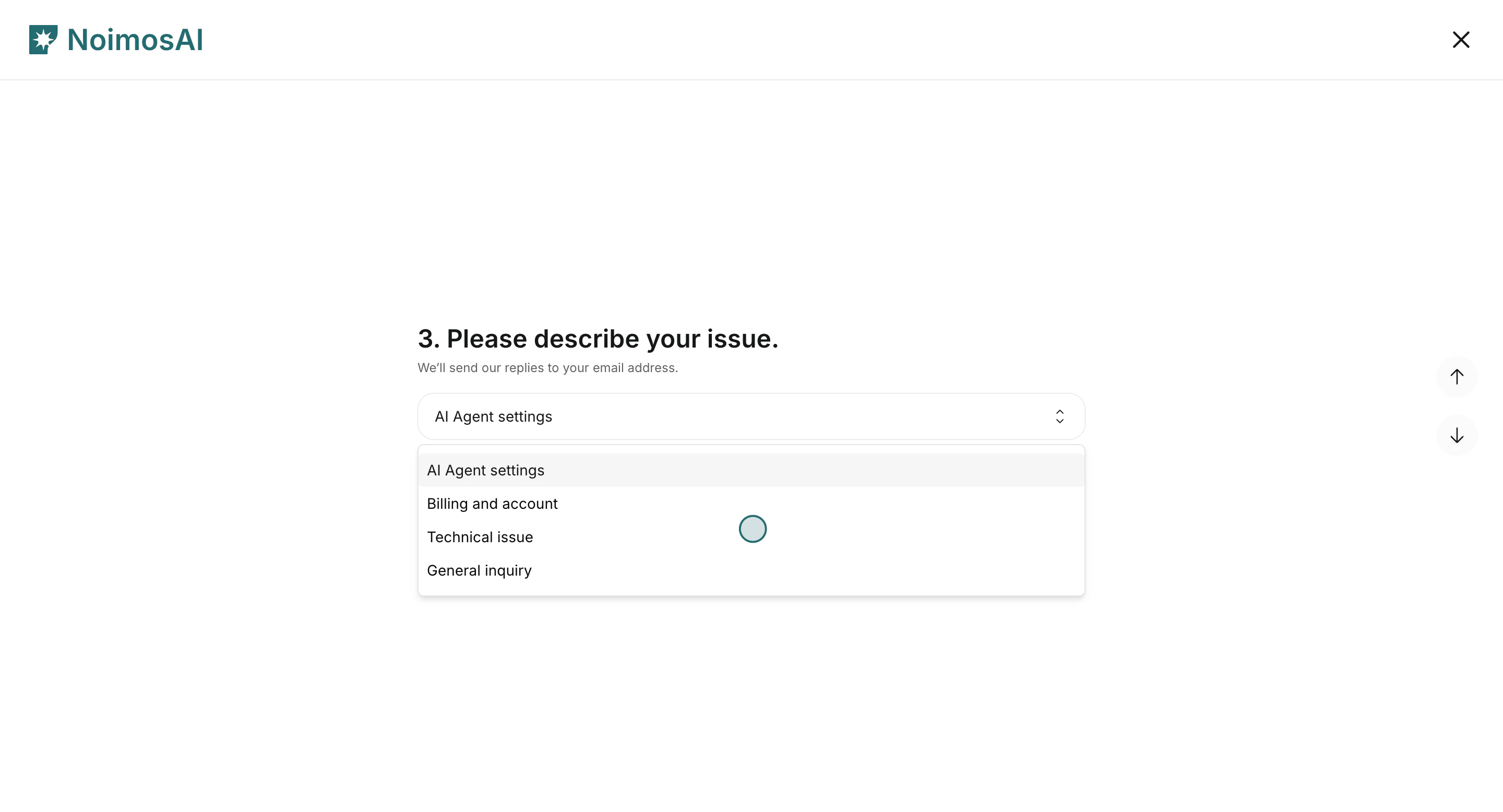
 2. Select the issue category in the support form.
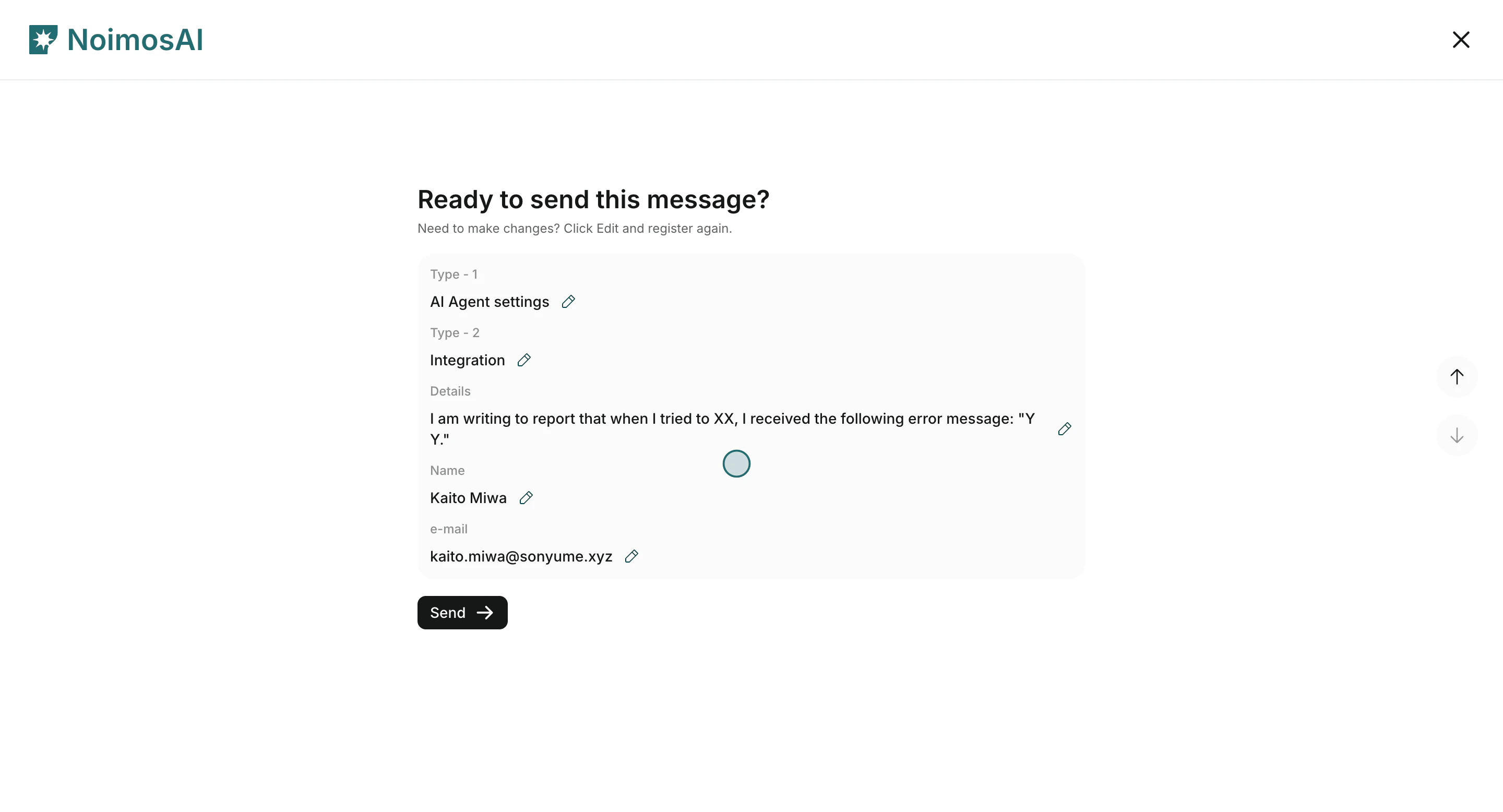
 3. Fill name, email, issue details, then submit.
 ## What You Will Fill In
1. Name and email
2. Issue `Type 1` (AI Agent settings, Billing and account, Technical issue, General inquiry)
3. Issue `Type 2`
4. Details (what happened, when, and where)
We usually respond via email within 24 hours.
## Demo
* [Contact Customer Support (Learning Center)](/learning-center/customer-support/contact-customer-support)
* [Arcade Demo](https://app.arcade.software/share/gpRYwwNUCbqeDLBEI5Te)
## What You Will Fill In
1. Name and email
2. Issue `Type 1` (AI Agent settings, Billing and account, Technical issue, General inquiry)
3. Issue `Type 2`
4. Details (what happened, when, and where)
We usually respond via email within 24 hours.
## Demo
* [Contact Customer Support (Learning Center)](/learning-center/customer-support/contact-customer-support)
* [Arcade Demo](https://app.arcade.software/share/gpRYwwNUCbqeDLBEI5Te)