> ## Documentation Index
> Fetch the complete documentation index at: https://docs.noimosai.com/llms.txt
> Use this file to discover all available pages before exploring further.

# How Do I Manage Social Accounts by Client?

> Manage account separation by client using Workspaces.

## Short Answer

Create one Workspace per client, and connect only that client's social accounts to that Workspace.

## Recommended Structure

* `Workspace A`: Client A brand context + Client A connected accounts.
* `Workspace B`: Client B brand context + Client B connected accounts.
* `Workspace Internal`: your own agency/company marketing accounts.

This separation keeps knowledge, memory, and agent outputs accurate for each client.

## Setup Steps

1. Create a dedicated Workspace for each client.
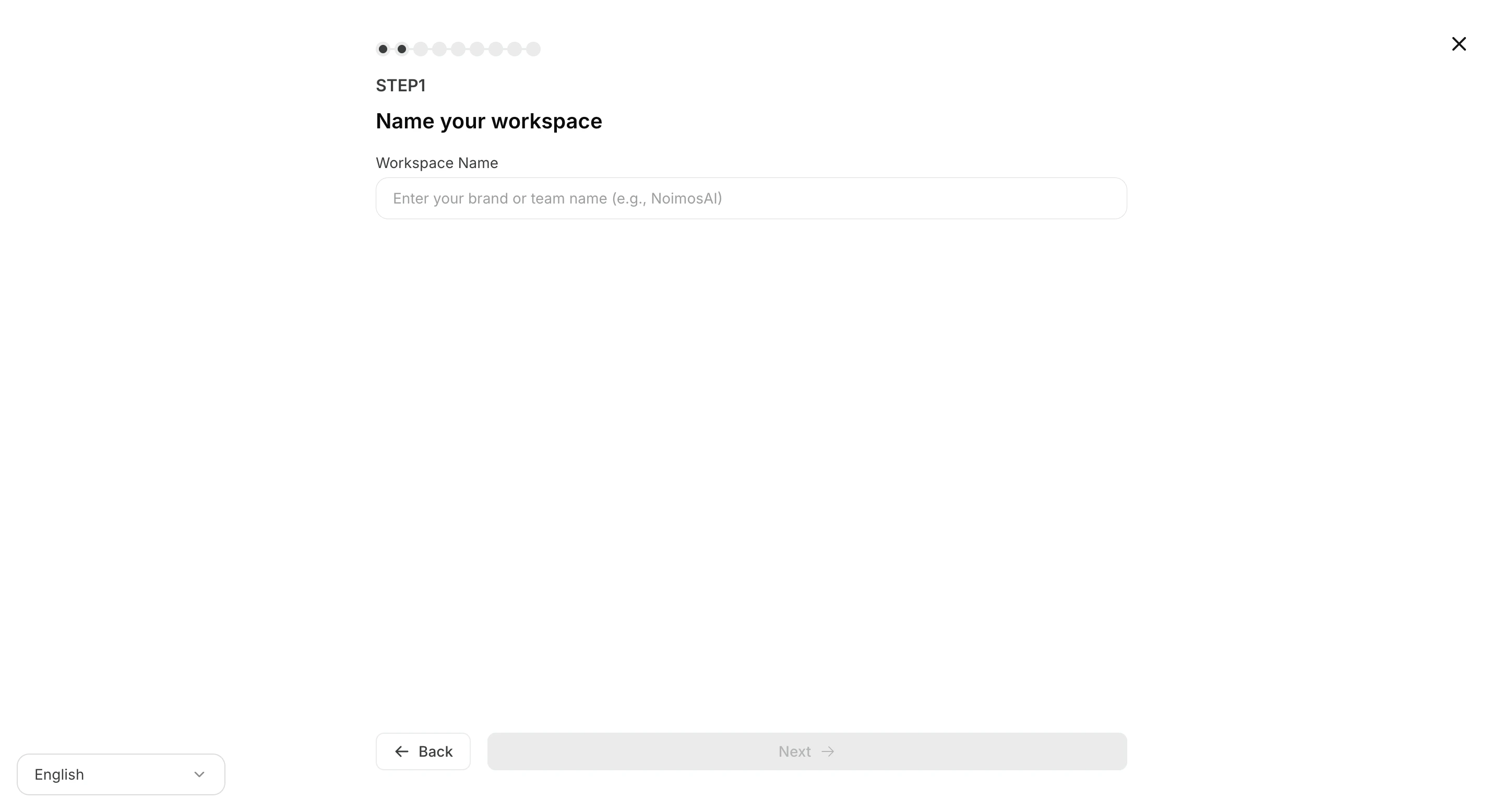
<img src="https://mintcdn.com/agoslabstechnologiesfzco/dv4wqk6EXKIBh0RT/public/help-center/workspace/create-workspaces-step1-setup.png?fit=max&auto=format&n=dv4wqk6EXKIBh0RT&q=85&s=c5ef85c8fca0798bf9832c11aab06fef" alt="Create a workspace for each client" style={{ border: '1px solid #e5e7eb', borderRadius: '8px', marginBottom: '1rem' }} width="2880" height="1556" data-path="public/help-center/workspace/create-workspaces-step1-setup.png" />

2. Connect client social accounts in that Workspace.
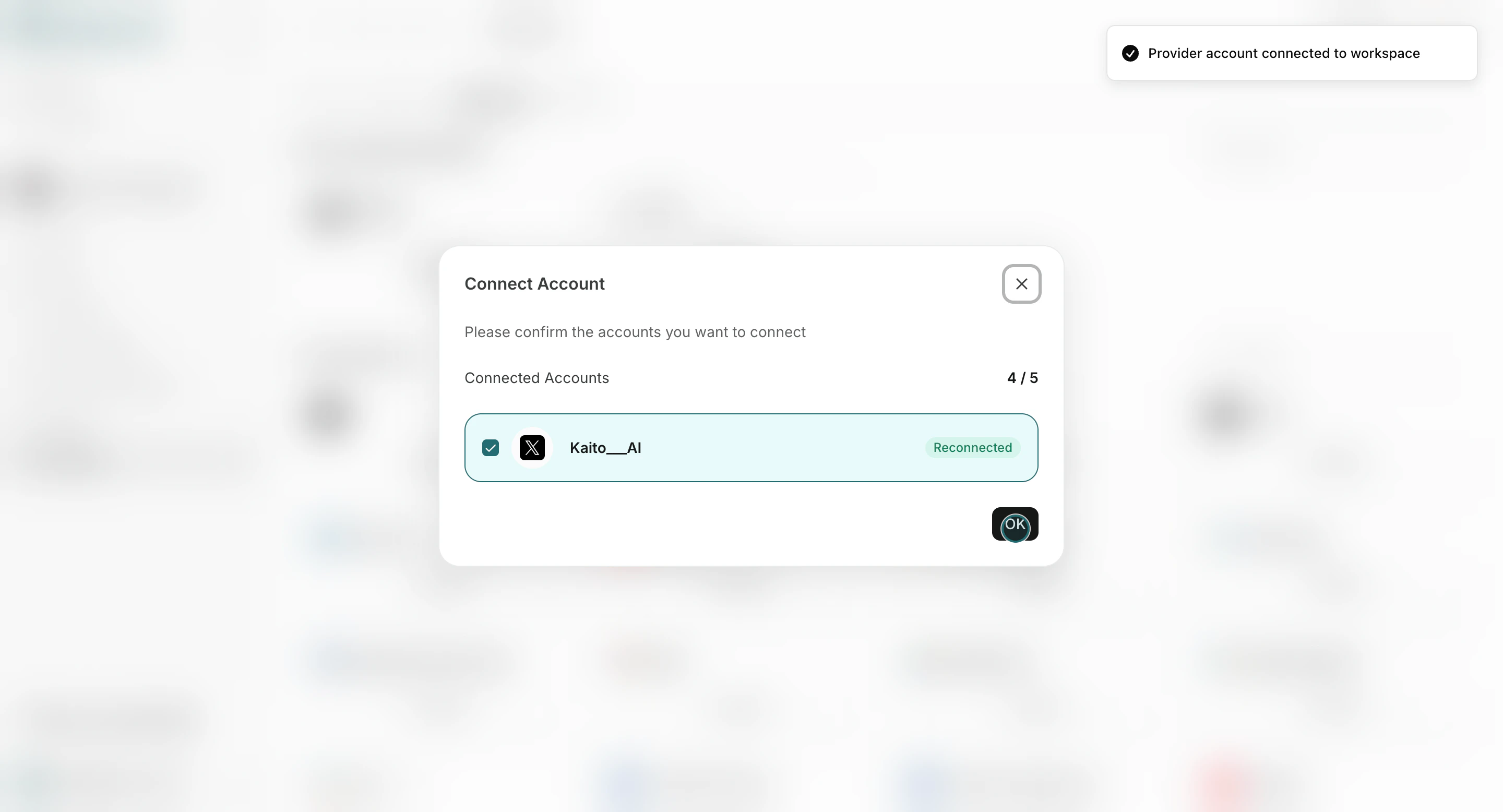
<img src="https://mintcdn.com/agoslabstechnologiesfzco/Akti8JrQwF6FniPF/public/help-center/arcade/workspace/integrate-apps/step-10.png?fit=max&auto=format&n=Akti8JrQwF6FniPF&q=85&s=335f234a4fc1cea9838442a83ae09254" alt="Confirm connected integrations inside a workspace" style={{ border: '1px solid #e5e7eb', borderRadius: '8px', marginBottom: '1.5rem' }} width="2880" height="1556" data-path="public/help-center/arcade/workspace/integrate-apps/step-10.png" />

3. Assign connected accounts to the right agents.
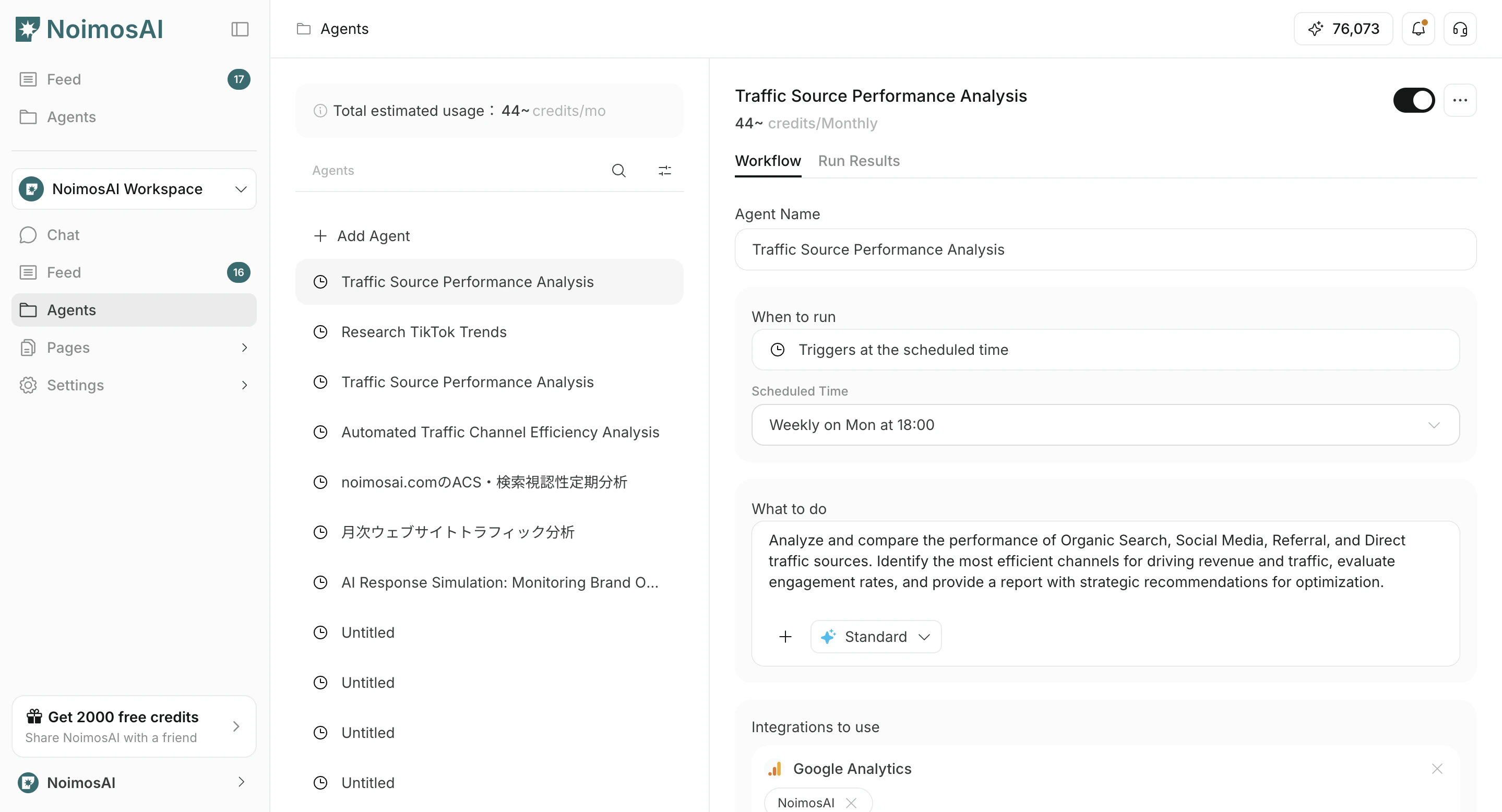
<img src="https://mintcdn.com/agoslabstechnologiesfzco/O_z-4_xsRkHd_wIv/public/help-center/arcade/ai-team/edit-add-and-delete-triggers/step-03.png?fit=max&auto=format&n=O_z-4_xsRkHd_wIv&q=85&s=226fccdfa4a0b1ad2e8b31e3d2cf7875" alt="Assign connected accounts within AI Team trigger setup" style={{ border: '1px solid #e5e7eb', borderRadius: '8px', marginBottom: '1rem' }} width="2878" height="1556" data-path="public/help-center/arcade/ai-team/edit-add-and-delete-triggers/step-03.png" />

4. Repeat for each client.

<img src="https://mintcdn.com/agoslabstechnologiesfzco/dv4wqk6EXKIBh0RT/public/help-center/workspace/create-workspaces-step1-setup.png?fit=max&auto=format&n=dv4wqk6EXKIBh0RT&q=85&s=c5ef85c8fca0798bf9832c11aab06fef" alt="Repeat workspace setup flow for each client account" style={{ border: '1px solid #e5e7eb', borderRadius: '8px', marginBottom: '1.5rem' }} width="2880" height="1556" data-path="public/help-center/workspace/create-workspaces-step1-setup.png" />

## Related

* [Create Workspaces](/help-center/workspace/create-workspaces)
* [Integrate Apps](/help-center/workspace/integrate-apps)
* [Team App Integrations](/help-center/team/team-app-integrations)
