> ## Documentation Index
> Fetch the complete documentation index at: https://docs.noimosai.com/llms.txt
> Use this file to discover all available pages before exploring further.
# Edit Memory
> Edit memory sections directly to improve consistency, personalization, and channel-specific behavior.
## Before You Edit
In most cases, you do not need to edit Memory manually.
NoimosAI's memory agents run 24/7 and continuously optimize memory quality.
Use manual edits only when:
* you want to enforce explicit rules immediately
* outputs drift from your current priorities
* you need to add context that should not wait for automatic updates
## Where to Find It
Use the following path to open this area.
* `Workspace Settings -> Memory`
## Sections You Can Edit
Use this section to understand what to edit in each memory layer.
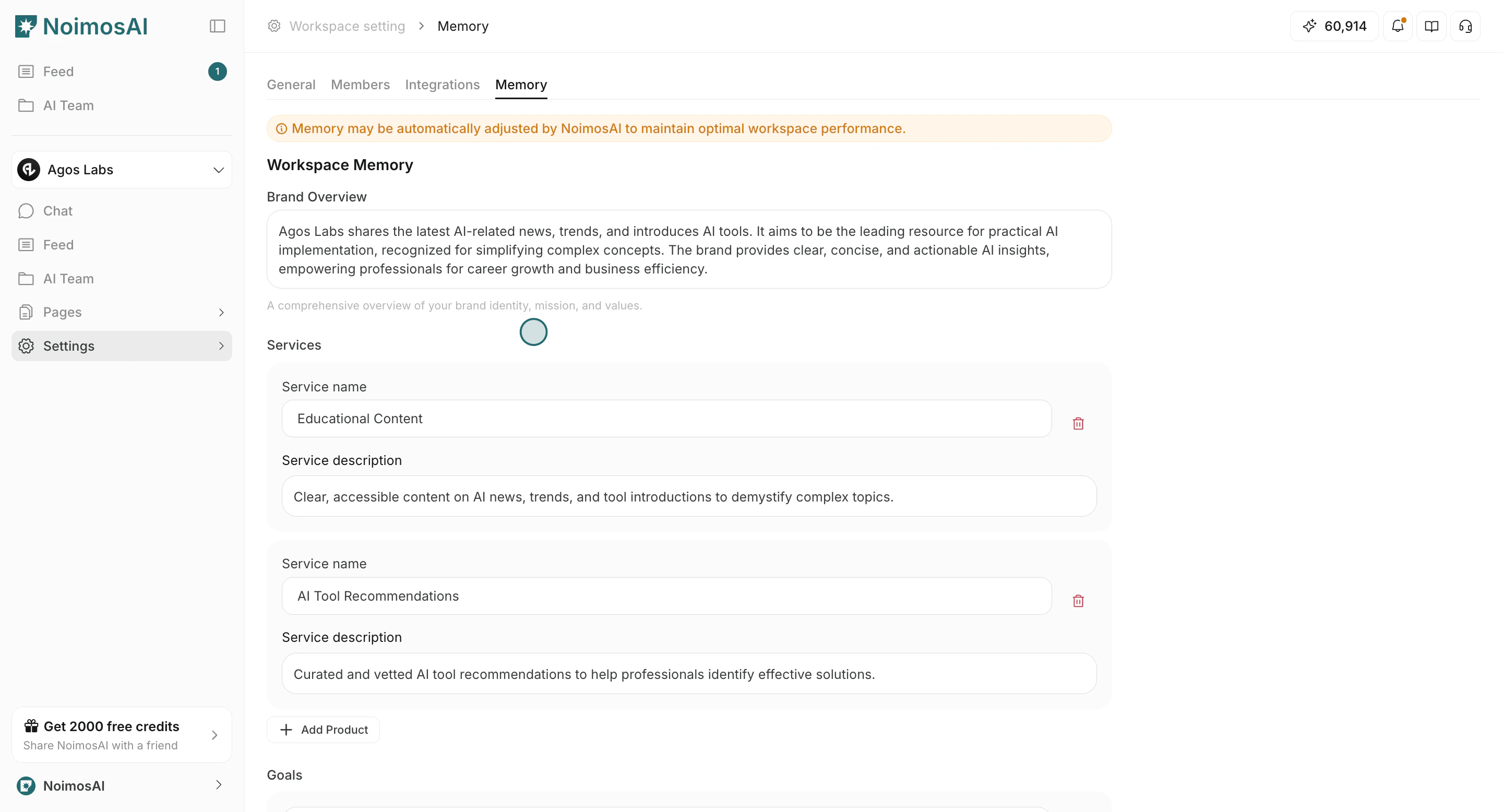
1. `Workspace Memory`
* Brand overview, services, goals, and key metrics shared across the workspace.
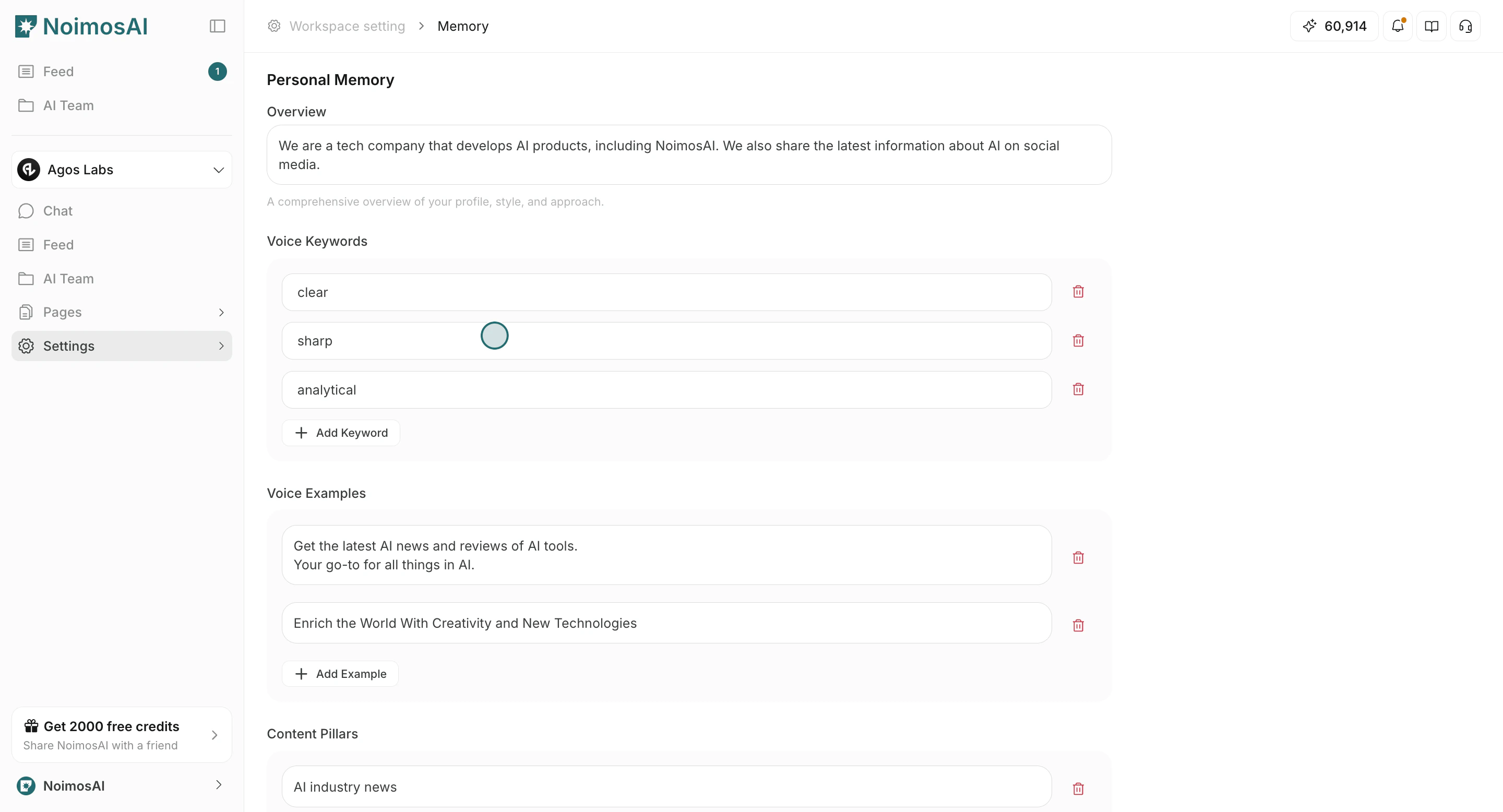
 2. `Personal Memory`
* Your own voice, content preferences, and rule-level guidance.
2. `Personal Memory`
* Your own voice, content preferences, and rule-level guidance.
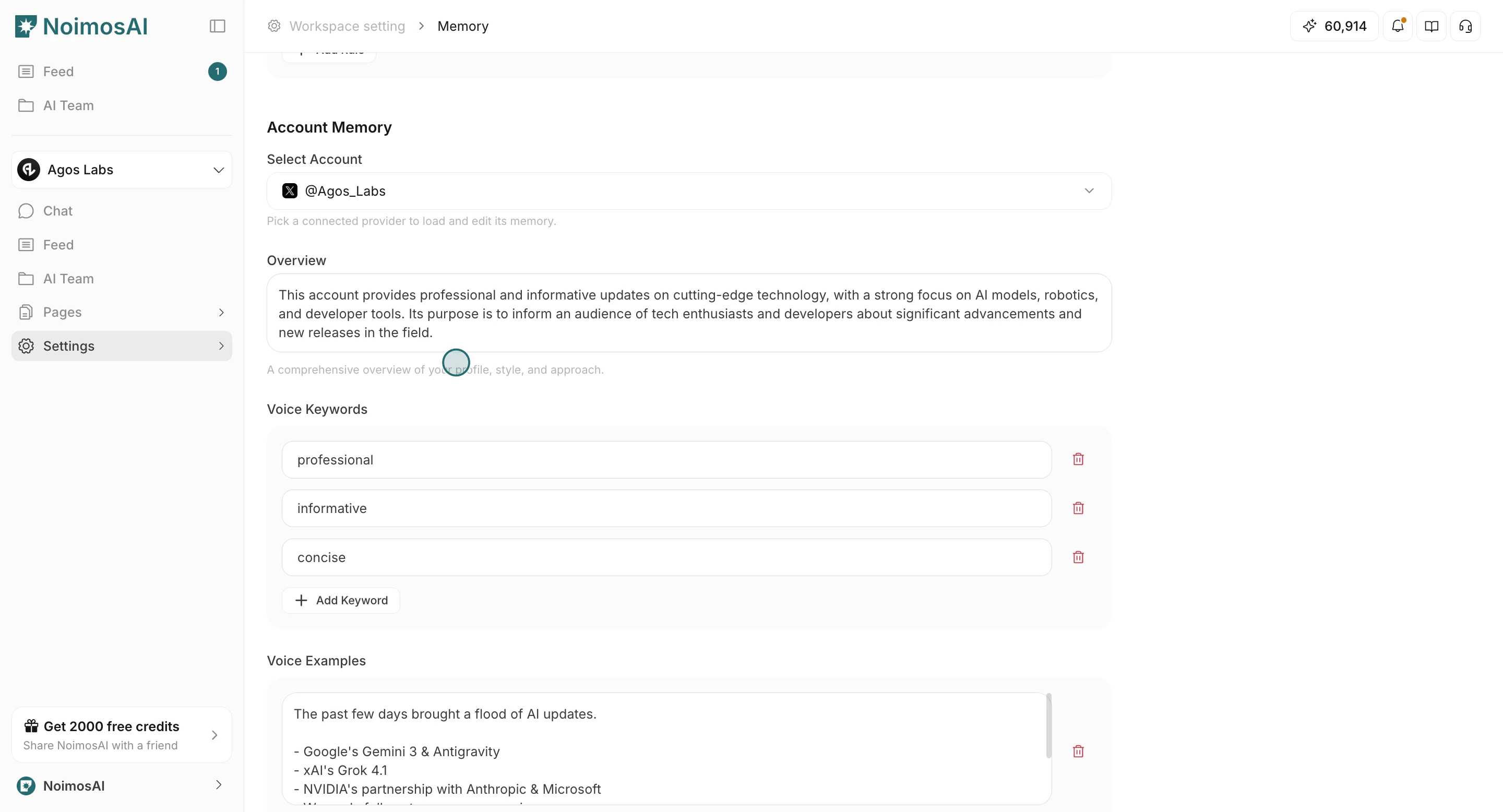
 3. `Account Memory`
* Channel/account-specific voice and performance patterns.
3. `Account Memory`
* Channel/account-specific voice and performance patterns.
 ## Recommended Workflow
Use this operating loop as the default daily process.
1. Open the relevant memory section.
2. Update entries with short, durable instructions.
3. Save changes.
4. Validate with a small prompt or trigger run.
5. Remove overlaps or conflicts with Knowledge Base guides.
## Writing Tips
Use these tips to improve consistency and output quality.
* Keep one rule per line where possible.
* Prefer reusable principles over temporary campaign details.
* If guidance is factual source data, put it in Knowledge Base instead of Memory.
## Related
Use these related pages for deeper guidance.
* [Memory Basics](/help-center/memory/memory-basics)
* [Edit Guides](/help-center/knowledge-base/edit-guides)
## Recommended Workflow
Use this operating loop as the default daily process.
1. Open the relevant memory section.
2. Update entries with short, durable instructions.
3. Save changes.
4. Validate with a small prompt or trigger run.
5. Remove overlaps or conflicts with Knowledge Base guides.
## Writing Tips
Use these tips to improve consistency and output quality.
* Keep one rule per line where possible.
* Prefer reusable principles over temporary campaign details.
* If guidance is factual source data, put it in Knowledge Base instead of Memory.
## Related
Use these related pages for deeper guidance.
* [Memory Basics](/help-center/memory/memory-basics)
* [Edit Guides](/help-center/knowledge-base/edit-guides)