> ## Documentation Index
> Fetch the complete documentation index at: https://docs.noimosai.com/llms.txt
> Use this file to discover all available pages before exploring further.
# Check and Download Payment History
> Review Team payment records and download invoices or receipts.
## Overview
Use payment history to audit Team charges, verify billing events, and download accounting records.
## When to use
Use the following cases to decide when this is appropriate.
* During monthly close or expense reconciliation.
* When verifying a recent charge, refund, or plan change event.
* When you need invoice or receipt files for accounting.
## Where to find
Use the following path to open this area.
* `Team -> Billing -> History`.
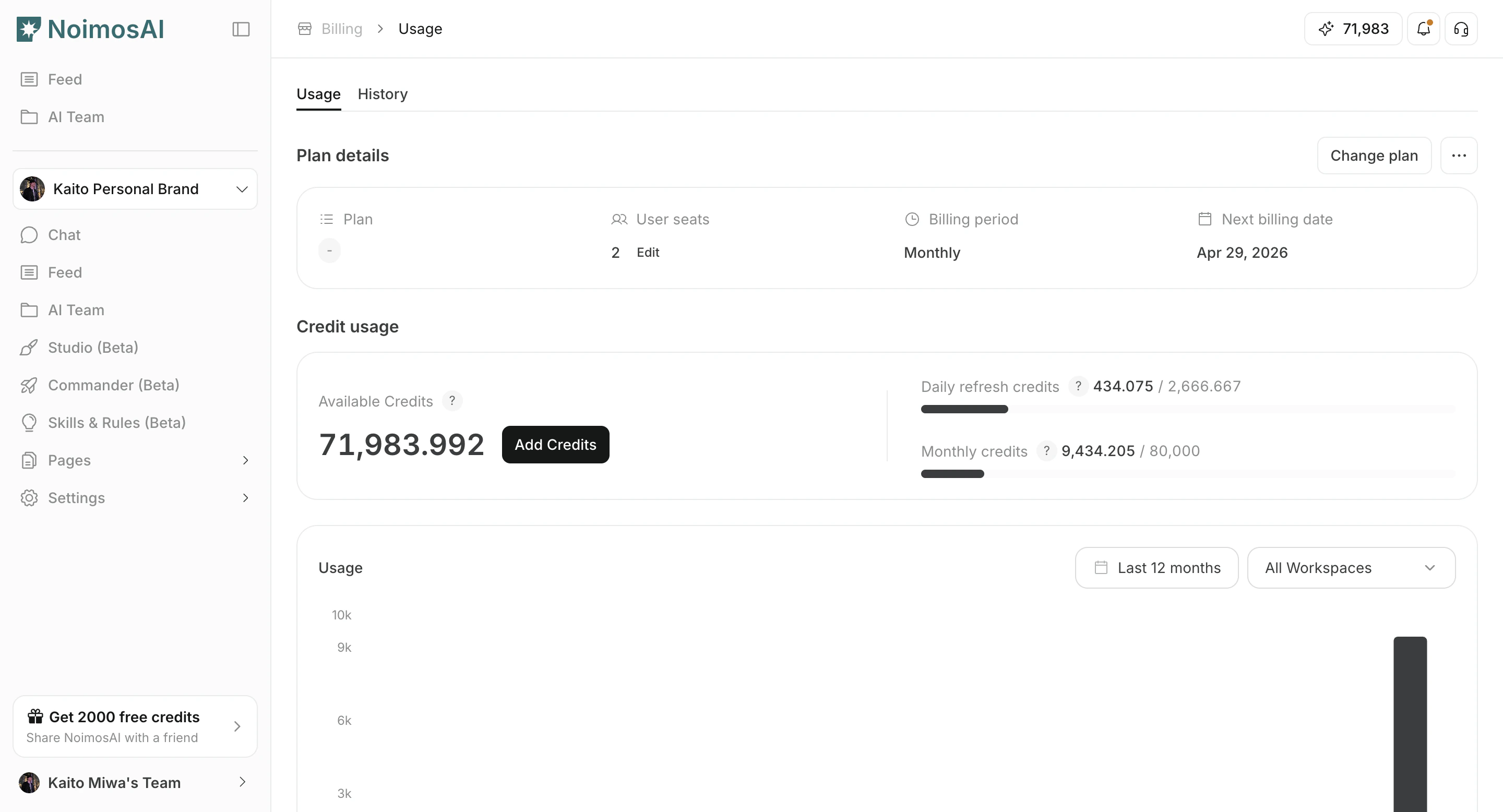
### Payment history list
Use this section to understand payment history list and what to confirm while completing this part.
 ### Download invoice or receipt
Use this section to understand download invoice or receipt and what to confirm while completing this part.
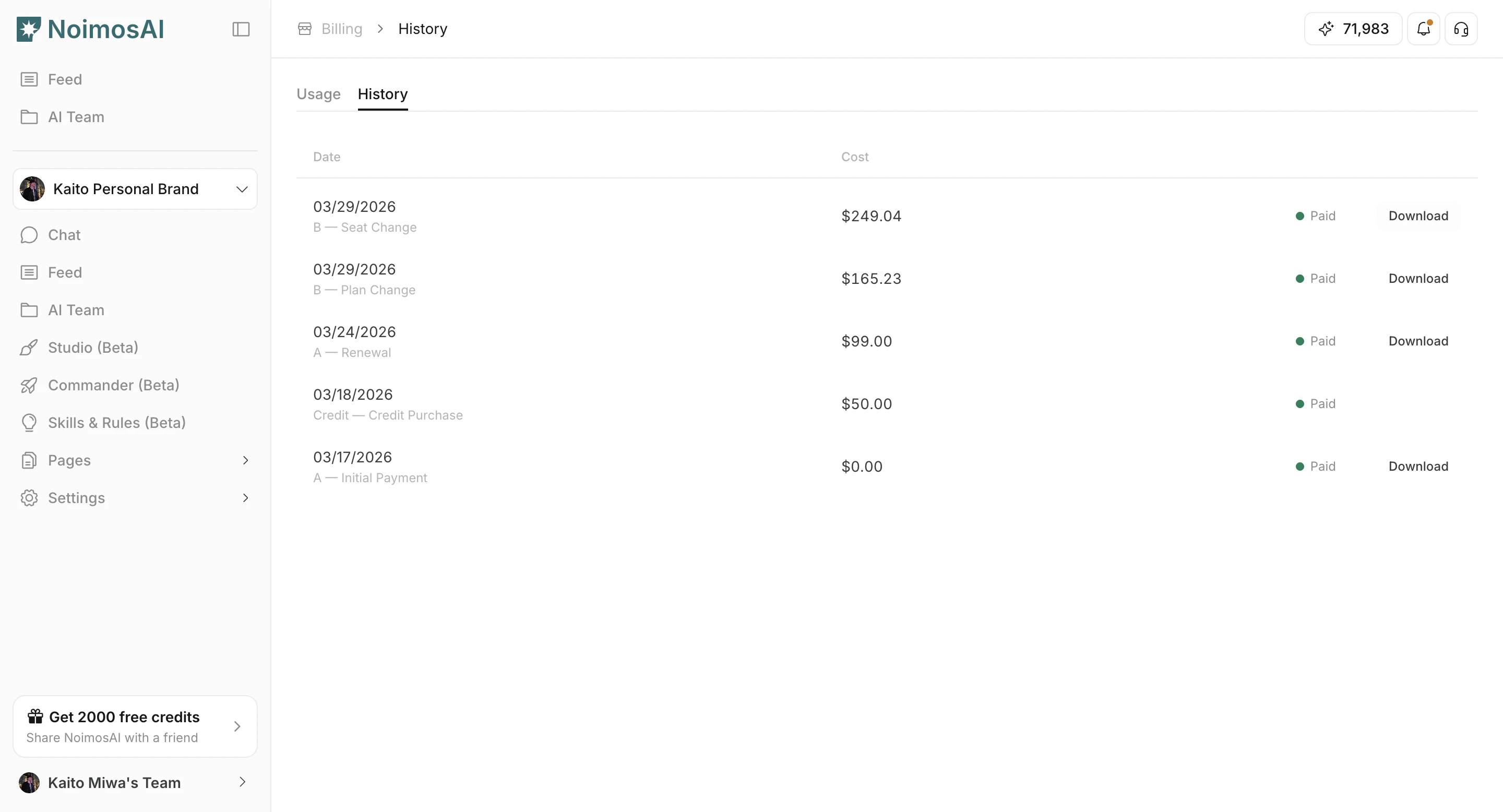
### Download invoice or receipt
Use this section to understand download invoice or receipt and what to confirm while completing this part.
 ## What you can do
The following actions are available in this screen.
1. Review payment date, amount, currency, and status.
2. Identify billing reason (new subscription, renewal, plan update, top-up, and other events).
3. Open invoice or receipt links when available.
4. Keep records for finance and audit workflows.
## Tips
Use these tips to improve consistency and output quality.
* Use billing reason labels to separate recurring charges from one-time purchases.
* Export records periodically if your accounting process requires offline storage.
## Related
Use these related pages for deeper guidance.
* [Check Plan](/help-center/plans-and-billing/check-plan)
* [Check Credit Usage and Purchase More](/help-center/plans-and-billing/check-credit-usage-and-purchase-more)
## What you can do
The following actions are available in this screen.
1. Review payment date, amount, currency, and status.
2. Identify billing reason (new subscription, renewal, plan update, top-up, and other events).
3. Open invoice or receipt links when available.
4. Keep records for finance and audit workflows.
## Tips
Use these tips to improve consistency and output quality.
* Use billing reason labels to separate recurring charges from one-time purchases.
* Export records periodically if your accounting process requires offline storage.
## Related
Use these related pages for deeper guidance.
* [Check Plan](/help-center/plans-and-billing/check-plan)
* [Check Credit Usage and Purchase More](/help-center/plans-and-billing/check-credit-usage-and-purchase-more)