> ## Documentation Index
> Fetch the complete documentation index at: https://docs.noimosai.com/llms.txt
> Use this file to discover all available pages before exploring further.
# Check Plan
> Check your current plan, billing cycle, limits, and renewal status.
## Overview
Use this page to confirm your Team's current plan and billing status before you scale usage, add members, or update subscriptions.
## When to use
Use the following cases to decide when this is appropriate.
* Before increasing autonomous runs or adding more workspaces.
* When your Team receives a billing or renewal-related notice.
* Before deciding whether to upgrade, downgrade, or cancel.
## Where to find
Use the following path to open this area.
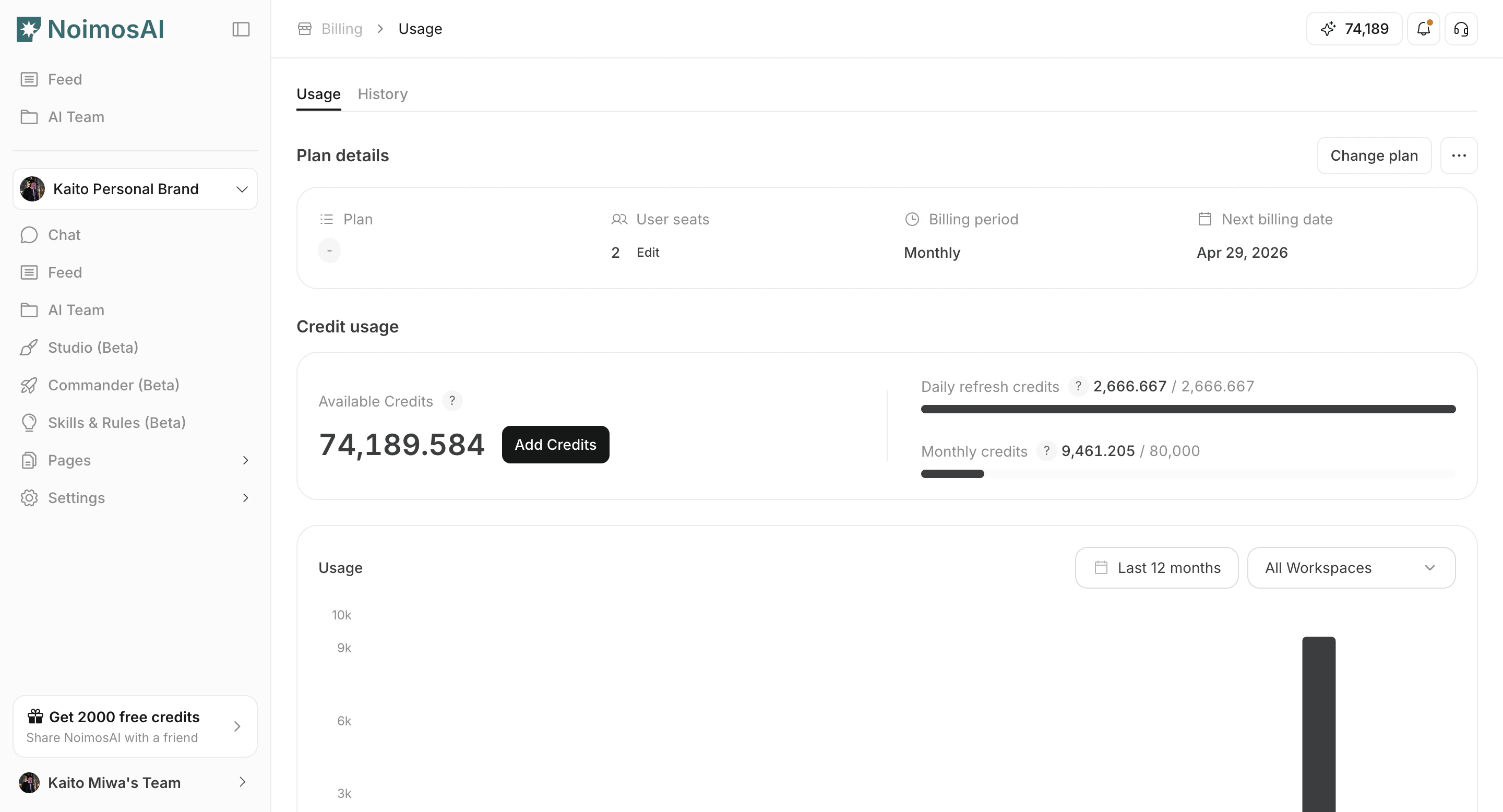
* `Team -> Billing -> Usage` in the `Plan Details` card.
### Plan details in Billing
Use this section to understand plan details in billing and what to confirm while completing this part.
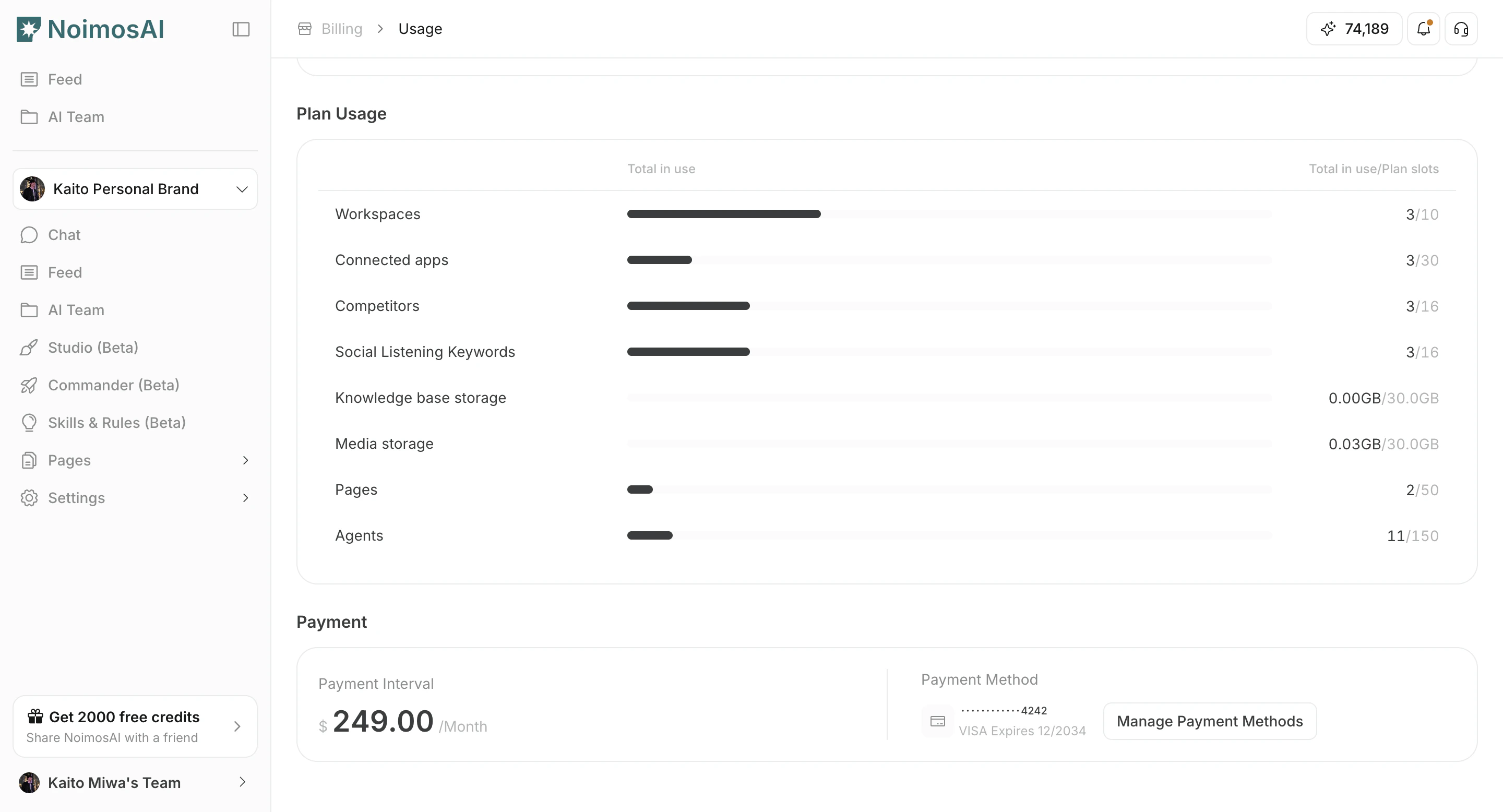
 ### Plan limits and current usage
Use this section to understand plan limits and current usage and what to confirm while completing this part.
### Plan limits and current usage
Use this section to understand plan limits and current usage and what to confirm while completing this part.
 ## What to check
Use the checklist below to validate key items.
1. Current plan name (for example, `Pro`, `Team`, or `Advanced`) and subscription status.
2. Billing interval (monthly or annual) and next billing date.
3. Seat quantity and plan limits.
4. Trial end date or service end date, when applicable.
## Tips
Use these tips to improve consistency and output quality.
* Compare Team limits with Workspace-level usage before changing plan size.
* If payment status is overdue, update payment details first to avoid service disruption.
## Related
Use these related pages for deeper guidance.
* [Change Plan](/help-center/plans-and-billing/change-plan)
* [Check Credit Usage and Purchase More](/help-center/plans-and-billing/check-credit-usage-and-purchase-more)
## What to check
Use the checklist below to validate key items.
1. Current plan name (for example, `Pro`, `Team`, or `Advanced`) and subscription status.
2. Billing interval (monthly or annual) and next billing date.
3. Seat quantity and plan limits.
4. Trial end date or service end date, when applicable.
## Tips
Use these tips to improve consistency and output quality.
* Compare Team limits with Workspace-level usage before changing plan size.
* If payment status is overdue, update payment details first to avoid service disruption.
## Related
Use these related pages for deeper guidance.
* [Change Plan](/help-center/plans-and-billing/change-plan)
* [Check Credit Usage and Purchase More](/help-center/plans-and-billing/check-credit-usage-and-purchase-more)