> ## Documentation Index
> Fetch the complete documentation index at: https://docs.noimosai.com/llms.txt
> Use this file to discover all available pages before exploring further.
# Data Control
> Manage data usage and chat log deletion settings for each Workspace.
## Overview
`Data control` is configured per Workspace, not for the entire Team at once.
You access it from Team settings because Workspaces are managed under a Team.
## Where To Find
Use the following path to open this area.
1. Open `Team Settings`.
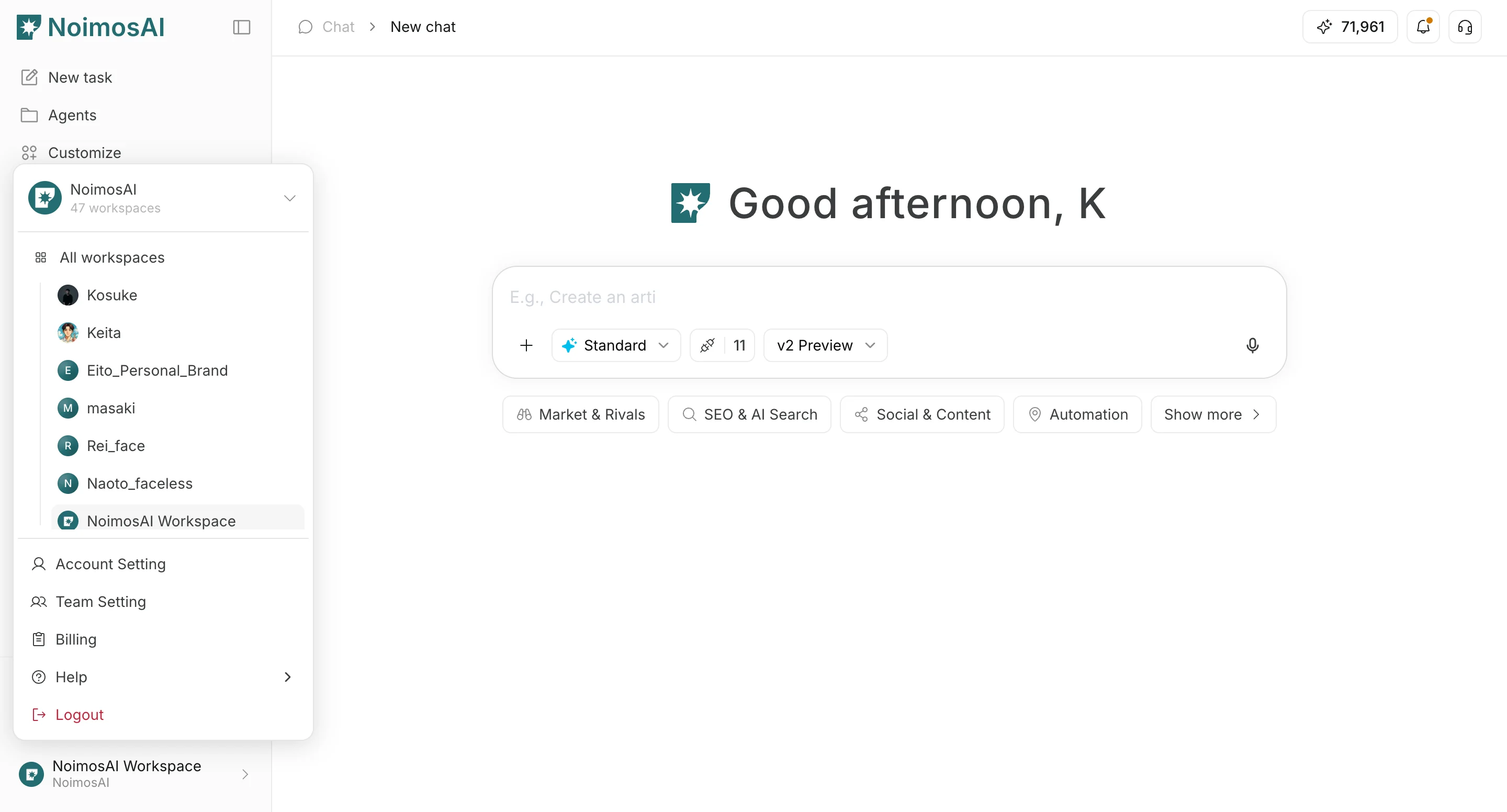 2. Go to the `Workspaces` tab.
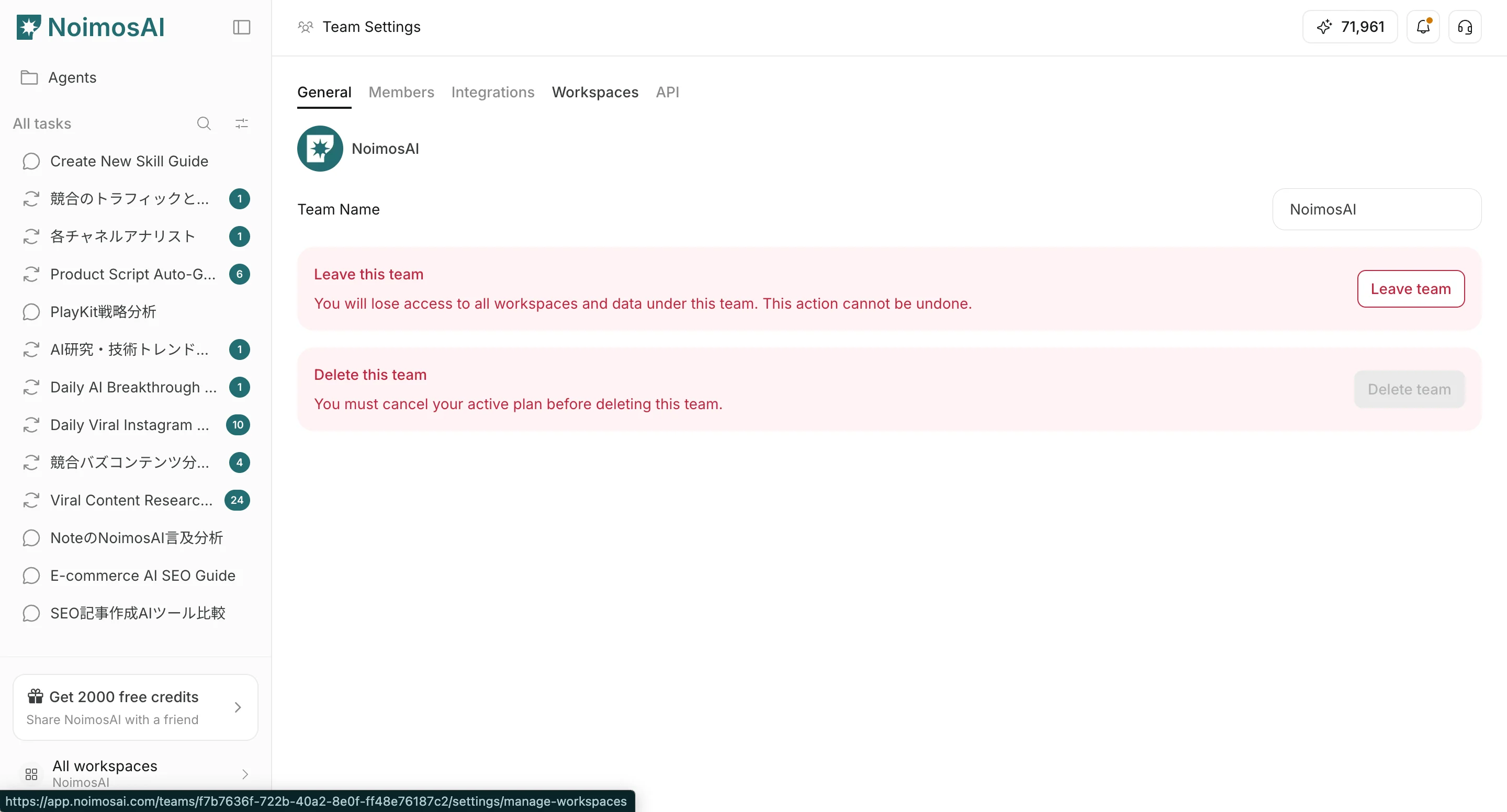 3. Select a Workspace card.
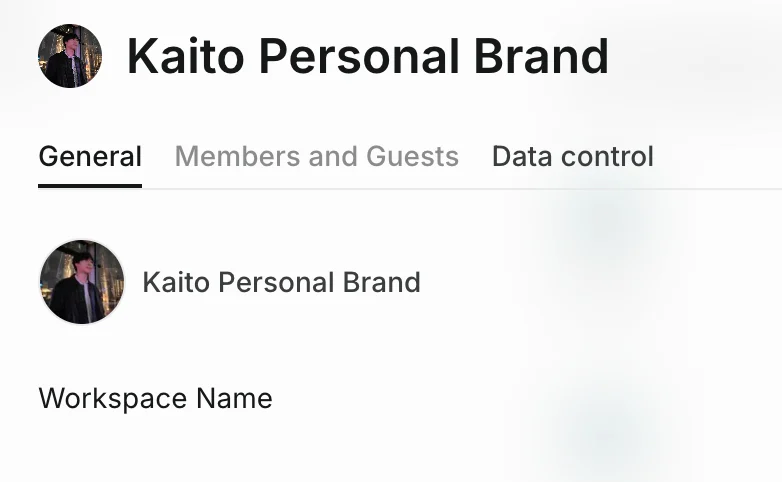
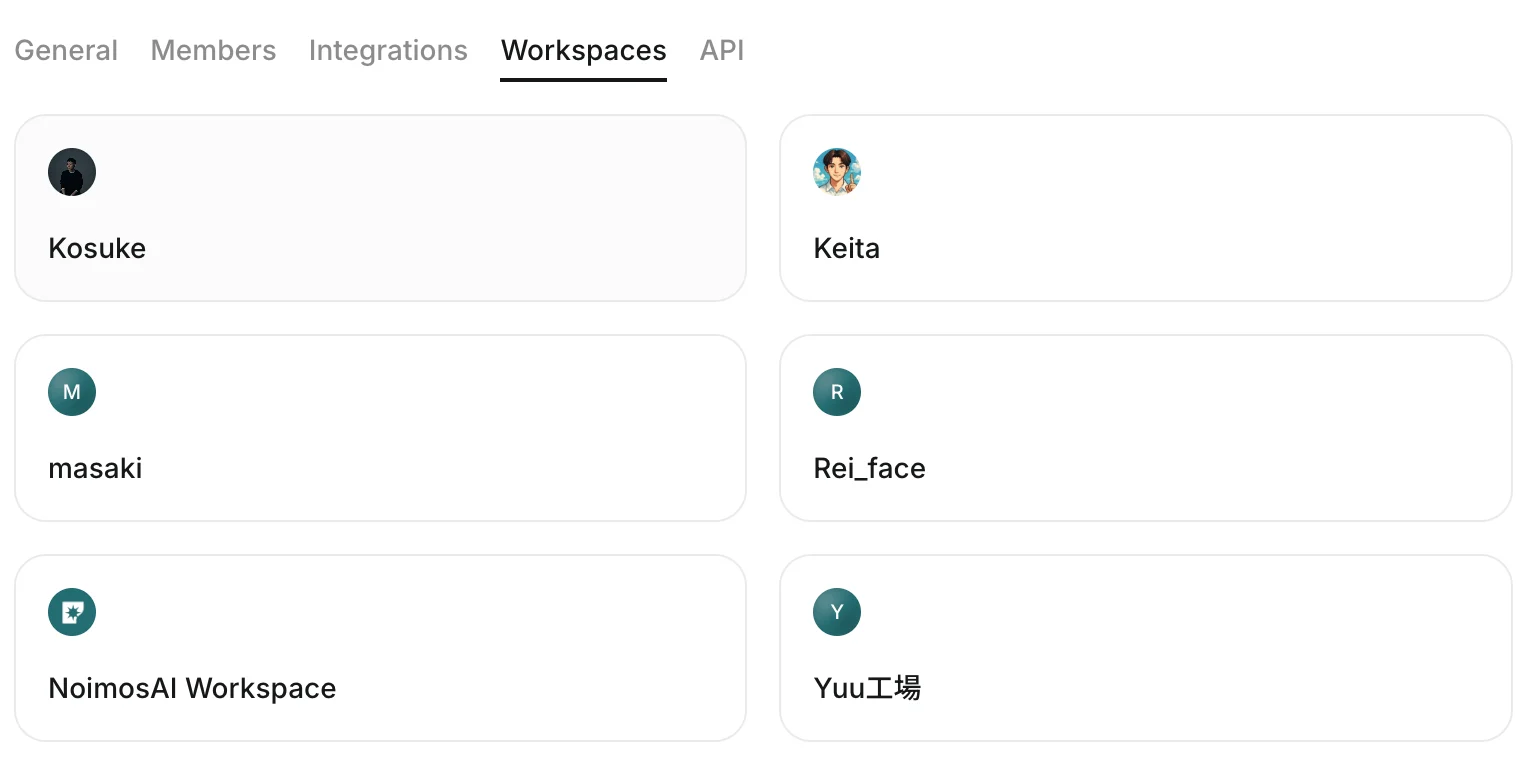 4. Open the `Data control` tab.
 ## What You Can Configure
Use this section to understand what you can configure and what to verify before moving to the next step.
1. `Improve AI suggestions for all users`
* Toggle whether data from that Workspace contributes to improving suggestions.
## What You Can Configure
Use this section to understand what you can configure and what to verify before moving to the next step.
1. `Improve AI suggestions for all users`
* Toggle whether data from that Workspace contributes to improving suggestions.
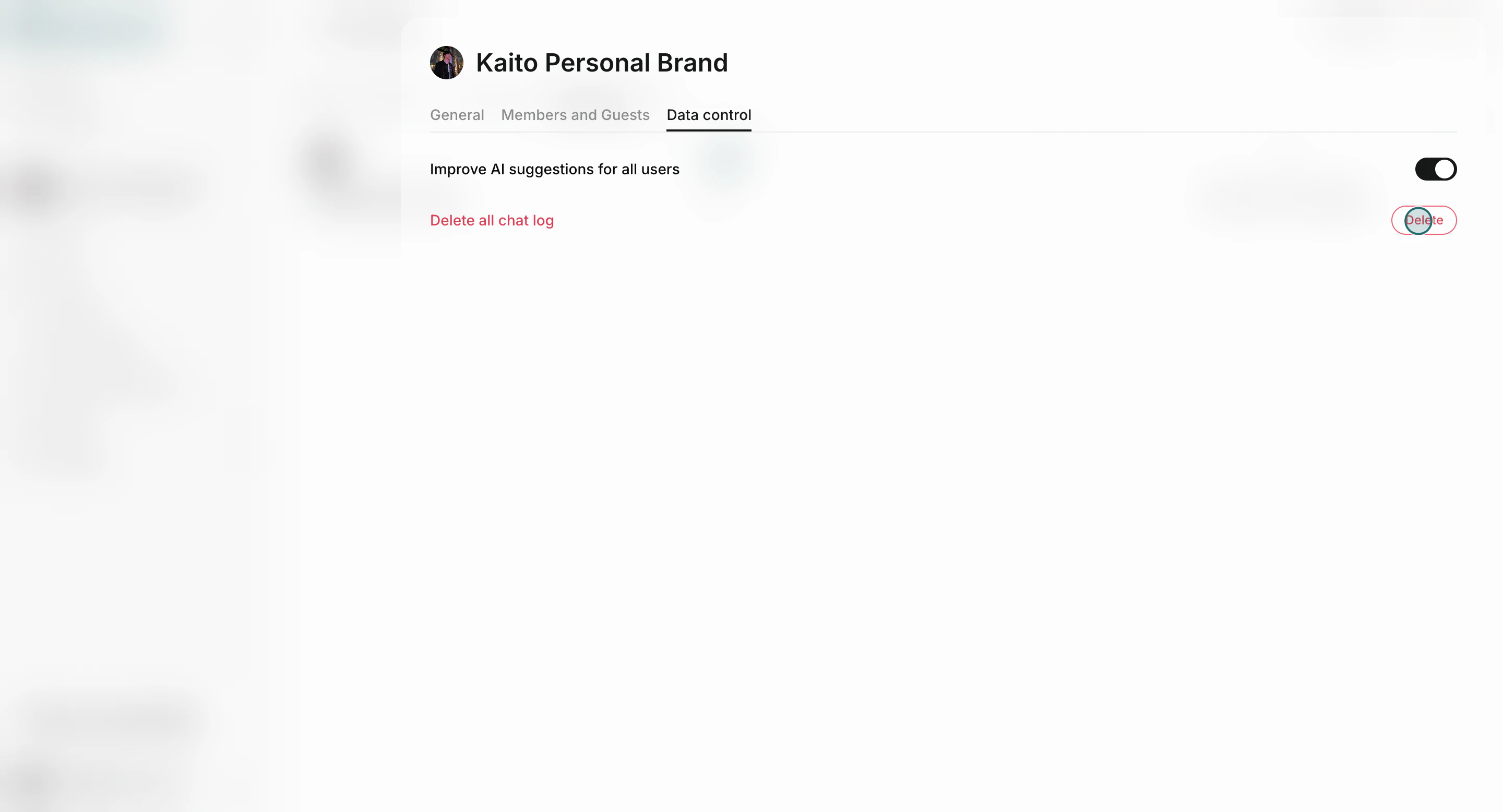
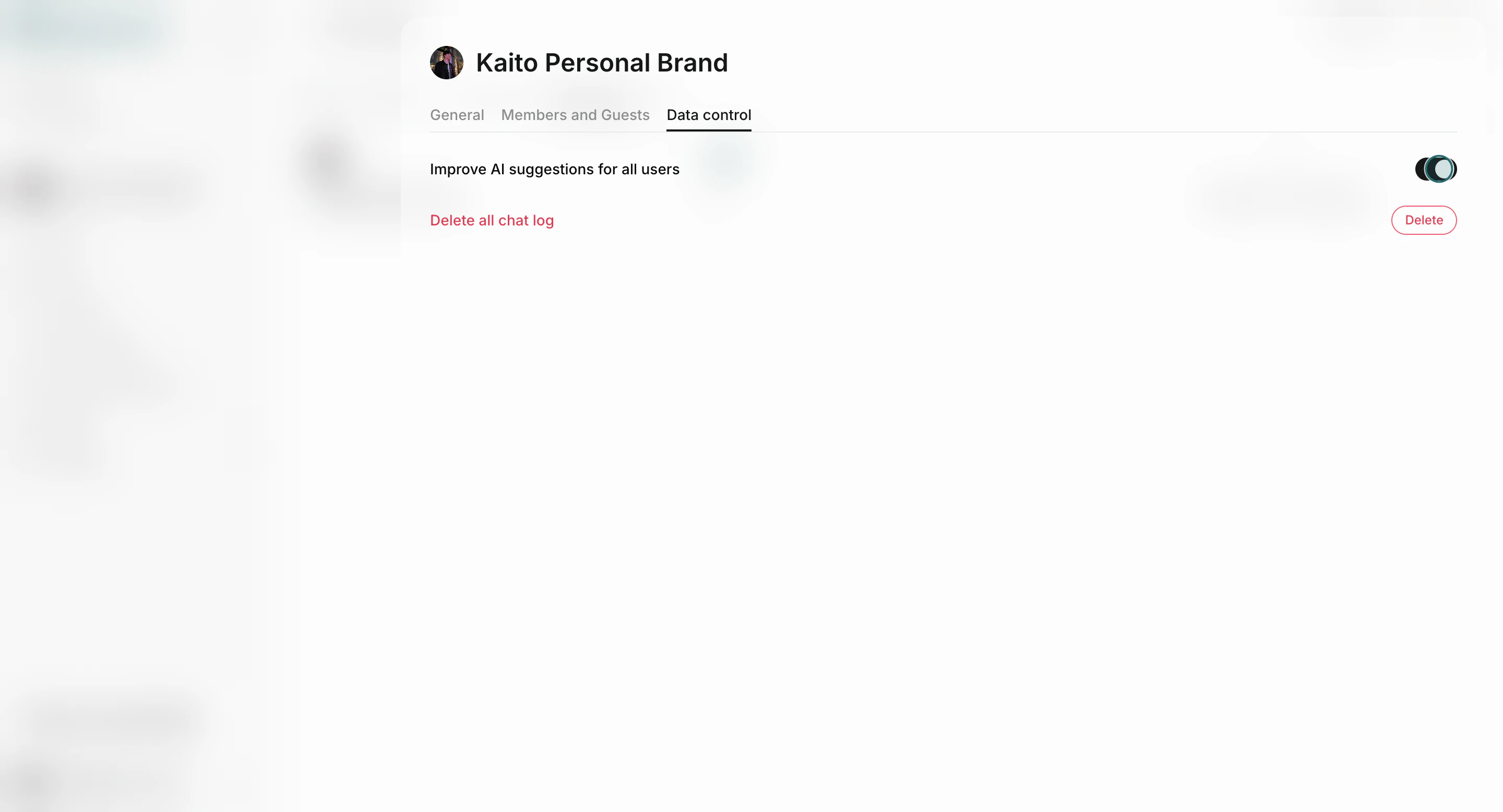 2. `Delete` chat logs
* Removes all chat logs in the selected Workspace.
2. `Delete` chat logs
* Removes all chat logs in the selected Workspace.
 ## Important Notes
Review these notes before you proceed.
* Chat-log deletion is irreversible.
* Changes apply to the selected Workspace only.
* If you manage multiple Workspaces, review data settings for each Workspace separately.
## Team And Workspace Scope
Use this scope definition to avoid setting changes in the wrong place.
* Team scope: membership, integrations, and workspace governance.
* Workspace scope: operational data controls such as chat logs and workspace-level settings.
## Related
Use these related pages for deeper guidance.
* [Team Basics](/help-center/team/team-basics)
* [Workspace Basics](/help-center/workspace/workspace-basics)
* [Edit Memory](/help-center/memory/edit-memory)
## Important Notes
Review these notes before you proceed.
* Chat-log deletion is irreversible.
* Changes apply to the selected Workspace only.
* If you manage multiple Workspaces, review data settings for each Workspace separately.
## Team And Workspace Scope
Use this scope definition to avoid setting changes in the wrong place.
* Team scope: membership, integrations, and workspace governance.
* Workspace scope: operational data controls such as chat logs and workspace-level settings.
## Related
Use these related pages for deeper guidance.
* [Team Basics](/help-center/team/team-basics)
* [Workspace Basics](/help-center/workspace/workspace-basics)
* [Edit Memory](/help-center/memory/edit-memory)