> ## Documentation Index
> Fetch the complete documentation index at: https://docs.noimosai.com/llms.txt
> Use this file to discover all available pages before exploring further.
# Leave or Delete a Team
> Understand the difference between leaving a Team and permanently deleting it.
## Overview
`Leave team` and `Delete team` are different actions with different impact.
* `Leave team`: removes your access to that Team.
* `Delete team`: permanently removes the Team and all Workspaces and data under it. It also cancels the subscription associated with the Team.
Both actions are irreversible.
## Where To Find
Use the following path to open this area.
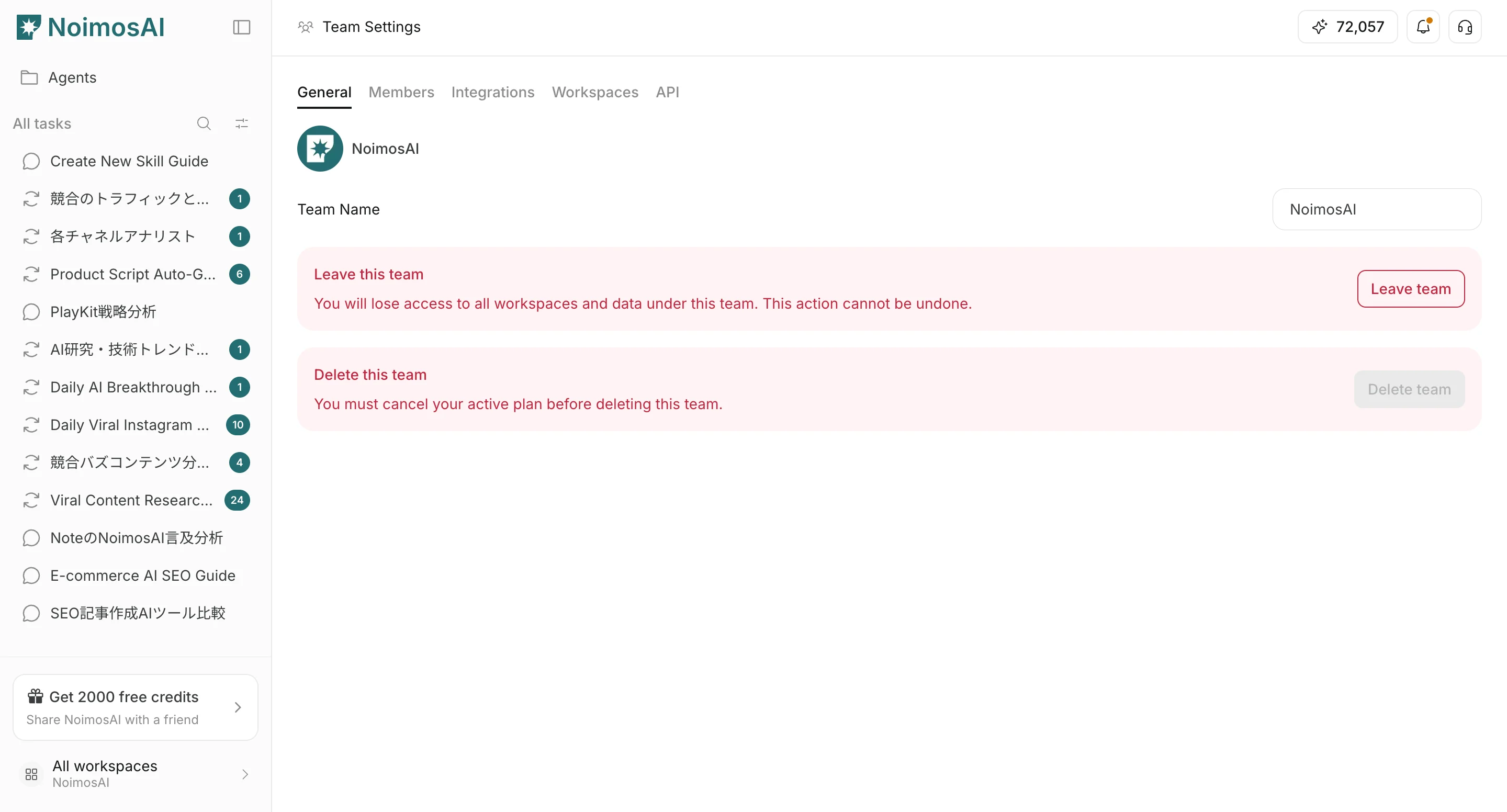
1. Open `Team Settings`.
2. Go to `General`.
3. Scroll to `Danger Zone`.
 ## Leave A Team
Choose this when you no longer need access but the Team should continue for others.
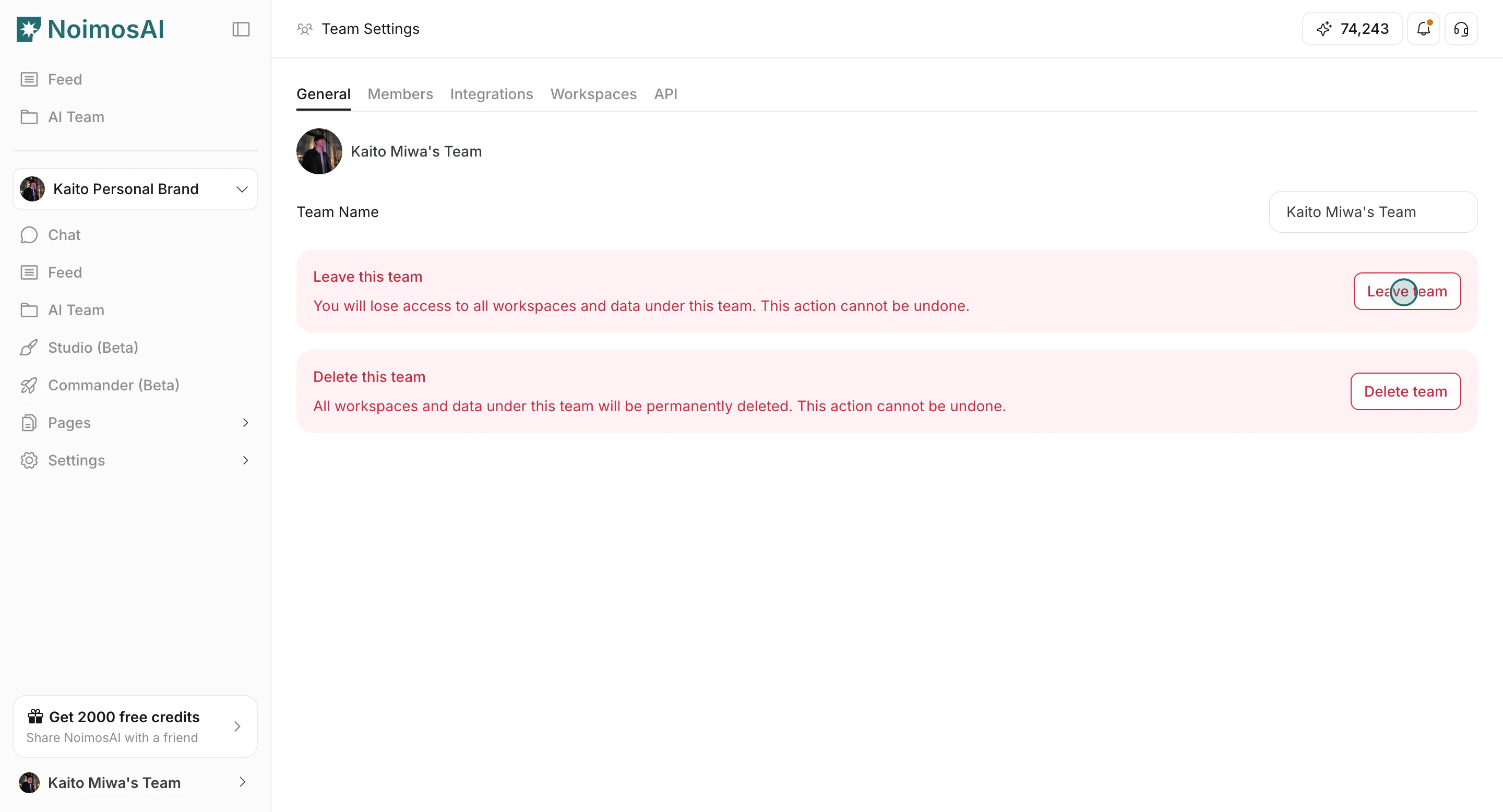
1. Click `Leave team`.
## Leave A Team
Choose this when you no longer need access but the Team should continue for others.
1. Click `Leave team`.
 2. Confirm in the modal.
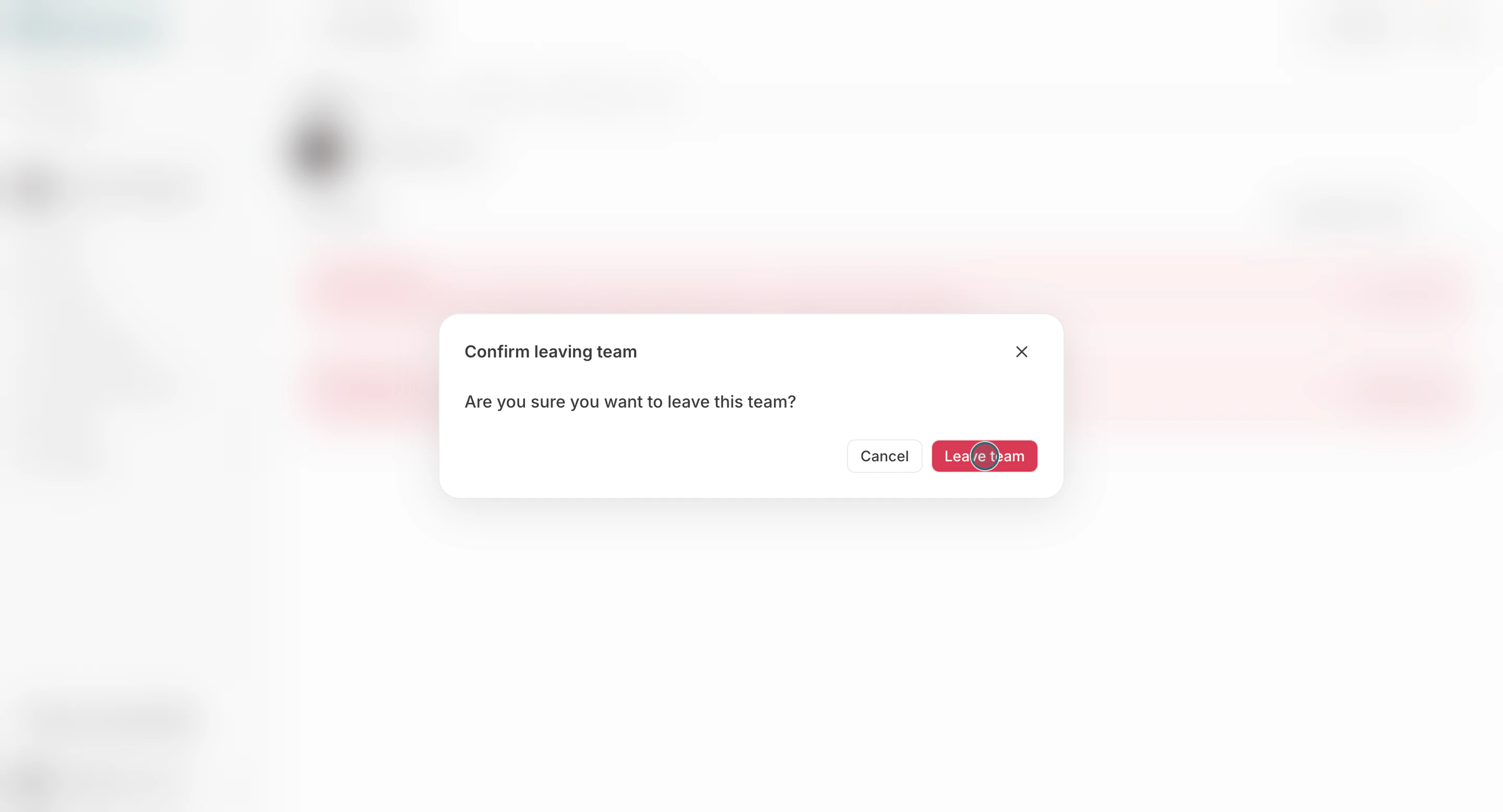 After leaving, you lose access to all Workspaces and data in that Team.
## Delete A Team
Choose this only when the Team and all its Workspaces should be permanently removed. The subscription associated with the Team is also canceled.
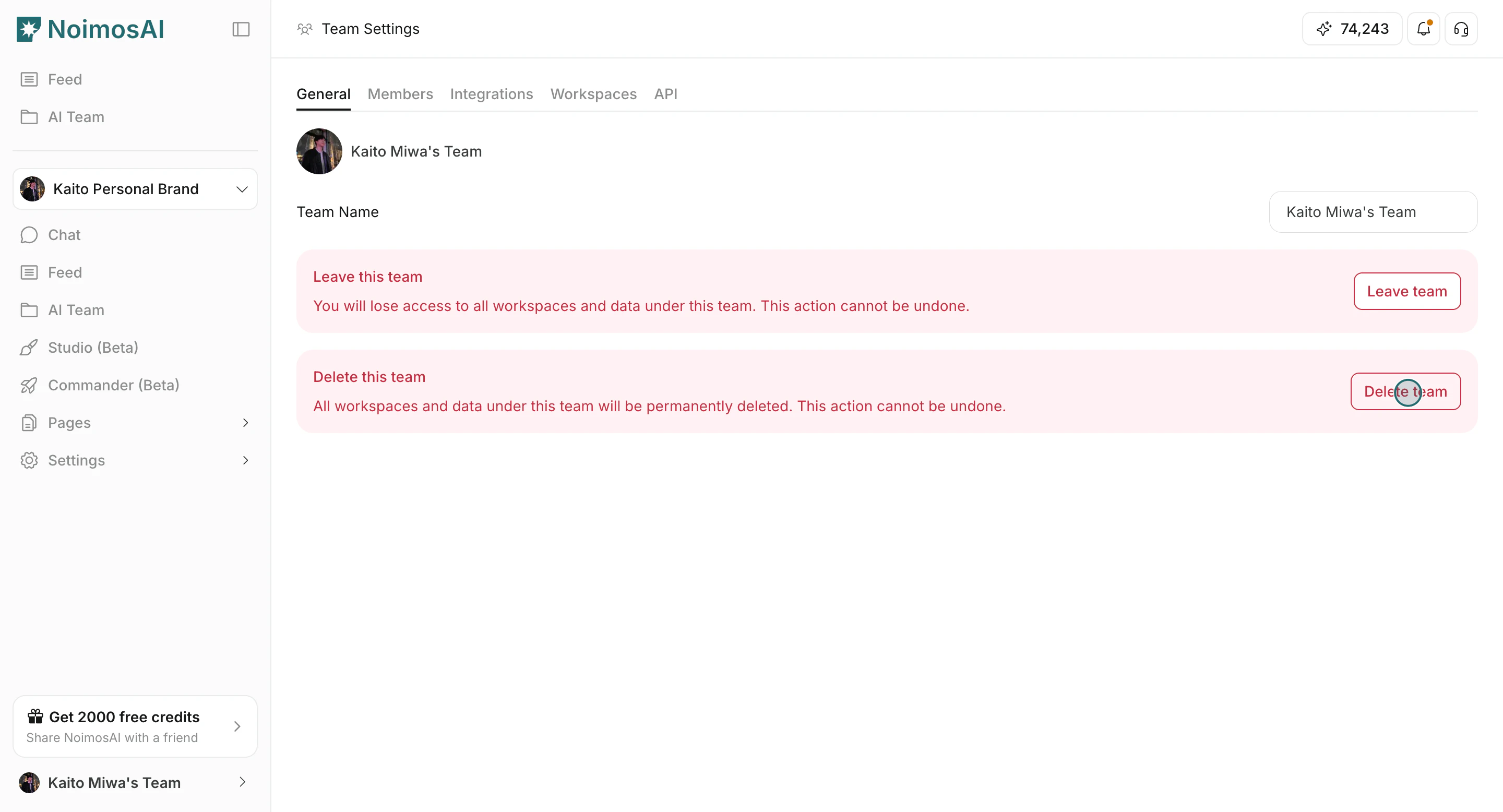
1. Click `Delete team`.
After leaving, you lose access to all Workspaces and data in that Team.
## Delete A Team
Choose this only when the Team and all its Workspaces should be permanently removed. The subscription associated with the Team is also canceled.
1. Click `Delete team`.
 2. Confirm in the modal.
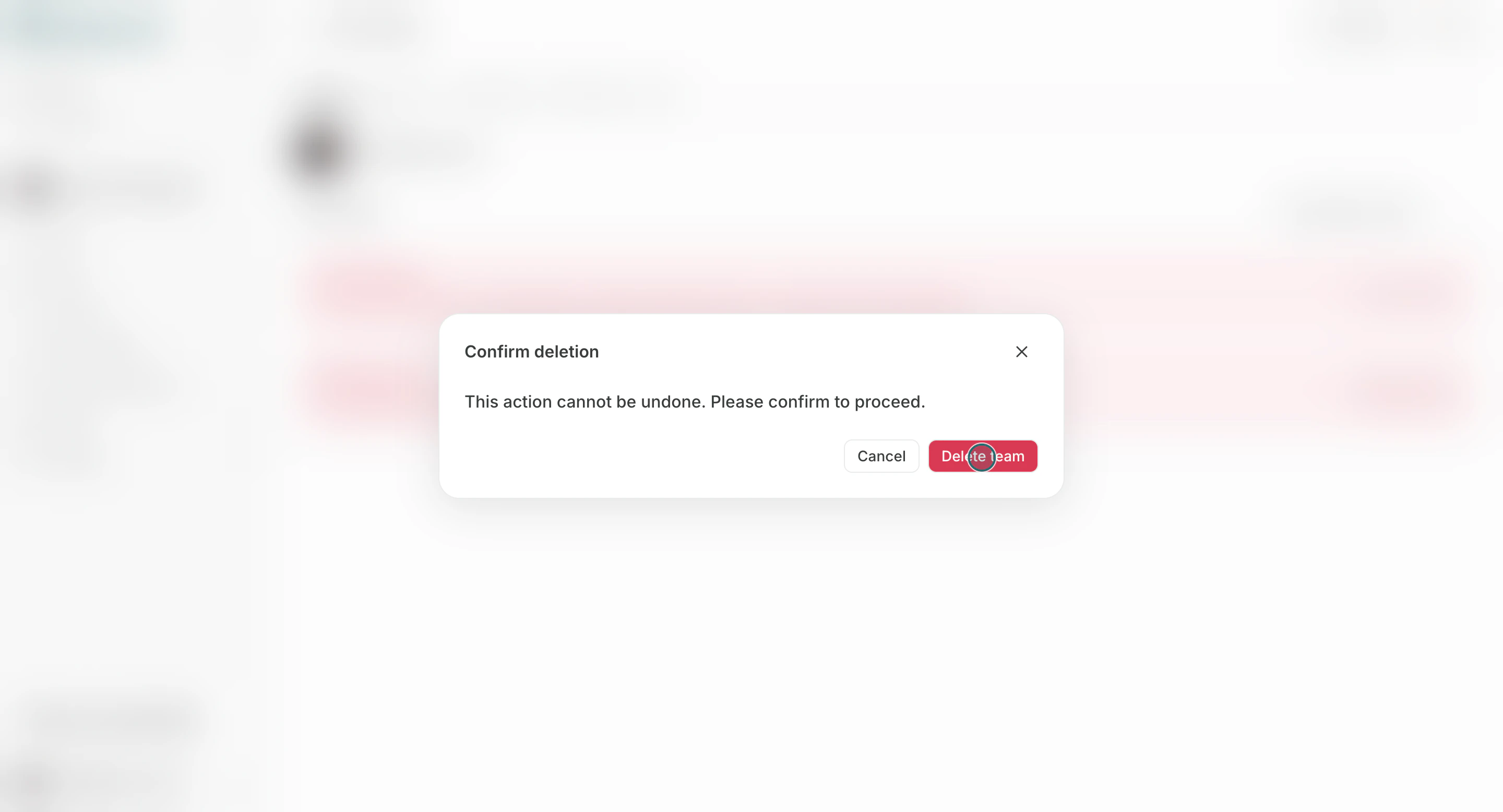 All Workspaces and Team data are deleted and cannot be restored.
## Recommended Checks Before Proceeding
Use this section to understand recommended checks before proceeding and what to confirm while completing this part.
1. Confirm that it is acceptable for Workspaces and data to be permanently deleted.
2. Reassign ownership and responsibilities if other members remain.
3. Export or back up required information before deletion.
If you want to cancel the subscription but keep using NoimosAI for the period that has already been paid for, do not delete the Team. Instead, [cancel the subscription](/help-center/plans-and-billing/cancel-subscription).
## Related
Use these related pages for deeper guidance.
* [Team Basics](/help-center/team/team-basics)
* [Change Team Name and Profile Image](/help-center/team/change-team-name-and-profile-image)
All Workspaces and Team data are deleted and cannot be restored.
## Recommended Checks Before Proceeding
Use this section to understand recommended checks before proceeding and what to confirm while completing this part.
1. Confirm that it is acceptable for Workspaces and data to be permanently deleted.
2. Reassign ownership and responsibilities if other members remain.
3. Export or back up required information before deletion.
If you want to cancel the subscription but keep using NoimosAI for the period that has already been paid for, do not delete the Team. Instead, [cancel the subscription](/help-center/plans-and-billing/cancel-subscription).
## Related
Use these related pages for deeper guidance.
* [Team Basics](/help-center/team/team-basics)
* [Change Team Name and Profile Image](/help-center/team/change-team-name-and-profile-image)