> ## Documentation Index
> Fetch the complete documentation index at: https://docs.noimosai.com/llms.txt
> Use this file to discover all available pages before exploring further.
# Change the Workspace Name and Profile Image
> Update workspace identity so members can clearly recognize the workspace.
## Overview
Use workspace identity settings to update `Workspace Name` and profile image.
## Where to find
Use the following path to open this area.
* `Workspace -> Settings -> Basic information -> General`
## How to Update
Follow the steps below to complete this action.
1. Open `General` in workspace settings.
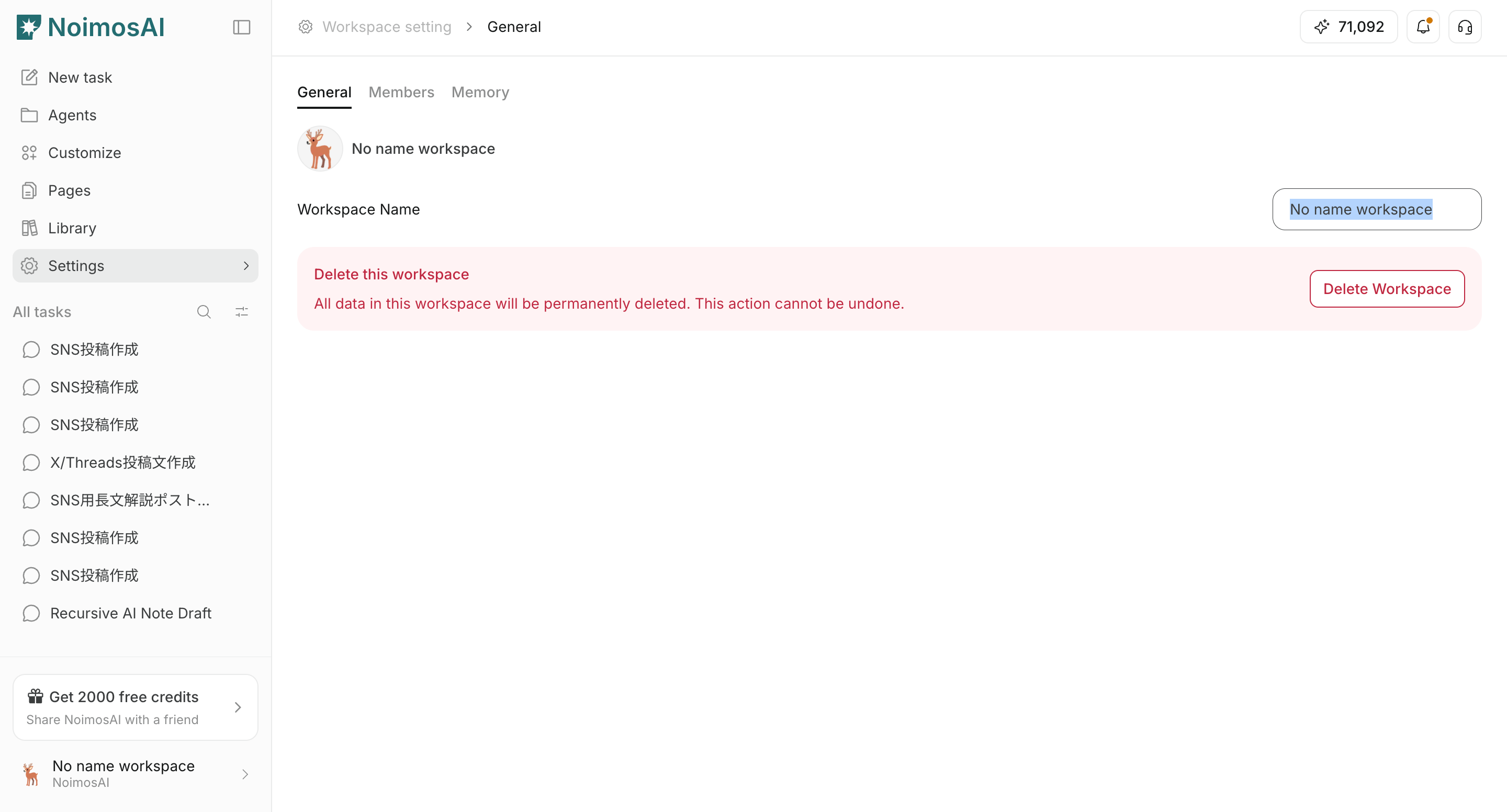
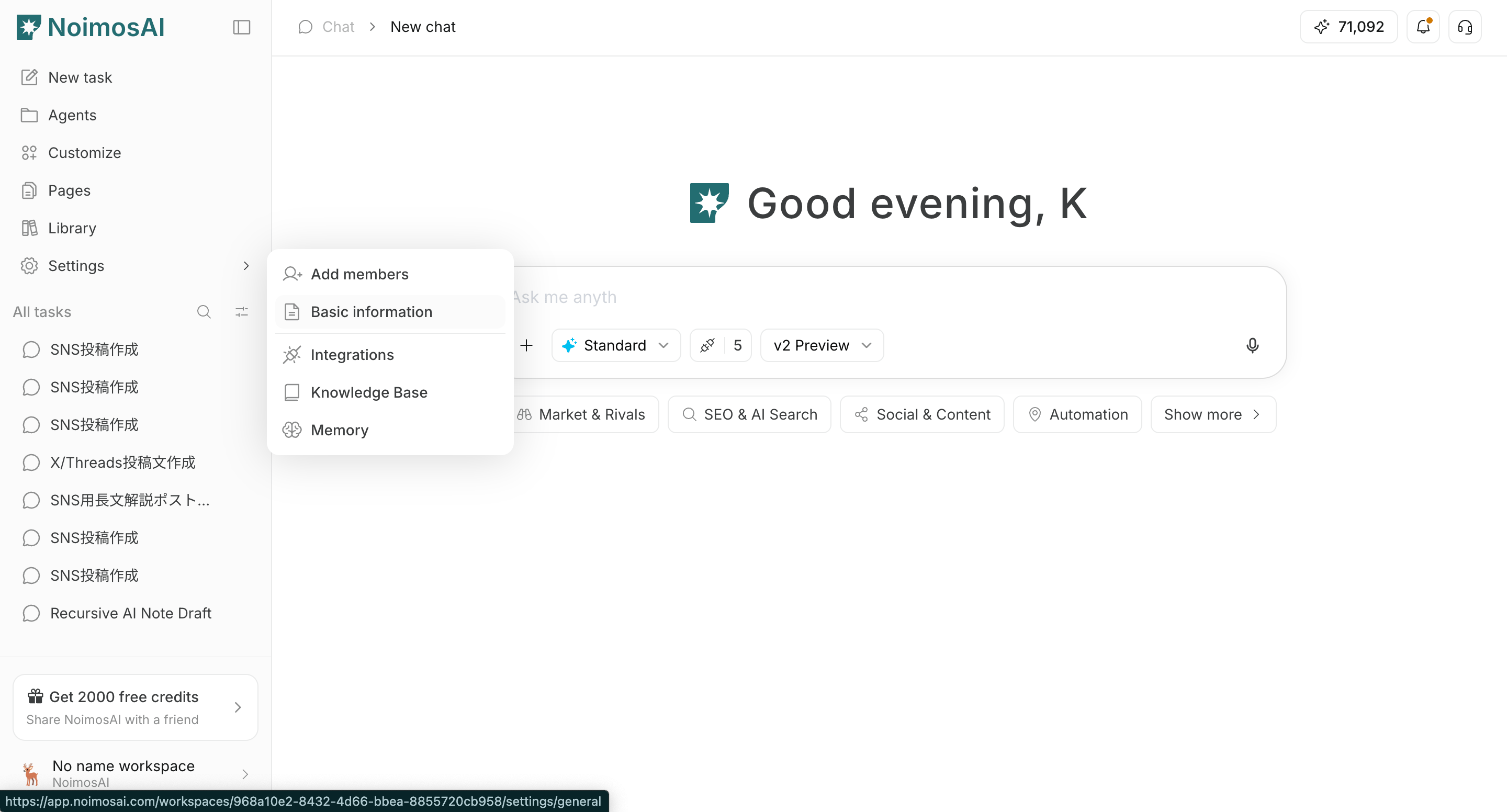 2. Update `Workspace Name` and save.
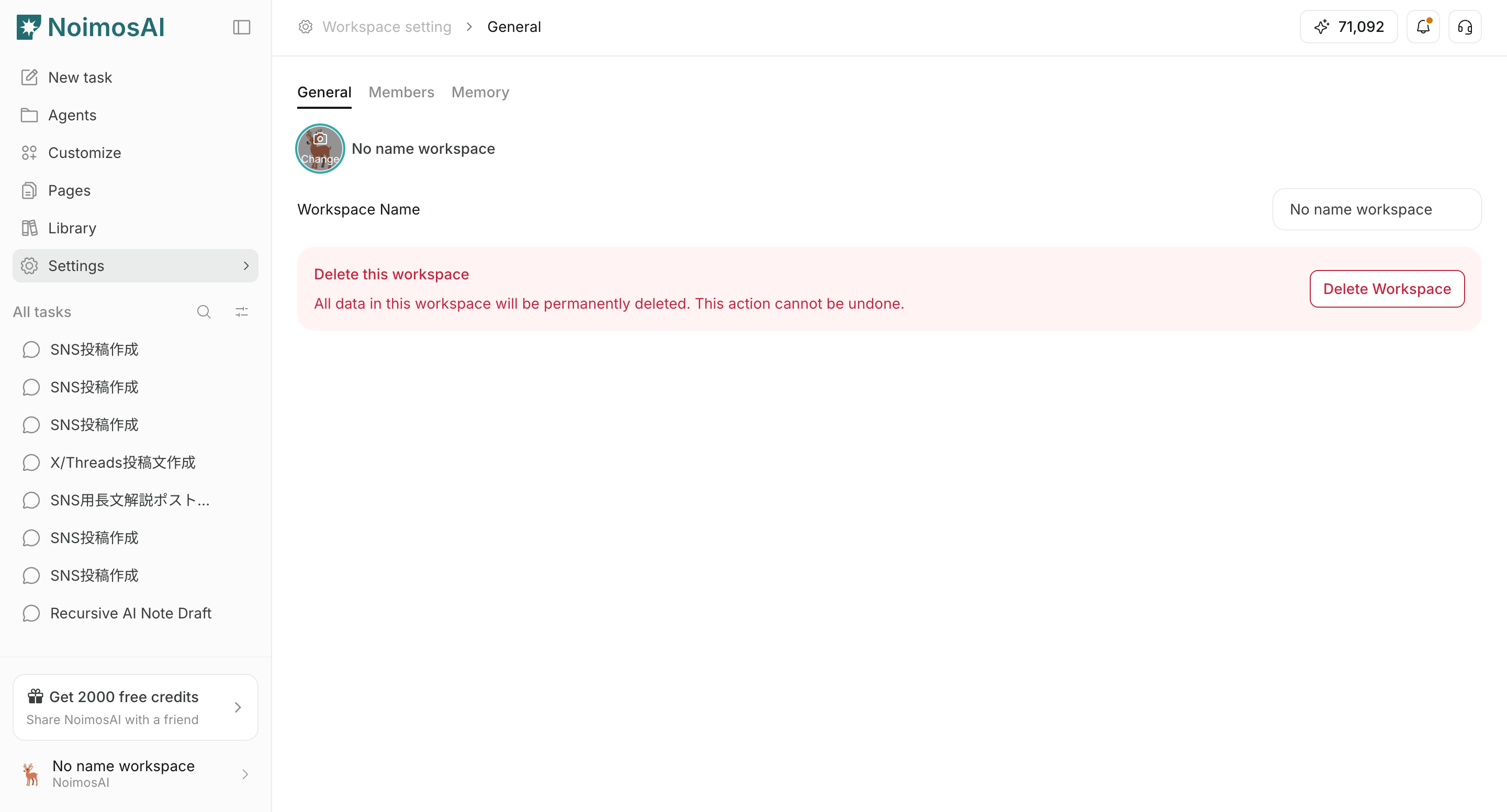
 3. Click the workspace image to upload or replace it.
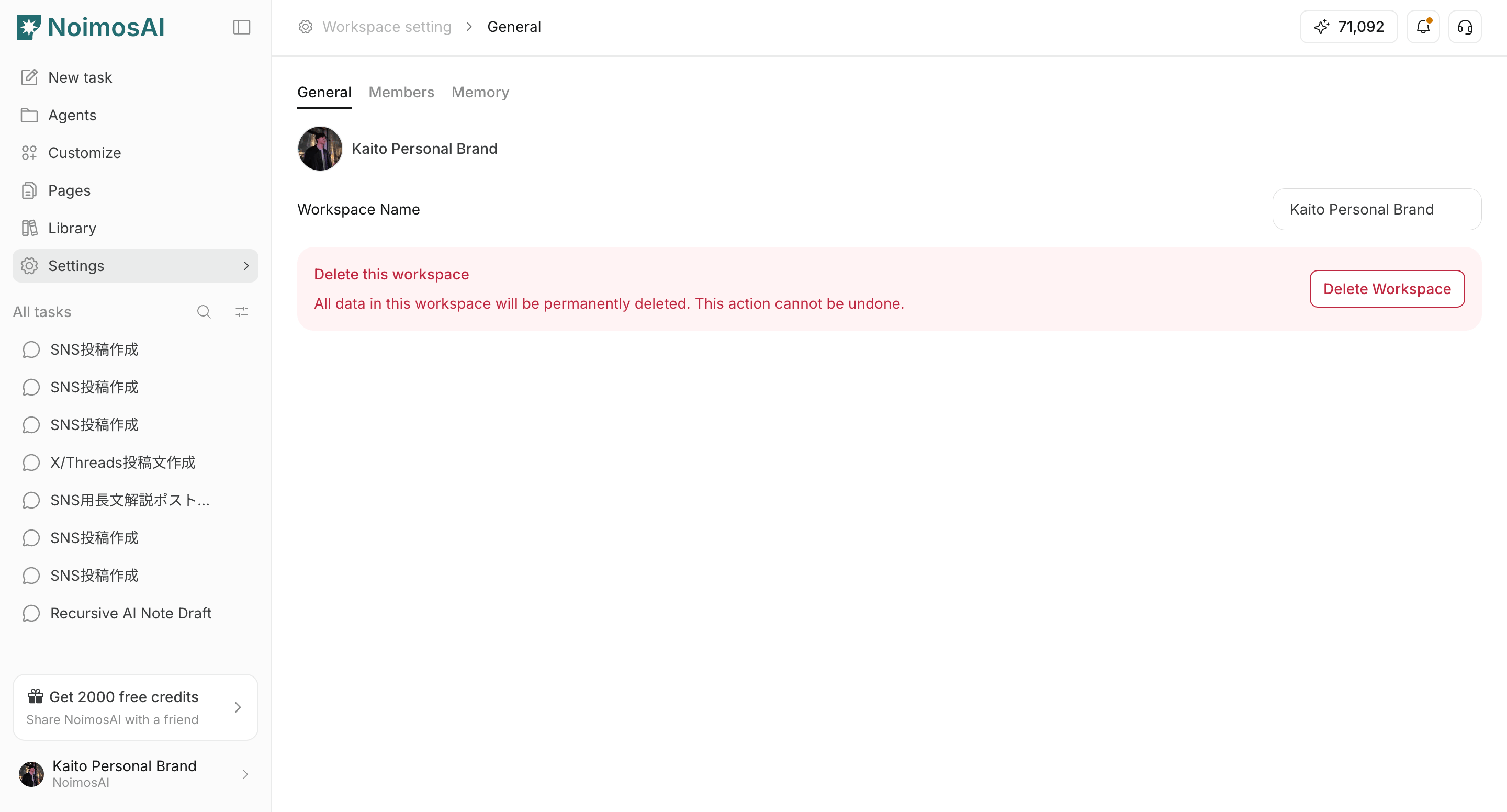
 4. Confirm updates in the sidebar and workspace selector.
 ## Notes
Review these notes before you proceed.
* Use distinct images across workspaces to avoid switching mistakes.
* If upload fails, verify file format and size.
## Related
Use these related pages for deeper guidance.
* [Workspace Basics](/help-center/workspace/workspace-basics)
* [Create Workspaces](/help-center/workspace/create-workspaces)
## Notes
Review these notes before you proceed.
* Use distinct images across workspaces to avoid switching mistakes.
* If upload fails, verify file format and size.
## Related
Use these related pages for deeper guidance.
* [Workspace Basics](/help-center/workspace/workspace-basics)
* [Create Workspaces](/help-center/workspace/create-workspaces)