> ## Documentation Index
> Fetch the complete documentation index at: https://docs.noimosai.com/llms.txt
> Use this file to discover all available pages before exploring further.
# चैट सेटिंग्स कस्टमाइज़ करें
> AI व्यवहार, response mode, integrations, creation modes और Knowledge Base अटैचमेंट समायोजित करने का तरीका बताता है।
## सिंहावलोकन
`Chat settings` बदलकर आप गति, गुणवत्ता, personalization, creation modes और reference context नियंत्रित कर सकते हैं।
## स्थान
1. Open `Chat`
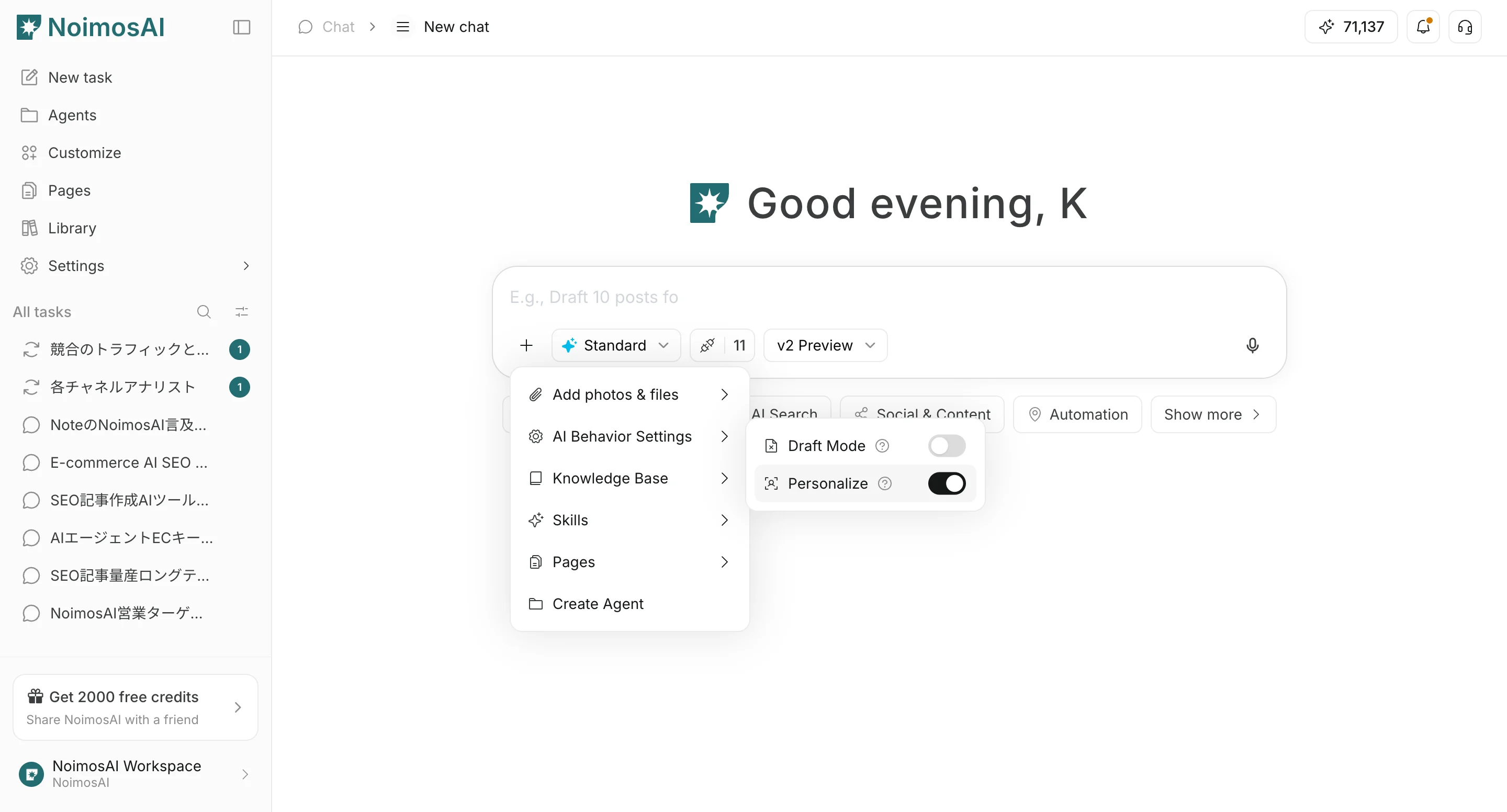
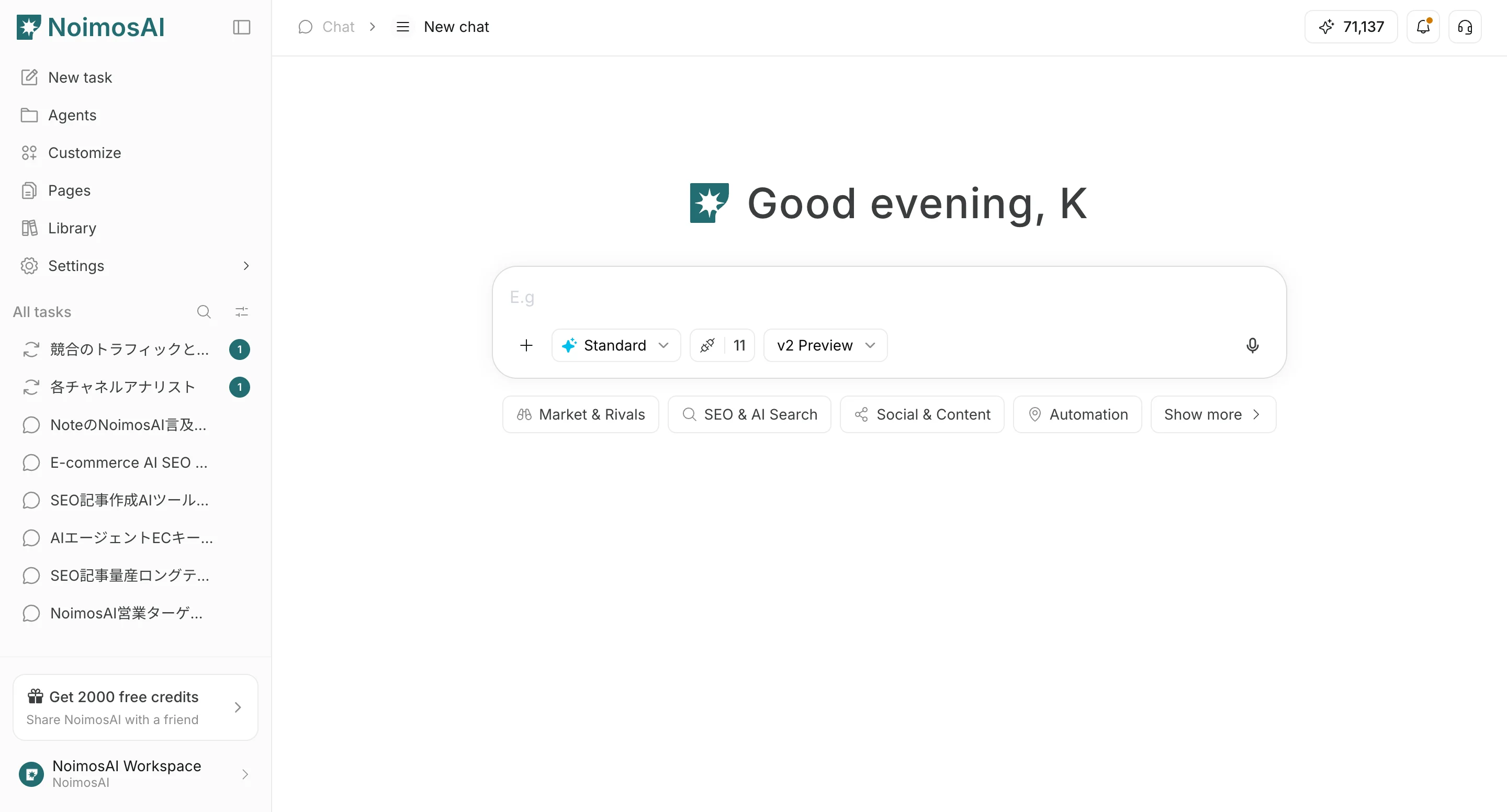 2. From `+` below the input field, open file actions and `AI behavior settings`
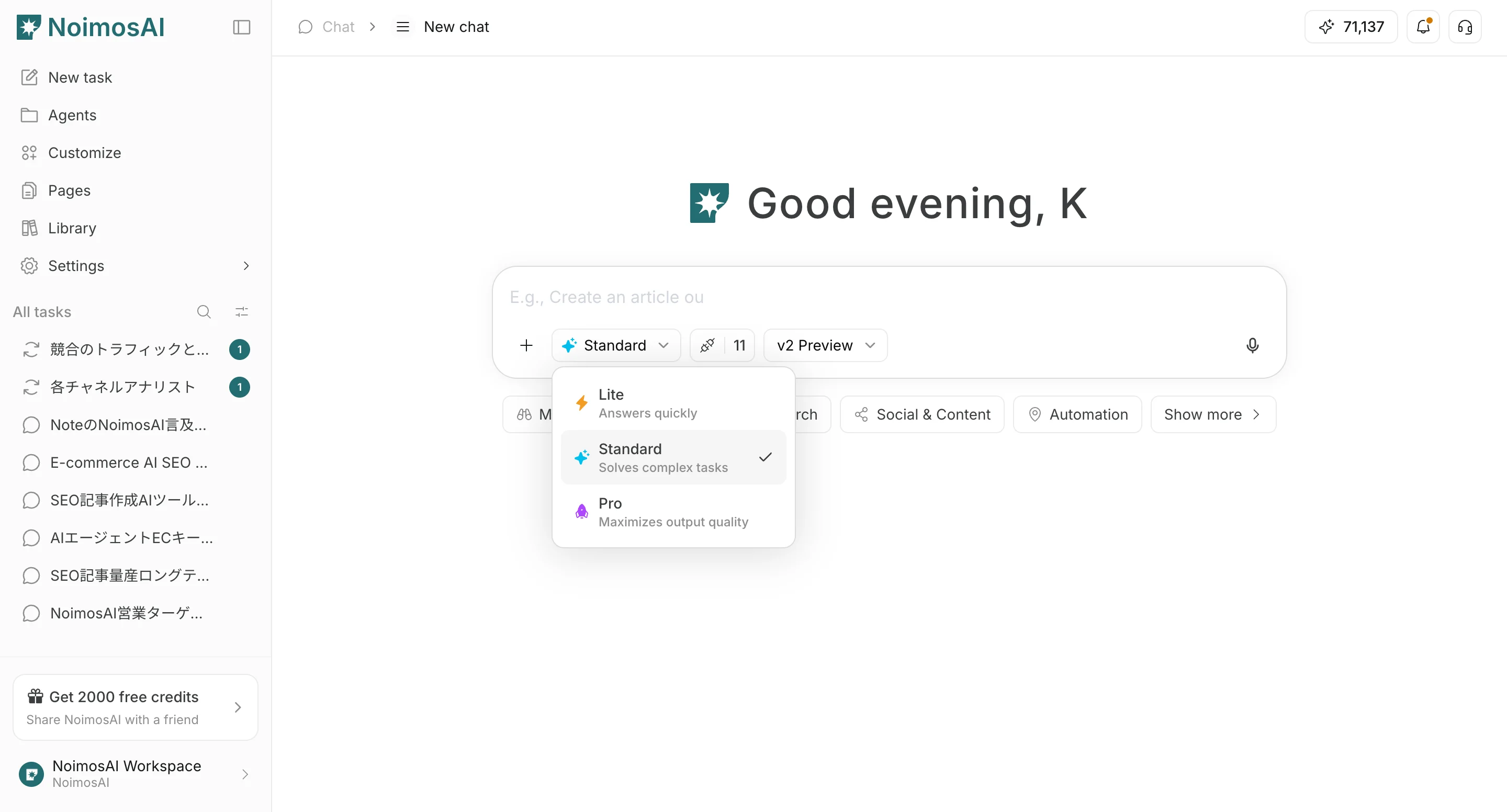
 3. Set the response mode (`Light` / `Standard` / `Pro`)
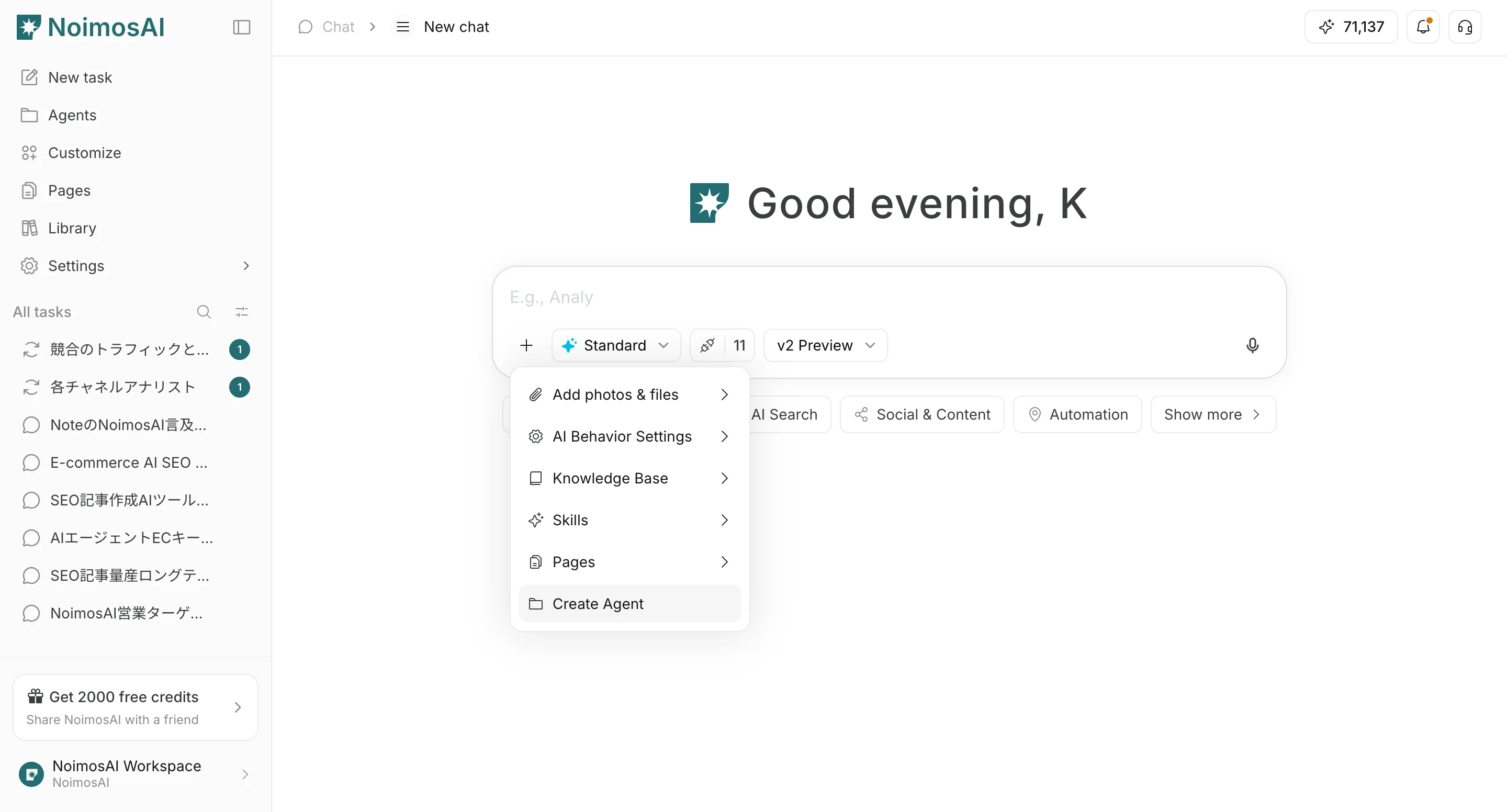
 4. ज़रूरत के अनुसार `Agent creation` / `Page creation`, `Knowledge Base` attachments और integrations सेट करें
 ## Settings
* `Skip draft step`: ड्राफ्ट चरण छोड़कर अंतिम generation पर जाता है
* `Do not personalize`: सहेजे गए personalization context का उपयोग नहीं करता
* `Response mode`: `Light` तेज़ है, `Standard` गति और गुणवत्ता संतुलित करता है, `Pro` गुणवत्ता को प्राथमिकता देता है
* `Agent creation`: चैट सामग्री से लगातार चलने वाला agent बनाता है
* `Page creation`: चैट सामग्री से page draft बनाता है
* `Knowledge Base`: AI के लिए स्पष्ट reference context के रूप में जानकारी अटैच करता है
* `Integrations`: चैट में उपयोग होने वाले integrations नियंत्रित करता है
## Recommended defaults
* Start with `Standard`
* Use `Light` for rough drafts
* Use `Pro` when final quality matters most
* Enable `Do not personalize` only when neutral output is required
## संबंधित पेज
* [चैट मूल बातें](/hi/help-center/chat/ai-chat-basics)
* [Upload files](/hi/help-center/chat/upload-files)
* [Check output results](/hi/help-center/chat/check-output-results)
## Settings
* `Skip draft step`: ड्राफ्ट चरण छोड़कर अंतिम generation पर जाता है
* `Do not personalize`: सहेजे गए personalization context का उपयोग नहीं करता
* `Response mode`: `Light` तेज़ है, `Standard` गति और गुणवत्ता संतुलित करता है, `Pro` गुणवत्ता को प्राथमिकता देता है
* `Agent creation`: चैट सामग्री से लगातार चलने वाला agent बनाता है
* `Page creation`: चैट सामग्री से page draft बनाता है
* `Knowledge Base`: AI के लिए स्पष्ट reference context के रूप में जानकारी अटैच करता है
* `Integrations`: चैट में उपयोग होने वाले integrations नियंत्रित करता है
## Recommended defaults
* Start with `Standard`
* Use `Light` for rough drafts
* Use `Pro` when final quality matters most
* Enable `Do not personalize` only when neutral output is required
## संबंधित पेज
* [चैट मूल बातें](/hi/help-center/chat/ai-chat-basics)
* [Upload files](/hi/help-center/chat/upload-files)
* [Check output results](/hi/help-center/chat/check-output-results)