> ## Documentation Index
> Fetch the complete documentation index at: https://docs.noimosai.com/llms.txt
> Use this file to discover all available pages before exploring further.
# मैं सहायता से कैसे संपर्क कर सकता हूँ?
> समर्थन अनुरोध खोलने और सबमिट करने का तरीका जानें।
## संक्षिप्त उत्तर
ऐप के ऊपरी दाएं कोने में सहायता आइकन का उपयोग करें और सहायता फ़ॉर्म सबमिट करें।
## कदम दर कदम
1. ऊपरी दाएं कोने में समर्थन आइकन पर क्लिक करें।
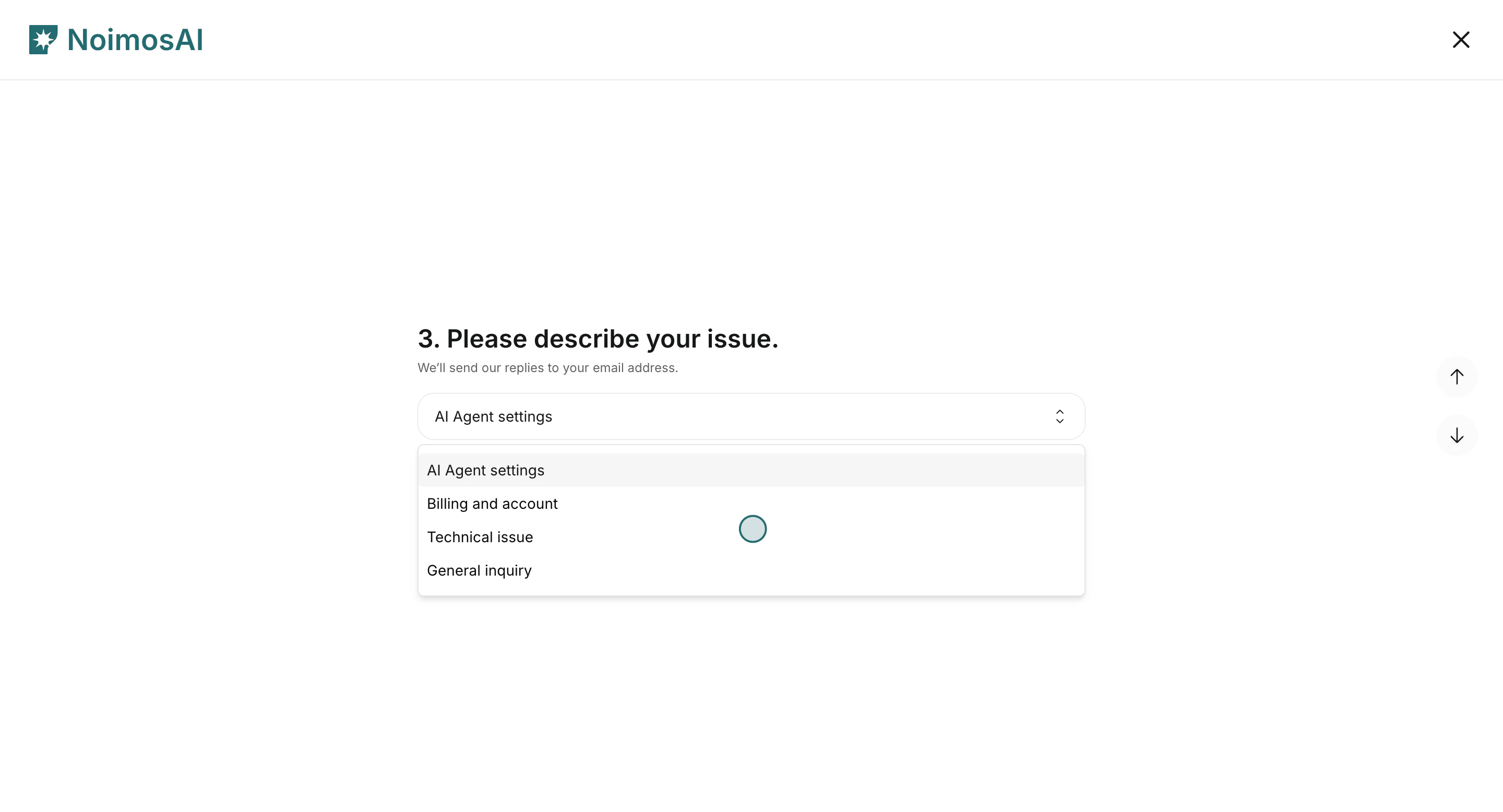
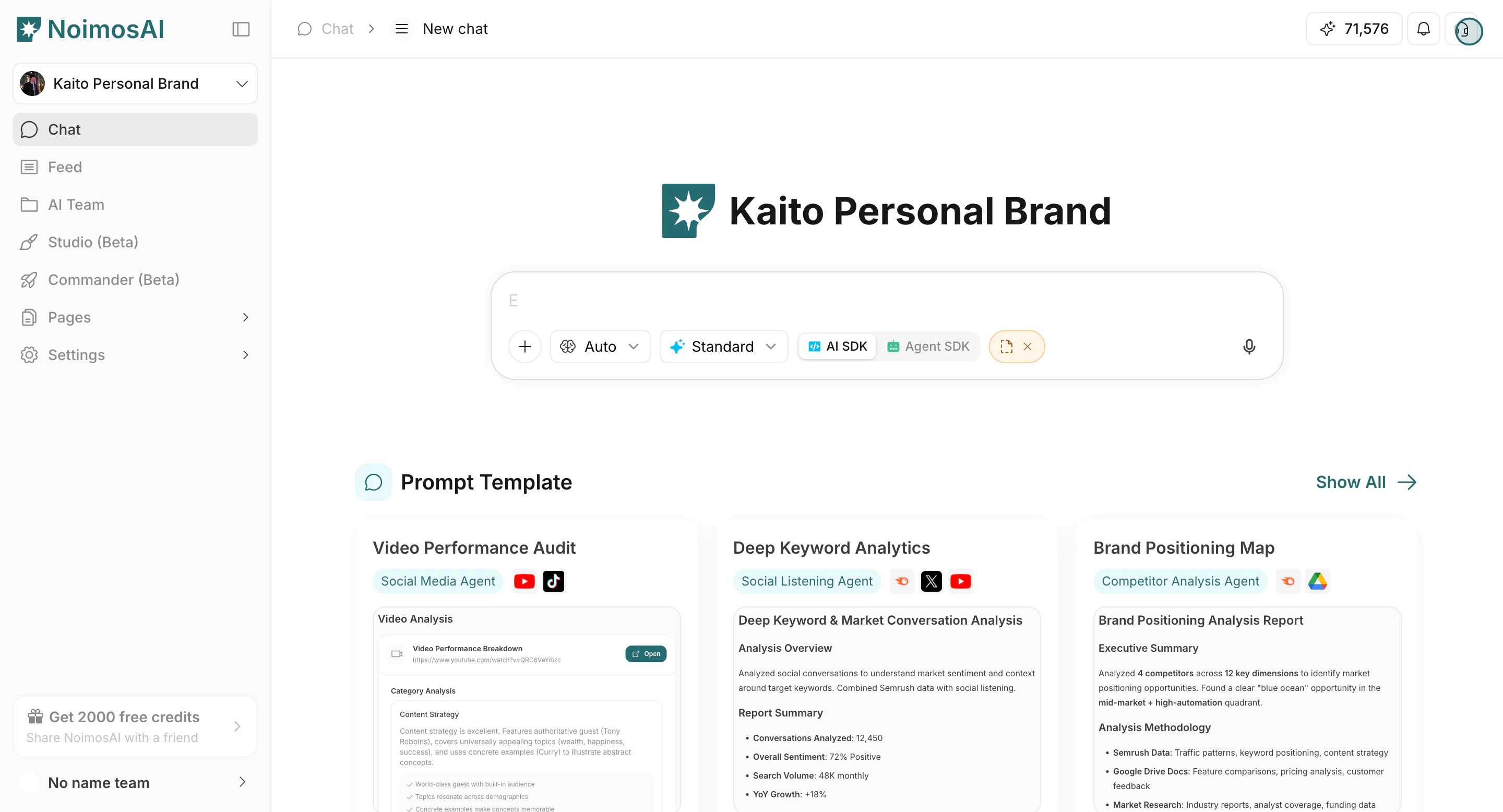 2. सहायता फ़ॉर्म में समस्या श्रेणी का चयन करें.
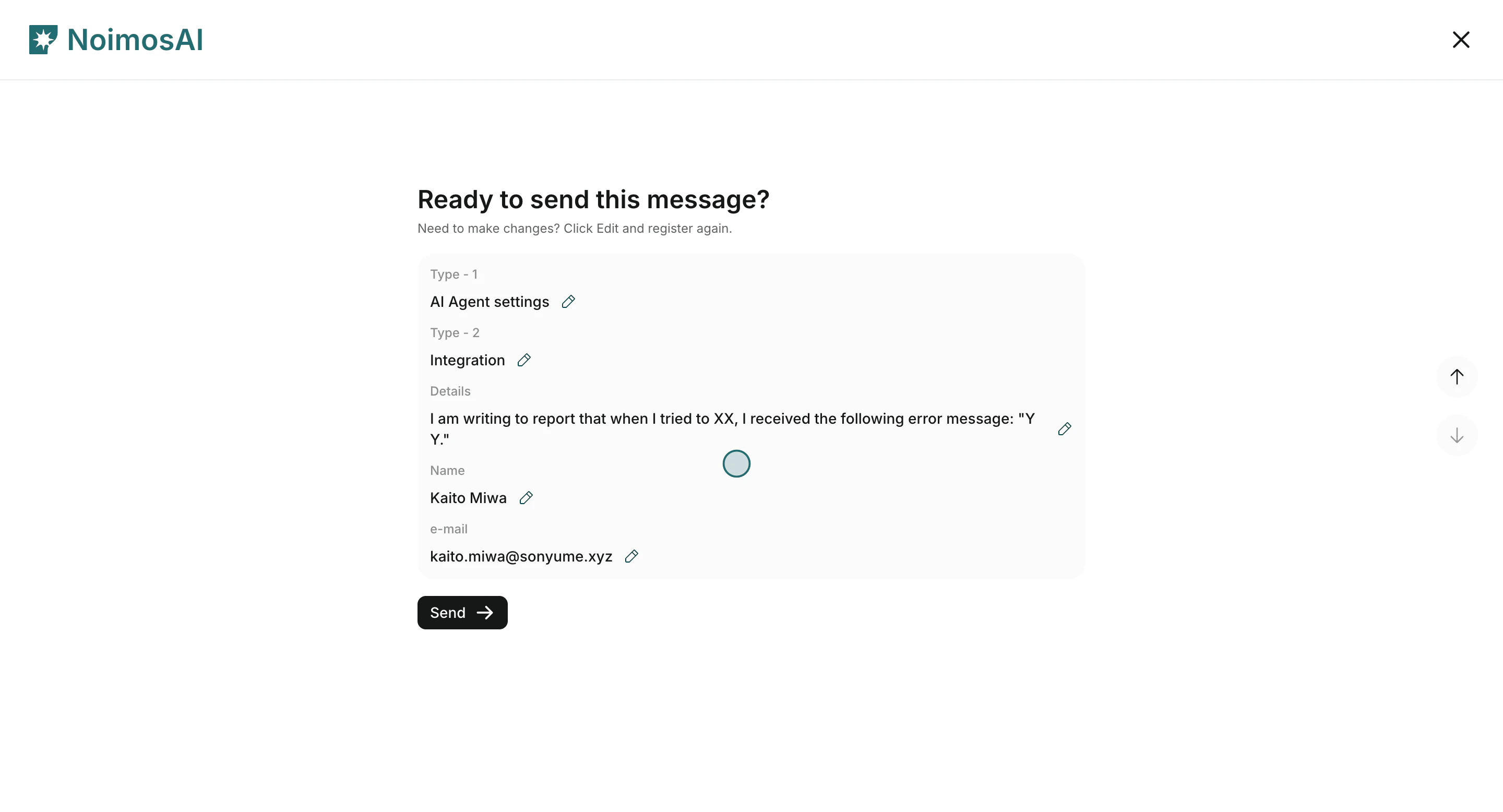
 3. नाम, ईमेल, समस्या विवरण भरें, फिर सबमिट करें।
 ## आप क्या भरेंगे
1. नाम और ईमेल
2. मुद्दा `प्रकार 1` (AI एजेंट सेटिंग्स, बिलिंग और खाता, तकनीकी समस्या, सामान्य पूछताछ)
3. मुद्दा `प्रकार 2`
4. विवरण (क्या हुआ, कब और कहाँ हुआ)
हम आम तौर पर 24 घंटों के भीतर ईमेल के माध्यम से जवाब देते हैं।
## डेमो
* [ग्राहक सहायता से संपर्क करें (लर्निंग सेंटर)](/hi/learning-center/customer-support/contact-customer-support)
* [Arcade डेमो](https://app.arcade.software/share/gpRYwwNUCbqeDLBEI5Te)
## आप क्या भरेंगे
1. नाम और ईमेल
2. मुद्दा `प्रकार 1` (AI एजेंट सेटिंग्स, बिलिंग और खाता, तकनीकी समस्या, सामान्य पूछताछ)
3. मुद्दा `प्रकार 2`
4. विवरण (क्या हुआ, कब और कहाँ हुआ)
हम आम तौर पर 24 घंटों के भीतर ईमेल के माध्यम से जवाब देते हैं।
## डेमो
* [ग्राहक सहायता से संपर्क करें (लर्निंग सेंटर)](/hi/learning-center/customer-support/contact-customer-support)
* [Arcade डेमो](https://app.arcade.software/share/gpRYwwNUCbqeDLBEI5Te)