> ## Documentation Index
> Fetch the complete documentation index at: https://docs.noimosai.com/llms.txt
> Use this file to discover all available pages before exploring further.

# アカウント名を変更する

> プロフィールで使う表示名を変更する方法を説明します。

## 概要

表示名を変更すると、NoimosAI内でチームメンバーに見える名前を調整できます。

## 場所

以下の場所から開きます。

* `設定 -> プロフィール`

## 変更手順

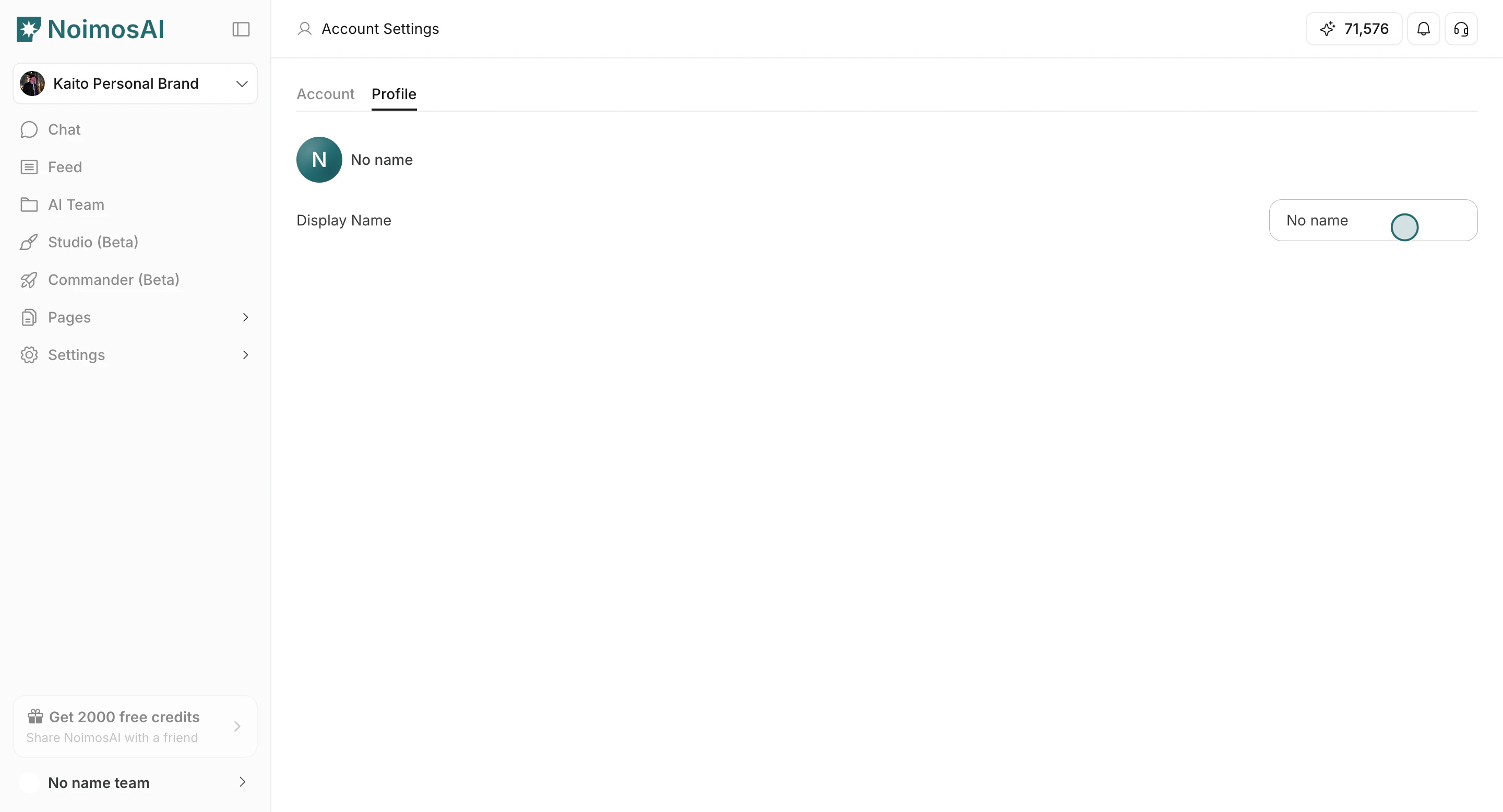
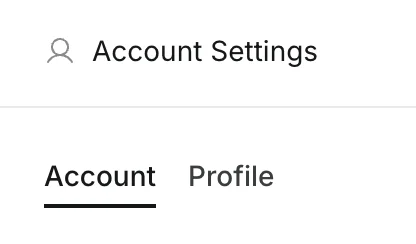
1. `設定` を開き、`プロフィール` に移動する
<img src="https://mintcdn.com/agoslabstechnologiesfzco/LPhU3Zr6jeMvQ4AZ/public/help-center/arcade/account-settings/change-display-name-and-profile-image/step-04.png?fit=max&auto=format&n=LPhU3Zr6jeMvQ4AZ&q=85&s=4929efde789ce3293b3bea1ea4dfcf6f" alt="プロフィールタブを開く" style={{ border: '1px solid #e5e7eb', borderRadius: '8px', marginBottom: '1rem' }} width="416" height="244" data-path="public/help-center/arcade/account-settings/change-display-name-and-profile-image/step-04.png" />

2. `表示名` を編集する

<img src="https://mintcdn.com/agoslabstechnologiesfzco/Fp8XwoziZBVDha6p/public/help-center/arcade/account-settings/change-display-name-and-profile-image/step-05.png?fit=max&auto=format&n=Fp8XwoziZBVDha6p&q=85&s=22f63cd2b53960a8e57519da2330d2ca" alt="表示名を編集する" style={{ border: '1px solid #e5e7eb', borderRadius: '8px', marginBottom: '1rem' }} width="2880" height="1556" data-path="public/help-center/arcade/account-settings/change-display-name-and-profile-image/step-05.png" />

3. 入力欄外をクリックして保存する

<img src="https://mintcdn.com/agoslabstechnologiesfzco/Fp8XwoziZBVDha6p/public/help-center/arcade/account-settings/change-display-name-and-profile-image/step-05.png?fit=max&auto=format&n=Fp8XwoziZBVDha6p&q=85&s=22f63cd2b53960a8e57519da2330d2ca" alt="表示名の変更を保存する" style={{ border: '1px solid #e5e7eb', borderRadius: '8px', marginBottom: '1rem' }} width="2880" height="1556" data-path="public/help-center/arcade/account-settings/change-display-name-and-profile-image/step-05.png" />

## 運用のコツ

* チームメンバーがすぐ認識できる名前にする
* チーム間でも一貫した短い名前にする

## 関連ページ

* [アカウントの基本](/ja/help-center/account/account-basics)
* [プロフィール画像を変更する](/ja/help-center/account/change-account-profile-image)