> ## Documentation Index
> Fetch the complete documentation index at: https://docs.noimosai.com/llms.txt
> Use this file to discover all available pages before exploring further.
# 重複請求や重複サブスクリプションはどう確認しますか?
> 重複請求が疑われるときに請求履歴を確認する方法を案内します。
## 要点
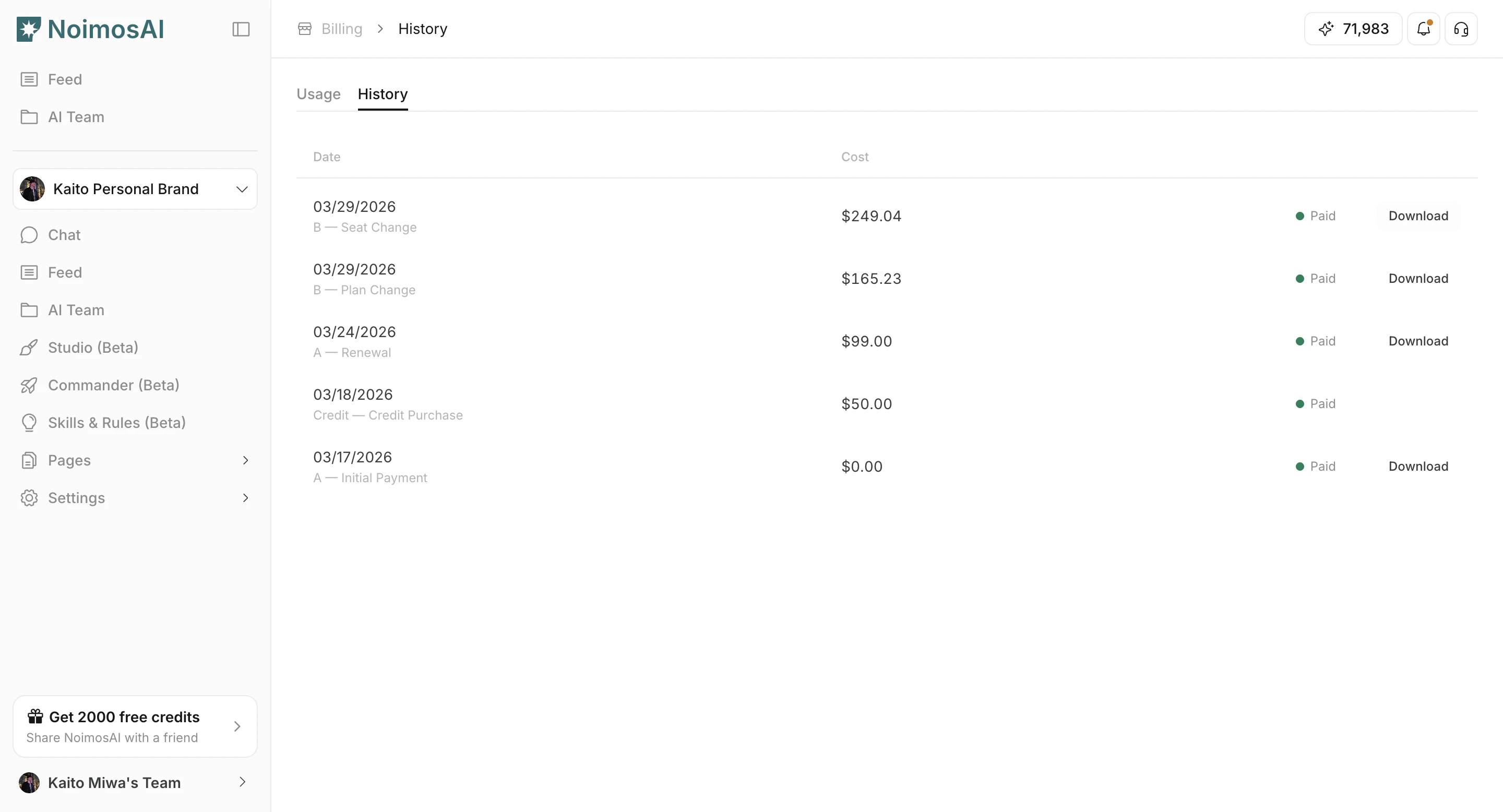
`チーム -> お支払い -> 履歴` を使い、日付、金額、請求理由、請求書を1件ずつ比較します。
## 確認方法
1. 請求履歴を開き、日付順に並べます。
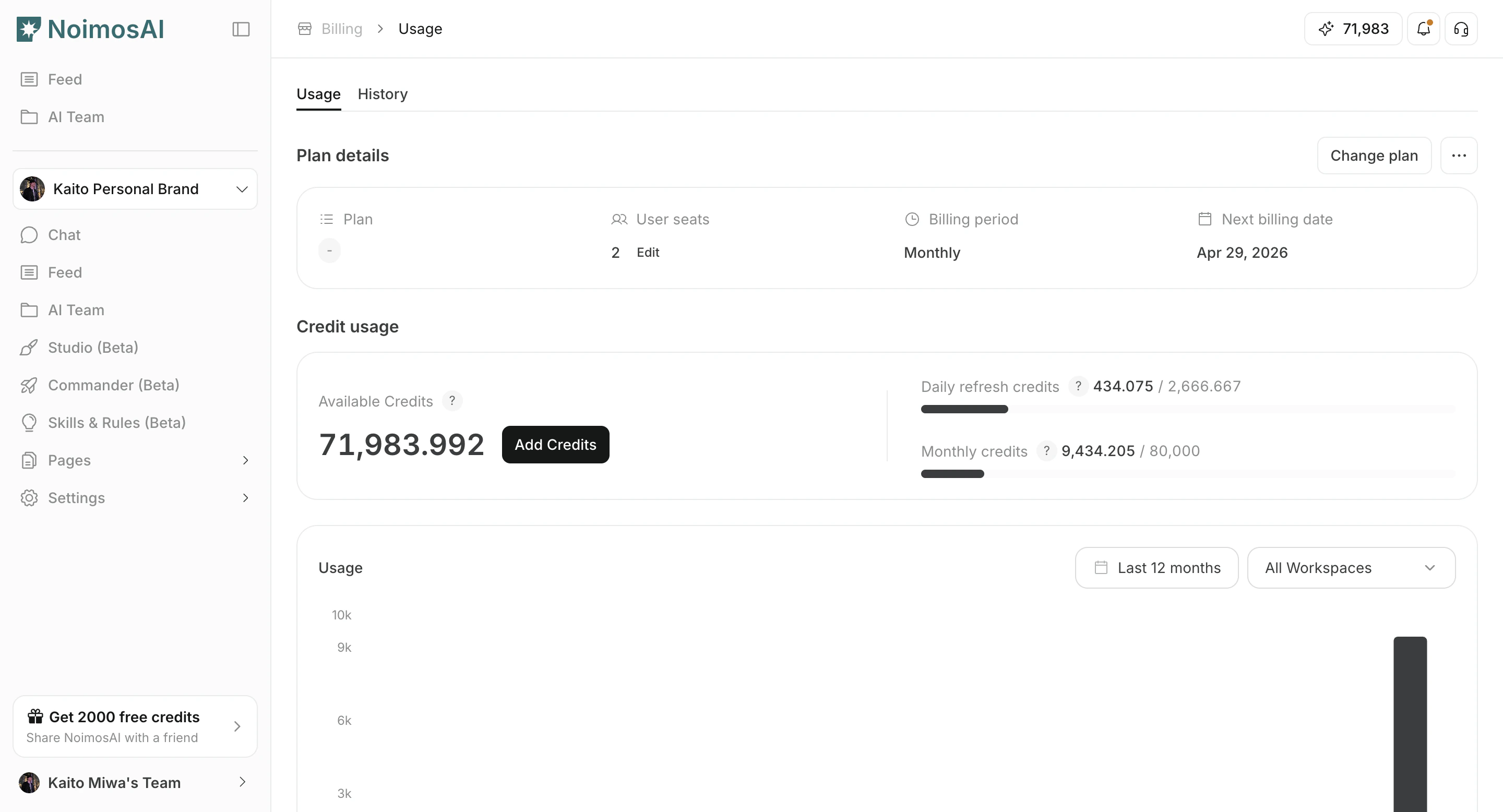 2. 各イベントが更新、プラン変更、単発チャージのどれかを確認します。
3. 同じ金額で時刻が近いものがないか確認します。
4. 証拠として請求書 / 領収書をダウンロードします。
2. 各イベントが更新、プラン変更、単発チャージのどれかを確認します。
3. 同じ金額で時刻が近いものがないか確認します。
4. 証拠として請求書 / 領収書をダウンロードします。
 ## サポートに送る内容
次を共有してください。
* 疑わしい重複請求書 ID
* 請求日時
* 金額 / 通貨
* チーム名とアカウントのメールアドレス
## 関連
* [サポートにはどう連絡できますか?](/ja/help-center/faq/support/how-can-i-contact-support)
## サポートに送る内容
次を共有してください。
* 疑わしい重複請求書 ID
* 請求日時
* 金額 / 通貨
* チーム名とアカウントのメールアドレス
## 関連
* [サポートにはどう連絡できますか?](/ja/help-center/faq/support/how-can-i-contact-support)