> ## Documentation Index
> Fetch the complete documentation index at: https://docs.noimosai.com/llms.txt
> Use this file to discover all available pages before exploring further.
# サポートにはどう連絡できますか?
> サポート依頼の開き方と送信方法を案内します。
## まず確認すること
アプリ右上のサポートアイコンから、サポートフォームを送信します。
## 手順
1. 右上のサポートアイコンをクリックします。
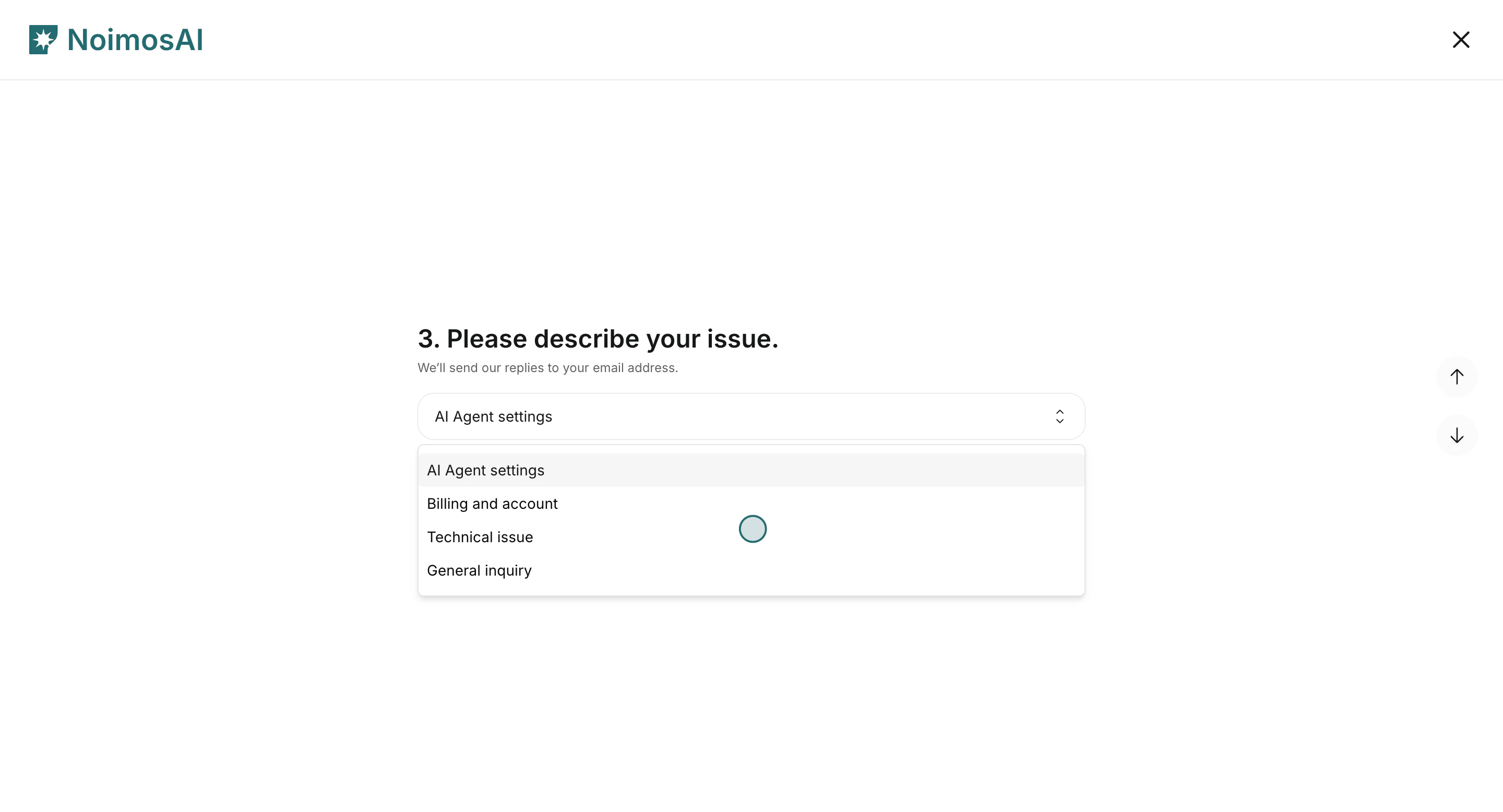
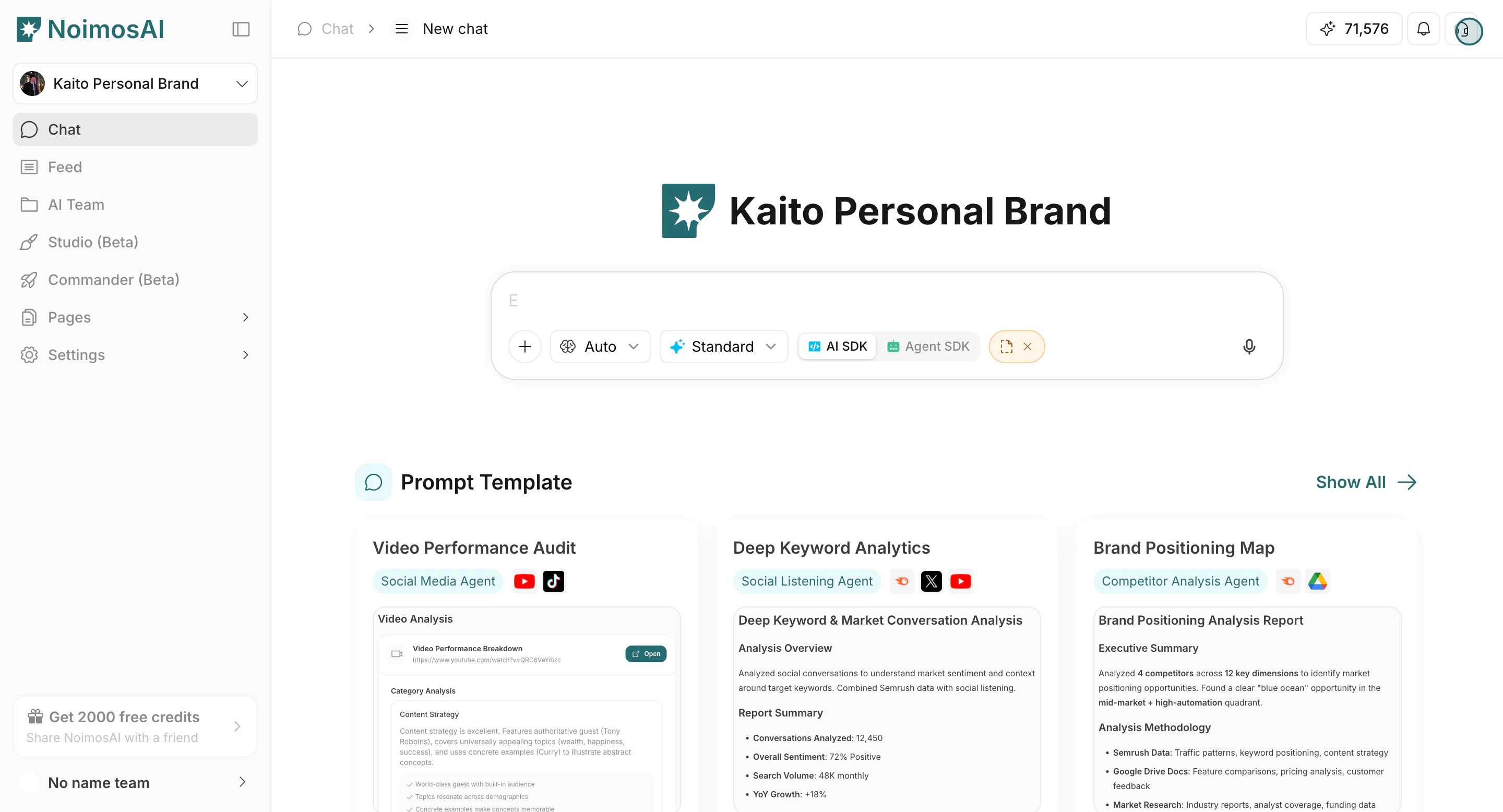 2. サポートフォームでお困りごとの分類を選びます。
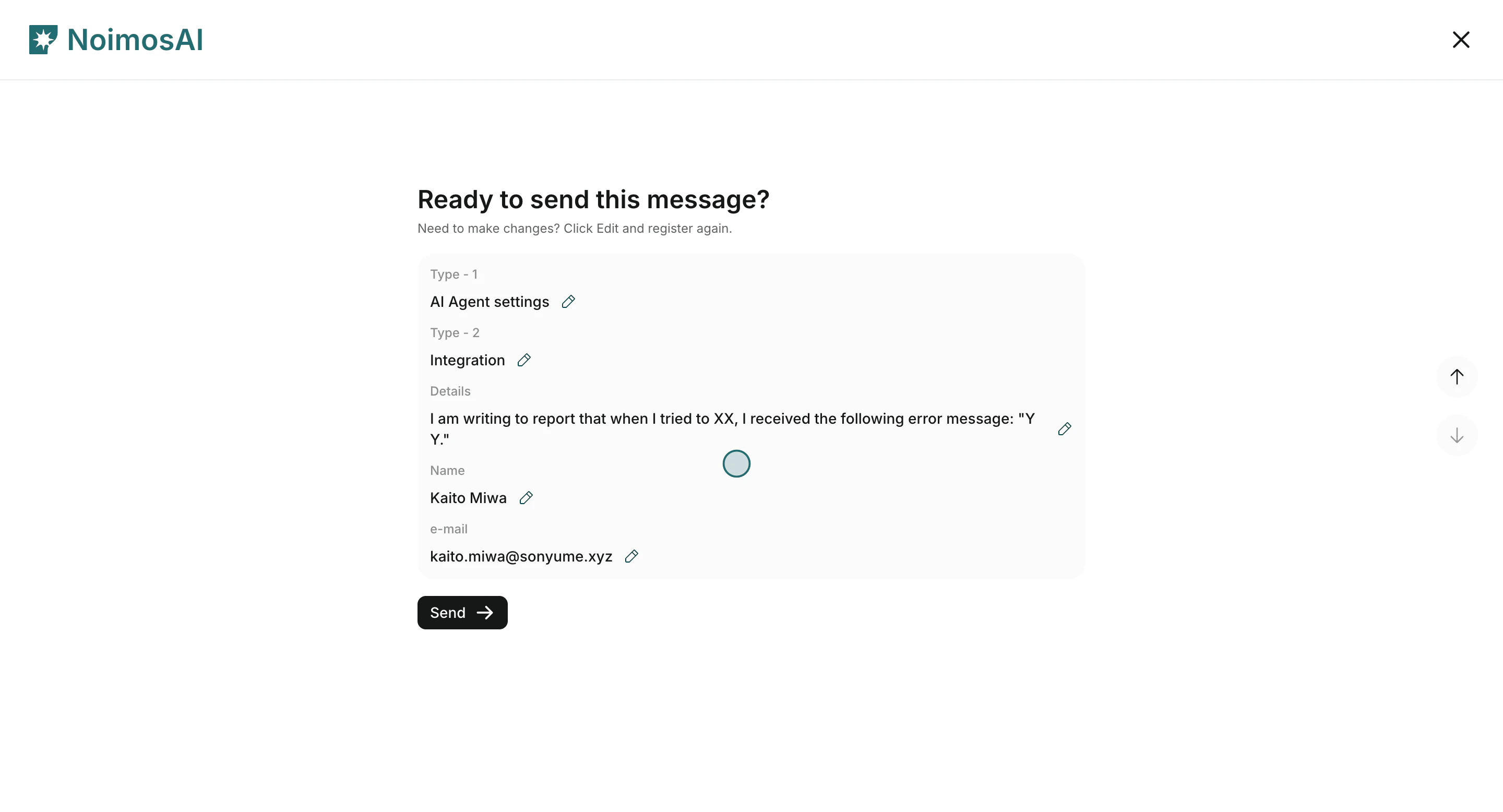
 3. 名前、メールアドレス、詳細を入力して送信します。
 ## 入力する内容
1. お名前とメールアドレス
2. お困りごとの大分類(AIエージェント設定、請求とアカウント、技術的な問題、一般的なお問い合わせ)
3. お困りごとの小分類
4. 詳細(何が、いつ、どこで起きたか)
通常は24時間以内にメールで返信します。
## デモ
* [カスタマーサポートに連絡する(学習センター)](/ja/learning-center/customer-support/contact-customer-support)
* [Arcade Demo](https://app.arcade.software/share/gpRYwwNUCbqeDLBEI5Te)
## 入力する内容
1. お名前とメールアドレス
2. お困りごとの大分類(AIエージェント設定、請求とアカウント、技術的な問題、一般的なお問い合わせ)
3. お困りごとの小分類
4. 詳細(何が、いつ、どこで起きたか)
通常は24時間以内にメールで返信します。
## デモ
* [カスタマーサポートに連絡する(学習センター)](/ja/learning-center/customer-support/contact-customer-support)
* [Arcade Demo](https://app.arcade.software/share/gpRYwwNUCbqeDLBEI5Te)