> ## Documentation Index
> Fetch the complete documentation index at: https://docs.noimosai.com/llms.txt
> Use this file to discover all available pages before exploring further.
# 接続済みアカウント数が一致しないのはなぜですか?
> 接続済みアカウント数の不一致を確認する方法を案内します。
## 要点
不一致の多くは、ある範囲では削除したのに、別の範囲には残っていることが原因です。
チームレベルとワークスペースレベルの両方を確認してください。
## 確認する場所
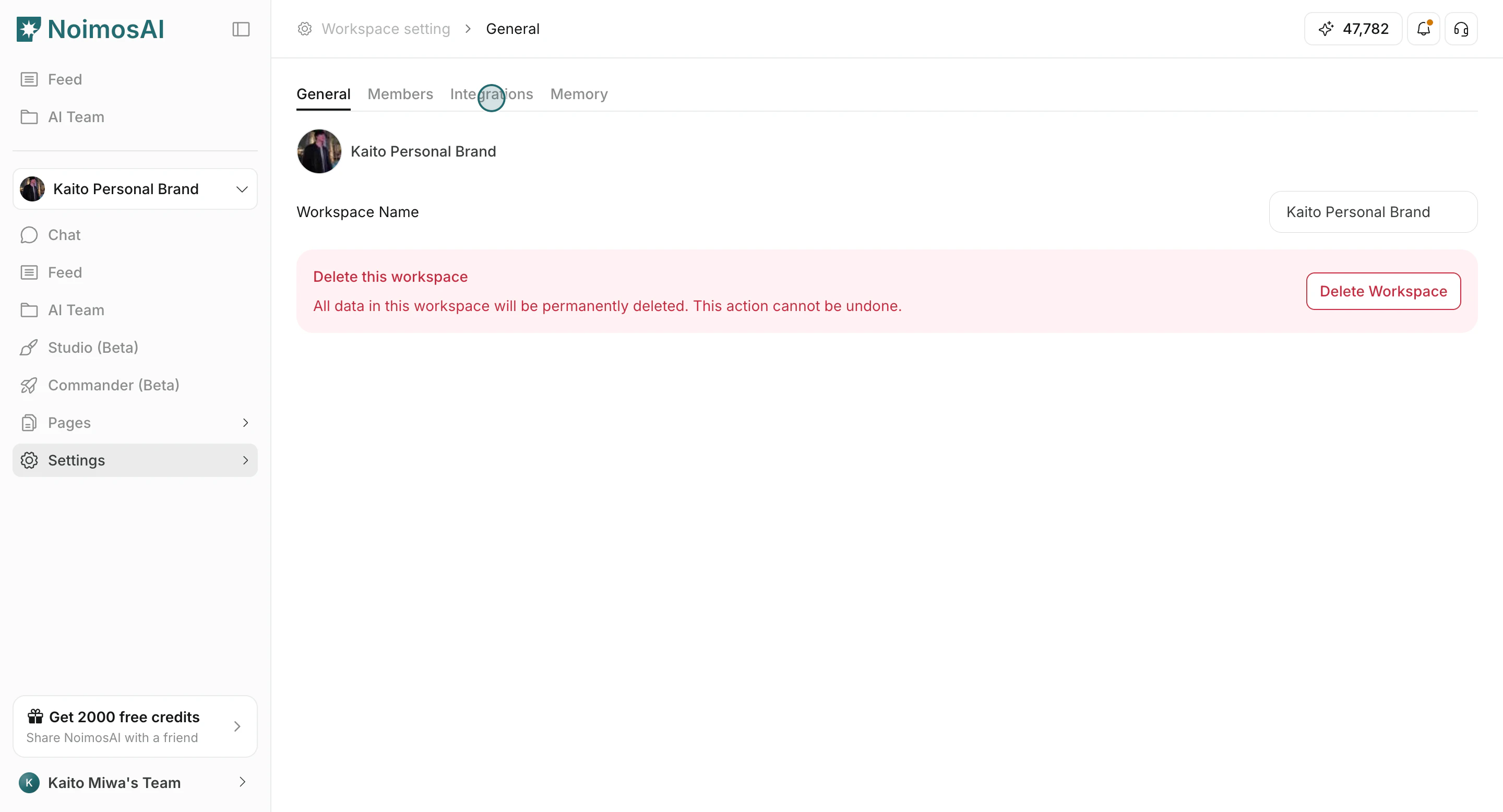
1. `チーム設定 -> 連携`
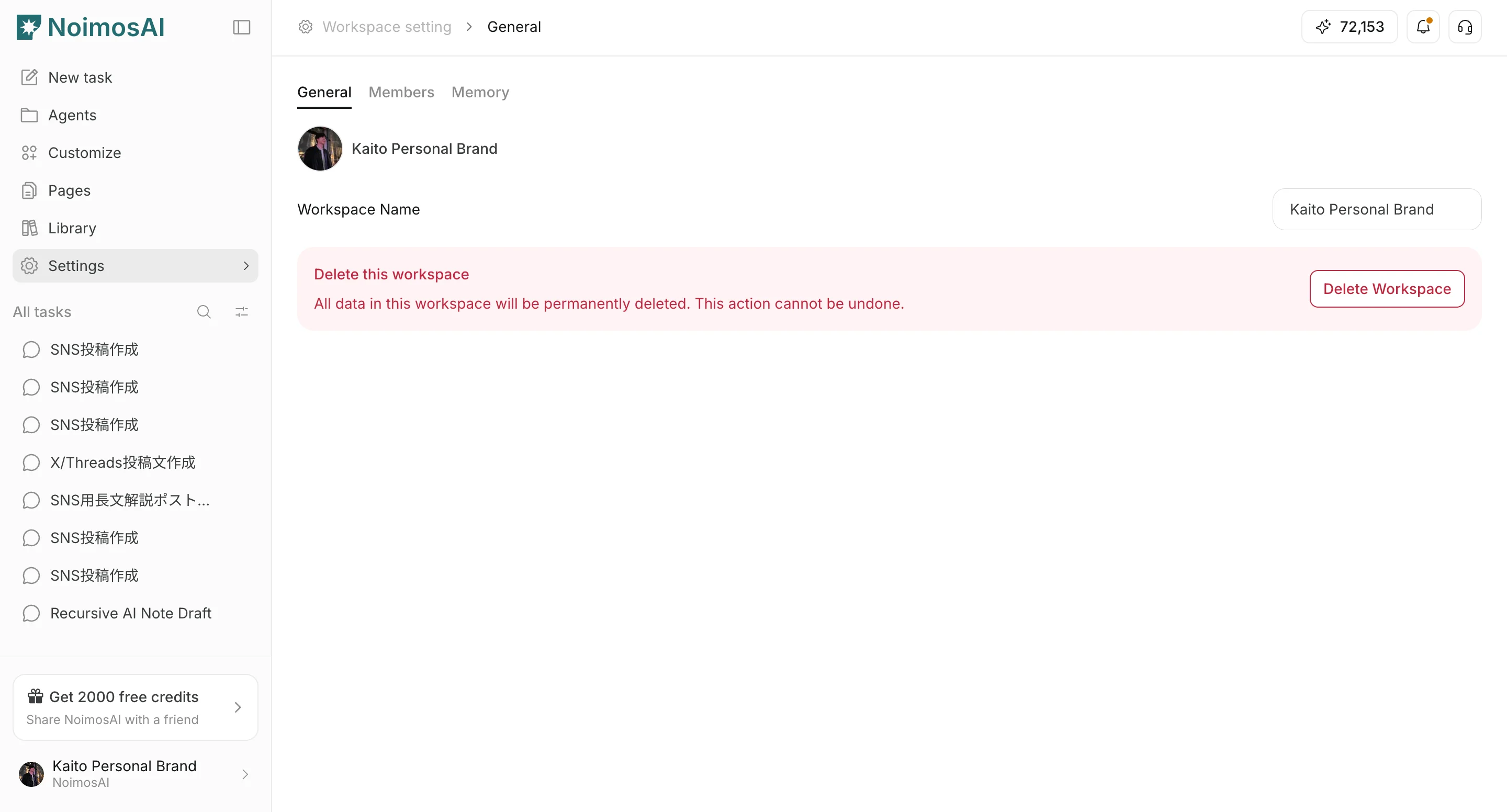 2. `ワークスペース -> 連携`
 ## 修正チェックリスト
* チーム範囲で使っていないアカウントを削除する
* ワークスペース範囲で不要な割り当てを削除する
* 再認証の案内が出ているアカウントは再接続する
* アプリを再読み込みして件数を再確認する
## それでも一致しない場合
次の情報を添えてサポートに連絡してください。
* チーム名とワークスペース名
* 対象プロバイダー名 / アカウント名
* 2つの連携画面のスクリーンショット
* 問題が起きたおおよその時刻
## 関連
* [サポートにはどう連絡できますか?](/ja/help-center/faq/support/how-can-i-contact-support)
## 修正チェックリスト
* チーム範囲で使っていないアカウントを削除する
* ワークスペース範囲で不要な割り当てを削除する
* 再認証の案内が出ているアカウントは再接続する
* アプリを再読み込みして件数を再確認する
## それでも一致しない場合
次の情報を添えてサポートに連絡してください。
* チーム名とワークスペース名
* 対象プロバイダー名 / アカウント名
* 2つの連携画面のスクリーンショット
* 問題が起きたおおよその時刻
## 関連
* [サポートにはどう連絡できますか?](/ja/help-center/faq/support/how-can-i-contact-support)