> ## Documentation Index
> Fetch the complete documentation index at: https://docs.noimosai.com/llms.txt
> Use this file to discover all available pages before exploring further.
# 支払い履歴を確認してダウンロードする
> チームの支払い履歴を確認し、請求書や領収書をダウンロードする方法を説明します。
## 概要
支払い履歴を使うと、チームの請求内容を確認し、請求イベントを追跡し、会計用の記録をダウンロードできます。
## 使う場面
* 月末締めや経費精算のとき
* 直近の請求、返金、プラン変更を確認したいとき
* 会計処理用に請求書や領収書が必要なとき
## 場所
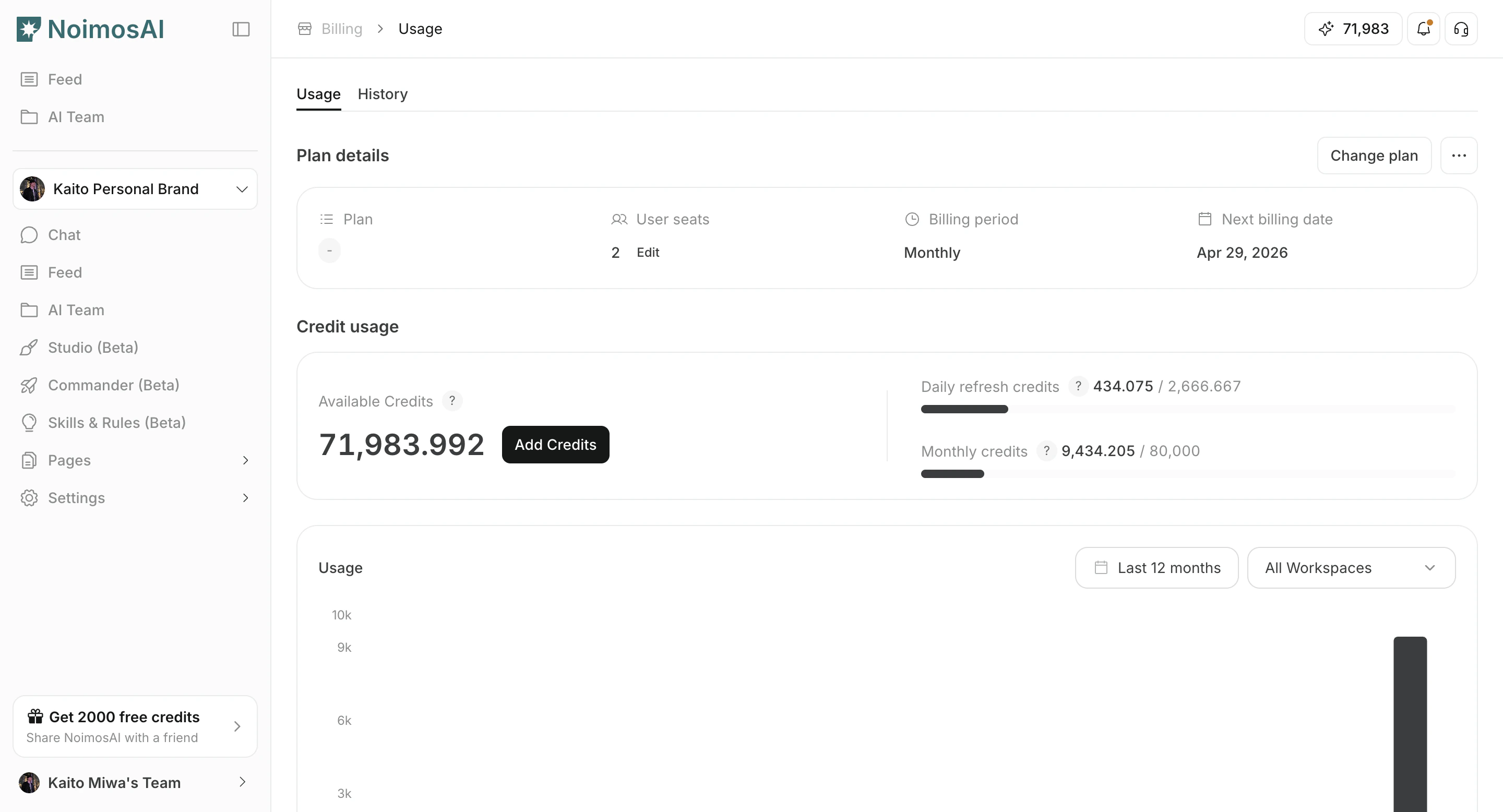
* `チーム -> お支払い -> 履歴`
### 支払い履歴一覧
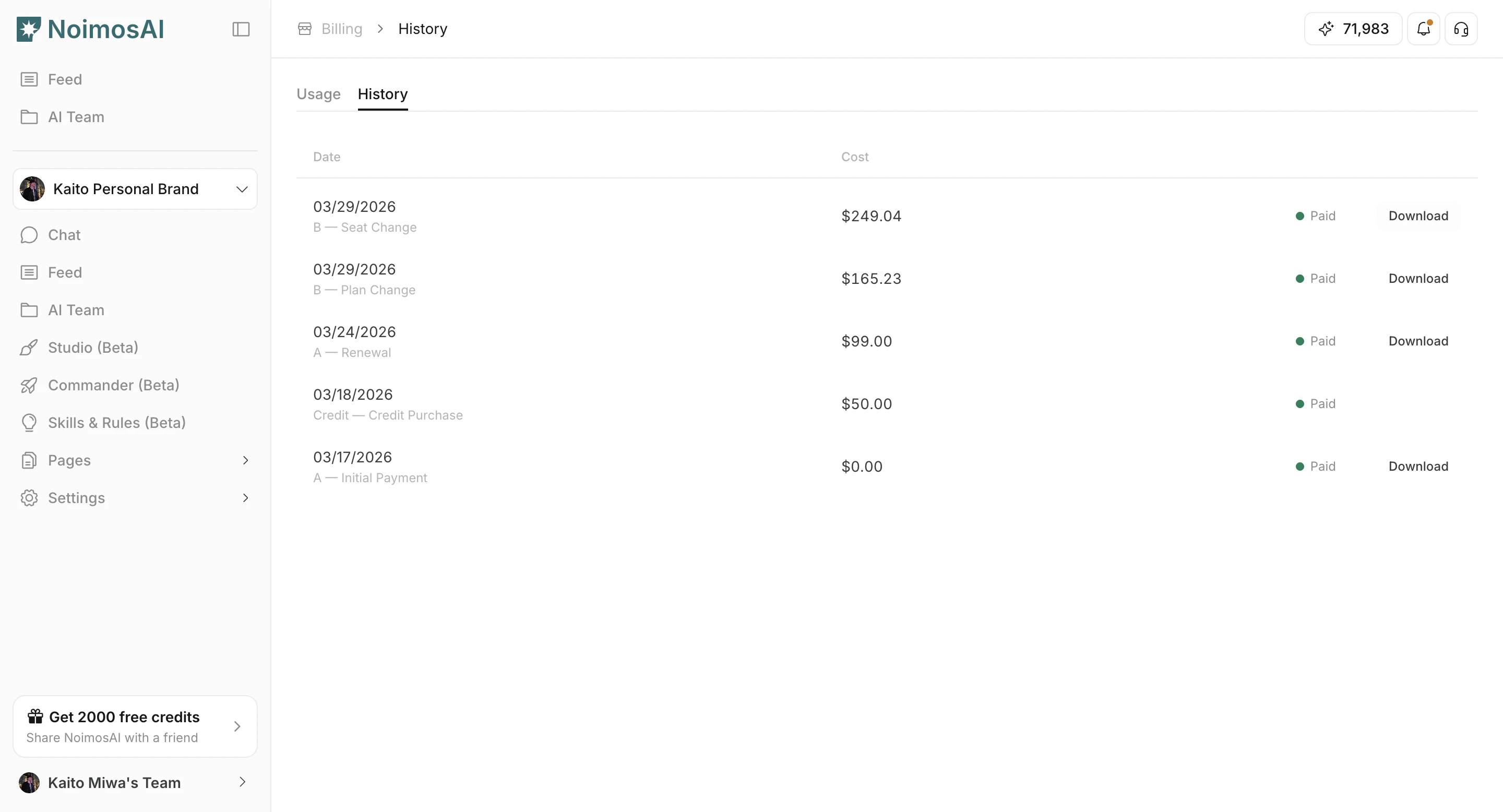
 ### 請求書・領収書のダウンロード
 ## できること
1. 支払い日、金額、通貨、ステータスを確認する
2. 請求理由を確認する(新規契約、更新、プラン変更、追加購入など)
3. 利用できる場合は請求書や領収書のリンクを開く
4. 会計・監査用に記録を保管する
## 運用のコツ
* 継続課金と単発購入は、請求理由ラベルで分けて確認する
* 会計処理でオフライン保管が必要なら、定期的に出力しておく
## 関連ページ
* [プランを確認する](/ja/help-center/plans-and-billing/check-plan)
* [クレジット使用量を確認して追加購入する](/ja/help-center/plans-and-billing/check-credit-usage-and-purchase-more)
## できること
1. 支払い日、金額、通貨、ステータスを確認する
2. 請求理由を確認する(新規契約、更新、プラン変更、追加購入など)
3. 利用できる場合は請求書や領収書のリンクを開く
4. 会計・監査用に記録を保管する
## 運用のコツ
* 継続課金と単発購入は、請求理由ラベルで分けて確認する
* 会計処理でオフライン保管が必要なら、定期的に出力しておく
## 関連ページ
* [プランを確認する](/ja/help-center/plans-and-billing/check-plan)
* [クレジット使用量を確認して追加購入する](/ja/help-center/plans-and-billing/check-credit-usage-and-purchase-more)