> ## Documentation Index
> Fetch the complete documentation index at: https://docs.noimosai.com/llms.txt
> Use this file to discover all available pages before exploring further.

# ワークスペース名と画像を変更する

> ワークスペースの名前と画像を更新し、識別しやすい状態に保つ方法を説明します。

## 概要

`ワークスペース名` と `ワークスペース画像` を更新して、誤操作を防ぎやすい表示に整えます。

## 画面の場所

* `ワークスペース -> 設定 -> 基本情報 -> 一般`

## 変更手順

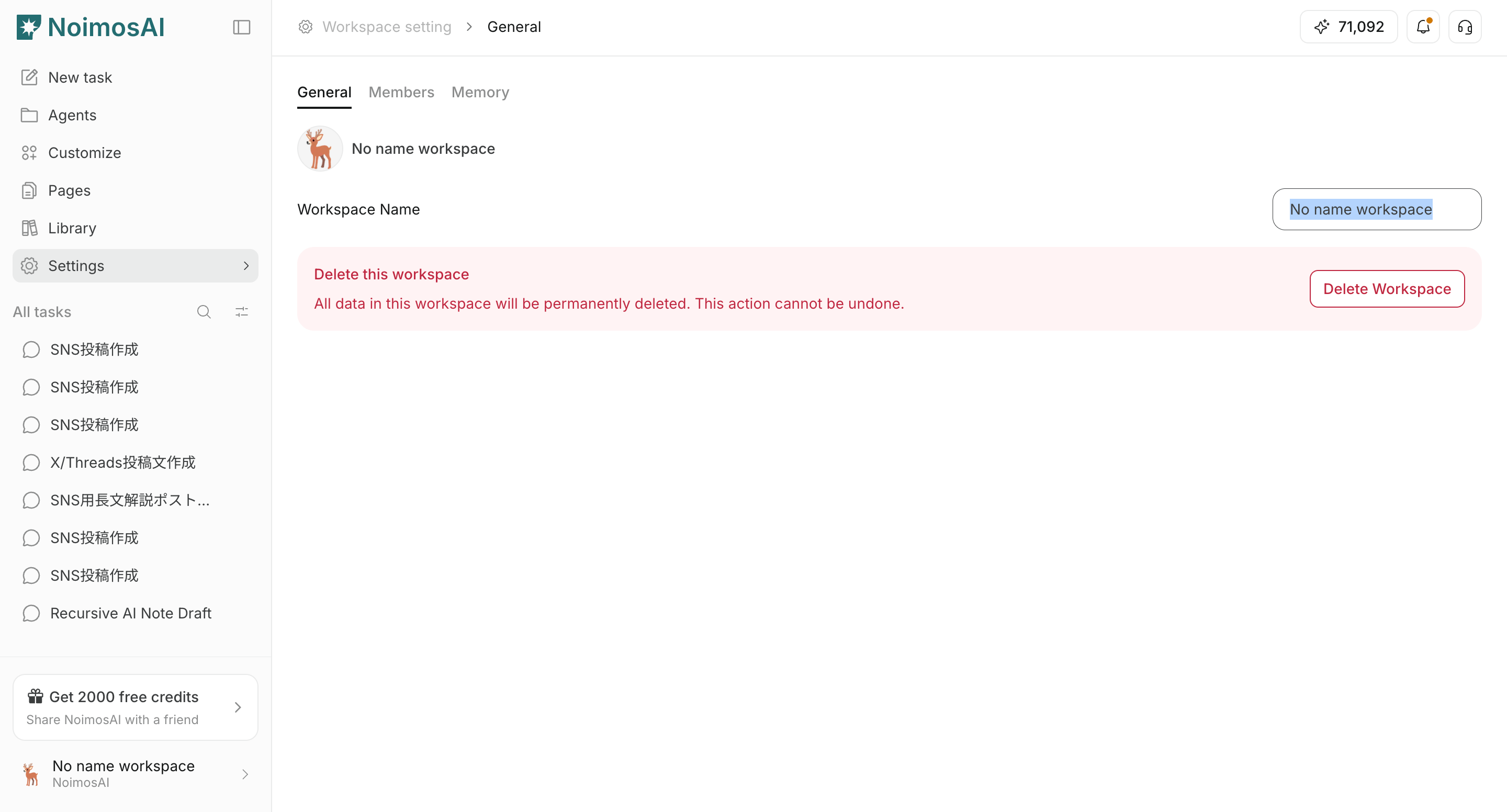
1. `一般` タブを開く
<img src="https://mintcdn.com/agoslabstechnologiesfzco/vzbMED_9K-FSqYgH/public/help-center/arcade/workspace/change-the-workspace-name-and-profile-image/step-03.png?fit=max&auto=format&n=vzbMED_9K-FSqYgH&q=85&s=eef43c6b6863c27f5bd1f230b7da79d8" alt="ワークスペース設定の一般タブ" style={{ border: '1px solid #e5e7eb', borderRadius: '8px', marginBottom: '1rem' }} width="2880" height="1552" data-path="public/help-center/arcade/workspace/change-the-workspace-name-and-profile-image/step-03.png" />

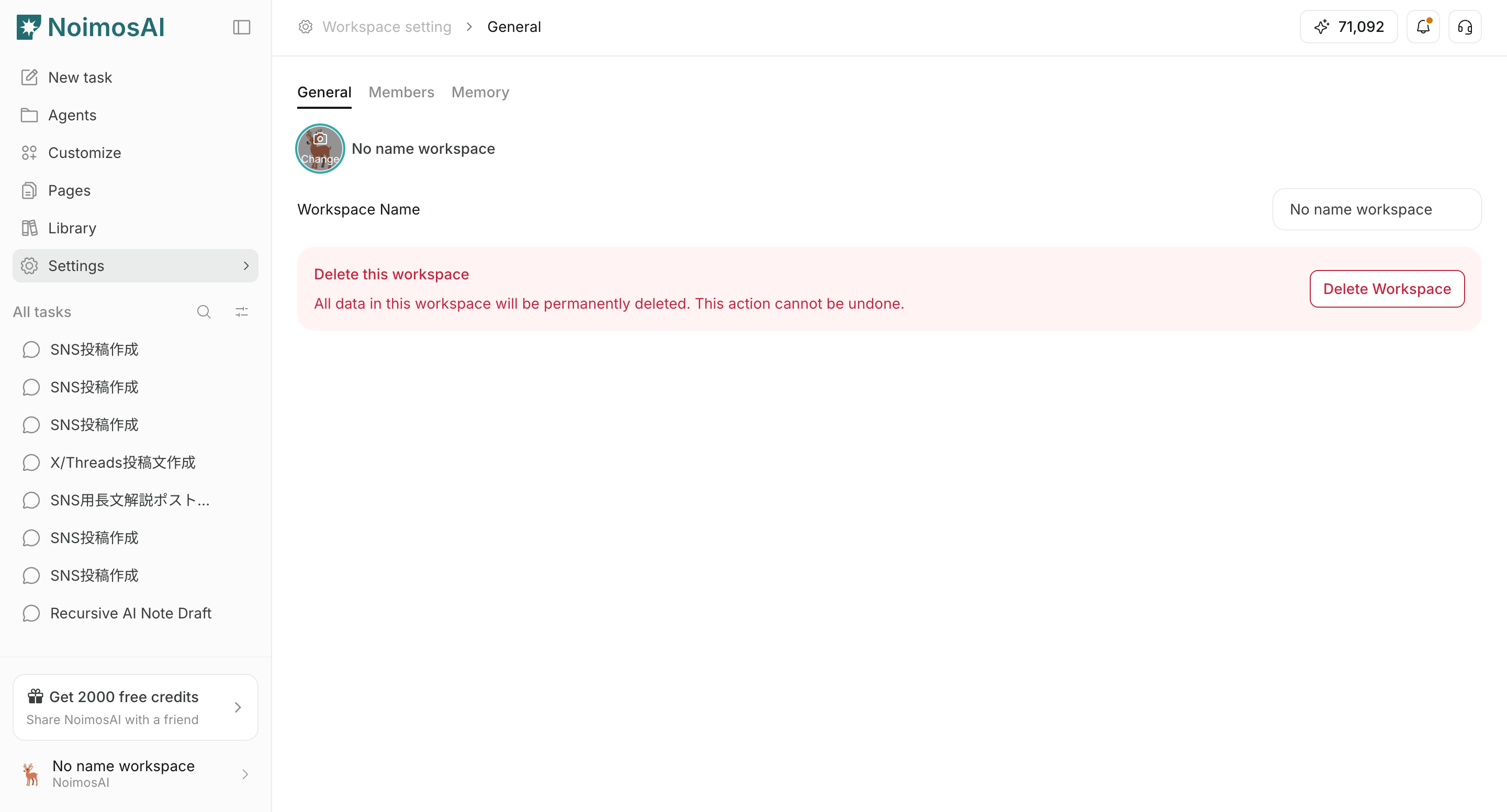
2. `ワークスペース名` を編集して保存する

<img src="https://mintcdn.com/agoslabstechnologiesfzco/vzbMED_9K-FSqYgH/public/help-center/arcade/workspace/change-the-workspace-name-and-profile-image/step-04.png?fit=max&auto=format&n=vzbMED_9K-FSqYgH&q=85&s=d8f55d11f7578420419ab193112ee104" alt="ワークスペース名の編集画面" style={{ border: '1px solid #e5e7eb', borderRadius: '8px', marginBottom: '1rem' }} width="2880" height="1552" data-path="public/help-center/arcade/workspace/change-the-workspace-name-and-profile-image/step-04.png" />

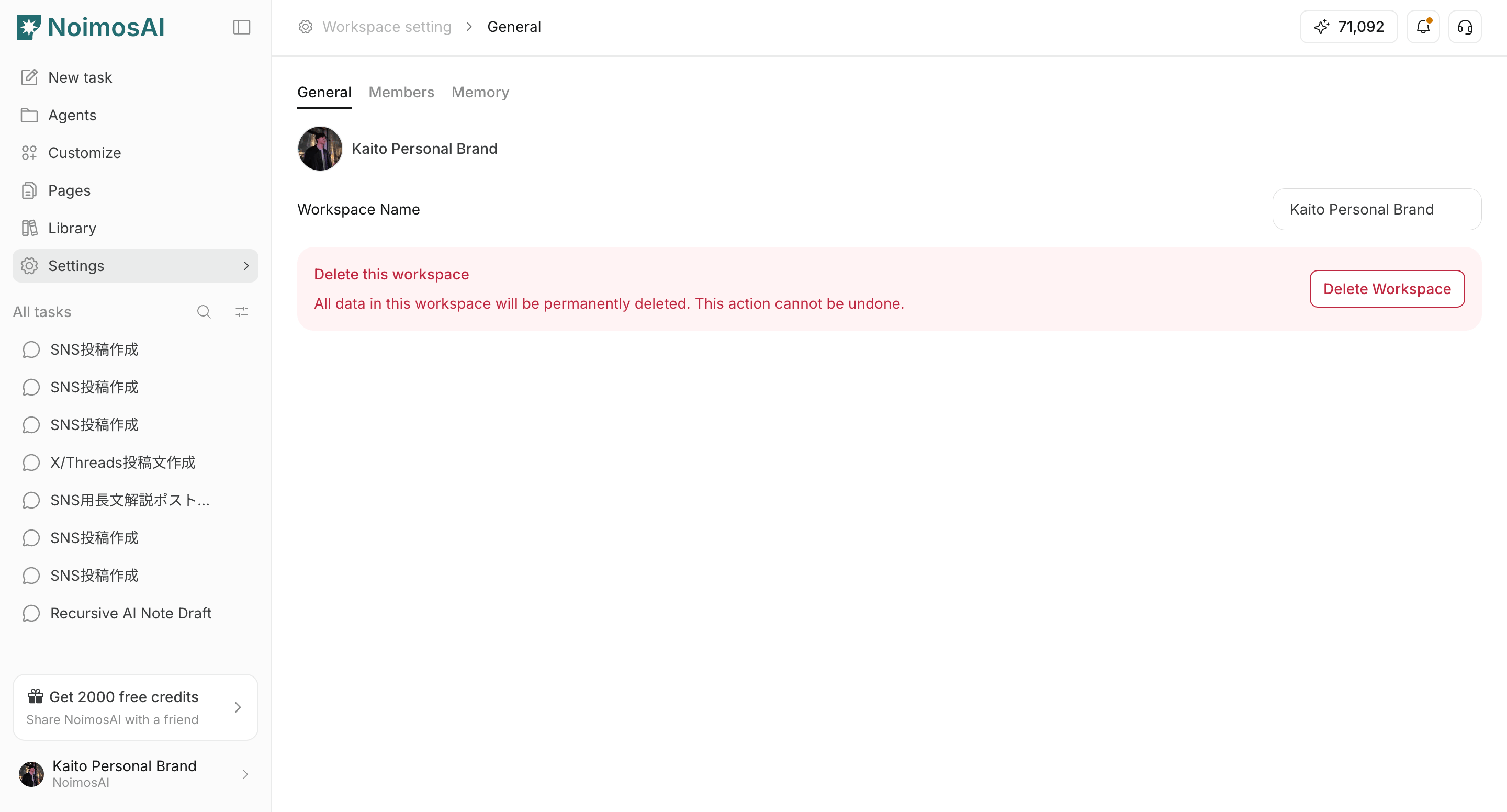
3. ワークスペース画像をクリックして追加・変更する

<img src="https://mintcdn.com/agoslabstechnologiesfzco/vzbMED_9K-FSqYgH/public/help-center/arcade/workspace/change-the-workspace-name-and-profile-image/step-06.png?fit=max&auto=format&n=vzbMED_9K-FSqYgH&q=85&s=b1e8c9d42738b9240394ad60cf54c94b" alt="ワークスペース画像の変更画面" style={{ border: '1px solid #e5e7eb', borderRadius: '8px', marginBottom: '1rem' }} width="2880" height="1552" data-path="public/help-center/arcade/workspace/change-the-workspace-name-and-profile-image/step-06.png" />

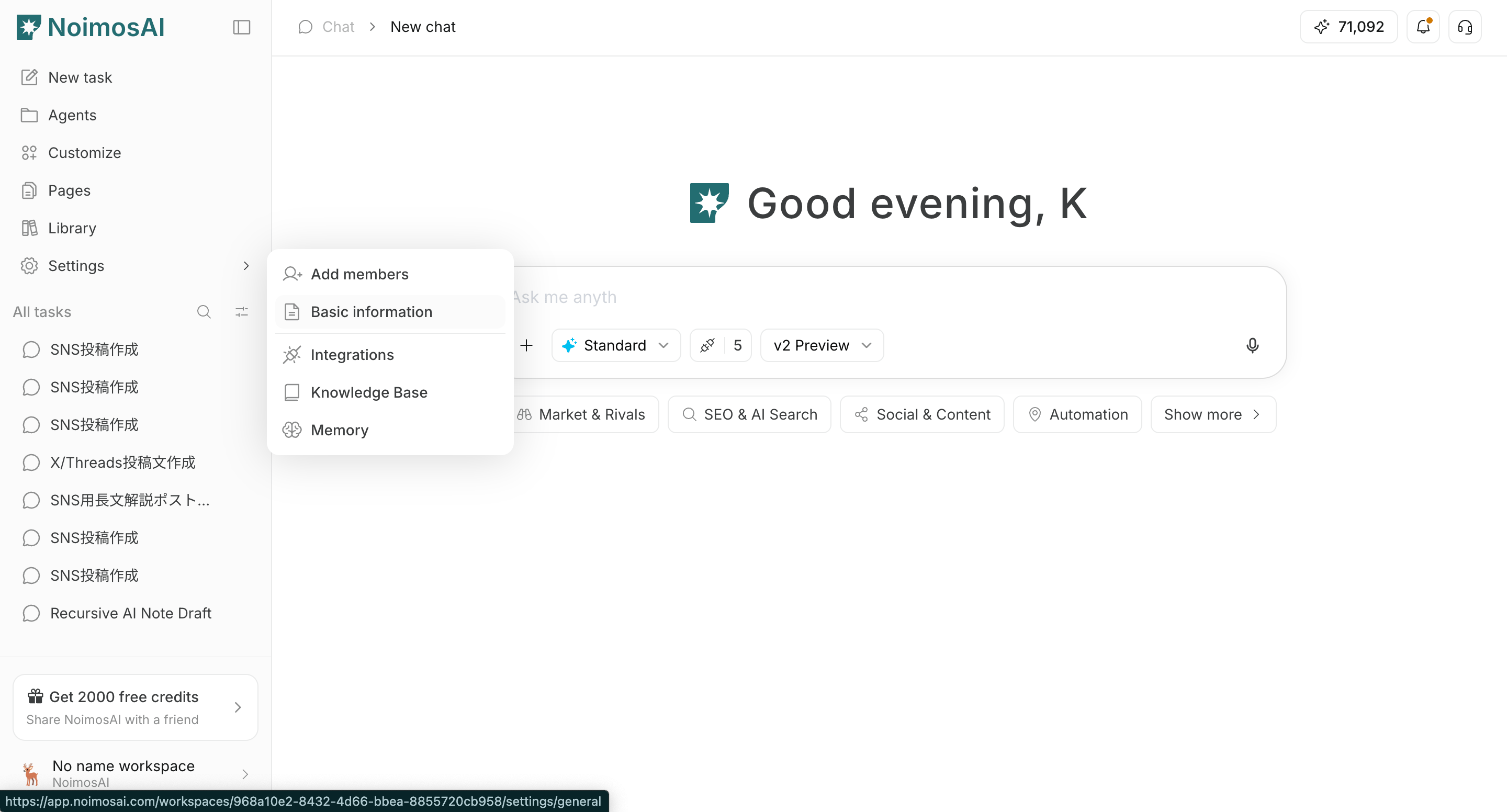
4. サイドバーとセレクターに反映されたことを確認する

<img src="https://mintcdn.com/agoslabstechnologiesfzco/vzbMED_9K-FSqYgH/public/help-center/arcade/workspace/change-the-workspace-name-and-profile-image/step-07.png?fit=max&auto=format&n=vzbMED_9K-FSqYgH&q=85&s=48bec5a1c58218af699b368726744c92" alt="変更後の表示確認" style={{ border: '1px solid #e5e7eb', borderRadius: '8px', marginBottom: '1rem' }} width="2880" height="1552" data-path="public/help-center/arcade/workspace/change-the-workspace-name-and-profile-image/step-07.png" />

## 補足

* 複数ワークスペース運用では、画像を重複させない方が安全です。
* 画像更新に失敗する場合は、ファイル形式とサイズを確認してください。

## 関連ページ

* [ワークスペースの基本](/ja/help-center/workspace/workspace-basics)
* [ワークスペースを切り替える](/ja/help-center/workspace/switch-workspaces)