> ## Documentation Index
> Fetch the complete documentation index at: https://docs.noimosai.com/llms.txt
> Use this file to discover all available pages before exploring further.

# 테마 변경

> 라이트, 다크, 시스템 테마 사이를 전환합니다.

## 개요

테마 설정은 내 계정에서 NoimosAI가 어떻게 보일지 결정합니다.

## 위치

* `설정 -> 계정 -> 언어 및 시간`

## 변경 방법

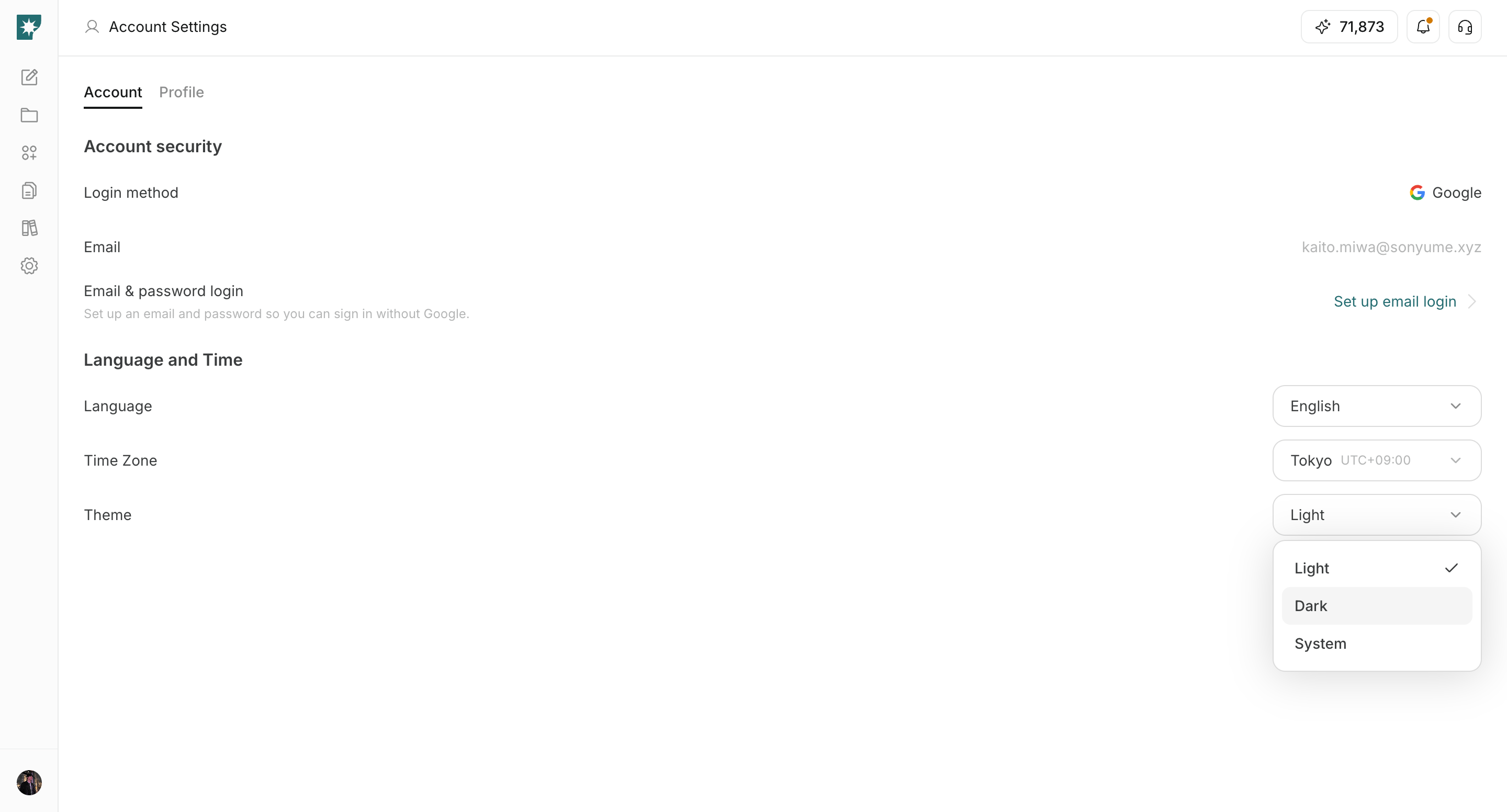
1. `테마` 드롭다운을 엽니다.
<img src="https://mintcdn.com/agoslabstechnologiesfzco/LPhU3Zr6jeMvQ4AZ/public/help-center/arcade/account-settings/change-language-timezone-and-theme/step-09.png?fit=max&auto=format&n=LPhU3Zr6jeMvQ4AZ&q=85&s=3fd98801dfcdff5c8ec45943288f9740" alt="계정 설정에서 테마 드롭다운 열기" style={{ border: '1px solid #e5e7eb', borderRadius: '8px', marginBottom: '1rem' }} width="2880" height="1552" data-path="public/help-center/arcade/account-settings/change-language-timezone-and-theme/step-09.png" />

2. `라이트`, `다크`, `시스템` 중 하나를 선택합니다.

<img src="https://mintcdn.com/agoslabstechnologiesfzco/LPhU3Zr6jeMvQ4AZ/public/help-center/arcade/account-settings/change-language-timezone-and-theme/step-10.png?fit=max&auto=format&n=LPhU3Zr6jeMvQ4AZ&q=85&s=5ab7e5bfcfebb0de9e35bddfcb2768ee" alt="라이트 다크 또는 시스템 테마 선택" style={{ border: '1px solid #e5e7eb', borderRadius: '8px', marginBottom: '1rem' }} width="2880" height="1552" data-path="public/help-center/arcade/account-settings/change-language-timezone-and-theme/step-10.png" />

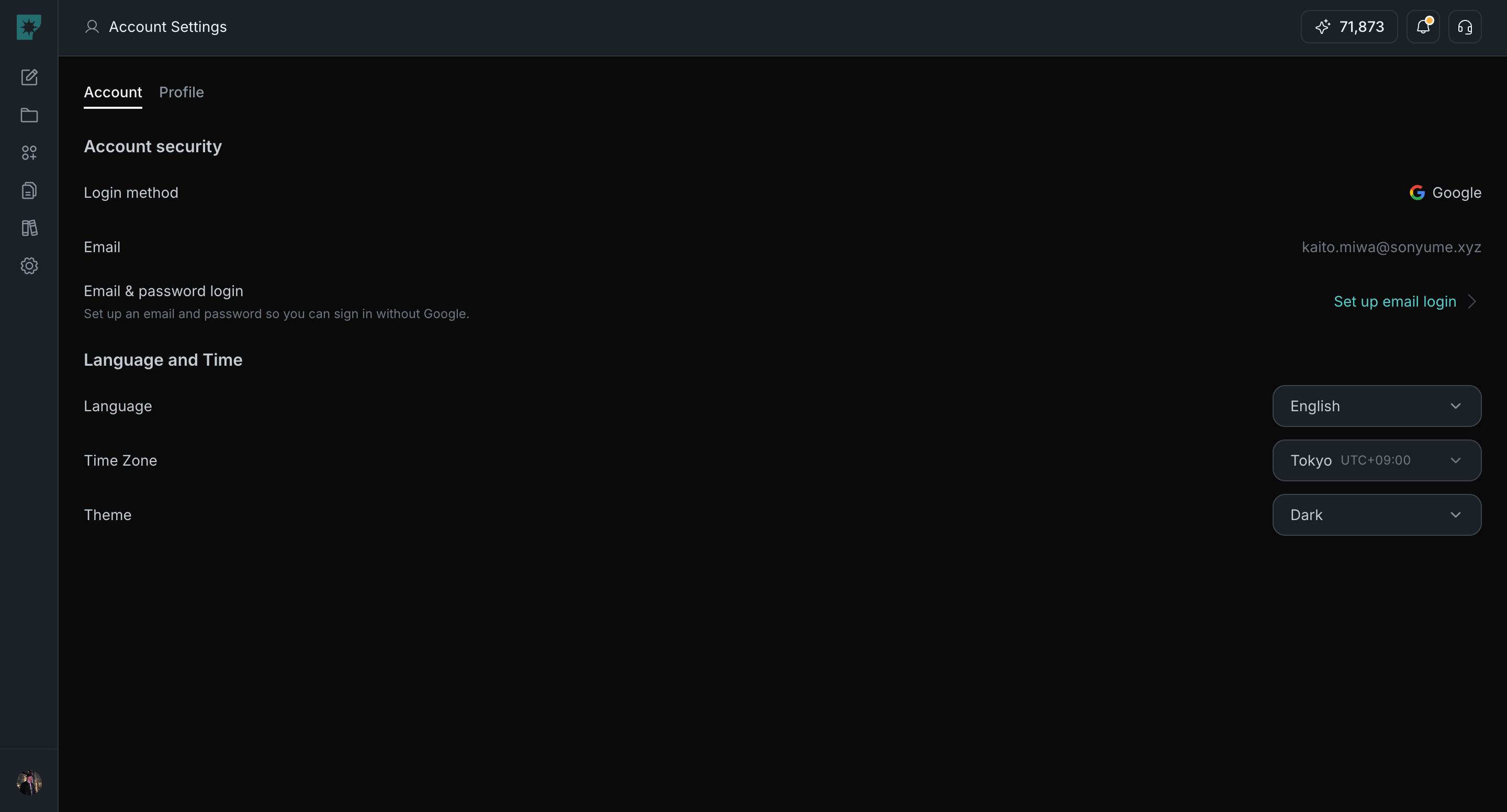
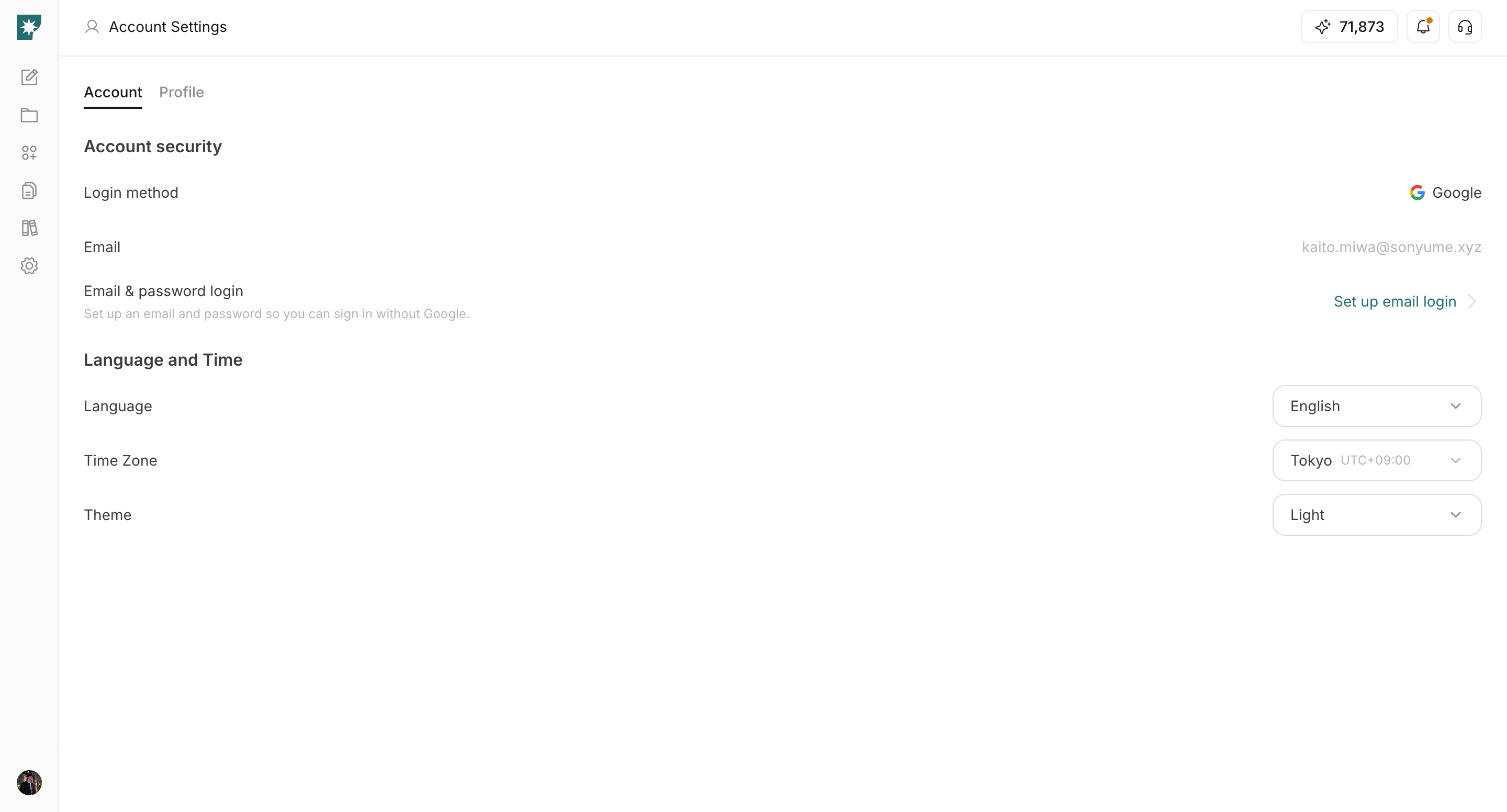
3. 인터페이스가 바로 반영되는지 확인합니다.

<img src="https://mintcdn.com/agoslabstechnologiesfzco/LPhU3Zr6jeMvQ4AZ/public/help-center/arcade/account-settings/change-language-timezone-and-theme/step-11.png?fit=max&auto=format&n=LPhU3Zr6jeMvQ4AZ&q=85&s=3de6b768e8b3da2a4aeb1b505acf87ad" alt="테마 설정이 반영된 화면" style={{ border: '1px solid #e5e7eb', borderRadius: '8px', marginBottom: '1rem' }} width="2880" height="1552" data-path="public/help-center/arcade/account-settings/change-language-timezone-and-theme/step-11.png" />

## 테마 옵션

1. `라이트`: 항상 밝은 화면으로 표시합니다.
2. `다크`: 항상 어두운 화면으로 표시합니다.
3. `시스템`: 기기 설정을 따릅니다.

## 관련 문서

* [계정 설정 소개](/ko/help-center/account/account-basics)
* [언어 변경](/ko/help-center/account/change-language)
* [시간대 변경](/ko/help-center/account/change-timezone)