> ## Documentation Index
> Fetch the complete documentation index at: https://docs.noimosai.com/llms.txt
> Use this file to discover all available pages before exploring further.

# 고객 지원에 문의하기

> 더 빠른 응답을 받을 수 있도록 적절한 문제 유형과 세부 정보를 포함해 지원 요청을 제출하는 방법을 안내합니다.

## 개요

직접적인 도움이 필요할 때 이 흐름을 사용해 NoimosAI 지원팀에 문의할 수 있습니다.

지원 답변은 등록된 이메일 주소로 전달되며, 현재 UI에는 24시간 이내 응답 목표가 표시됩니다.

## 언제 문의하면 되나요

* 에이전트 설정이나 동작이 예상대로 작동하지 않을 때
* 결제 또는 계정 관련 도움이 필요할 때
* 로그인 문제나 제품 버그 같은 기술적 문제가 있을 때
* 기능 요청이나 일반 문의를 보내고 싶을 때
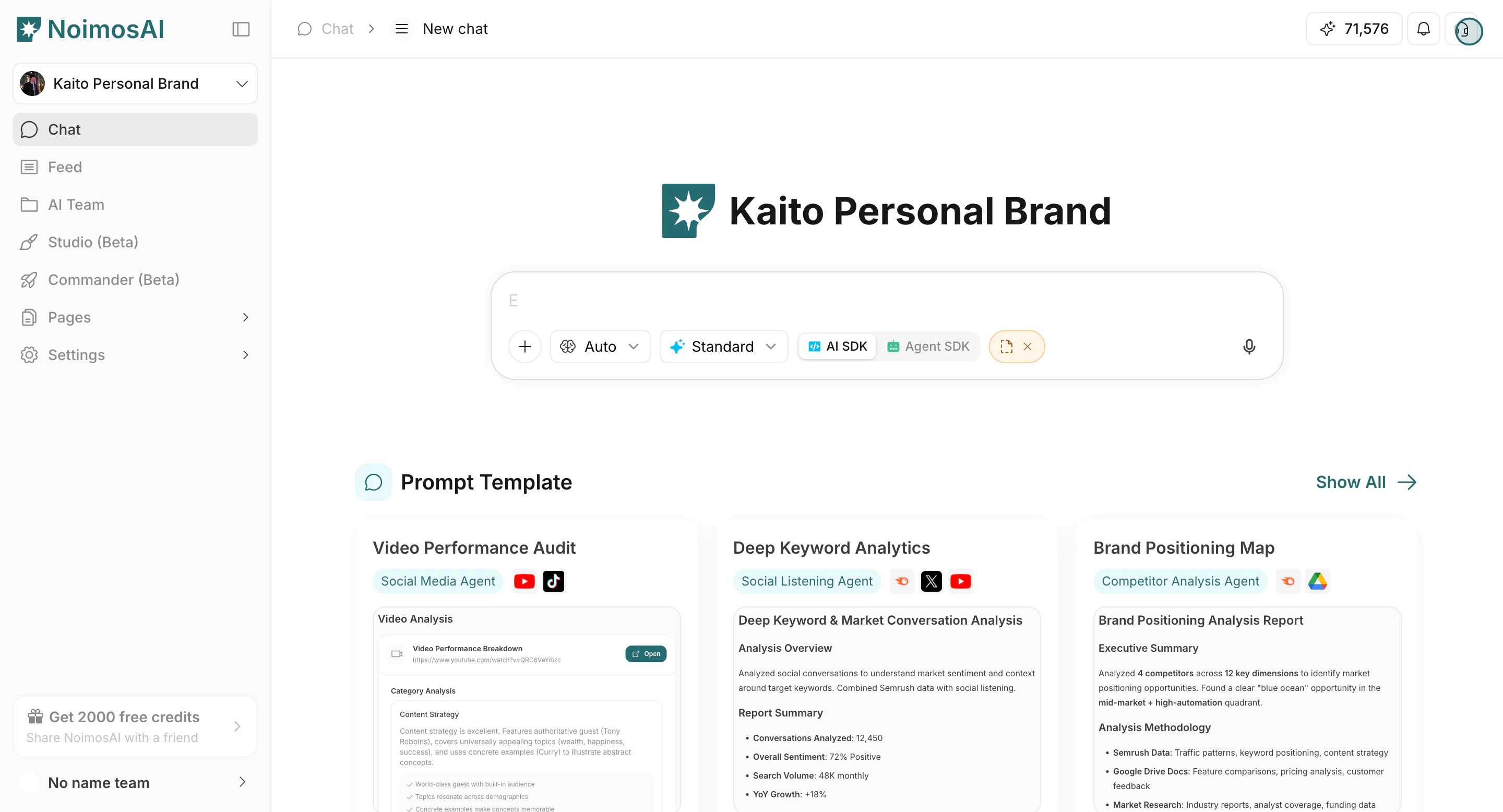
<img src="https://mintcdn.com/agoslabstechnologiesfzco/dv4wqk6EXKIBh0RT/public/help-center/customer-support/support-entry.png?fit=max&auto=format&n=dv4wqk6EXKIBh0RT&q=85&s=da3ad607aceb850d5c36725f8fa25b4e" alt="우측 상단 메뉴의 지원 진입점" style={{ border: '1px solid #e5e7eb', borderRadius: '8px', marginBottom: '2rem' }} width="2880" height="1556" data-path="public/help-center/customer-support/support-entry.png" />

## 지원 요청 제출하기

1. 앱 우측 상단의 지원 아이콘을 클릭합니다.
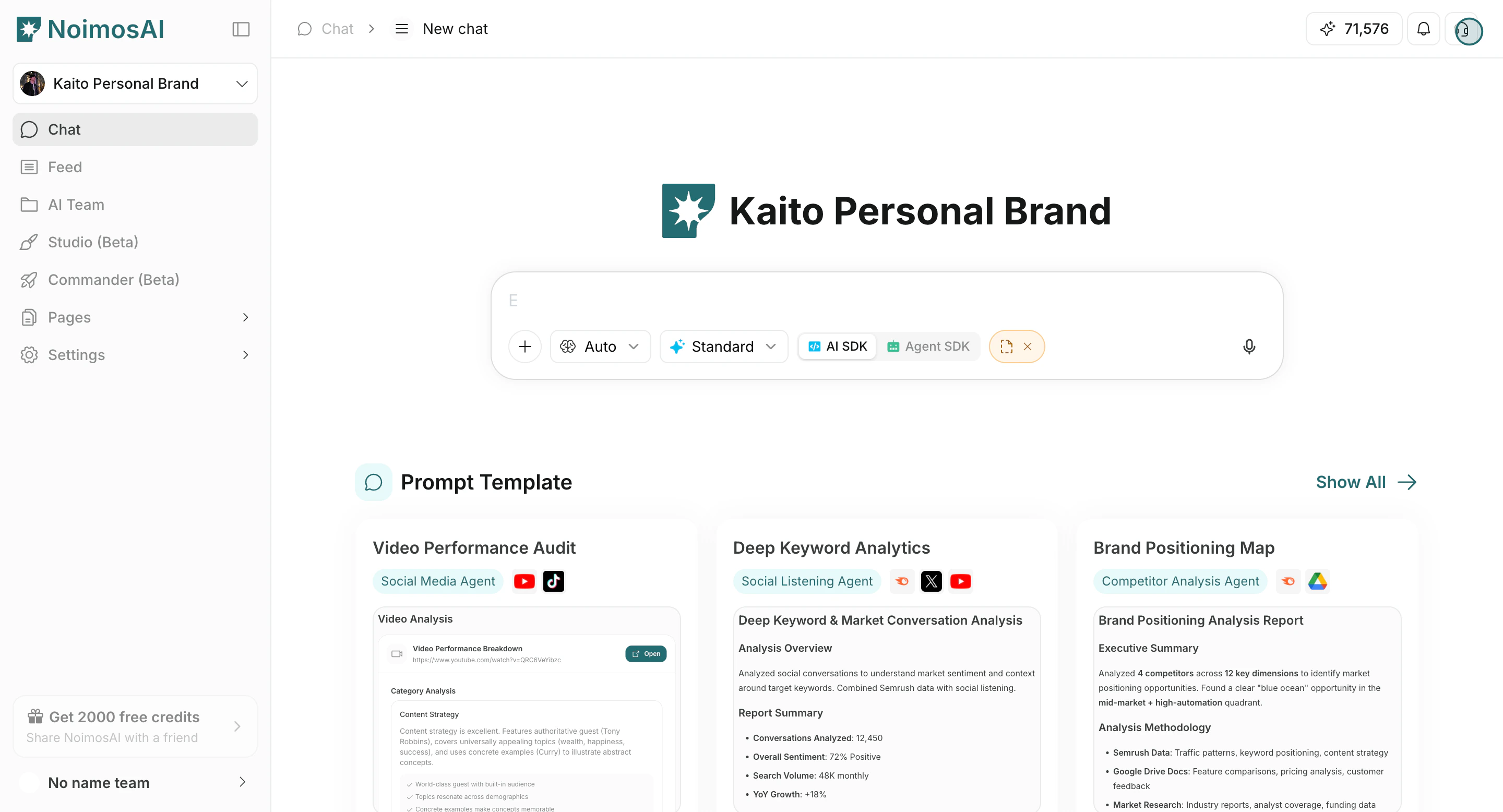
<img src="https://mintcdn.com/agoslabstechnologiesfzco/Nczo-Nsvecgkkv7J/public/help-center/arcade/customer-support/contact-customer-support/step-02.png?fit=max&auto=format&n=Nczo-Nsvecgkkv7J&q=85&s=bd4003f8d4cafcdccc2b47380e8b0e7e" alt="우측 상단 지원 아이콘에서 지원 열기" style={{ border: '1px solid #e5e7eb', borderRadius: '8px', marginBottom: '1rem' }} width="2880" height="1556" data-path="public/help-center/arcade/customer-support/contact-customer-support/step-02.png" />

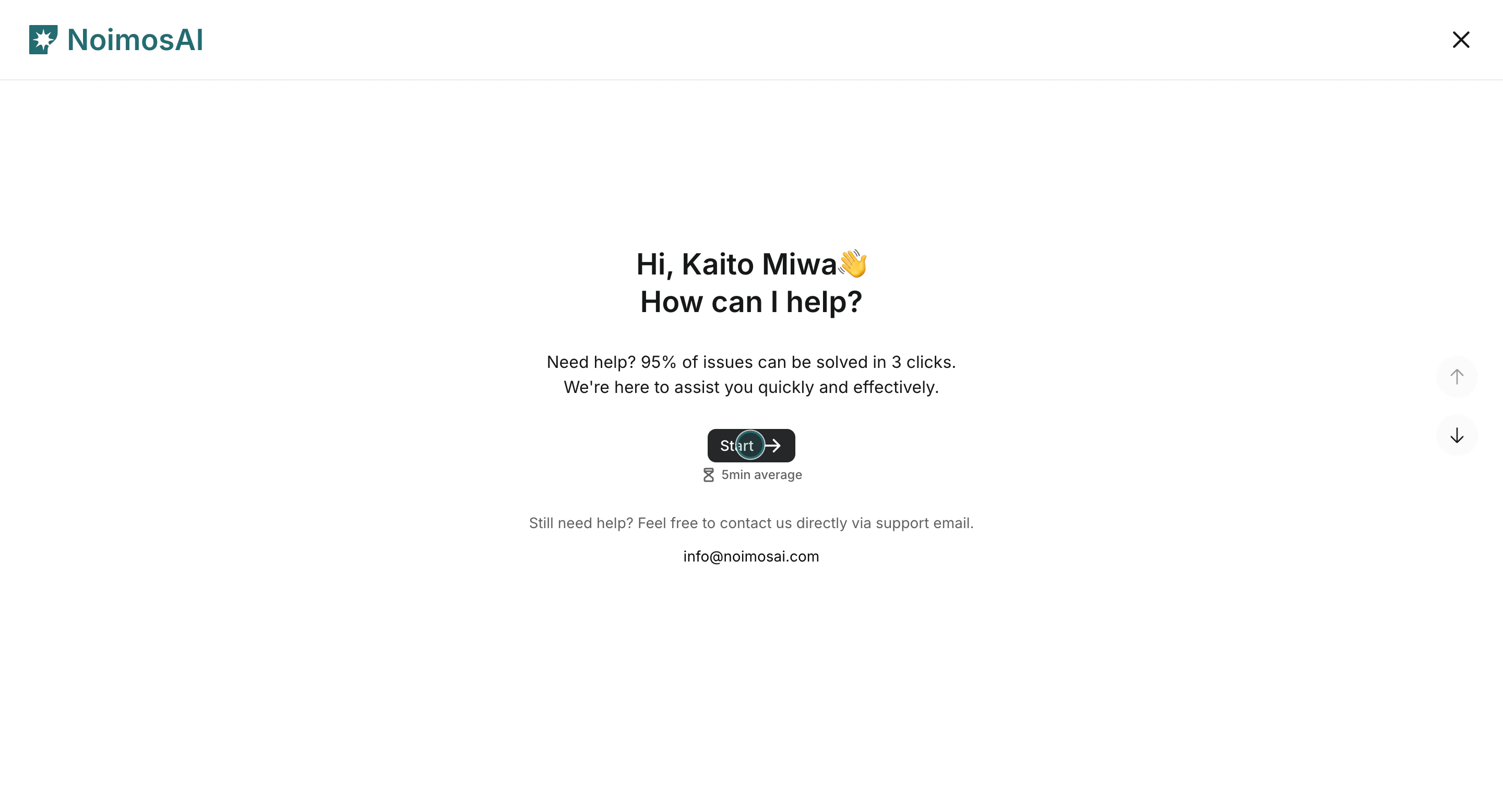
2. 지원 양식을 시작합니다.

<img src="https://mintcdn.com/agoslabstechnologiesfzco/Nczo-Nsvecgkkv7J/public/help-center/arcade/customer-support/contact-customer-support/step-04.png?fit=max&auto=format&n=Nczo-Nsvecgkkv7J&q=85&s=1091dcb431e1df5a8e87397365bd0198" alt="고객 지원 요청 양식 시작" style={{ border: '1px solid #e5e7eb', borderRadius: '8px', marginBottom: '1rem' }} width="2880" height="1556" data-path="public/help-center/arcade/customer-support/contact-customer-support/step-04.png" />

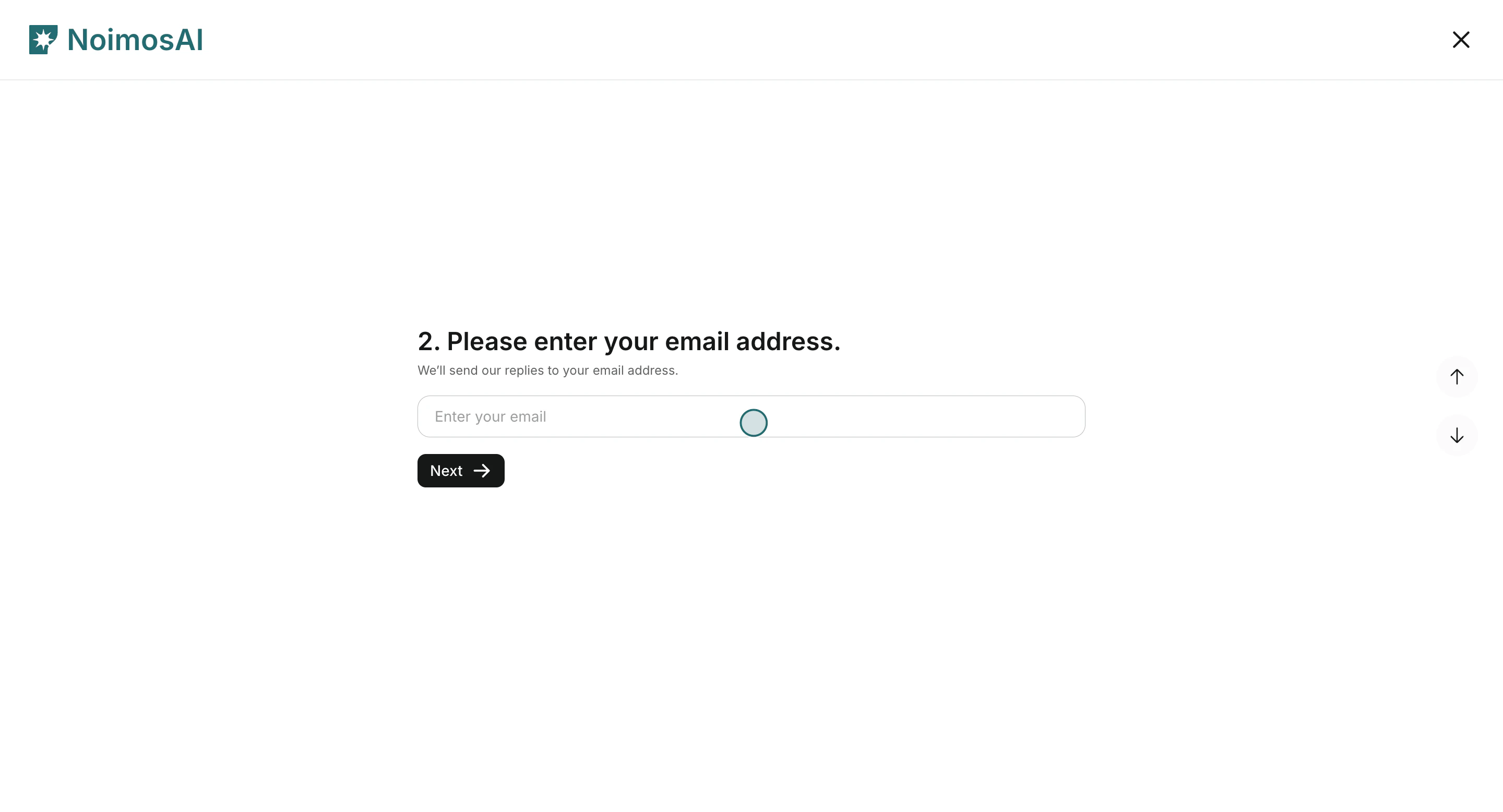
3. 이름과 이메일 주소를 입력합니다.

<img src="https://mintcdn.com/agoslabstechnologiesfzco/Nczo-Nsvecgkkv7J/public/help-center/arcade/customer-support/contact-customer-support/step-07.png?fit=max&auto=format&n=Nczo-Nsvecgkkv7J&q=85&s=35a85d0db752d2b68b0475d56efeb552" alt="지원 양식에 이름과 이메일 입력" style={{ border: '1px solid #e5e7eb', borderRadius: '8px', marginBottom: '1rem' }} width="2880" height="1556" data-path="public/help-center/arcade/customer-support/contact-customer-support/step-07.png" />

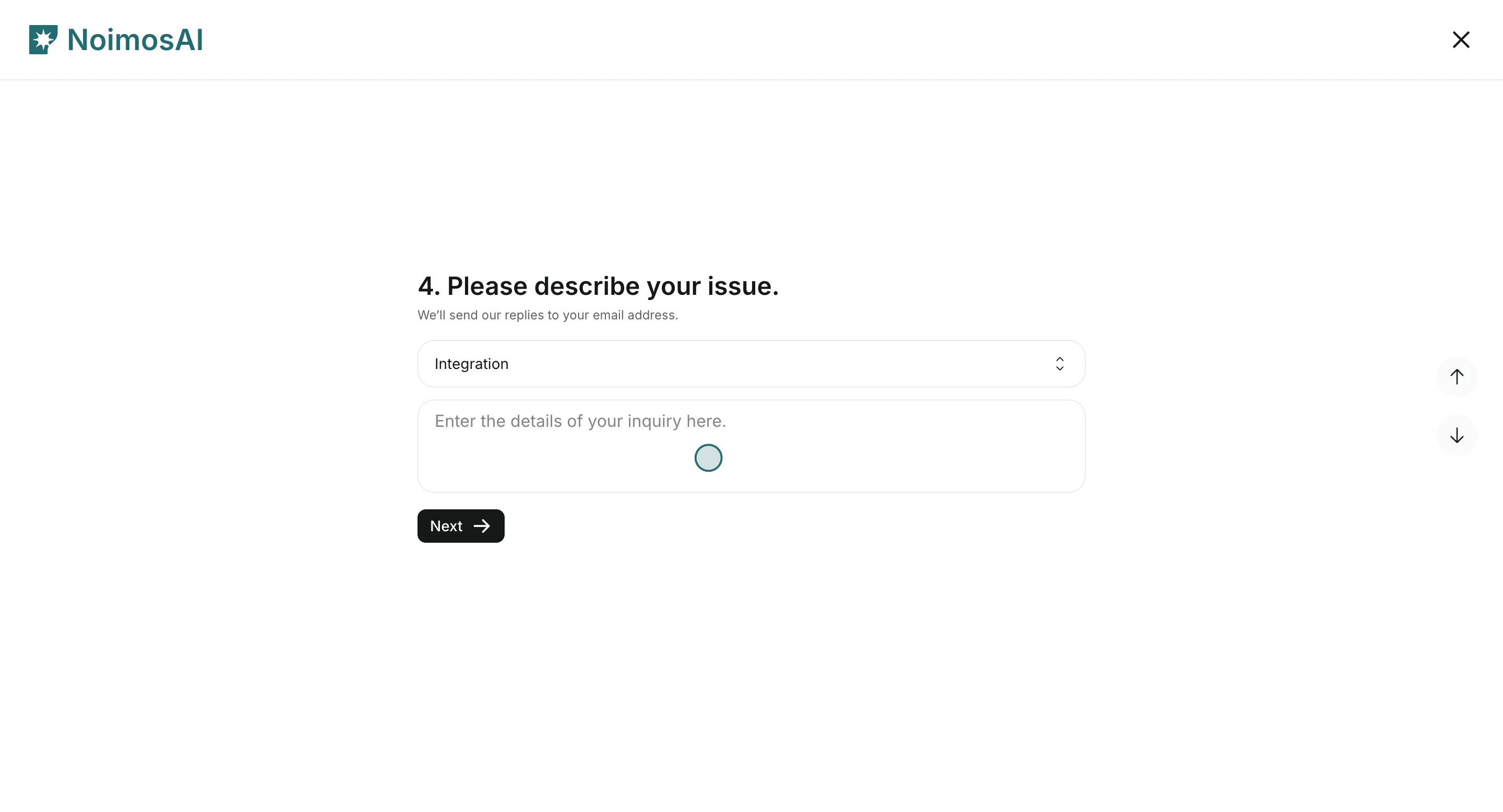
4. 문제를 가장 잘 설명하는 `유형 - 1`과 `유형 - 2`를 차례대로 선택합니다.
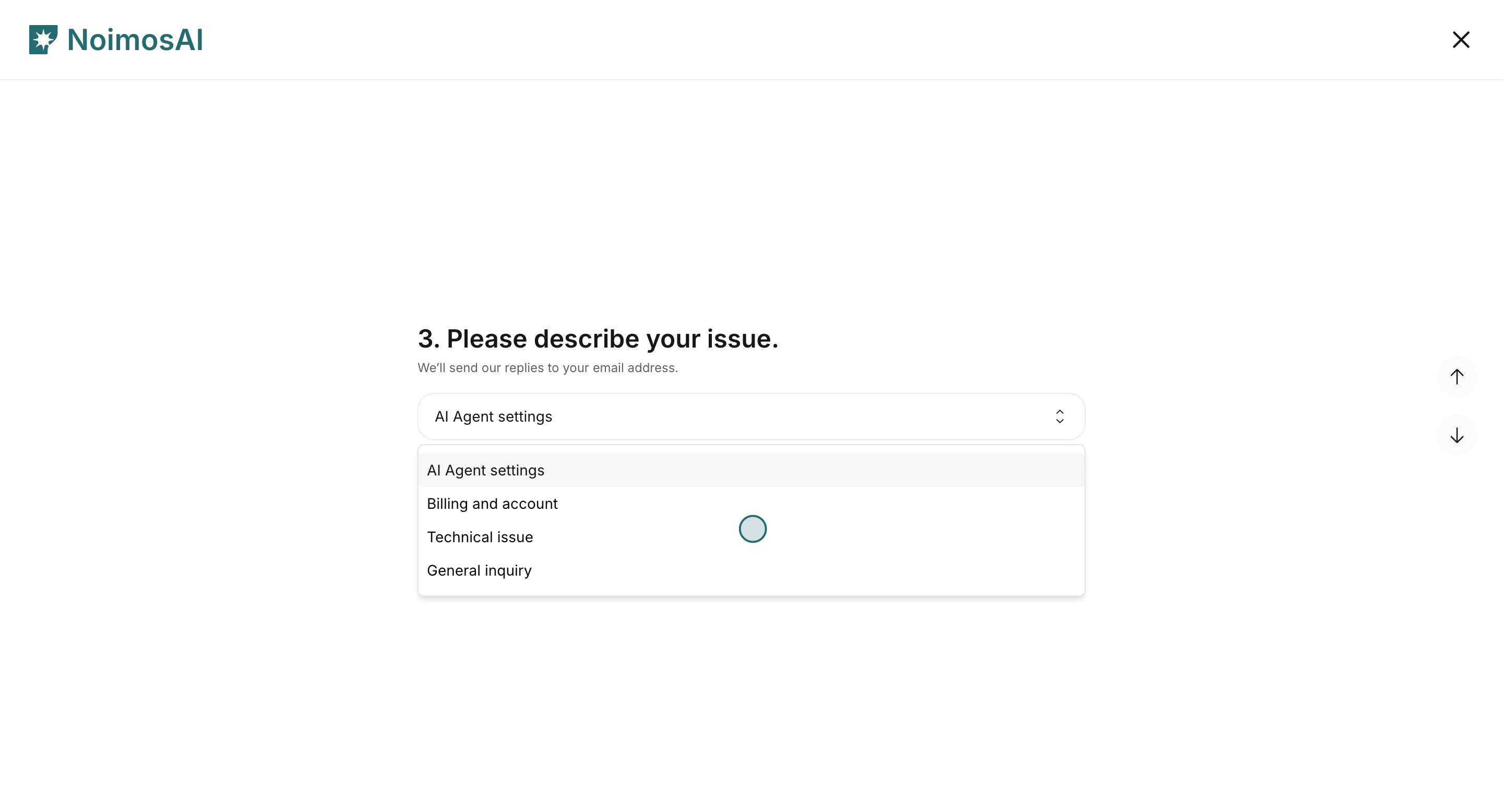
<img src="https://mintcdn.com/agoslabstechnologiesfzco/Nczo-Nsvecgkkv7J/public/help-center/arcade/customer-support/contact-customer-support/step-10.png?fit=max&auto=format&n=Nczo-Nsvecgkkv7J&q=85&s=63a77baee0bcf0b5abcfcd9160a6d740" alt="지원 양식에서 상위 문제 유형 선택" style={{ border: '1px solid #e5e7eb', borderRadius: '8px', marginBottom: '1rem' }} width="2880" height="1556" data-path="public/help-center/arcade/customer-support/contact-customer-support/step-10.png" />

<img src="https://mintcdn.com/agoslabstechnologiesfzco/Nczo-Nsvecgkkv7J/public/help-center/arcade/customer-support/contact-customer-support/step-13.png?fit=max&auto=format&n=Nczo-Nsvecgkkv7J&q=85&s=aa9c8a685201a104f11fb3a60db3996b" alt="세부 문제 유형과 상세 설명 입력" style={{ border: '1px solid #e5e7eb', borderRadius: '8px', marginBottom: '1rem' }} width="2880" height="1556" data-path="public/help-center/arcade/customer-support/contact-customer-support/step-13.png" />

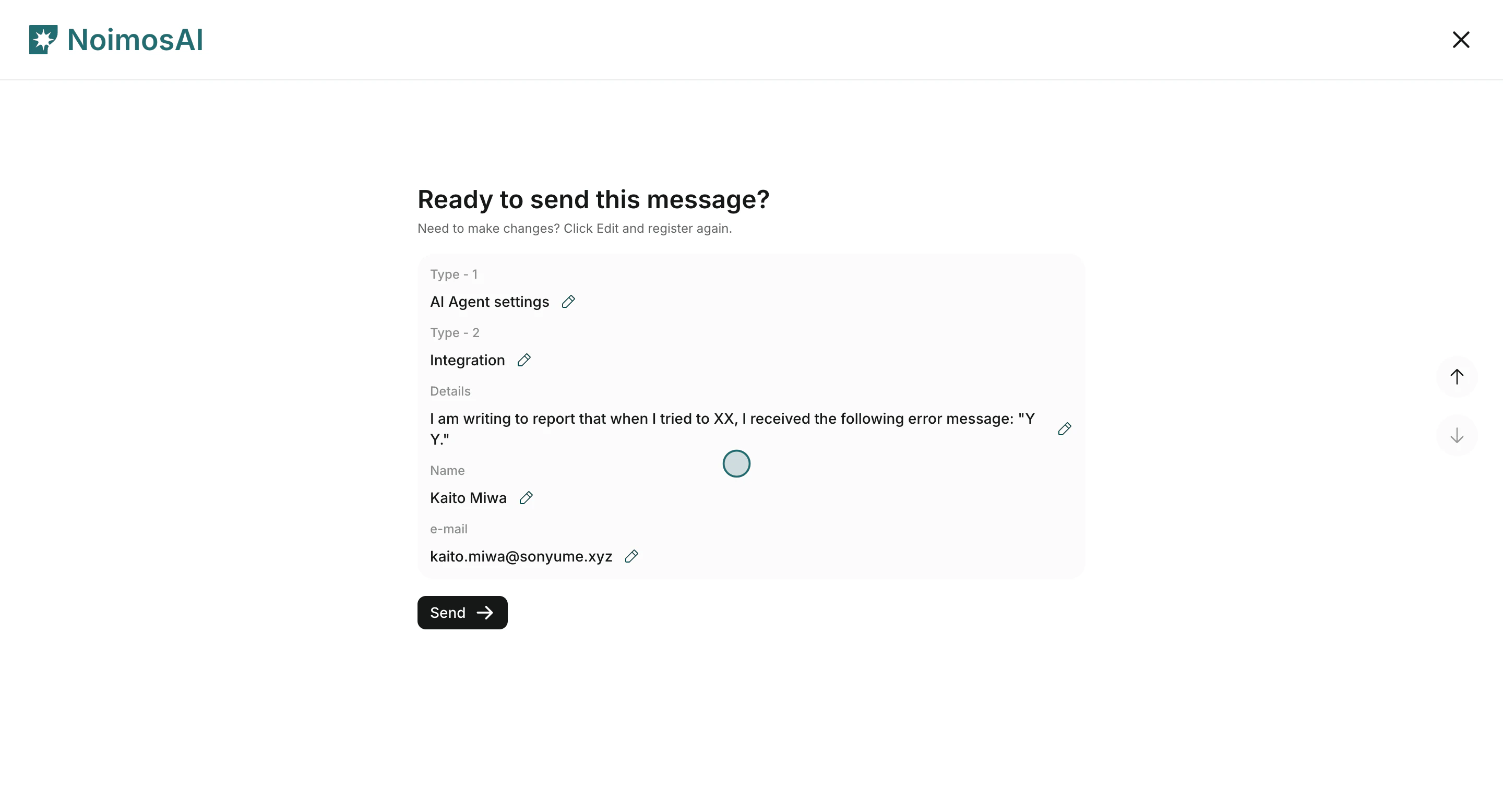
5. 확인 화면을 검토한 뒤 요청을 전송합니다.

<img src="https://mintcdn.com/agoslabstechnologiesfzco/Nczo-Nsvecgkkv7J/public/help-center/arcade/customer-support/contact-customer-support/step-15.png?fit=max&auto=format&n=Nczo-Nsvecgkkv7J&q=85&s=1fd8259d618dbd7fef1b8b78849f3fc7" alt="지원 요청 검토 후 전송" style={{ border: '1px solid #e5e7eb', borderRadius: '8px', marginBottom: '2rem' }} width="2880" height="1556" data-path="public/help-center/arcade/customer-support/contact-customer-support/step-15.png" />

## 빠른 해결을 위해 포함하면 좋은 정보

* 문제가 발생한 위치: 팀, 작업공간, 기능
* 기대한 동작과 실제로 발생한 동작
* 재현 단계와 발생 빈도
* 실행 ID, 타임스탬프, 영향받은 계정명 같은 관련 식별자

## 관련 문서

* [AI 에이전트 기본 사항](/ko/help-center/ai-team/ai-agent-basics)
* [에이전트 실행 결과 확인하기](/ko/help-center/ai-team/check-agent-execution-results)
* [결제 내역 확인 및 다운로드](/ko/help-center/plans-and-billing/check-and-download-payment-history)