> ## Documentation Index
> Fetch the complete documentation index at: https://docs.noimosai.com/llms.txt
> Use this file to discover all available pages before exploring further.

# 트리거가 실행되지 않을 때 무엇을 확인해야 하나요?

> 트리거가 실행되지 않을 때 확인해야 할 점을 정리합니다.

## 짧은 답변

아래 다섯 가지를 순서대로 확인하세요:
`Trigger type condition`, `ON/OFF state`, `connected account`, `execution timing`, and `credit balance`.

## 단계별 안내 Checklist

1. Confirm trigger type conditions are met (`Schedule`, `Gmail`, `X`, `RSS`, `추적링크`).
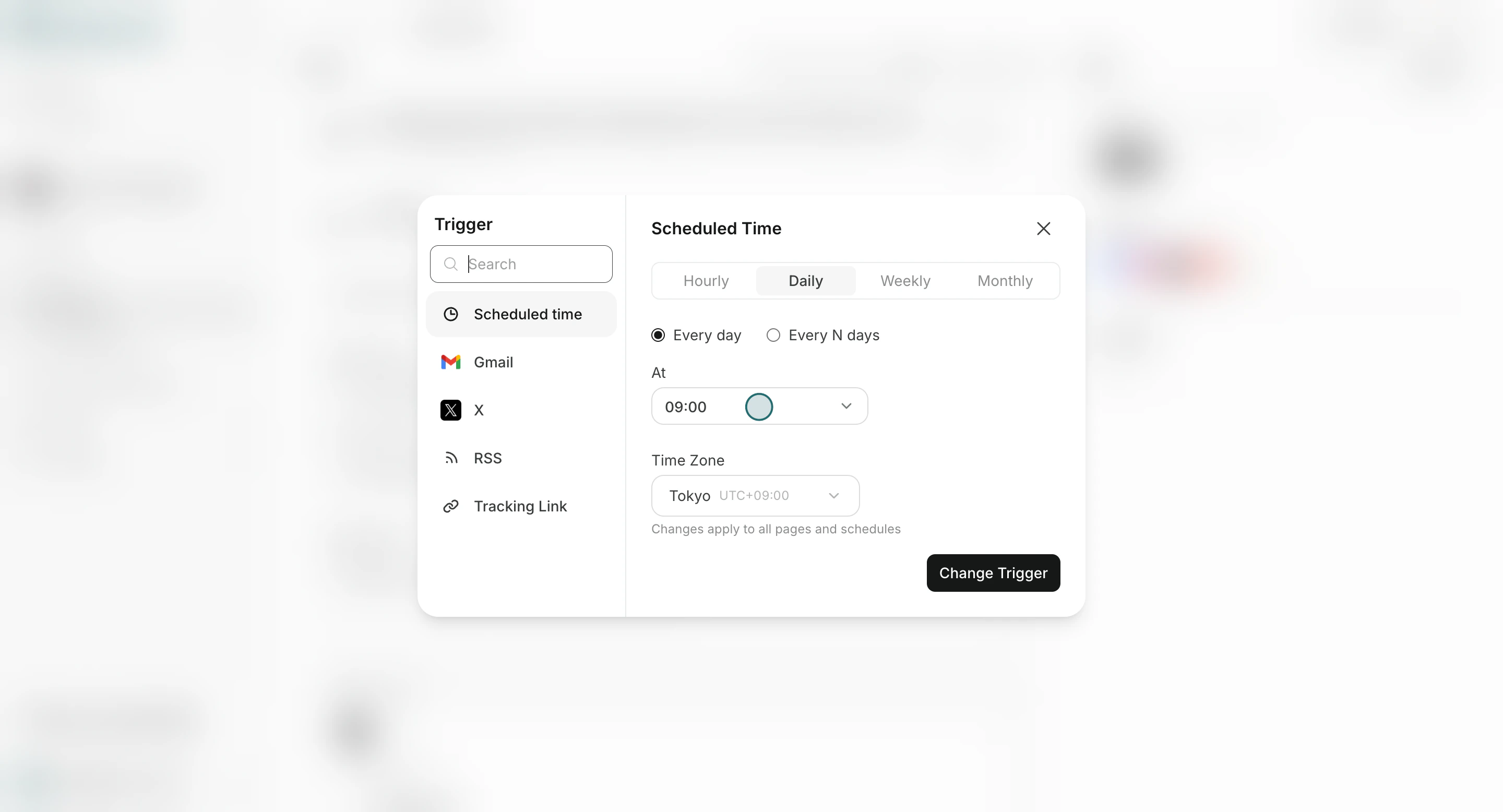
<img src="https://mintcdn.com/agoslabstechnologiesfzco/Nczo-Nsvecgkkv7J/public/help-center/arcade/ai-team/edit-add-and-delete-triggers/step-10.png?fit=max&auto=format&n=Nczo-Nsvecgkkv7J&q=85&s=6fdb5b1669077e9cef17cabfbb444254" alt="Trigger settings view showing trigger type conditions" style={{ border: '1px solid #e5e7eb', borderRadius: '8px', marginBottom: '1rem' }} width="2880" height="1556" data-path="public/help-center/arcade/ai-team/edit-add-and-delete-triggers/step-10.png" />

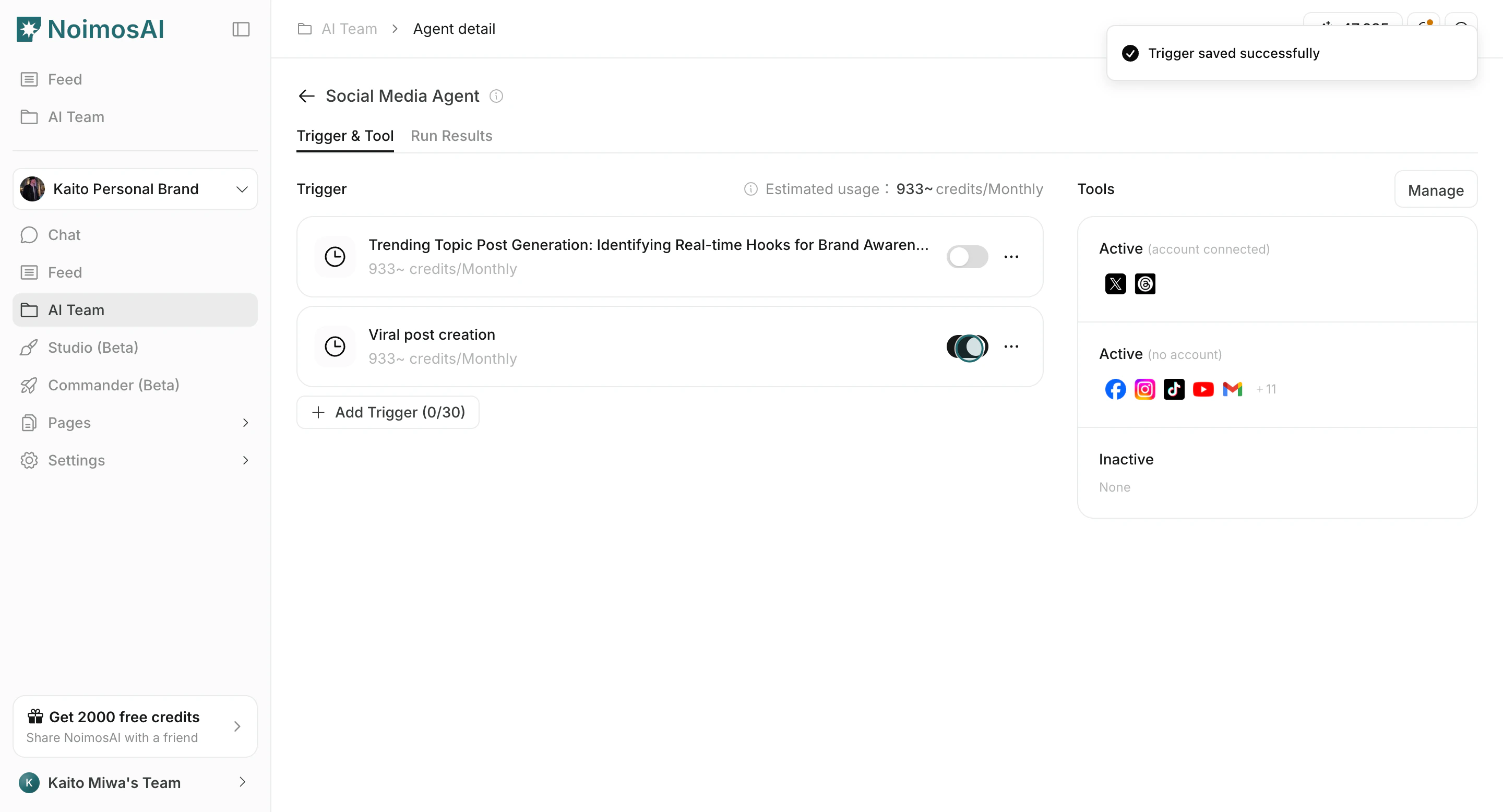
2. Confirm trigger toggle is ON.

<img src="https://mintcdn.com/agoslabstechnologiesfzco/Nczo-Nsvecgkkv7J/public/help-center/arcade/ai-team/edit-add-and-delete-triggers/step-15.png?fit=max&auto=format&n=Nczo-Nsvecgkkv7J&q=85&s=7ce7dfdae9b6aebad57abfaf49a5f6c9" alt="Trigger toggle and trigger controls" style={{ border: '1px solid #e5e7eb', borderRadius: '8px', marginBottom: '1rem' }} width="2880" height="1556" data-path="public/help-center/arcade/ai-team/edit-add-and-delete-triggers/step-15.png" />

3. Confirm required tools/accounts are connected and authorized.
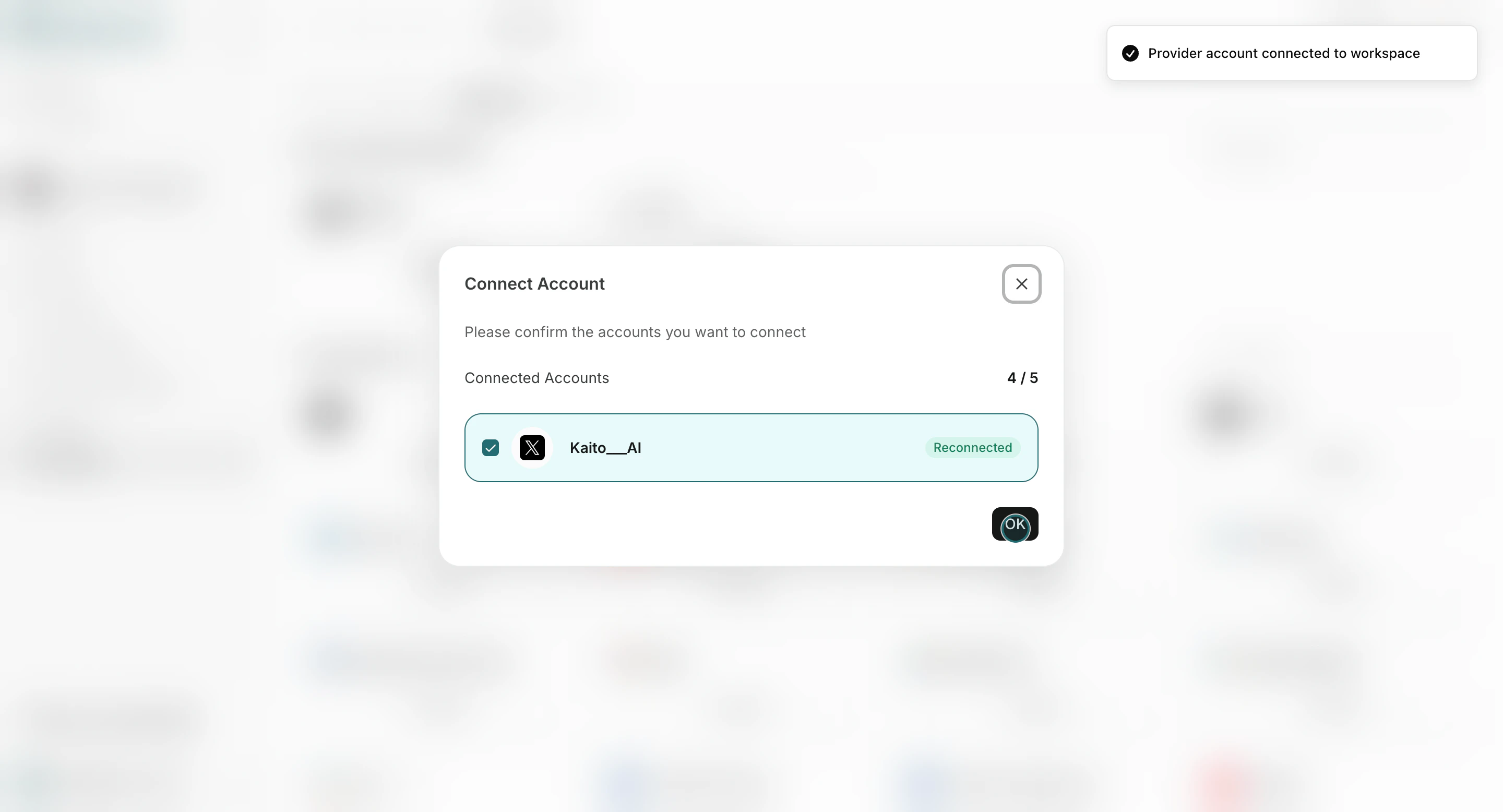
<img src="https://mintcdn.com/agoslabstechnologiesfzco/Akti8JrQwF6FniPF/public/help-center/arcade/workspace/integrate-apps/step-10.png?fit=max&auto=format&n=Akti8JrQwF6FniPF&q=85&s=335f234a4fc1cea9838442a83ae09254" alt="Connected integration accounts in workspace settings" style={{ border: '1px solid #e5e7eb', borderRadius: '8px', marginBottom: '1rem' }} width="2880" height="1556" data-path="public/help-center/arcade/workspace/integrate-apps/step-10.png" />

4. Confirm schedule frequency/timezone settings.
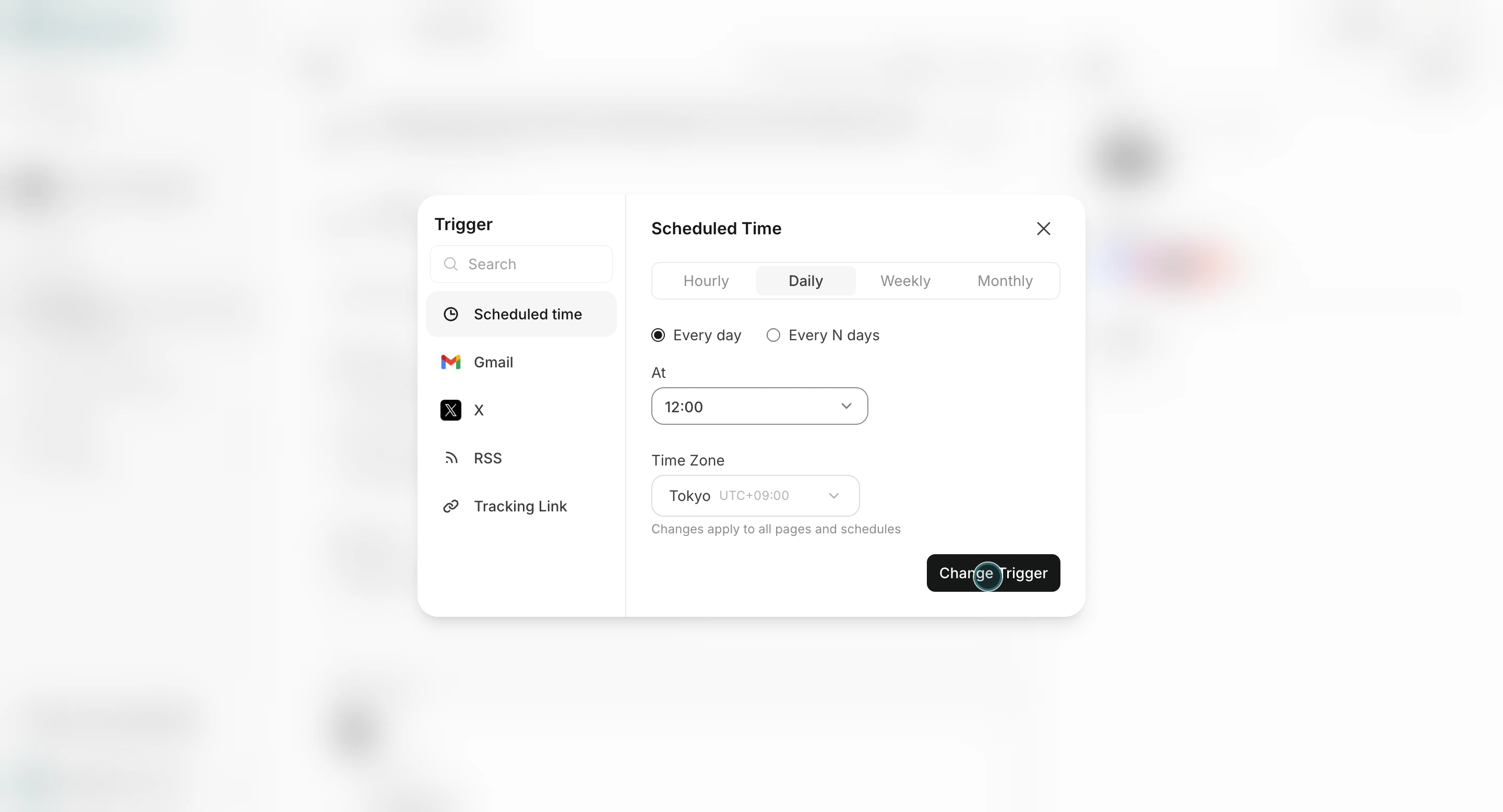
<img src="https://mintcdn.com/agoslabstechnologiesfzco/Nczo-Nsvecgkkv7J/public/help-center/arcade/ai-team/edit-add-and-delete-triggers/step-11.png?fit=max&auto=format&n=Nczo-Nsvecgkkv7J&q=85&s=a759d23875887a9b521b51c155c07f2f" alt="Trigger schedule and timezone settings" style={{ border: '1px solid #e5e7eb', borderRadius: '8px', marginBottom: '1rem' }} width="2880" height="1556" data-path="public/help-center/arcade/ai-team/edit-add-and-delete-triggers/step-11.png" />

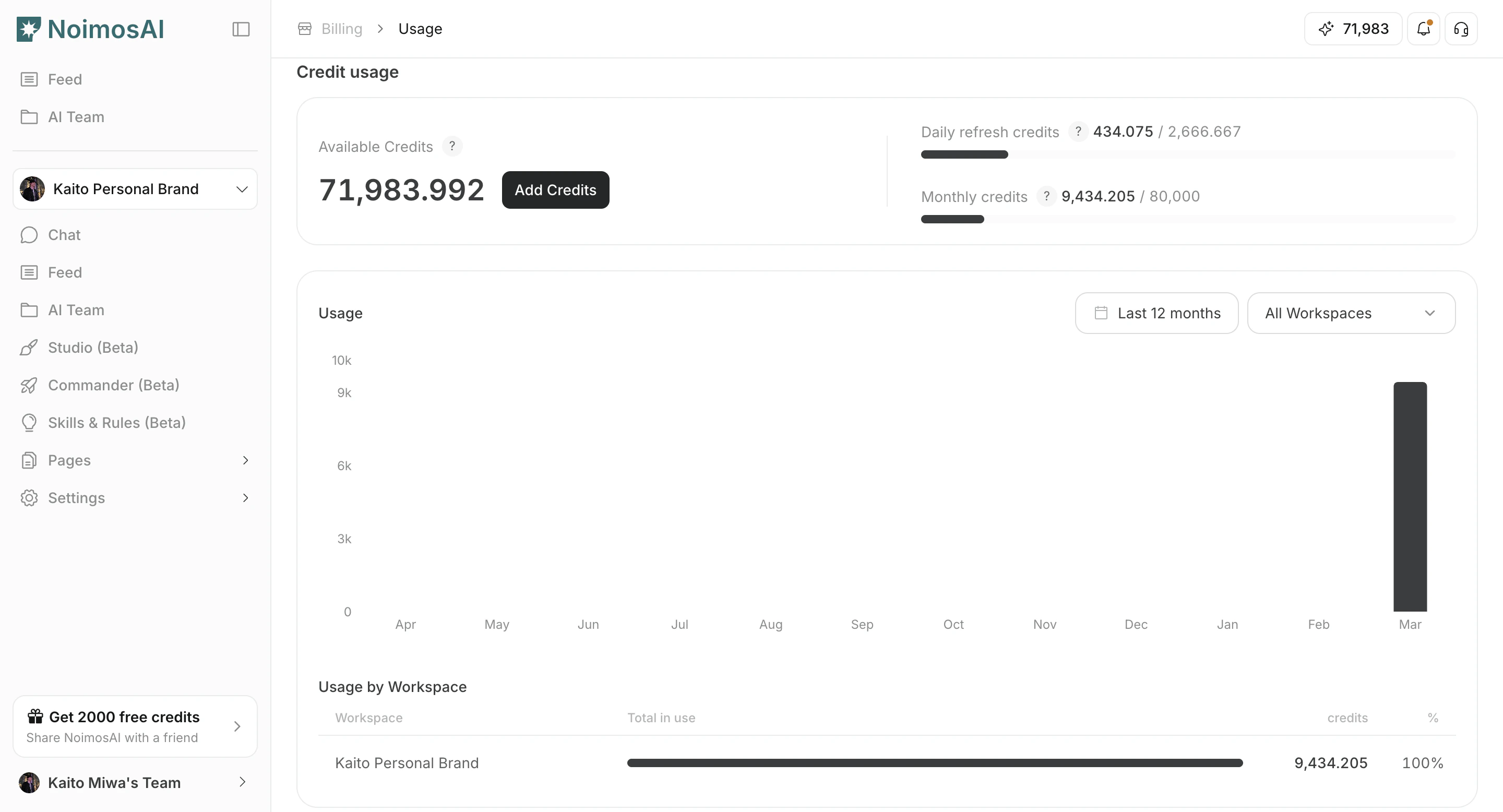
5. Confirm you still have available credits.
<img src="https://mintcdn.com/agoslabstechnologiesfzco/dv4wqk6EXKIBh0RT/public/help-center/plans-and-billing/credit-usage-balance-and-topup.png?fit=max&auto=format&n=dv4wqk6EXKIBh0RT&q=85&s=fd684391a74469ecd07f33fbf0ccba60" alt="사용 가능한 크레딧을 확인하는 결제 사용량 화면" style={{ border: '1px solid #e5e7eb', borderRadius: '8px', marginBottom: '1.5rem' }} width="2880" height="1556" data-path="public/help-center/plans-and-billing/credit-usage-balance-and-topup.png" />

## Where to Inspect Results

* `모든 작업` for chronological execution history.
* `팀 -> Agents -> [Agent] -> Run Results` for agent-specific history.

## 관련 문서

* [트리거 유형](/ko/help-center/ai-team/trigger-types)
* [Edit, Add, and Delete Triggers](/ko/help-center/ai-team/edit-add-and-delete-triggers)