> ## Documentation Index
> Fetch the complete documentation index at: https://docs.noimosai.com/llms.txt
> Use this file to discover all available pages before exploring further.

# Sample 라벨은 무엇을 의미하나요?

> 결과 목록에서 Sample 라벨이 의미하는 바를 설명합니다.

## 짧은 답변

`Sample`은 일상적인 운영 결과가 아니라 온보딩용 예시 출력이라는 뜻입니다.

## 이것이 의미하는 바

* Sample 항목은 작업공간을 설정할 때 출력 형식을 보여주기 위해 생성됩니다.
* 일반적인 트리거 실행 결과와는 별개입니다.
* 이 예시 출력은 크레딧을 소모하지 않습니다.
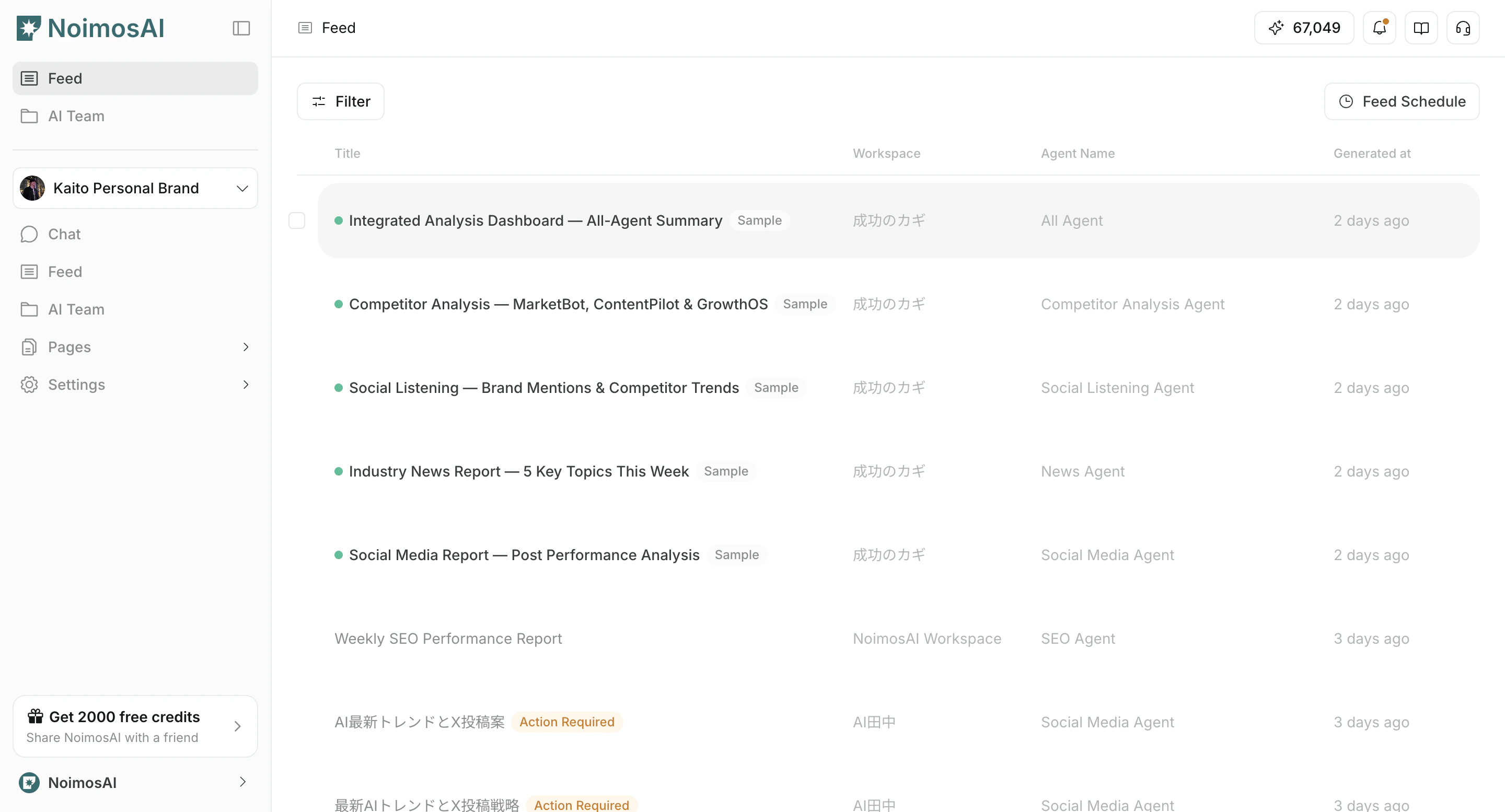
<img src="https://mintcdn.com/agoslabstechnologiesfzco/kmCY6z44H9kpgjR6/public/help-center/faq/sample-in-feed-explainer.png?fit=max&auto=format&n=kmCY6z44H9kpgjR6&q=85&s=f7d1781af07df5a268fde43357c620a4" alt="결과 목록에서 sample과 일반 결과가 함께 보이는 화면" style={{ border: '1px solid #e5e7eb', borderRadius: '8px', marginBottom: '1.5rem' }} width="2880" height="1554" data-path="public/help-center/faq/sample-in-feed-explainer.png" />

## 실제 결과를 얻는 방법

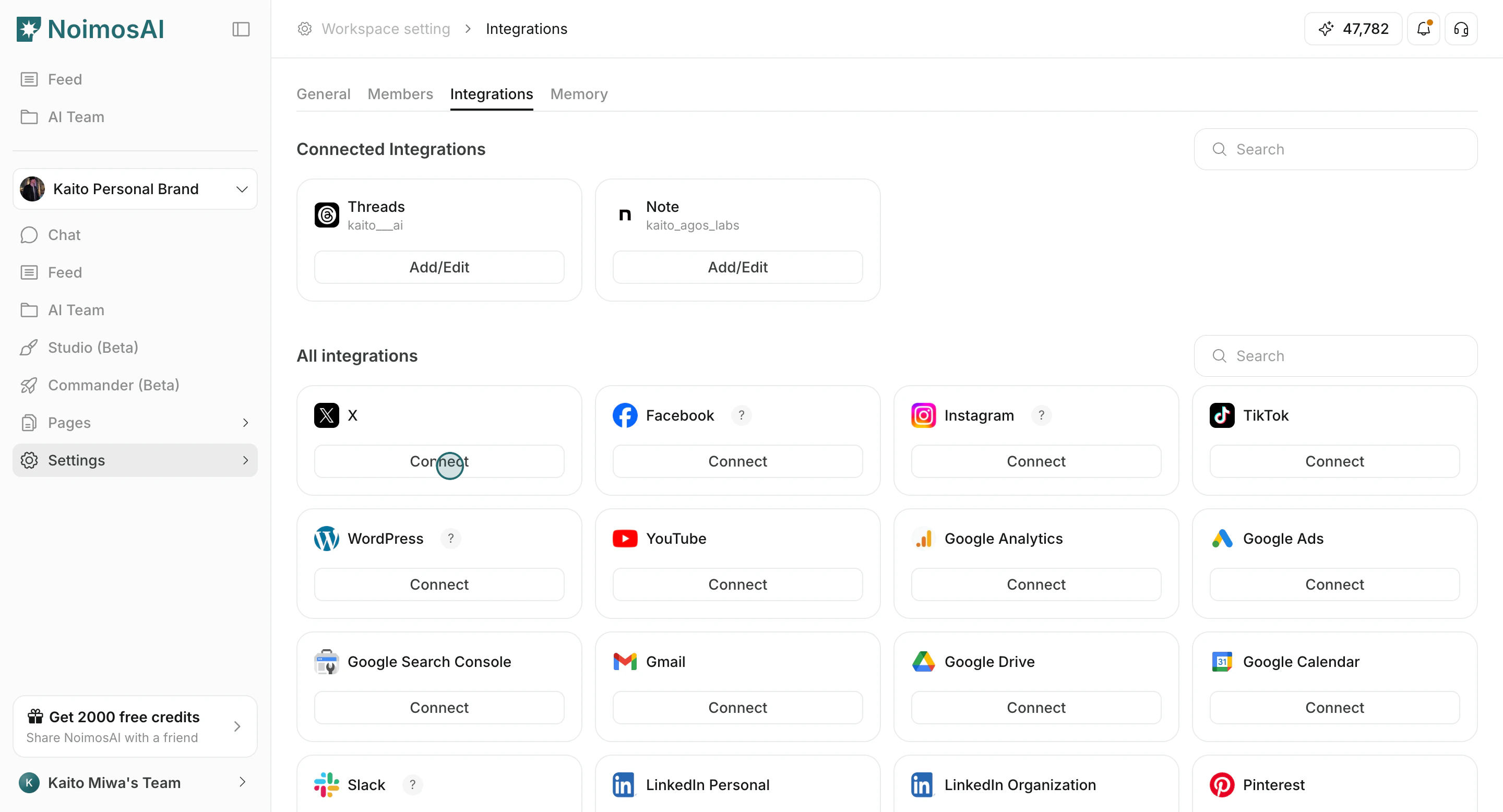
1. 작업공간에 실제 앱을 연결합니다.

<img src="https://mintcdn.com/agoslabstechnologiesfzco/Akti8JrQwF6FniPF/public/help-center/arcade/workspace/integrate-apps/step-05.png?fit=max&auto=format&n=Akti8JrQwF6FniPF&q=85&s=a25720c972f443a9703d802c761079ae" alt="작업공간 설정에서 실제 앱 연결" style={{ border: '1px solid #e5e7eb', borderRadius: '8px', marginBottom: '1rem' }} width="2880" height="1556" data-path="public/help-center/arcade/workspace/integrate-apps/step-05.png" />

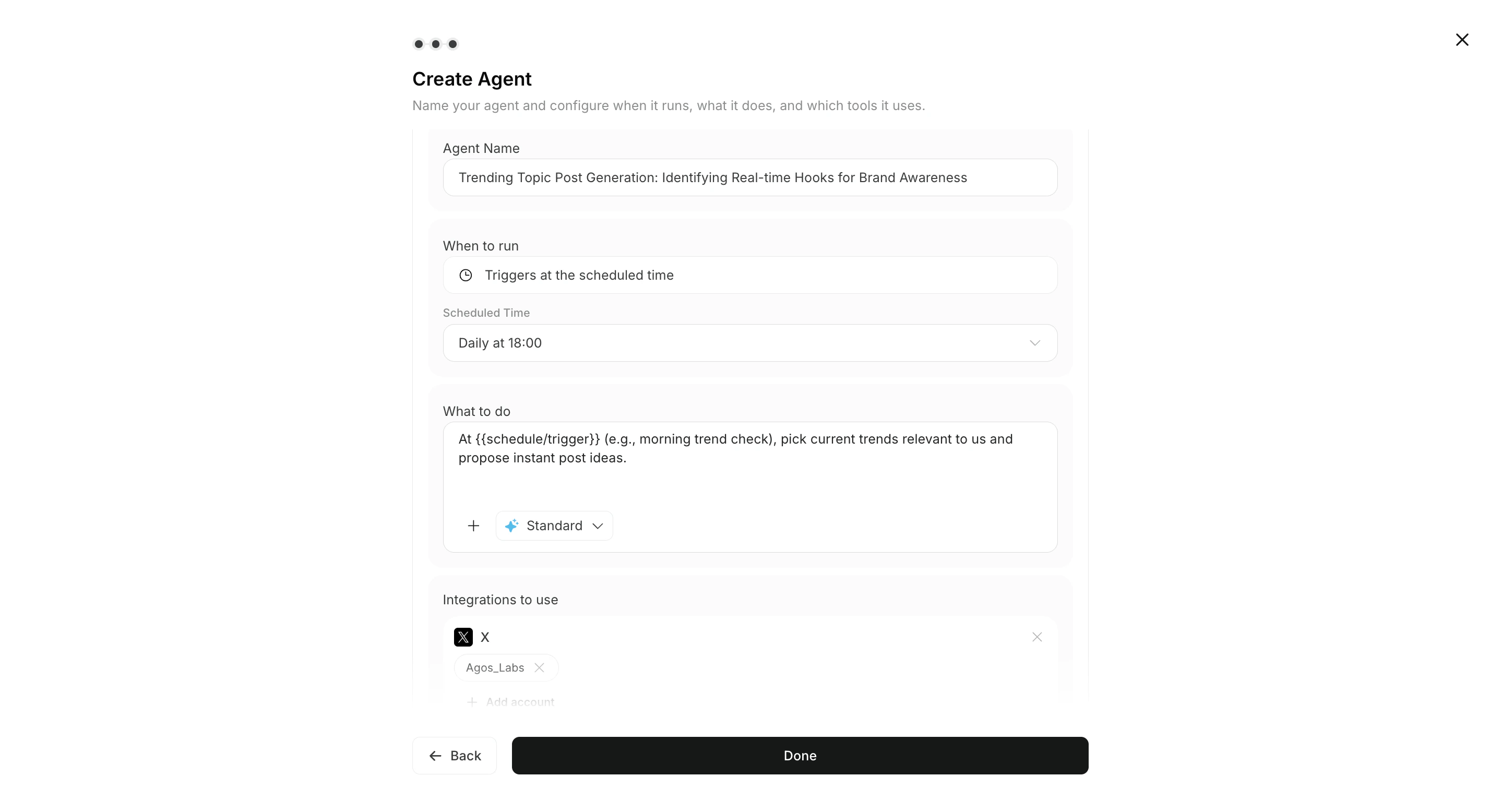
2. 에이전트에서 도구와 트리거를 활성화합니다.

<img src="https://mintcdn.com/agoslabstechnologiesfzco/Nj4bWzUEjX9n-5Ev/public/help-center/arcade/quick-start/add-trigger/step-17.png?fit=max&auto=format&n=Nj4bWzUEjX9n-5Ev&q=85&s=31d35e402c45fceb9850b2e6f66dbf7e" alt="에이전트에서 도구와 트리거 활성화" style={{ border: '1px solid #e5e7eb', borderRadius: '8px', marginBottom: '1rem' }} width="2878" height="1556" data-path="public/help-center/arcade/quick-start/add-trigger/step-17.png" />

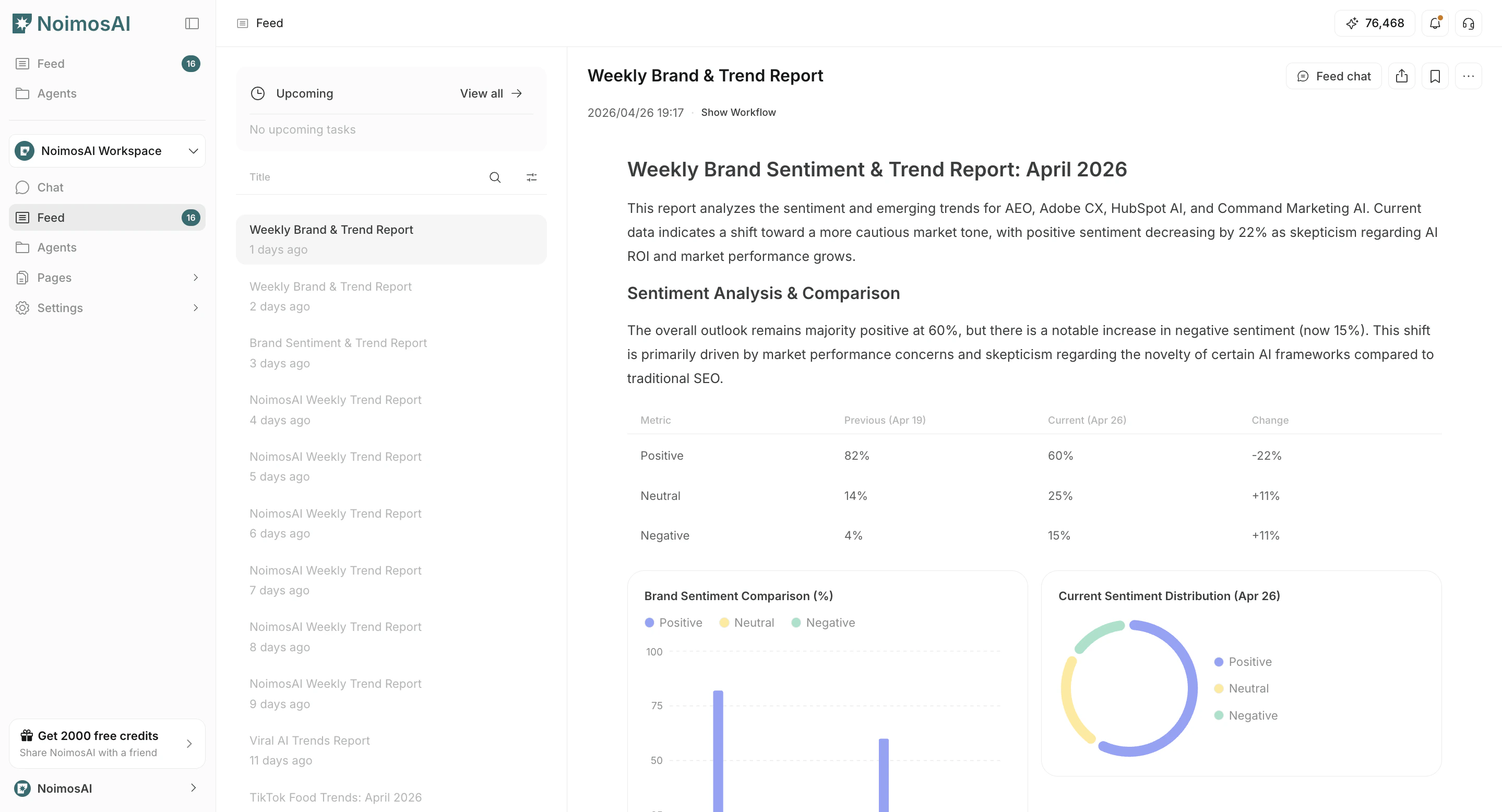
3. 워크플로를 실행하고 `모든 작업`에서 새 결과를 검토합니다.

<img src="https://mintcdn.com/agoslabstechnologiesfzco/xqPjQNf92GrmBGvJ/public/help-center/feed/feed-result-list-v2.png?fit=max&auto=format&n=xqPjQNf92GrmBGvJ&q=85&s=e0024a959c6e4a0d23d5b47b4c4246ca" alt="모든 작업에서 새 워크플로 결과 검토" style={{ border: '1px solid #e5e7eb', borderRadius: '8px', marginBottom: '1.5rem' }} width="2878" height="1556" data-path="public/help-center/feed/feed-result-list-v2.png" />

## 관련 문서

* [에이전트 실행 결과 확인](/ko/help-center/ai-team/check-agent-execution-results)
* [앱 연동하기](/ko/help-center/workspace/integrate-apps)
* [트리거 편집, 추가, 삭제](/ko/help-center/ai-team/edit-add-and-delete-triggers)