> ## Documentation Index
> Fetch the complete documentation index at: https://docs.noimosai.com/llms.txt
> Use this file to discover all available pages before exploring further.
# 중복 결제 또는 중복 구독은 어떻게 확인하나요?
> 중복 결제나 중복 구독이 의심될 때 결제 내역을 확인하는 방법을 안내합니다.
## 짧은 답변
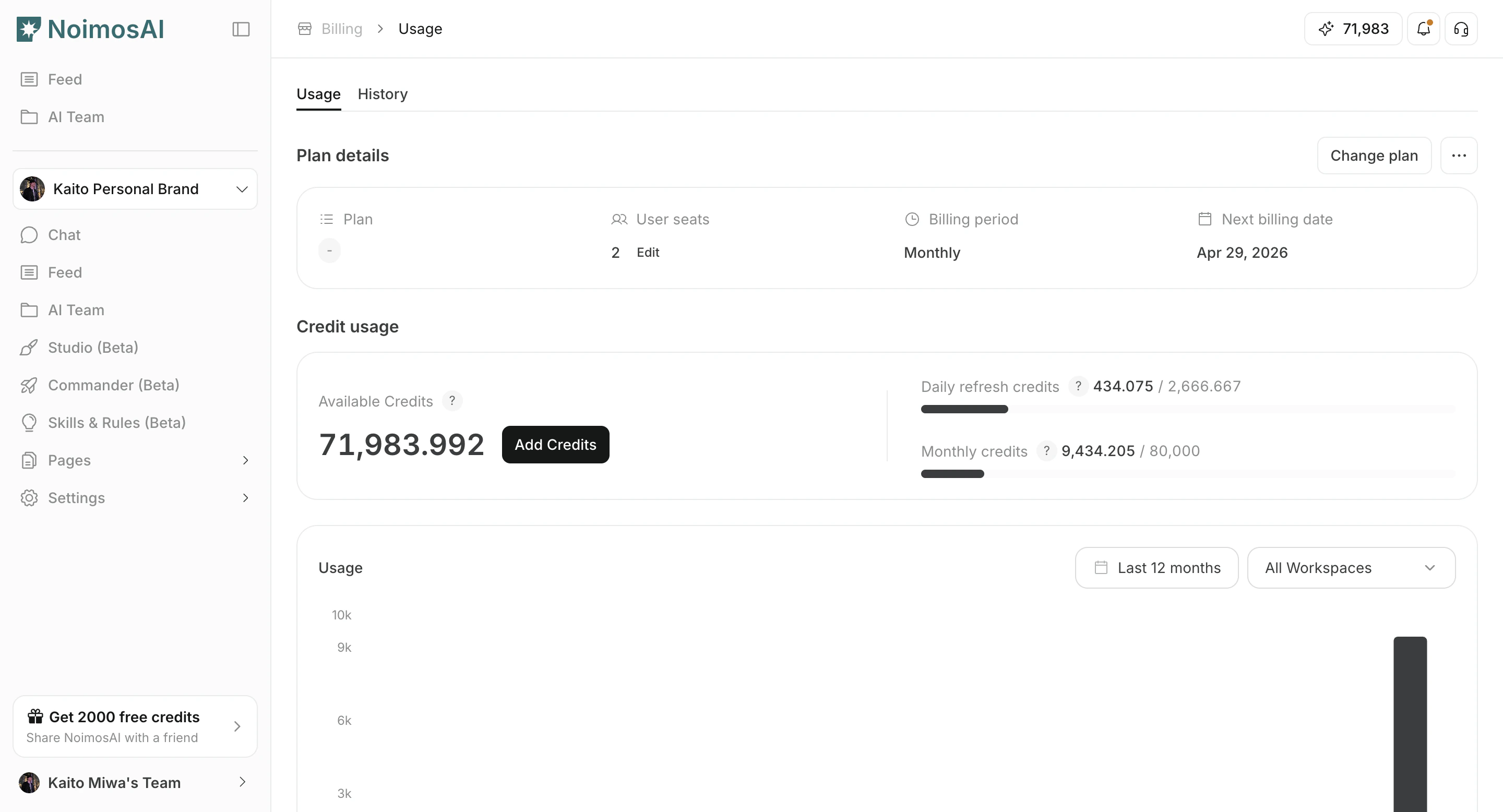
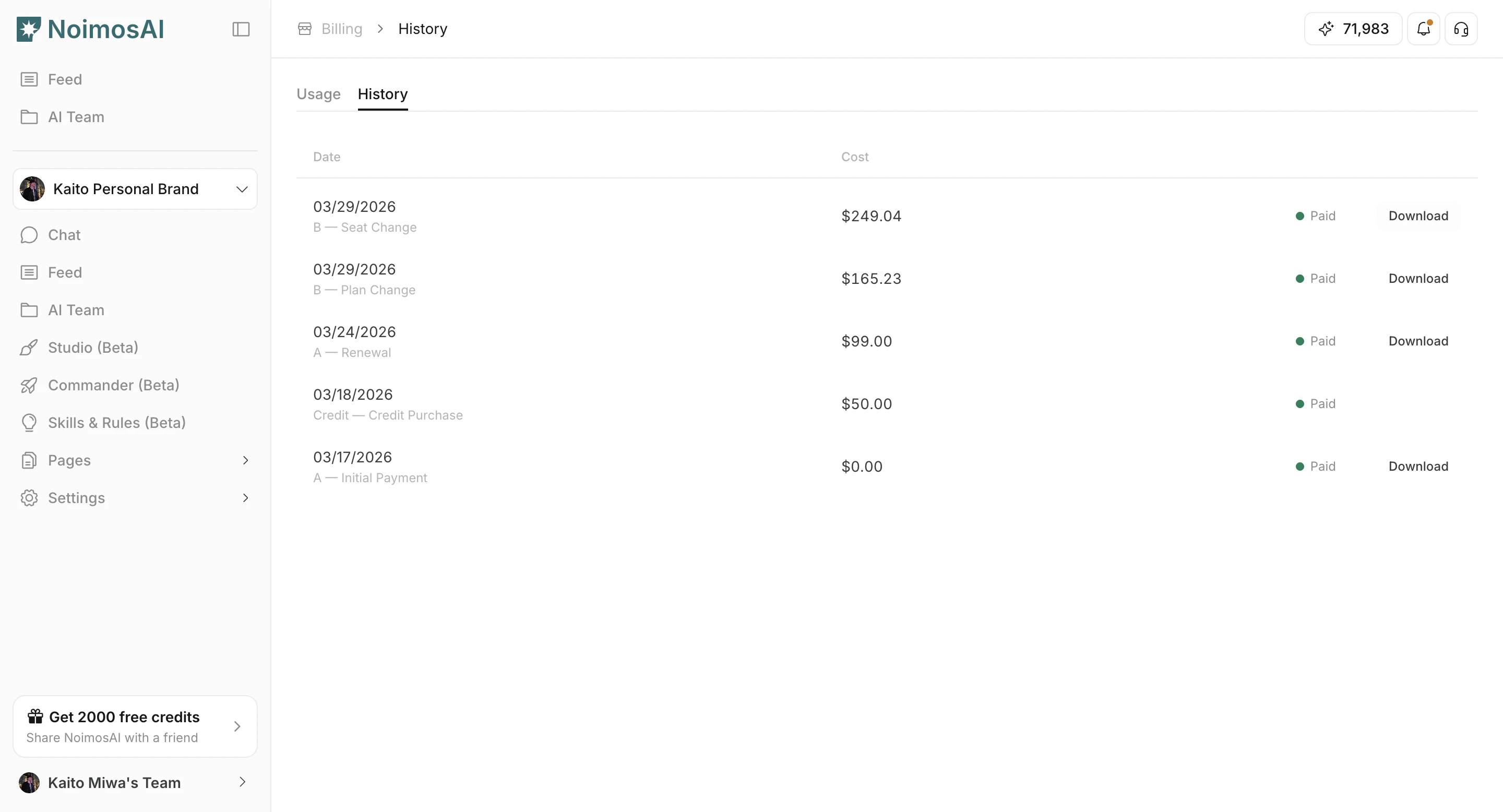
`팀 -> Billing -> History`에서 결제 날짜, 금액, 청구 사유, 청구서를 기준으로 각 결제 항목을 비교해 보세요.
## 확인 방법
1. `Billing History`를 열고 결제 내역을 날짜순으로 확인합니다.
 2. 각 항목이 정기 갱신인지, 플랜 변경인지, 일회성 충전인지 구분해 확인합니다.
3. 금액이 같고 결제 시점이 매우 가까운 항목이 있는지 비교합니다.
4. 증빙이 필요하면 청구서나 영수증을 다운로드합니다.
2. 각 항목이 정기 갱신인지, 플랜 변경인지, 일회성 충전인지 구분해 확인합니다.
3. 금액이 같고 결제 시점이 매우 가까운 항목이 있는지 비교합니다.
4. 증빙이 필요하면 청구서나 영수증을 다운로드합니다.
 ## 지원팀에 전달할 정보
* 중복으로 의심되는 청구서 ID
* 결제 시각
* 금액과 통화
* 팀 이름과 계정 이메일
## 관련 문서
* [고객 지원에 문의하기](/ko/help-center/customer-support/contact-customer-support)
## 지원팀에 전달할 정보
* 중복으로 의심되는 청구서 ID
* 결제 시각
* 금액과 통화
* 팀 이름과 계정 이메일
## 관련 문서
* [고객 지원에 문의하기](/ko/help-center/customer-support/contact-customer-support)