> ## Documentation Index
> Fetch the complete documentation index at: https://docs.noimosai.com/llms.txt
> Use this file to discover all available pages before exploring further.
# 고객지원에 어떻게 문의하나요?
> 지원 요청을 여는 방법과 제출 시 포함해야 할 항목을 안내합니다.
## 짧은 답변
앱 우측 상단의 지원 아이콘을 열고 지원 양식을 제출하면 됩니다.
## 단계별 안내
1. 우측 상단의 지원 아이콘을 클릭합니다.
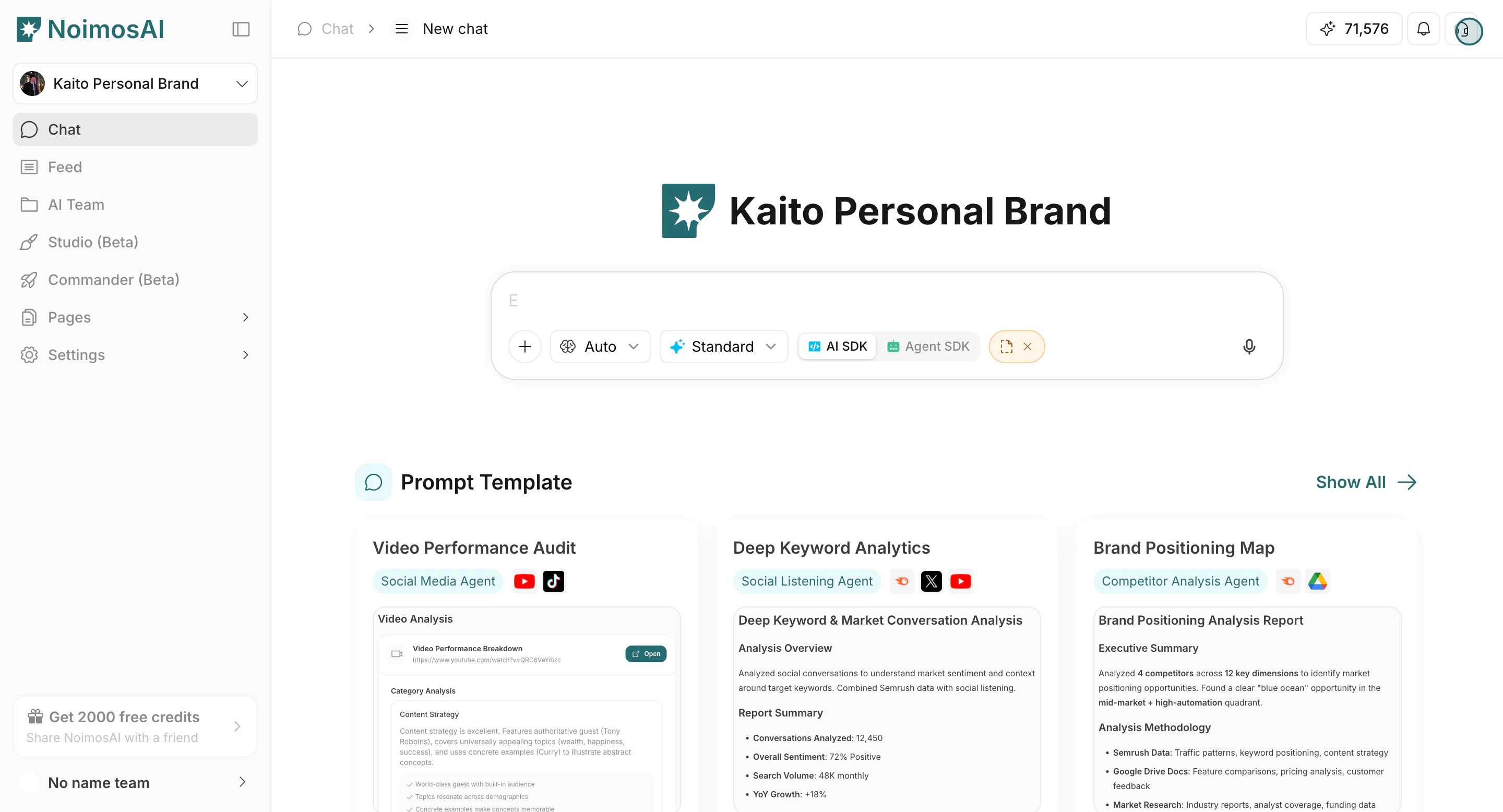 2. 지원 양식에서 먼저 `유형 - 1`, 다음으로 `유형 - 2`를 선택합니다.
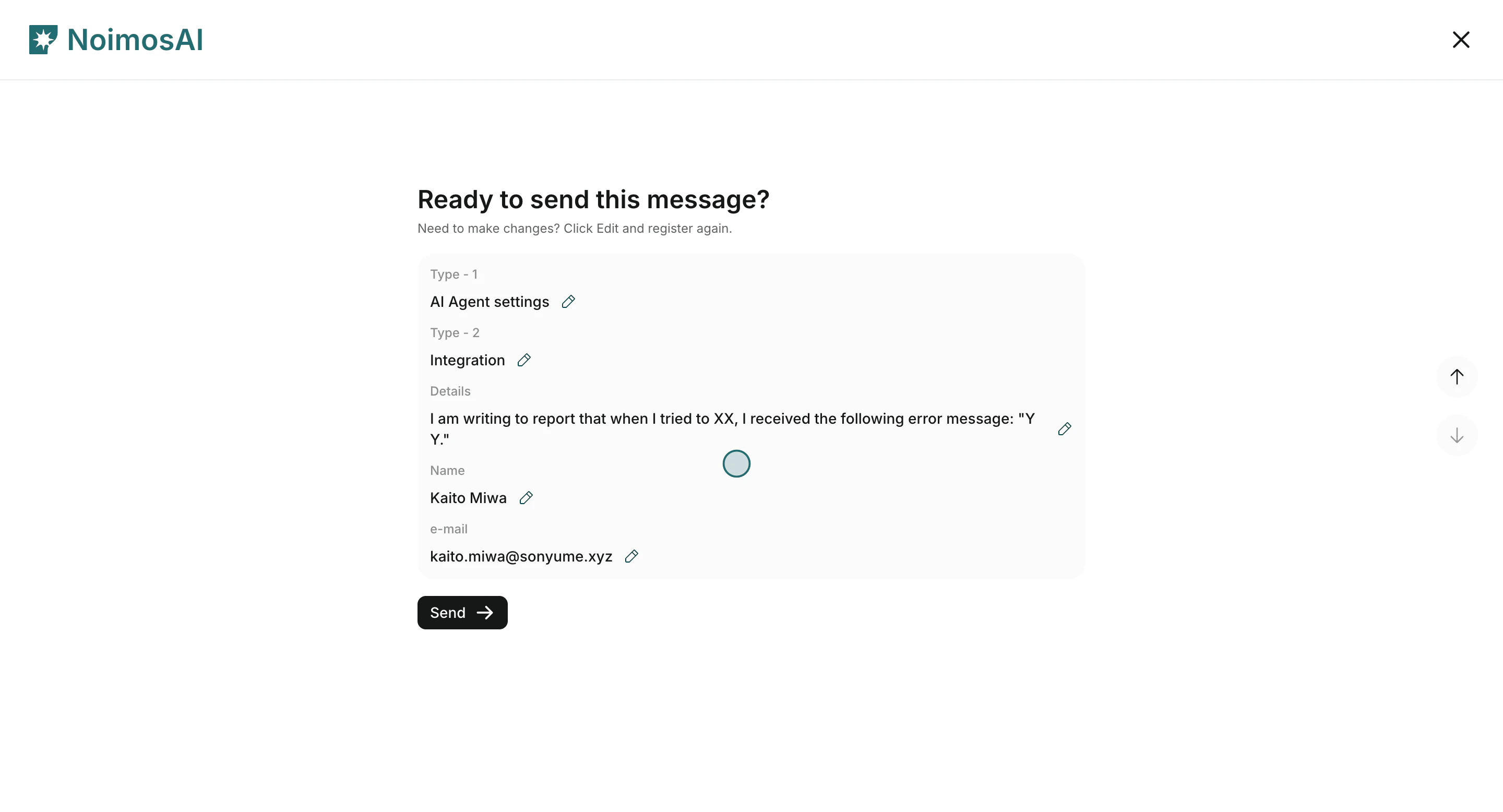
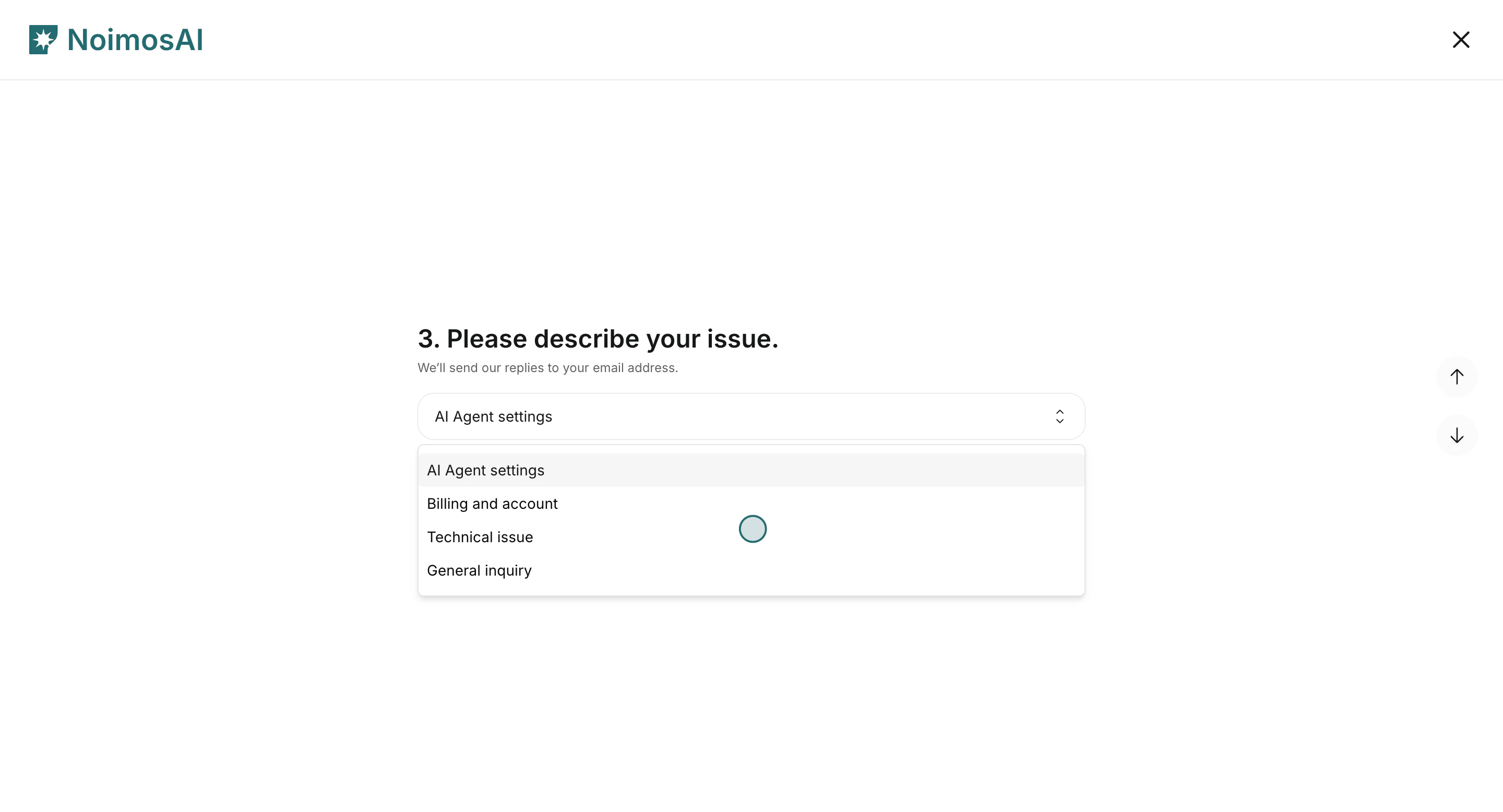 3. 이름, 이메일, 문제 상세를 입력한 뒤 제출합니다.
 ## 입력하게 되는 항목
1. 이름과 이메일
2. `유형 - 1`
3. `유형 - 2`
4. 상세 설명(무슨 일이 있었는지, 언제 발생했는지, 어디서 발생했는지)
보통 답변은 이메일로 전달되며, 현재 기준 응답 목표는 24시간 이내입니다.
## 데모
* [고객 지원에 문의하기 (러닝 센터)](/ko/learning-center/customer-support/contact-customer-support)
* [Arcade 데모](https://app.arcade.software/share/gpRYwwNUCbqeDLBEI5Te)
## 입력하게 되는 항목
1. 이름과 이메일
2. `유형 - 1`
3. `유형 - 2`
4. 상세 설명(무슨 일이 있었는지, 언제 발생했는지, 어디서 발생했는지)
보통 답변은 이메일로 전달되며, 현재 기준 응답 목표는 24시간 이내입니다.
## 데모
* [고객 지원에 문의하기 (러닝 센터)](/ko/learning-center/customer-support/contact-customer-support)
* [Arcade 데모](https://app.arcade.software/share/gpRYwwNUCbqeDLBEI5Te)