> ## Documentation Index
> Fetch the complete documentation index at: https://docs.noimosai.com/llms.txt
> Use this file to discover all available pages before exploring further.
# 연결된 계정 수가 맞지 않는 이유는 무엇인가요?
> 연결 계정 수가 다르게 보일 때 확인해야 할 항목을 설명합니다.
## 짧은 답변
대부분의 불일치는 한 범위에서는 계정을 제거했지만 다른 범위에는 여전히 남아 있을 때 발생합니다.
팀 단위 연동과 작업공간 단위 연동을 모두 확인하세요.
## 어디를 확인하나요
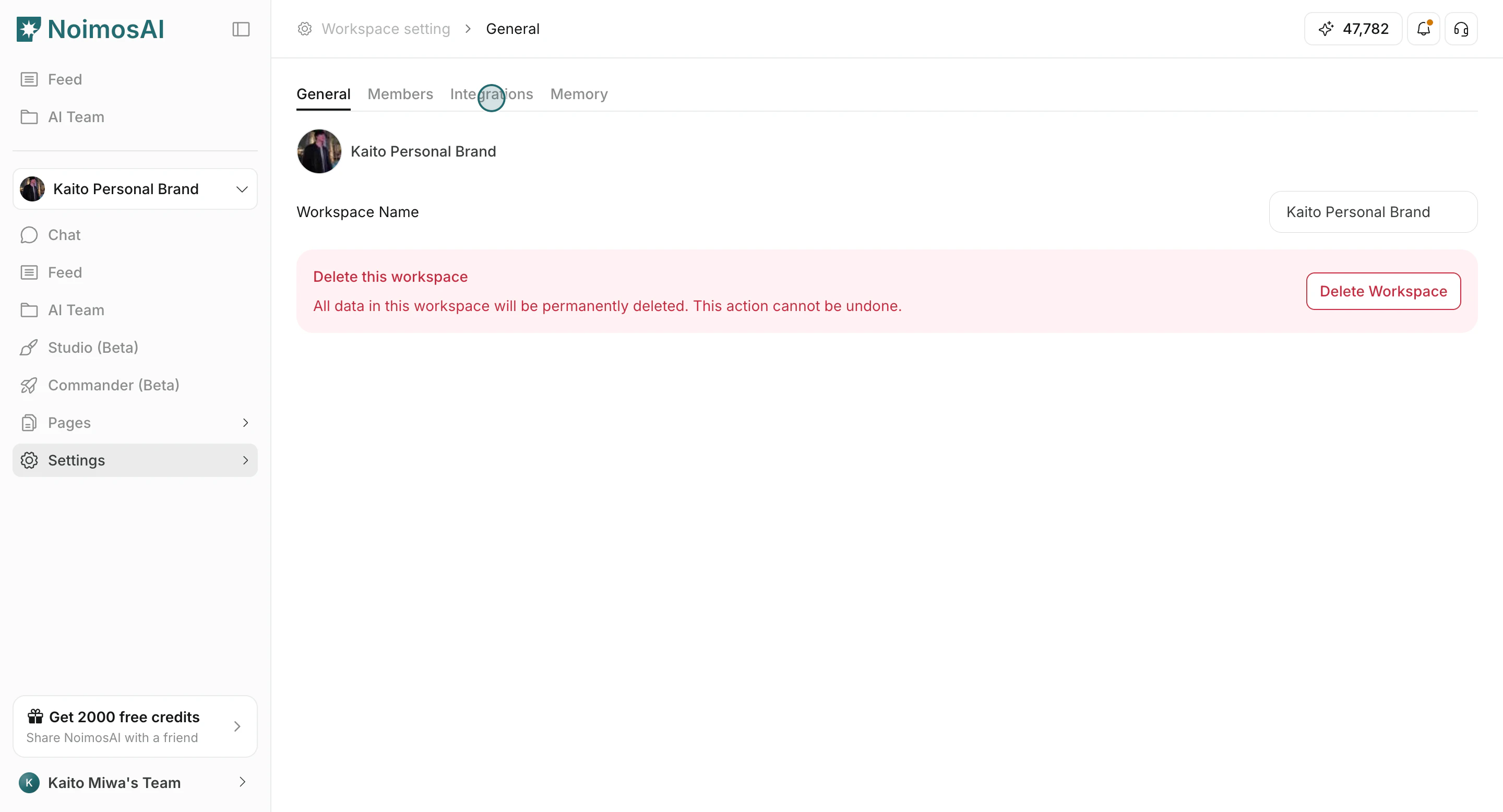
1. `팀 설정 -> 통합`
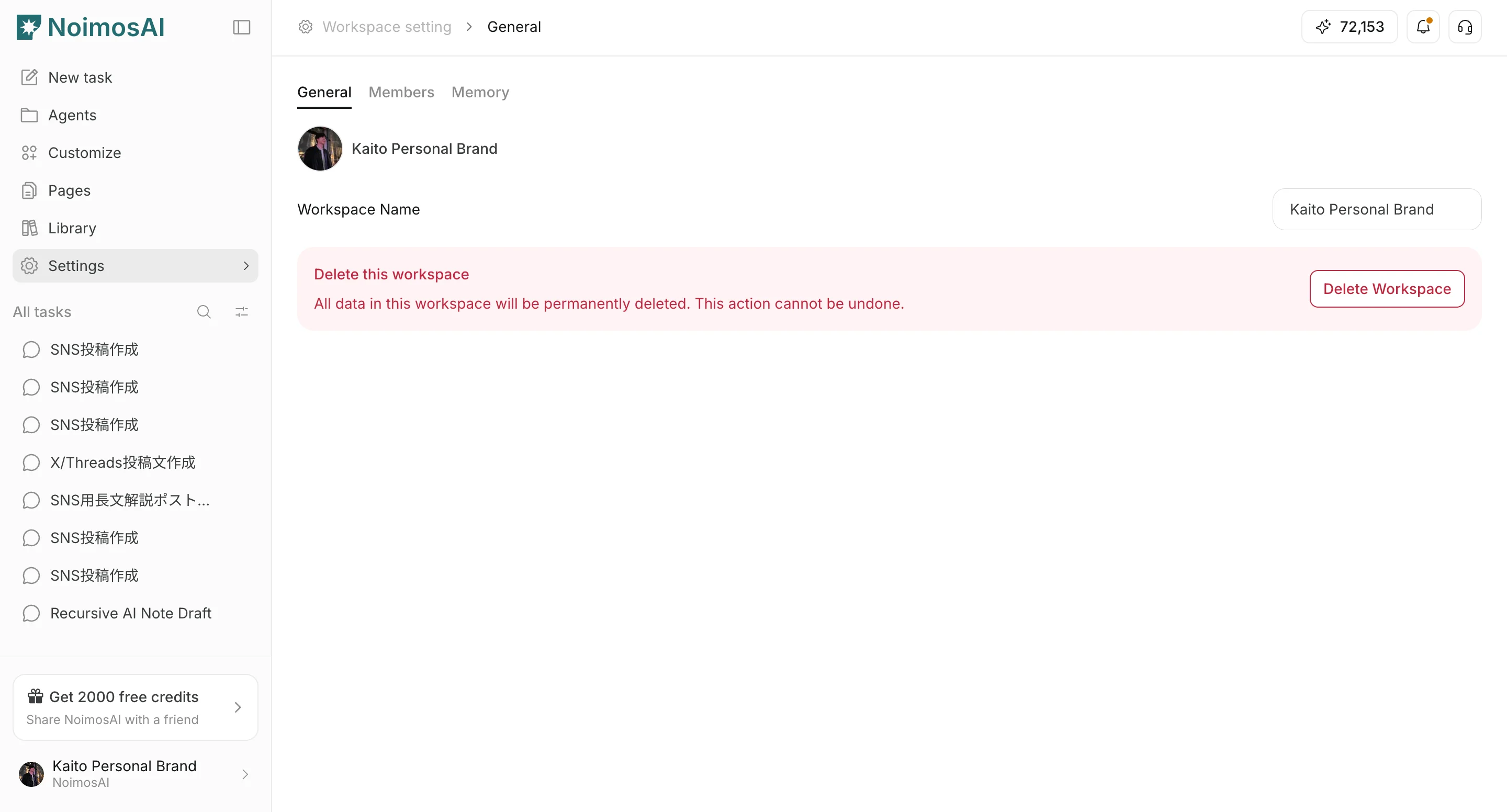 2. `작업공간 -> 설정 -> 기본 정보 -> 통합`
 ## 점검 체크리스트
* 팀 범위에서 더 이상 쓰지 않는 계정을 제거합니다.
* 작업공간 범위에서 불필요한 배정을 해제합니다.
* 재인증이 필요한 계정은 다시 연결합니다.
* 앱을 새로고침한 뒤 계정 수를 다시 확인합니다.
## 여전히 맞지 않는다면
아래 정보를 정리해 고객지원에 문의하세요.
* 팀 이름과 작업공간 이름
* 대상 서비스 또는 계정 이름
* 두 통합 화면의 캡처
* 문제가 발생한 대략적인 시각
## 관련 문서
* [고객지원에 어떻게 문의하나요?](/ko/help-center/faq/support/how-can-i-contact-support)
## 점검 체크리스트
* 팀 범위에서 더 이상 쓰지 않는 계정을 제거합니다.
* 작업공간 범위에서 불필요한 배정을 해제합니다.
* 재인증이 필요한 계정은 다시 연결합니다.
* 앱을 새로고침한 뒤 계정 수를 다시 확인합니다.
## 여전히 맞지 않는다면
아래 정보를 정리해 고객지원에 문의하세요.
* 팀 이름과 작업공간 이름
* 대상 서비스 또는 계정 이름
* 두 통합 화면의 캡처
* 문제가 발생한 대략적인 시각
## 관련 문서
* [고객지원에 어떻게 문의하나요?](/ko/help-center/faq/support/how-can-i-contact-support)