> ## Documentation Index
> Fetch the complete documentation index at: https://docs.noimosai.com/llms.txt
> Use this file to discover all available pages before exploring further.

# 작업공간 삭제

> 더 이상 필요 없는 작업공간을 영구적으로 삭제하는 방법을 설명합니다.

## 개요

작업공간을 삭제하면 해당 작업공간의 데이터가 모두 영구적으로 제거됩니다.
이 작업은 되돌릴 수 없습니다.

## 위치

* `작업공간 -> 설정 -> 기본 정보 -> 일반`

## 삭제 방법

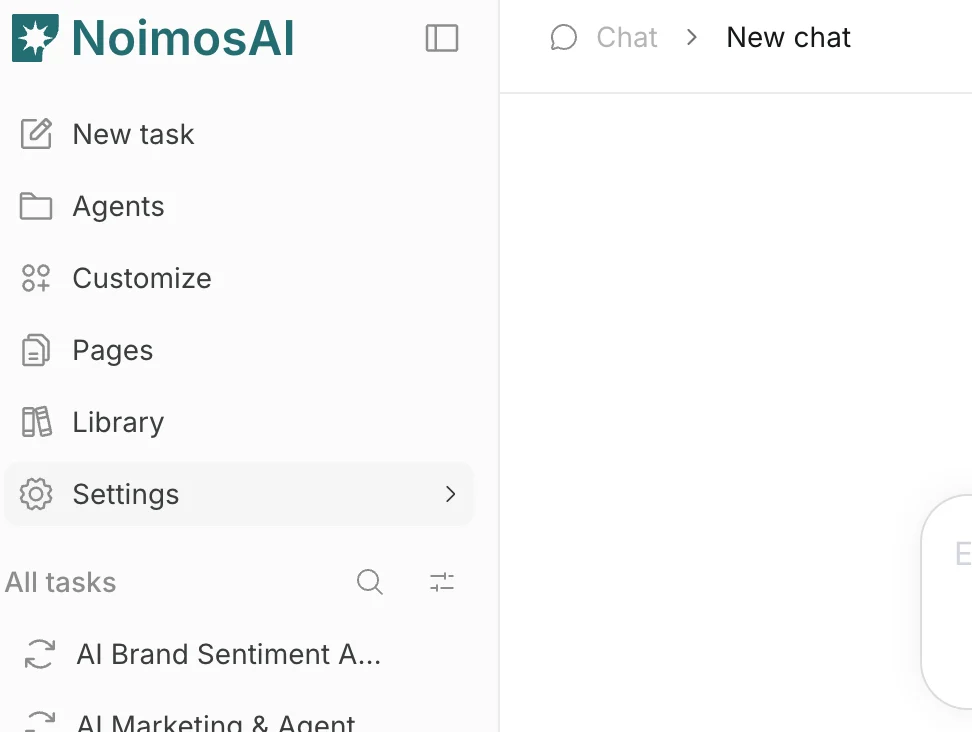
1. 삭제할 작업공간으로 전환합니다.
<img src="https://mintcdn.com/agoslabstechnologiesfzco/vzbMED_9K-FSqYgH/public/help-center/arcade/workspace/delete-workspace/step-02.png?fit=max&auto=format&n=vzbMED_9K-FSqYgH&q=85&s=f1bed2b4872fda6673ba068bd2ffc6b1" alt="삭제할 작업공간에서 설정 열기" style={{ border: '1px solid #e5e7eb', borderRadius: '8px', marginBottom: '1rem' }} width="972" height="732" data-path="public/help-center/arcade/workspace/delete-workspace/step-02.png" />

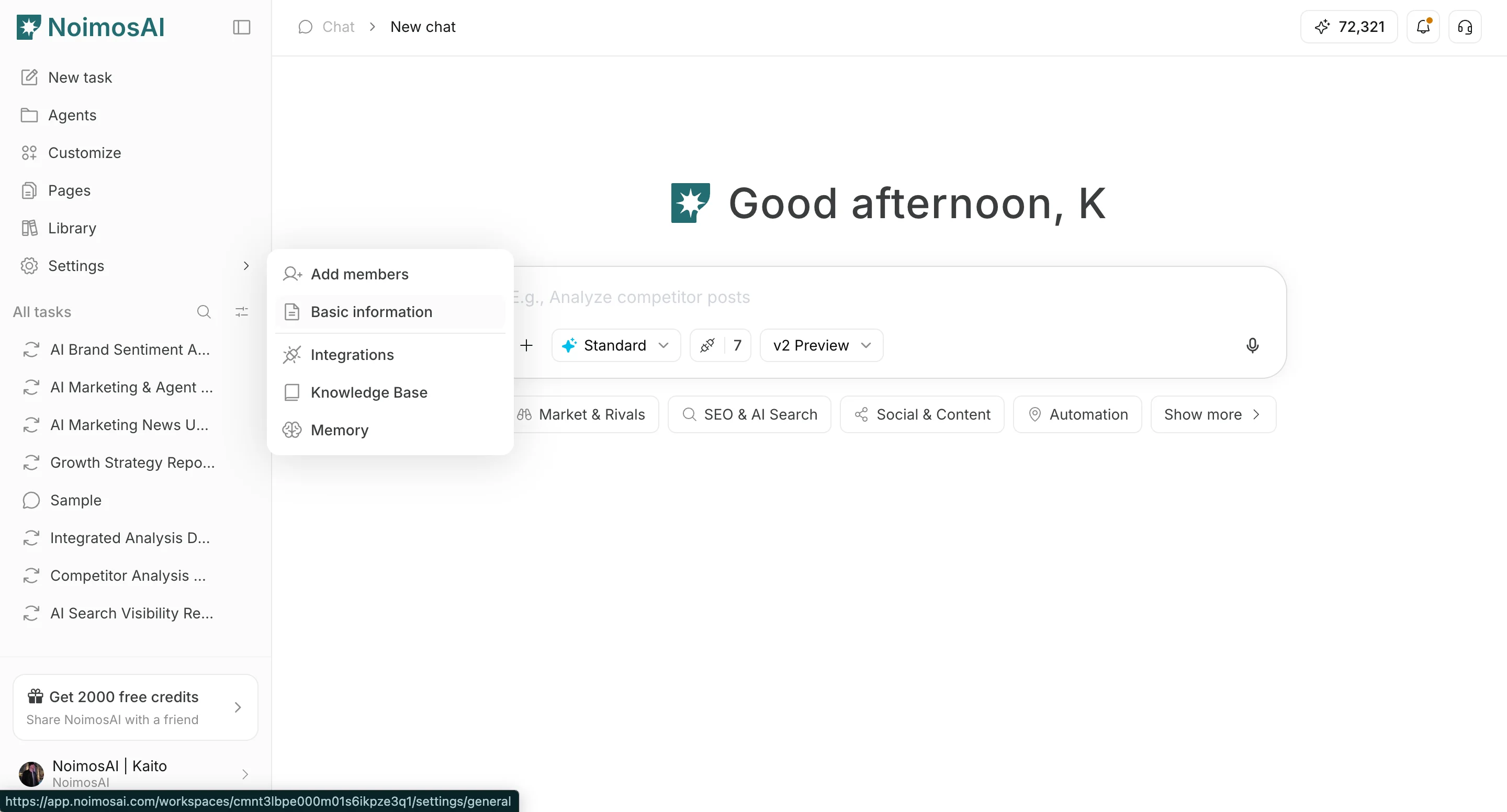
2. `설정 -> 기본 정보 -> 일반`을 엽니다.

<img src="https://mintcdn.com/agoslabstechnologiesfzco/vzbMED_9K-FSqYgH/public/help-center/arcade/workspace/delete-workspace/step-03.png?fit=max&auto=format&n=vzbMED_9K-FSqYgH&q=85&s=0686cef11378188b1a4996cda23f23b9" alt="작업공간 삭제를 위한 기본 정보 열기" style={{ border: '1px solid #e5e7eb', borderRadius: '8px', marginBottom: '1rem' }} width="2880" height="1552" data-path="public/help-center/arcade/workspace/delete-workspace/step-03.png" />

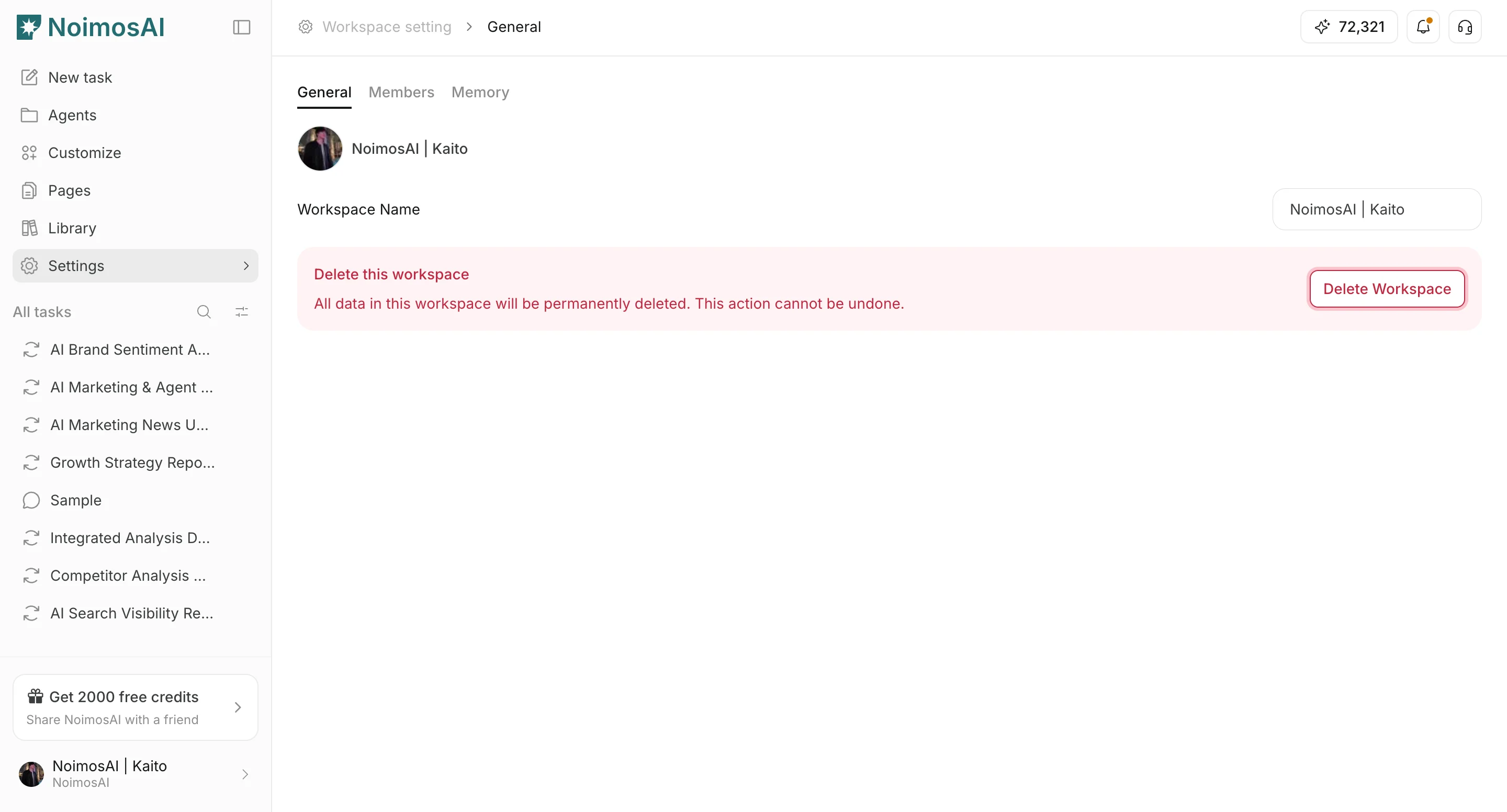
3. `작업공간 삭제`를 클릭합니다.

<img src="https://mintcdn.com/agoslabstechnologiesfzco/vzbMED_9K-FSqYgH/public/help-center/arcade/workspace/delete-workspace/step-04.png?fit=max&auto=format&n=vzbMED_9K-FSqYgH&q=85&s=4de2af211fab9b3c6fd3a3077a974660" alt="설정의 작업공간 삭제 버튼" style={{ border: '1px solid #e5e7eb', borderRadius: '8px', marginBottom: '1rem' }} width="2880" height="1552" data-path="public/help-center/arcade/workspace/delete-workspace/step-04.png" />

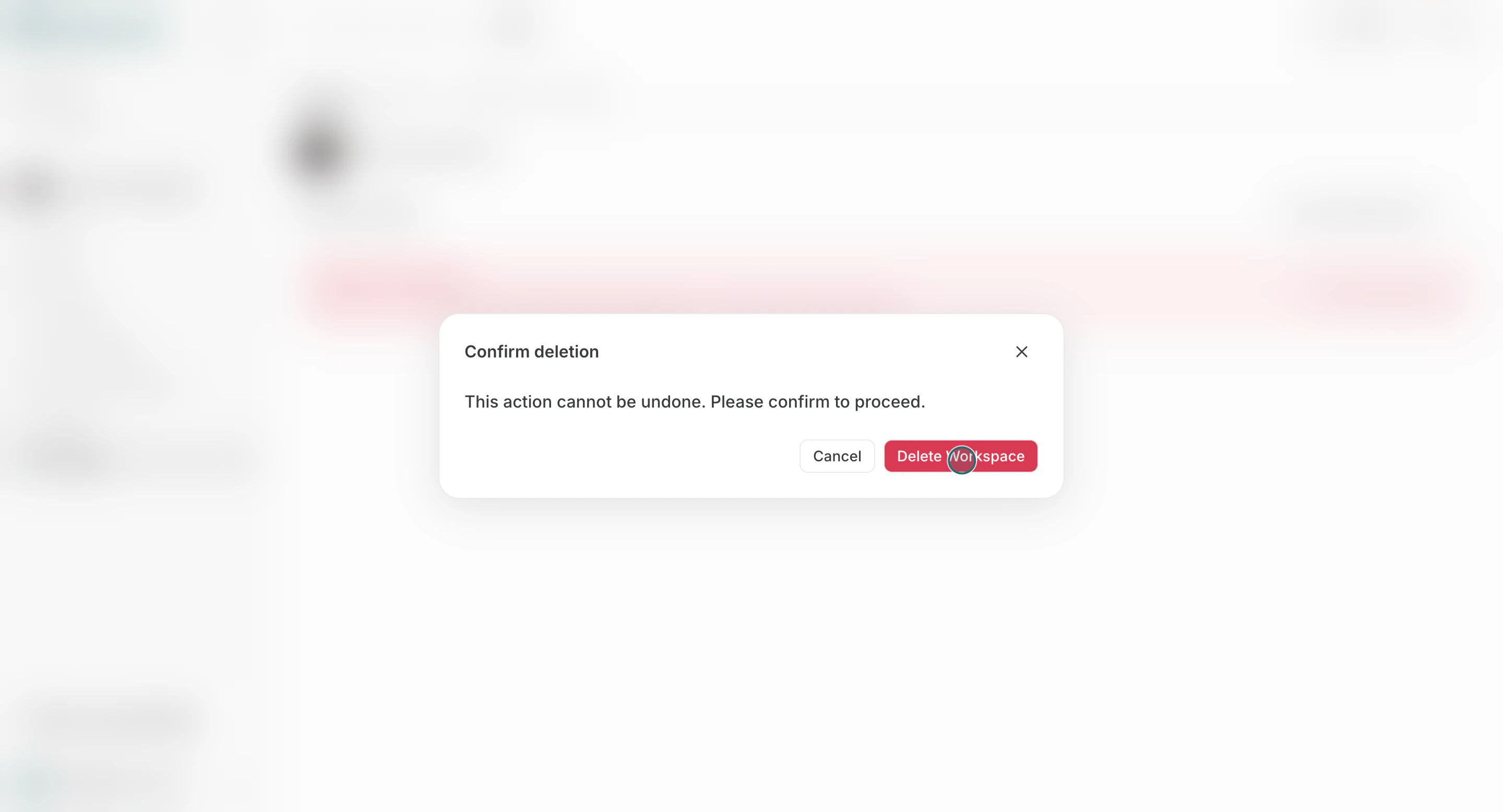
4. 확인 모달에서 삭제를 확정합니다.

<img src="https://mintcdn.com/agoslabstechnologiesfzco/Akti8JrQwF6FniPF/public/help-center/arcade/workspace/delete-workspace/step-05.png?fit=max&auto=format&n=Akti8JrQwF6FniPF&q=85&s=1038cf7d8f77ed736afa97e76b932983" alt="작업공간 삭제 확인 모달" style={{ border: '1px solid #e5e7eb', borderRadius: '8px', marginBottom: '1rem' }} width="2880" height="1556" data-path="public/help-center/arcade/workspace/delete-workspace/step-05.png" />

## 삭제 전 확인

* 현재 이 작업공간에 의존하는 실행 작업이 없는지 확인합니다.
* 아직 사용하는 멤버가 있다면 먼저 안내합니다.
* 팀의 마지막 작업공간인지 확인합니다.

## 참고

* 팀에는 최소 한 개 이상의 작업공간이 남아 있어야 합니다.

## 관련 문서

* [작업공간 소개](/ko/help-center/workspace/workspace-basics)
* [작업공간 이름 및 프로필 이미지 변경](/ko/help-center/workspace/change-the-workspace-name-and-profile-image)