> ## Documentation Index
> Fetch the complete documentation index at: https://docs.noimosai.com/llms.txt
> Use this file to discover all available pages before exploring further.
# Tworzenie agenta od zera
> Design conditions, instructions, and integrations from the beginning without using a template.
## Przegląd
Use `Create from scratch` when you need detailed control over execution conditions. It takes more setup than a template, but can be optimized for specific requirements.
## Steps
1. In `Agents`, click `Add Agent`
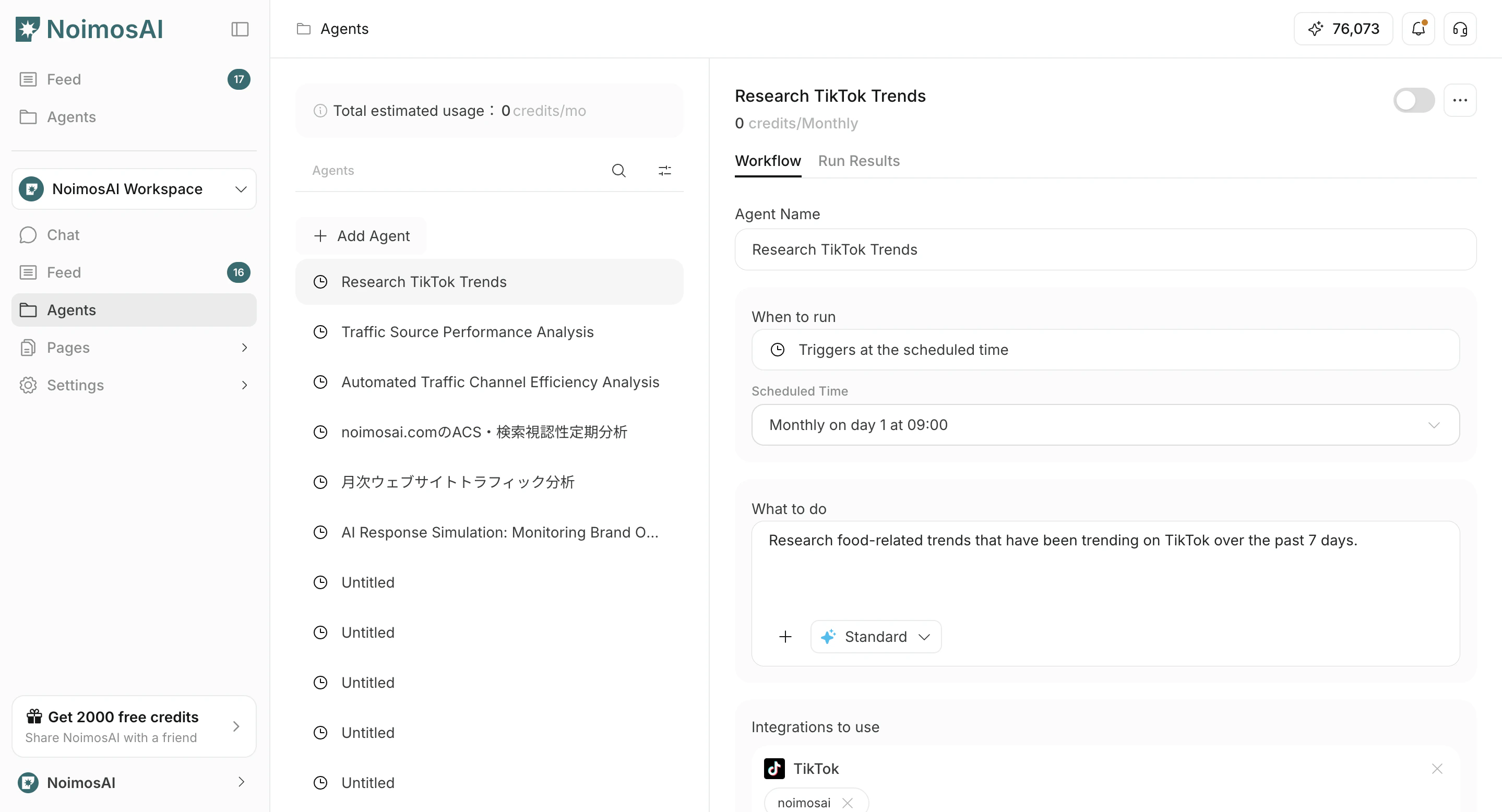 2. Select `Create from scratch`
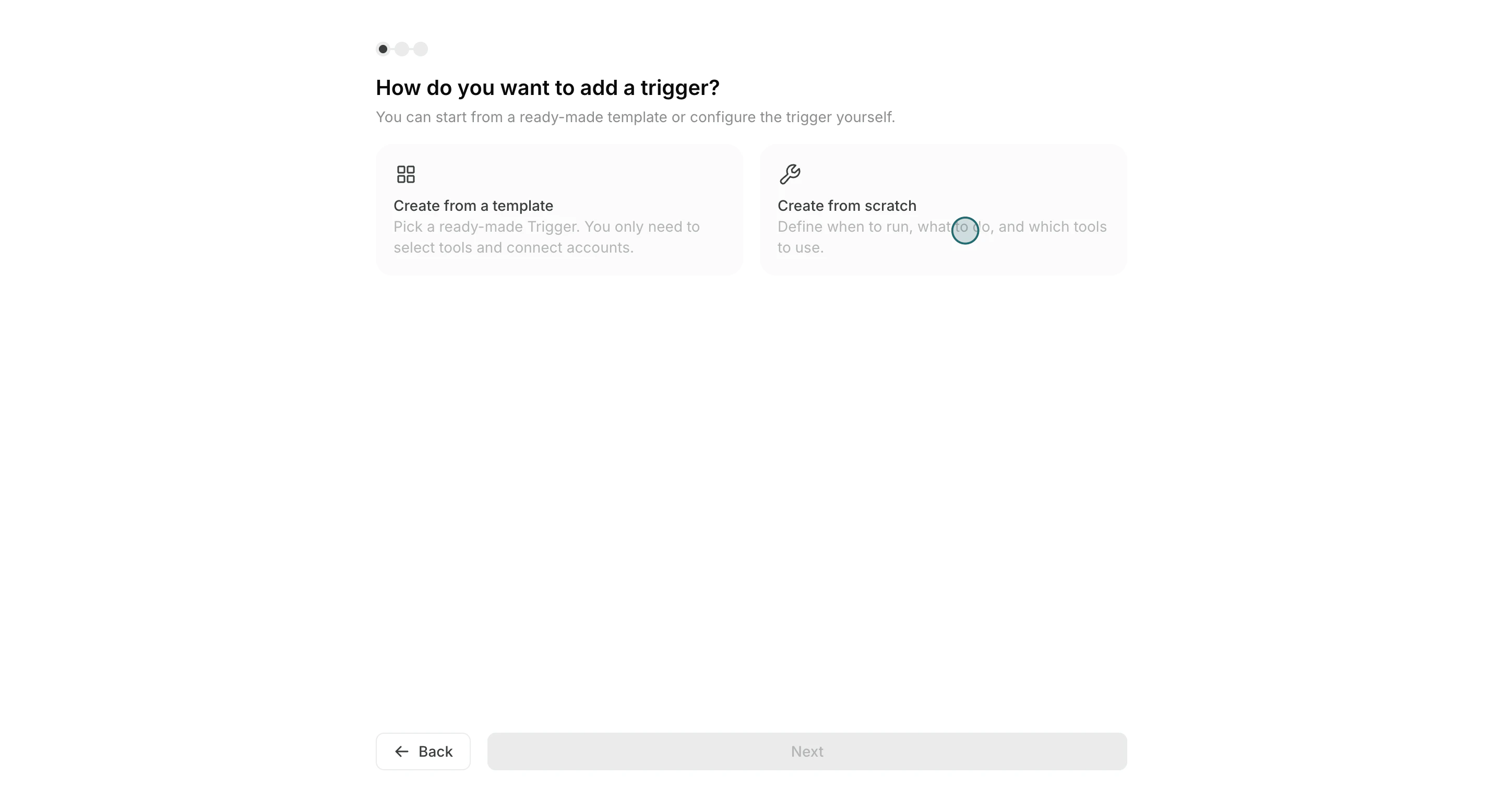 3. Enter `Run conditions` and `Workflow`
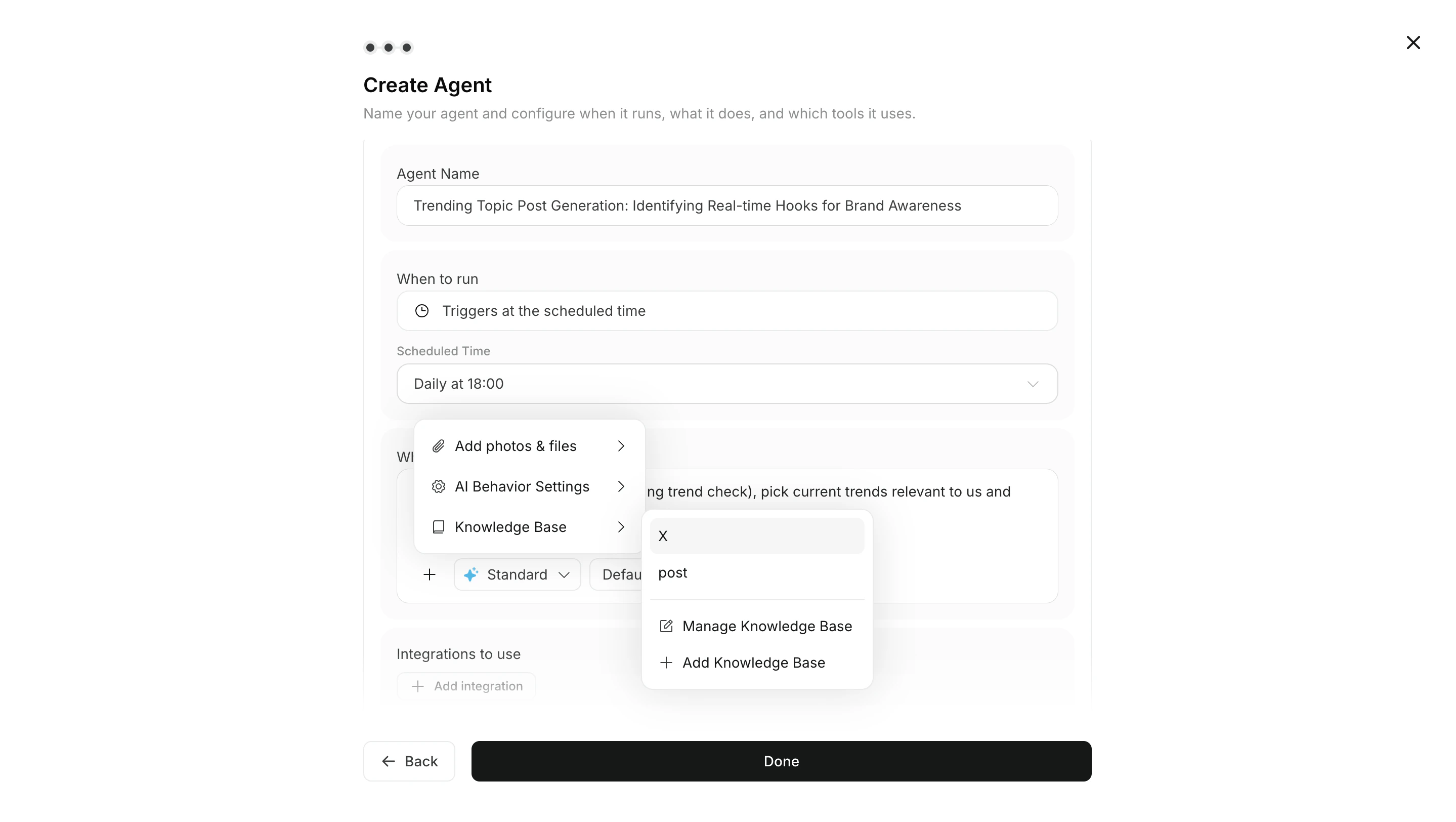
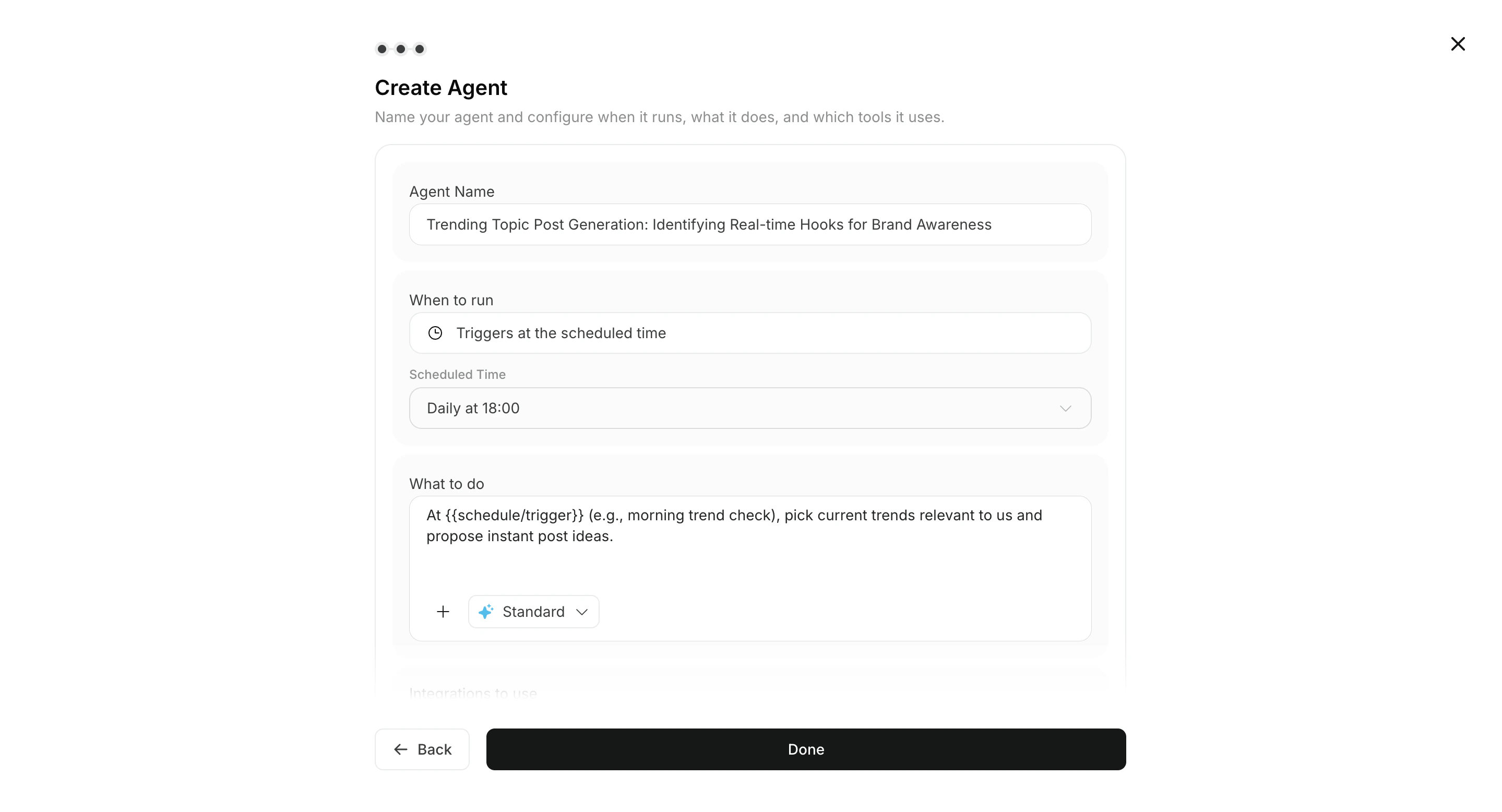 4. W razie potrzeby dołącz obrazy lub Knowledge Base do workflow
 5. Set integrations and connected accounts
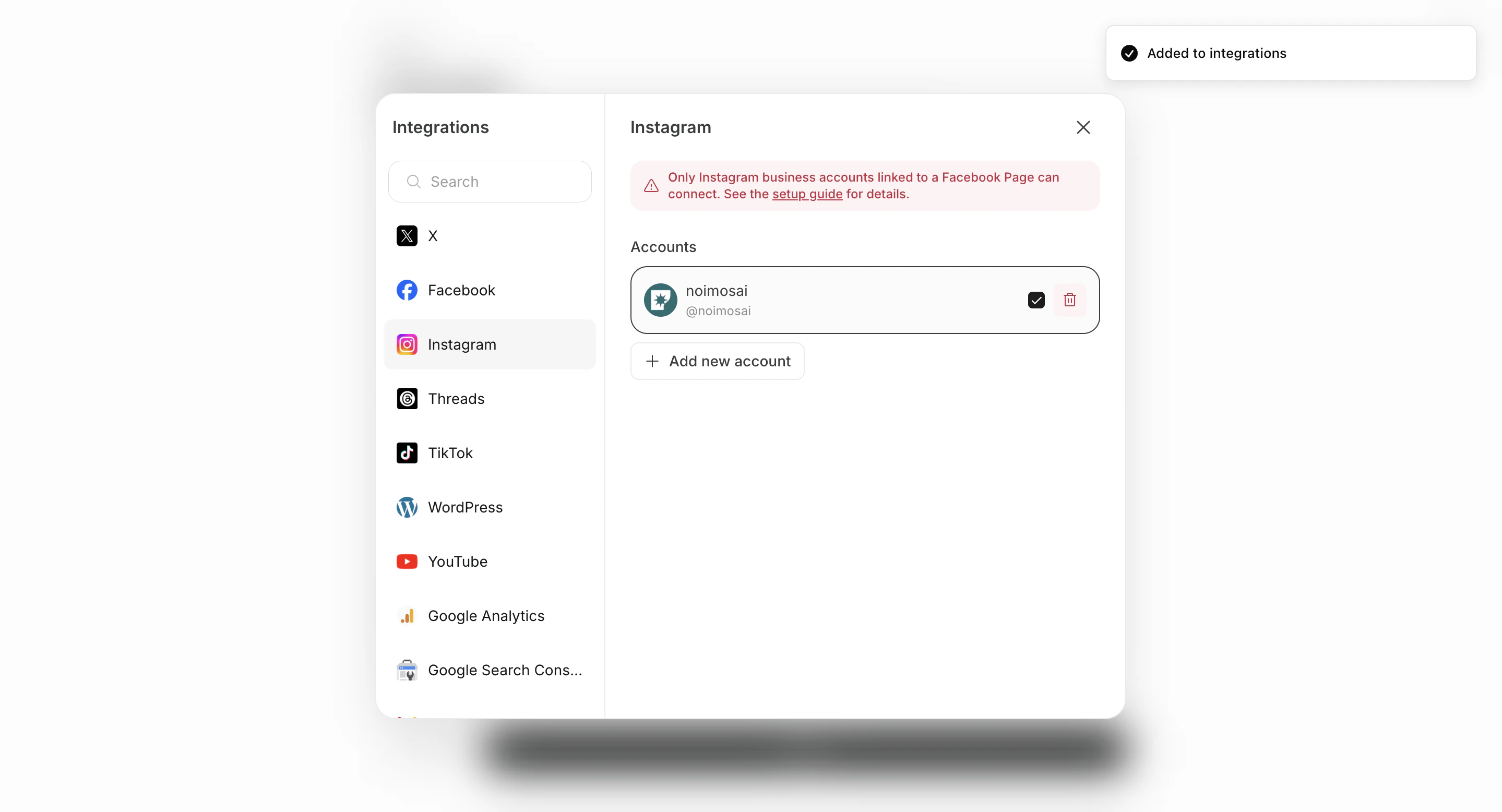 6. Save, create, and enable if needed
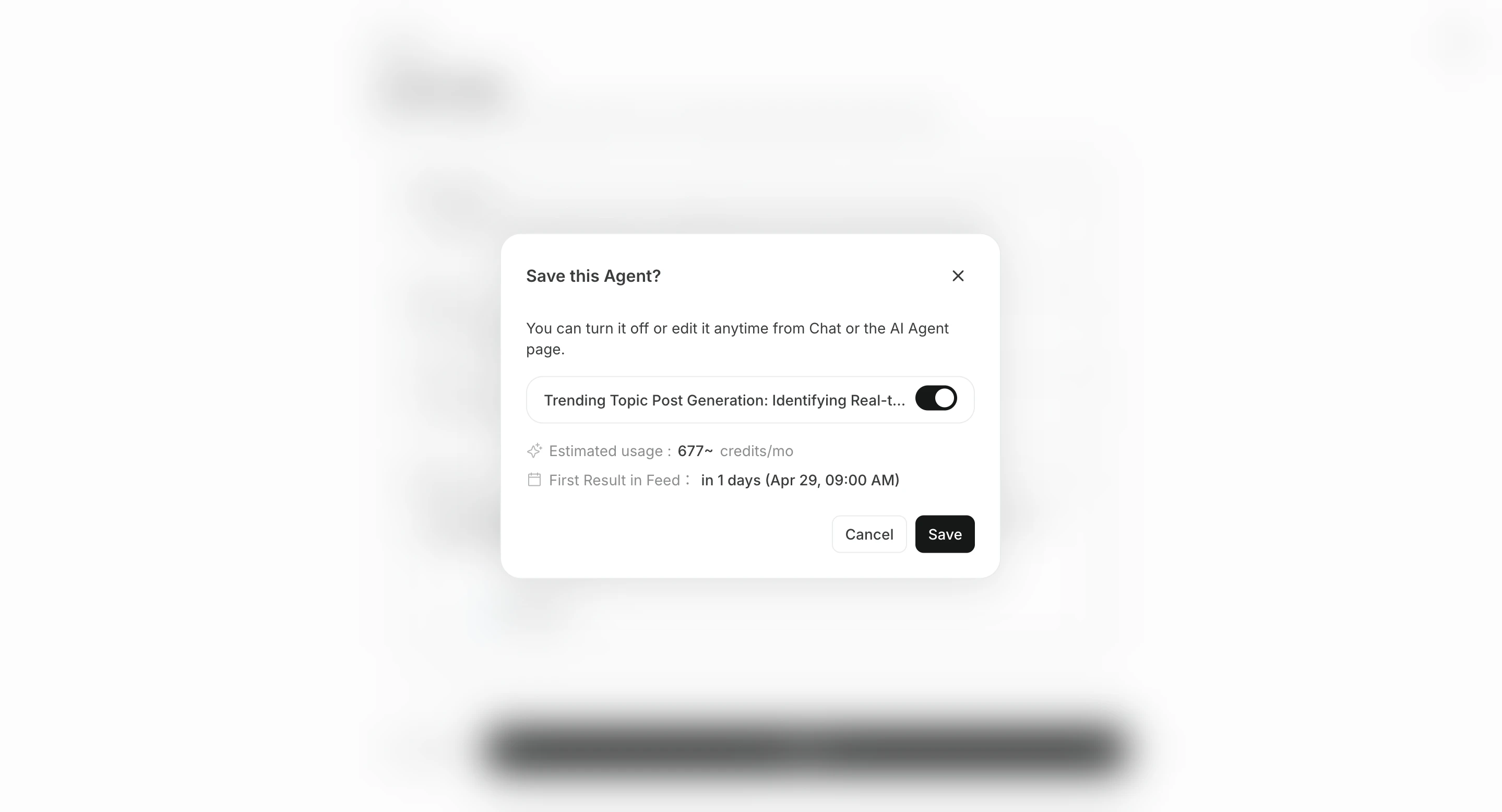 ## Operating tips
* Use a title that makes the purpose clear
* Include output format, review criteria, and prohibited actions in the instructions
* Start at a low frequency and adjust after reviewing results
## Ustawianie miejsca dostarczania
`Miejsce dostarczania` jest opcjonalne. Wyniki możesz sprawdzać w powiązanej sesji czatu i w `Wyniki wykonania`, ale dodaj miejsce dostarczania, gdy chcesz wysyłać powiadomienia lub udostępniać wyniki.
Najczęściej używa się dwóch sposobów.
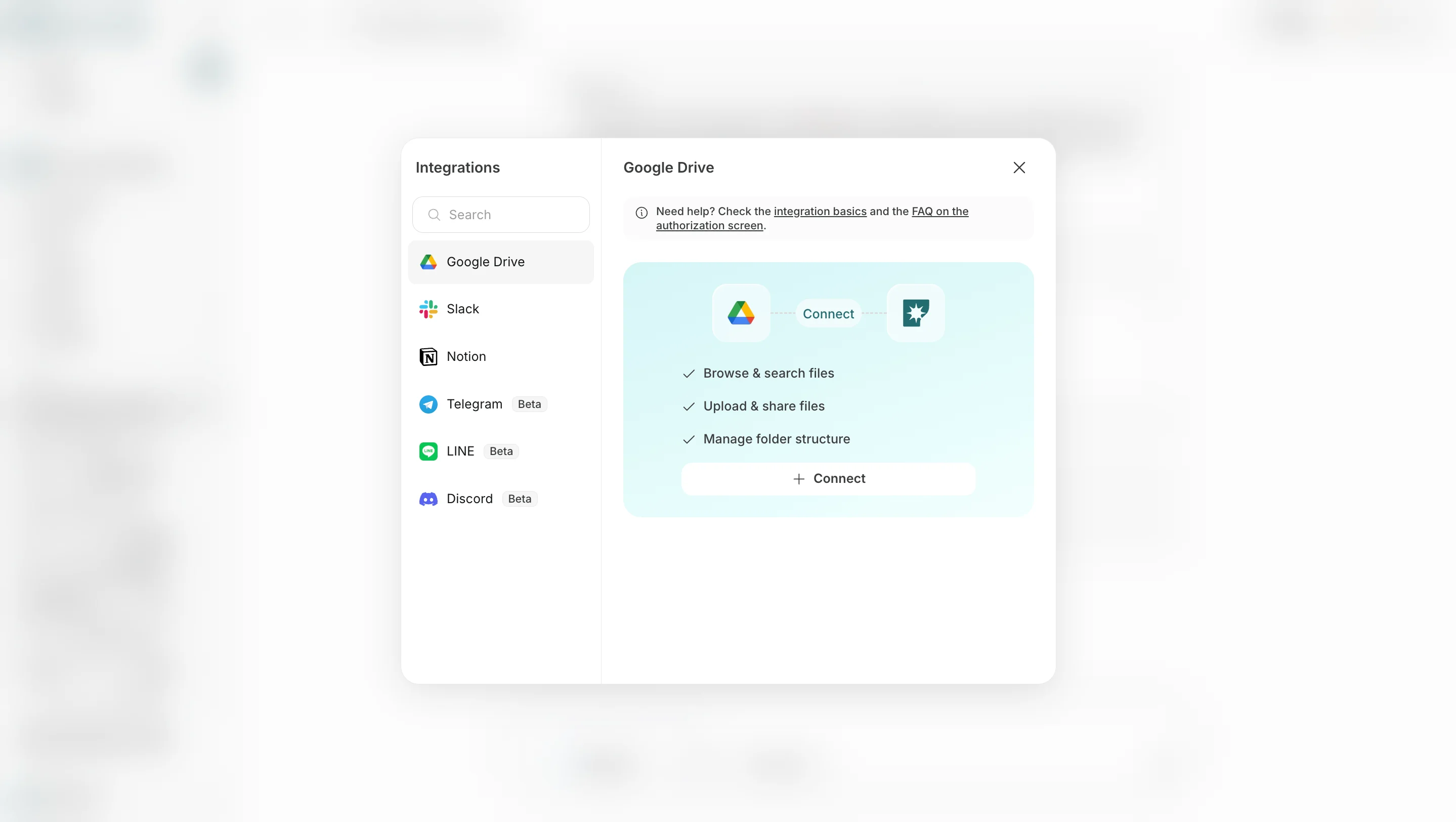
1. **Dodaj miejsce dostarczania** pozwala wybrać połączoną aplikację lub miejsce zapisu, takie jak Slack, LINE, Discord, Telegram, WhatsApp, Notion albo Google Drive.
## Operating tips
* Use a title that makes the purpose clear
* Include output format, review criteria, and prohibited actions in the instructions
* Start at a low frequency and adjust after reviewing results
## Ustawianie miejsca dostarczania
`Miejsce dostarczania` jest opcjonalne. Wyniki możesz sprawdzać w powiązanej sesji czatu i w `Wyniki wykonania`, ale dodaj miejsce dostarczania, gdy chcesz wysyłać powiadomienia lub udostępniać wyniki.
Najczęściej używa się dwóch sposobów.
1. **Dodaj miejsce dostarczania** pozwala wybrać połączoną aplikację lub miejsce zapisu, takie jak Slack, LINE, Discord, Telegram, WhatsApp, Notion albo Google Drive.
 2. **Dodaj e-mail** pozwala podać adres e-mail, aby odbierać wyniki także pocztą.
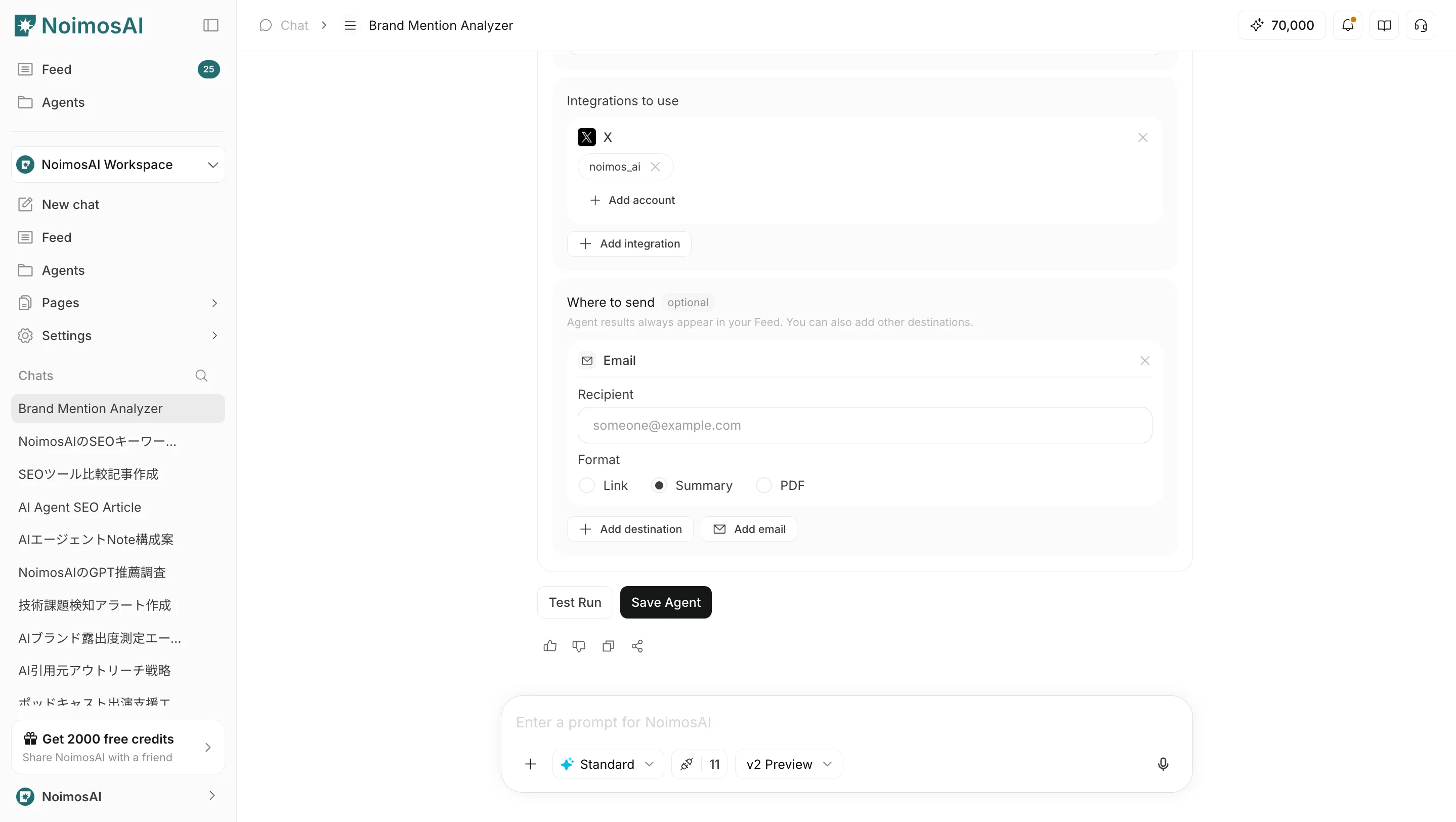 W obu przypadkach możesz wybrać format wysyłki: `link`, `podsumowanie` albo `PDF`.
## Powiązane strony
* [Trigger types](/pl/help-center/ai-team/trigger-types)
W obu przypadkach możesz wybrać format wysyłki: `link`, `podsumowanie` albo `PDF`.
## Powiązane strony
* [Trigger types](/pl/help-center/ai-team/trigger-types)