
Google Search Console: Review search queries, impressions, clicks, average position, and indexing status for relevant pages.

Google Analytics: Measure visits from AI services and whether those visitors complete resource requests or inquiries.

WordPress: Review existing pages and create, publish, or update content needed for GEO.

note: Review, create, publish, and update articles on note.
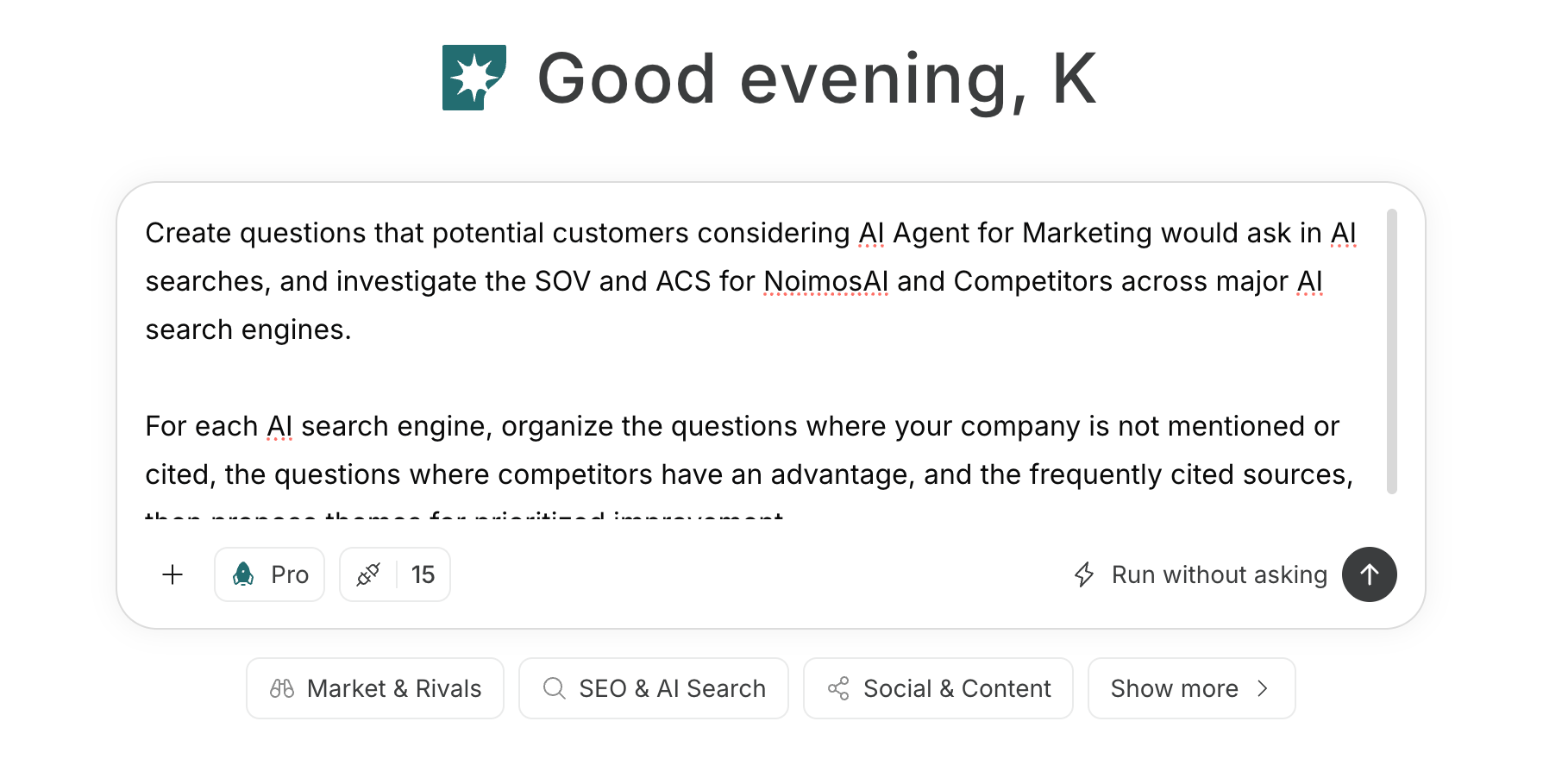 If you create an agent by giving its purpose and conditions in a prompt, see [Create an agent from chat](/help-center/ai-team/create-a-trigger-from-chat). If you enter each field manually in the settings screen, you can check [Create an agent from scratch](/help-center/ai-team/create-an-agent-from-scratch).
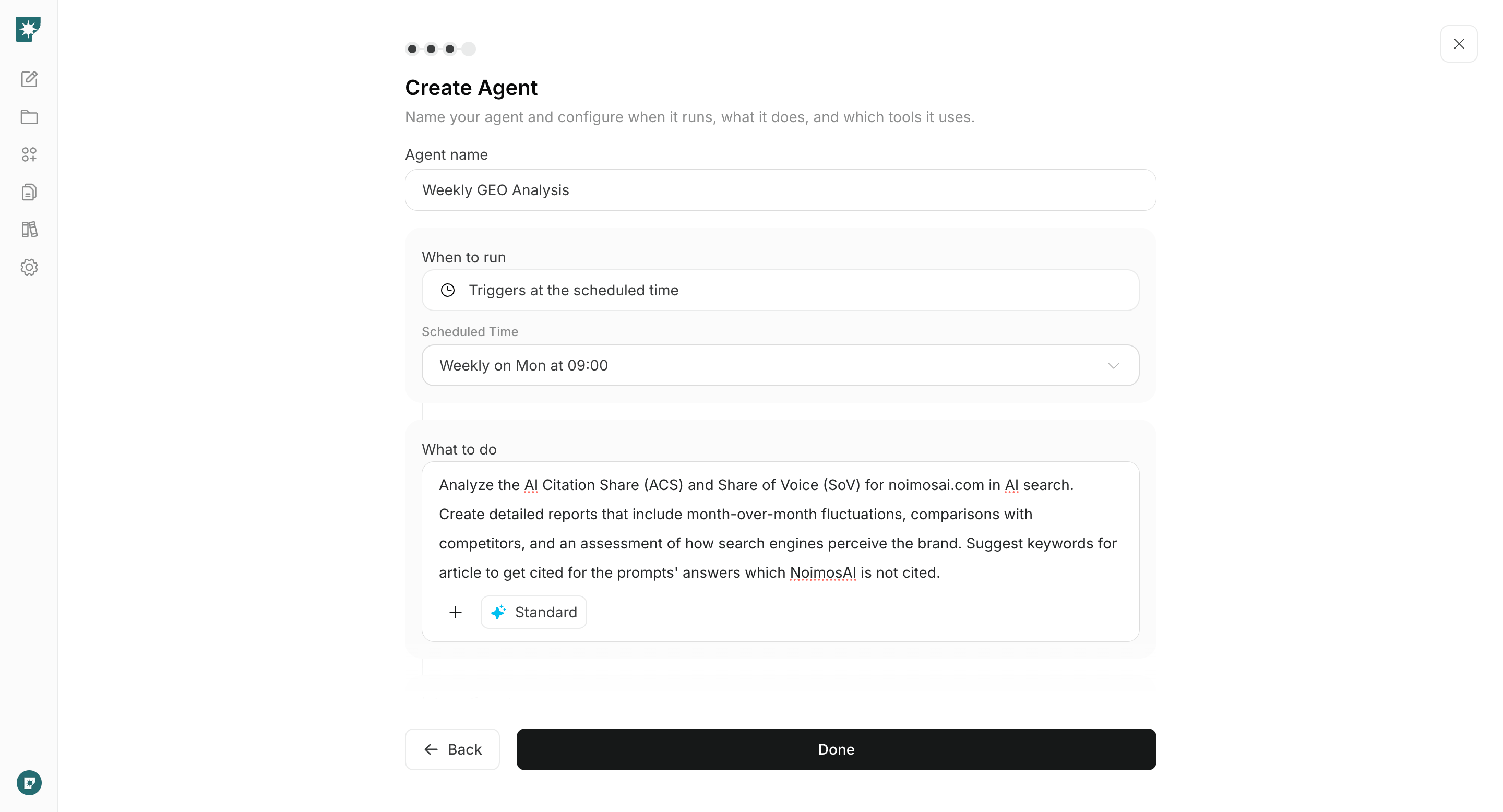 ### 1. Check AI search visibility
Enter the target industry, department, business challenge, and comparison criteria into the chat to investigate AI response visibility. Compare mentions, explanations, and citations for your company and competitors, and prioritize improvements based on questions that are not appearing and on inaccurate explanations.
#### Prompt for chat
```text theme={null}
Create questions that a user might ask an AI when researching how [industry, company size, department] would solve [business problem] or which solutions to consider. Organize questions into stages: understanding the problem, solution approaches, comparing options, and implementation requirements.
For each question, research responses from major AI services and document mentions of our company and competitors, the content of their explanations, ranking, and sources. Identify questions where our company does not appear, inaccuracies in explanations, and differences from competitors; then propose prioritized improvements.
```
In the results, review questions that most closely match the prospect’s evaluation, and select why we are not appearing and what information is missing.
Prioritize questions where inaccuracies have the largest impact. Even if competitors are mentioned, do not pursue questions that relate to industries or use cases we do not support.
### 1. Check AI search visibility
Enter the target industry, department, business challenge, and comparison criteria into the chat to investigate AI response visibility. Compare mentions, explanations, and citations for your company and competitors, and prioritize improvements based on questions that are not appearing and on inaccurate explanations.
#### Prompt for chat
```text theme={null}
Create questions that a user might ask an AI when researching how [industry, company size, department] would solve [business problem] or which solutions to consider. Organize questions into stages: understanding the problem, solution approaches, comparing options, and implementation requirements.
For each question, research responses from major AI services and document mentions of our company and competitors, the content of their explanations, ranking, and sources. Identify questions where our company does not appear, inaccuracies in explanations, and differences from competitors; then propose prioritized improvements.
```
In the results, review questions that most closely match the prospect’s evaluation, and select why we are not appearing and what information is missing.
Prioritize questions where inaccuracies have the largest impact. Even if competitors are mentioned, do not pursue questions that relate to industries or use cases we do not support.
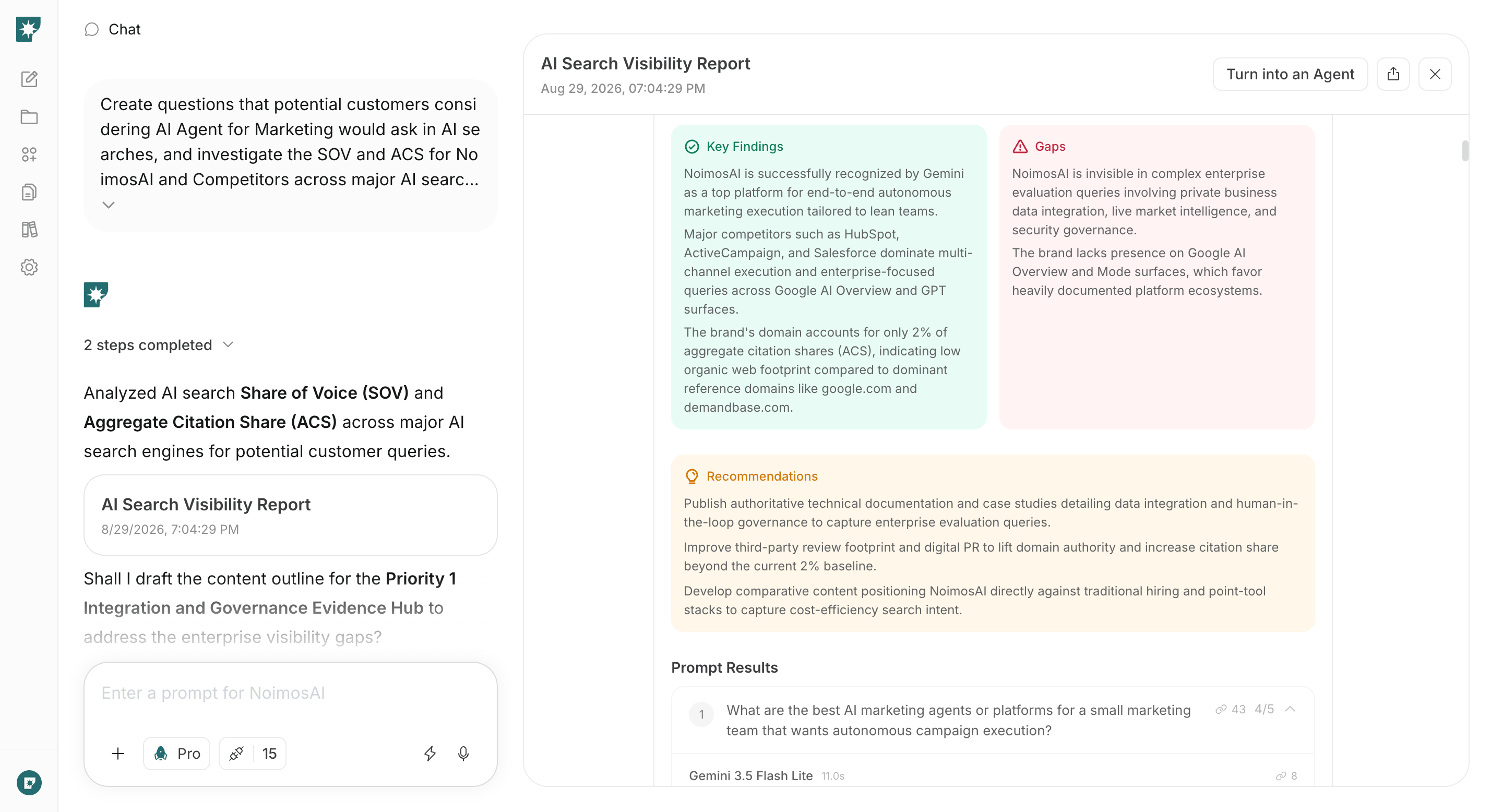 ### 2. Make your website easy for AI systems to access and cite
Enter the visibility-audit results and website URLs in chat to review the official information and technical setup. Identify important information AI systems cannot access and the sources of inaccurate descriptions about the company, products, or implementation requirements. Fix the highest-impact issues first.
#### Prompt for chat
```text theme={null}
Audit the website at [Website URL] from a GEO perspective. Verify that information about the company, products/services, target industries/use cases, features, pricing, implementation, security, support, and case studies is clear.
Also check internal links, sitemap.xml, robots.txt, noindex, canonical settings, structured data, and llms.txt, and organize any issues that prevent AI from retrieving and understanding content along with their impact, priority, and how to fix them.
```
Confirm that suggested fixes are factually accurate, and preview changes on websites operated with NoimosAI before publishing.
### 2. Make your website easy for AI systems to access and cite
Enter the visibility-audit results and website URLs in chat to review the official information and technical setup. Identify important information AI systems cannot access and the sources of inaccurate descriptions about the company, products, or implementation requirements. Fix the highest-impact issues first.
#### Prompt for chat
```text theme={null}
Audit the website at [Website URL] from a GEO perspective. Verify that information about the company, products/services, target industries/use cases, features, pricing, implementation, security, support, and case studies is clear.
Also check internal links, sitemap.xml, robots.txt, noindex, canonical settings, structured data, and llms.txt, and organize any issues that prevent AI from retrieving and understanding content along with their impact, priority, and how to fix them.
```
Confirm that suggested fixes are factually accurate, and preview changes on websites operated with NoimosAI before publishing.
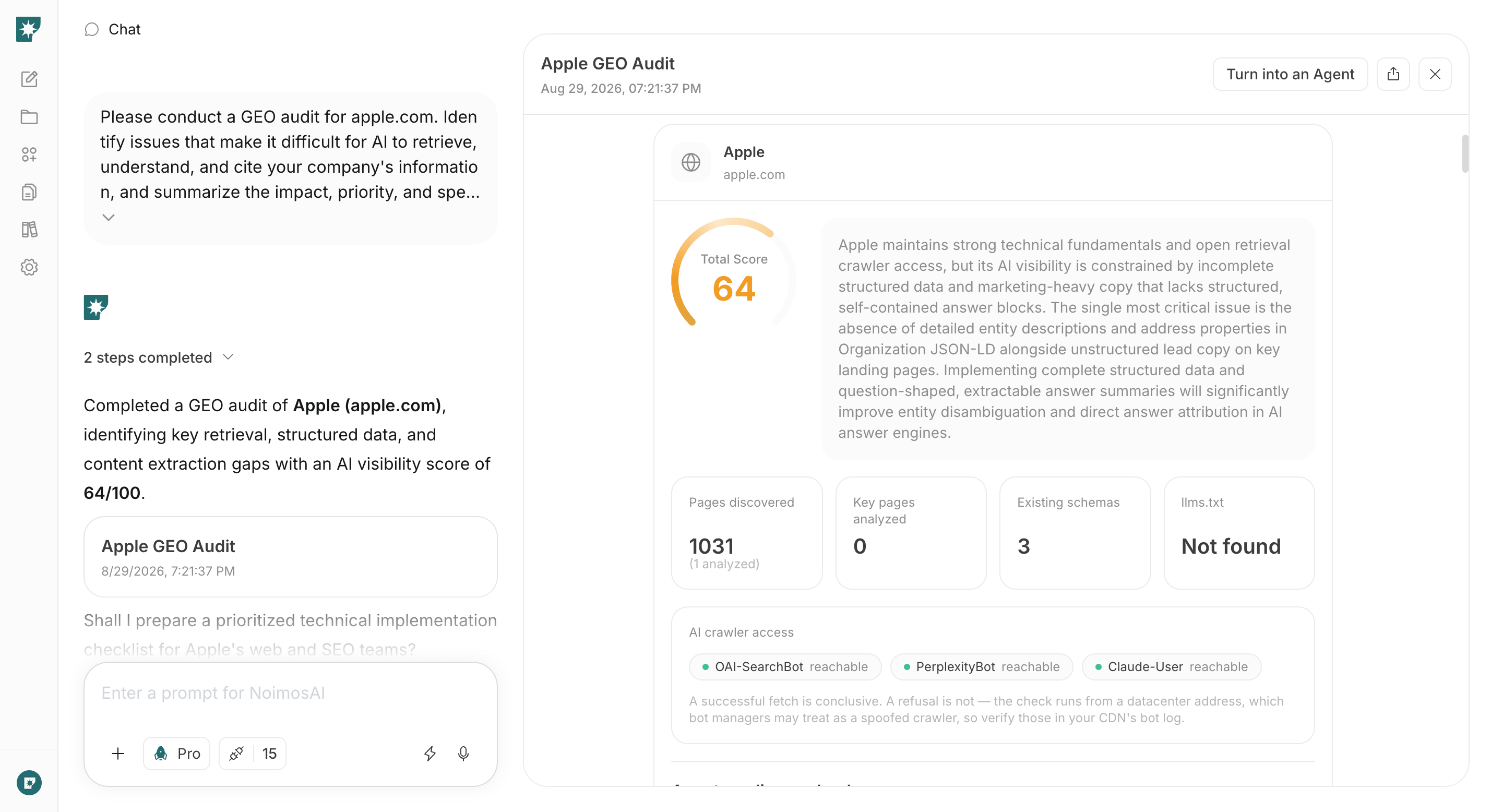 ### 3. Create content that supports implementation decisions
Choose one missing question, then specify the URL of the relevant page on your website, any published case studies, and product or service information to produce the final draft. If you’ve connected WordPress or note, you can also reference existing articles.
#### Prompt for chat
```text theme={null}
Create [type of content] that answers the following question: [target question]. The audience is [industry, company size, department].
State the answer clearly at the beginning. Explain the decision criteria, specific methods, supported scope, implementation requirements, and supporting case studies or data. Include internal links to relevant official pages and clear calls to action for [resource requests, consultations, demo bookings, or inquiries].
```
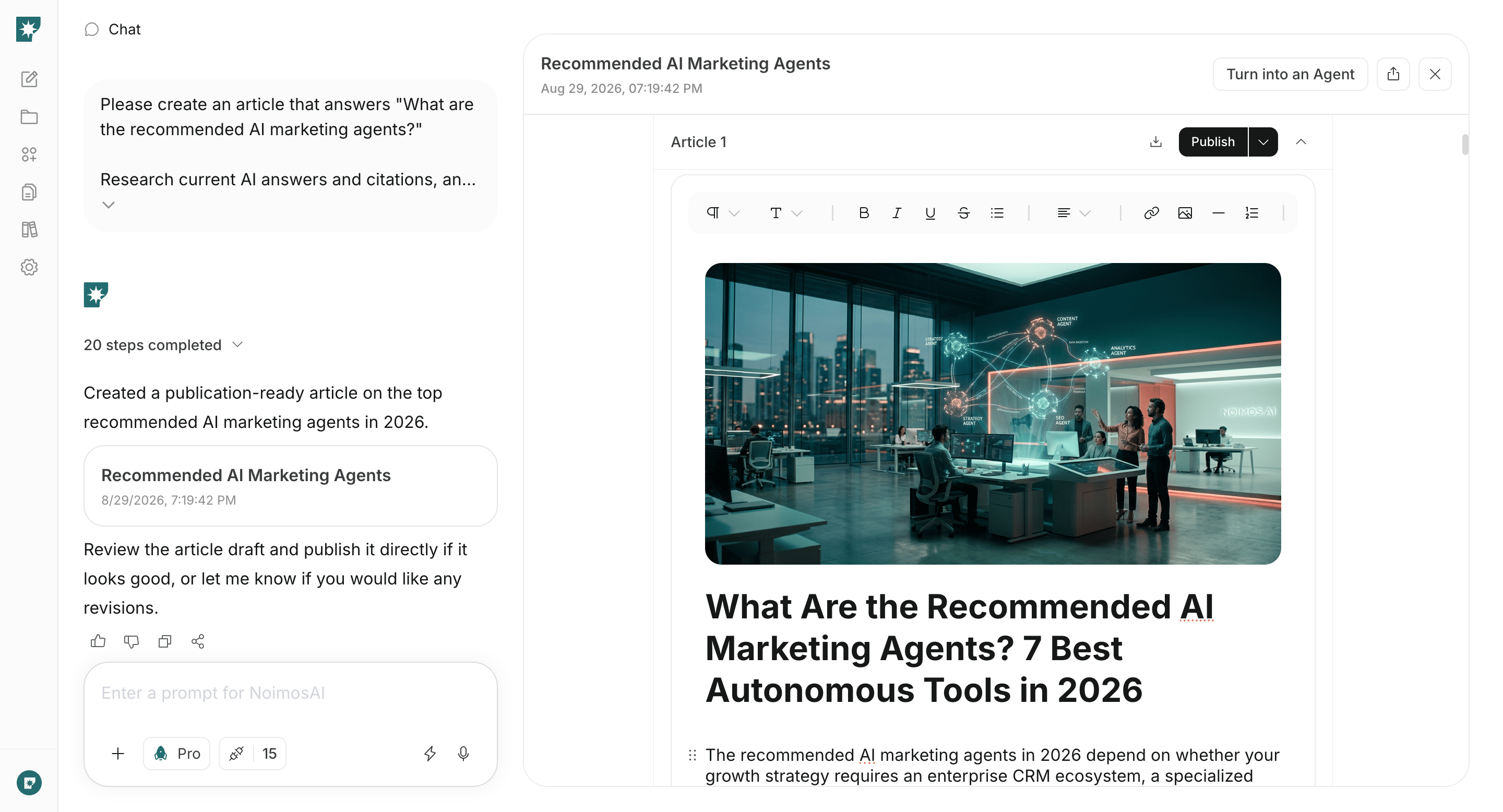
Verify the facts, figures, and scope in the draft before publishing, and add internal links from related pages.
Request indexing of the required URLs in Google Search Console and check indexing status later. On the published page, confirm that the answer is clear from the beginning and that comparison criteria and supporting evidence are clearly presented.
### 3. Create content that supports implementation decisions
Choose one missing question, then specify the URL of the relevant page on your website, any published case studies, and product or service information to produce the final draft. If you’ve connected WordPress or note, you can also reference existing articles.
#### Prompt for chat
```text theme={null}
Create [type of content] that answers the following question: [target question]. The audience is [industry, company size, department].
State the answer clearly at the beginning. Explain the decision criteria, specific methods, supported scope, implementation requirements, and supporting case studies or data. Include internal links to relevant official pages and clear calls to action for [resource requests, consultations, demo bookings, or inquiries].
```
Verify the facts, figures, and scope in the draft before publishing, and add internal links from related pages.
Request indexing of the required URLs in Google Search Console and check indexing status later. On the published page, confirm that the answer is clear from the beginning and that comparison criteria and supporting evidence are clearly presented.
 ### 4. Monitor and improve visibility over time
Create an agent that periodically remeasures the questions used in the initial survey. Compare changes in mentions, descriptions, and sources since the last measurement, and have the agent suggest existing pages to revise or new content to create.
#### Agent setup
**Trigger:** Schedule / Weekly
**Instructions:**
```text theme={null}
For the [list of target questions], review the answers provided by major AI services weekly.
Compare mentions of our company and competitors, explanations, rankings, and cited sources with the previous results. Identify questions where our visibility has decreased, questions with inaccurate explanations, and newly surfaced competitors; propose existing pages to correct or new content to create.
```
From the findings, fix any official information errors on the relevant pages and fill missing information by appending to existing pages or creating new content. After corrections, remeasure on the same questions to verify changes in visibility and cited sources.
If mentions do not increase immediately, keep the questions and conditions unchanged and confirm that the official page is being retrieved, current information is being described, and the correct page is being cited.
## Related pages
* [Create and improve your website](/playbooks/b2b/build-website)
* [Increase search traffic with SEO](/playbooks/b2b/seo)
* [Create an agent from chat](/help-center/ai-team/create-a-trigger-from-chat)
* [Check agent execution results](/help-center/ai-team/check-agent-execution-results)
### 4. Monitor and improve visibility over time
Create an agent that periodically remeasures the questions used in the initial survey. Compare changes in mentions, descriptions, and sources since the last measurement, and have the agent suggest existing pages to revise or new content to create.
#### Agent setup
**Trigger:** Schedule / Weekly
**Instructions:**
```text theme={null}
For the [list of target questions], review the answers provided by major AI services weekly.
Compare mentions of our company and competitors, explanations, rankings, and cited sources with the previous results. Identify questions where our visibility has decreased, questions with inaccurate explanations, and newly surfaced competitors; propose existing pages to correct or new content to create.
```
From the findings, fix any official information errors on the relevant pages and fill missing information by appending to existing pages or creating new content. After corrections, remeasure on the same questions to verify changes in visibility and cited sources.
If mentions do not increase immediately, keep the questions and conditions unchanged and confirm that the official page is being retrieved, current information is being described, and the correct page is being cited.
## Related pages
* [Create and improve your website](/playbooks/b2b/build-website)
* [Increase search traffic with SEO](/playbooks/b2b/seo)
* [Create an agent from chat](/help-center/ai-team/create-a-trigger-from-chat)
* [Check agent execution results](/help-center/ai-team/check-agent-execution-results)