
Google Search Console: Check search queries, clicks, and indexing for published pages.

WordPress: Use for creating, publishing, and updating articles and existing pages.

note: Review, create, publish, and update articles on note.
 To create an agent from a prompt, see [Create an agent from chat](/help-center/ai-team/create-a-trigger-from-chat). For manual setup, see [Create an agent from scratch](/help-center/ai-team/create-an-agent-from-scratch).
### 1. Check how you appear in AI answers
Start with questions your target clients would ask while researching solutions or providers. Check how AI answers describe your company and competitors. Record visibility, accuracy, reasons for recommendation, cited sources, and missing information, then choose the questions where an improvement would matter most.
#### Prompt for chat
```text theme={null}
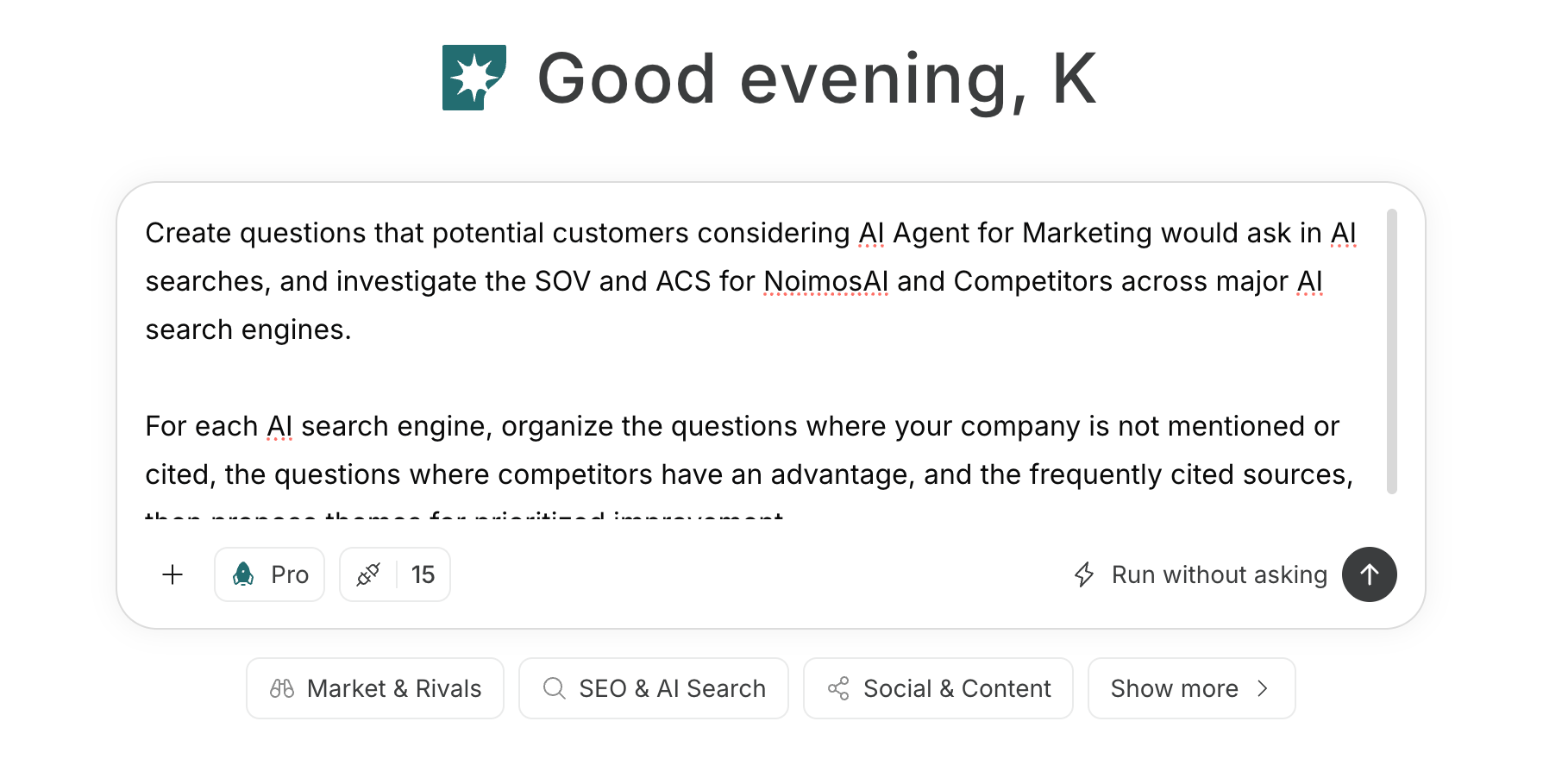
Create questions a [target customer] would ask an AI about [problem], including solution options, vendors, comparison criteria, costs, and consultation preparation. For each question, investigate how our company and registered competitors are presented/cited, and summarize SOV, ACS, explanation accuracy, reasons for mention, cited URLs, and missing information.
```
Save questions and results, and decide which questions to prioritize for improvement.
Prioritize by importance to the target customer, whether your company can address it, impact of incorrect explanations, and availability of evidence you can publish. Fix questions with no mentions as well as those with incorrect pricing, service regions, credentials, or results quickly.
To create an agent from a prompt, see [Create an agent from chat](/help-center/ai-team/create-a-trigger-from-chat). For manual setup, see [Create an agent from scratch](/help-center/ai-team/create-an-agent-from-scratch).
### 1. Check how you appear in AI answers
Start with questions your target clients would ask while researching solutions or providers. Check how AI answers describe your company and competitors. Record visibility, accuracy, reasons for recommendation, cited sources, and missing information, then choose the questions where an improvement would matter most.
#### Prompt for chat
```text theme={null}
Create questions a [target customer] would ask an AI about [problem], including solution options, vendors, comparison criteria, costs, and consultation preparation. For each question, investigate how our company and registered competitors are presented/cited, and summarize SOV, ACS, explanation accuracy, reasons for mention, cited URLs, and missing information.
```
Save questions and results, and decide which questions to prioritize for improvement.
Prioritize by importance to the target customer, whether your company can address it, impact of incorrect explanations, and availability of evidence you can publish. Fix questions with no mentions as well as those with incorrect pricing, service regions, credentials, or results quickly.
 ### 2. Make your website easy for AI systems to access and cite
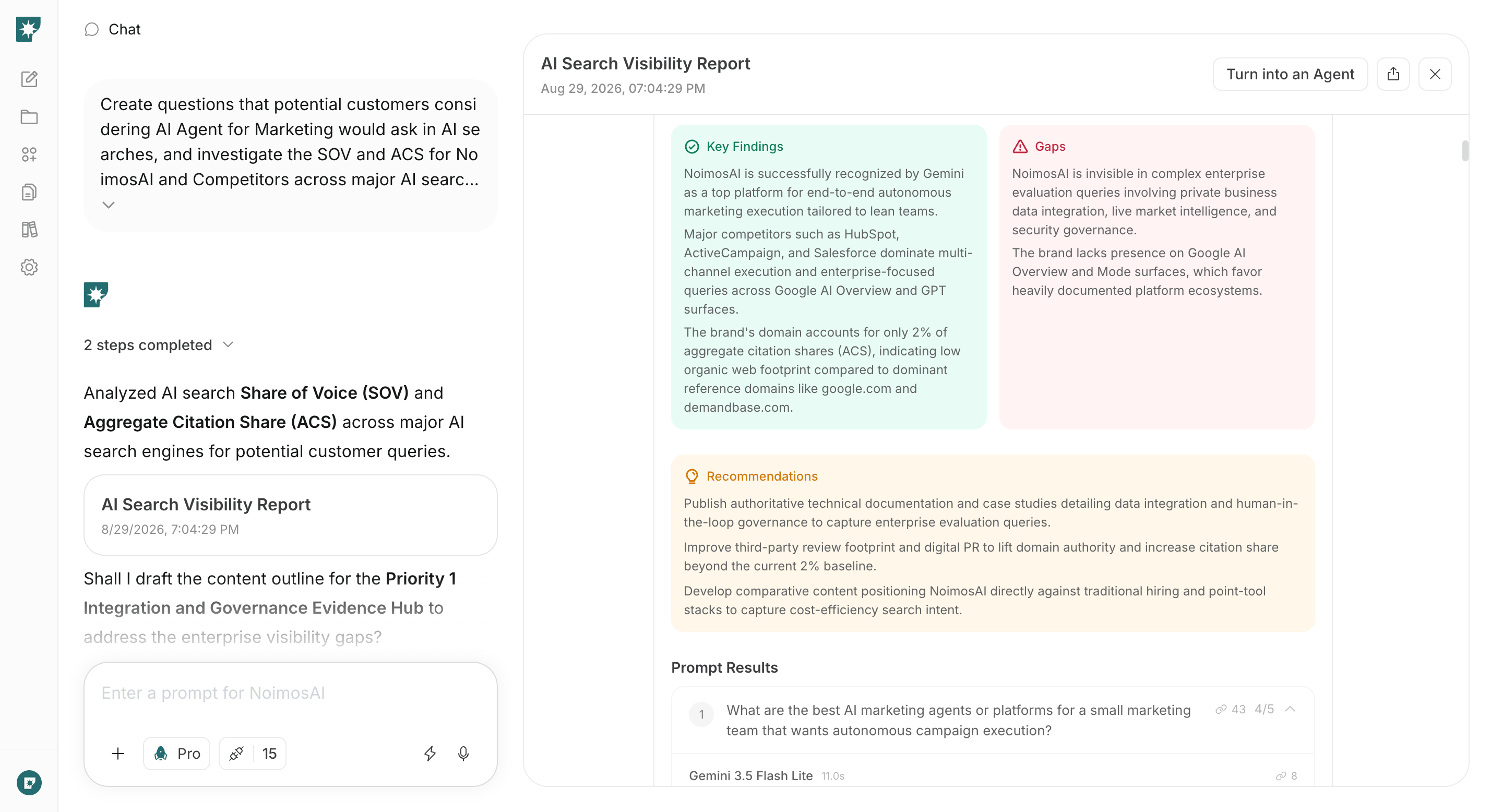
Audit your live website to correct inaccurate or missing information found in the previous step. Verify that AI can retrieve and correctly understand company, contacts, services, scope, client results, pricing, and regions; then fix the highest-impact issues first.
#### Prompt for chat
```text theme={null}
Audit [website URL] to determine whether AI can retrieve and understand the company, contacts, services, target customers, scope, client results, pricing, and regions. Check retrieval settings, internal links, HTML, copy, and structured data, and summarize issues, impact, and how to fix them.
```
Fix important pages that AI can’t retrieve or that contain incorrect information, preview the changes, and publish.
Prioritize pages where contacts or company cannot be identified, service scope is ambiguous, case study conditions are unclear, or pricing/consultation flow is outdated. After fixes, connect company, contacts, services, client results, pricing, and FAQ with internal links.
### 2. Make your website easy for AI systems to access and cite
Audit your live website to correct inaccurate or missing information found in the previous step. Verify that AI can retrieve and correctly understand company, contacts, services, scope, client results, pricing, and regions; then fix the highest-impact issues first.
#### Prompt for chat
```text theme={null}
Audit [website URL] to determine whether AI can retrieve and understand the company, contacts, services, target customers, scope, client results, pricing, and regions. Check retrieval settings, internal links, HTML, copy, and structured data, and summarize issues, impact, and how to fix them.
```
Fix important pages that AI can’t retrieve or that contain incorrect information, preview the changes, and publish.
Prioritize pages where contacts or company cannot be identified, service scope is ambiguous, case study conditions are unclear, or pricing/consultation flow is outdated. After fixes, connect company, contacts, services, client results, pricing, and FAQ with internal links.
 ### 3. Create content that helps vendor selection
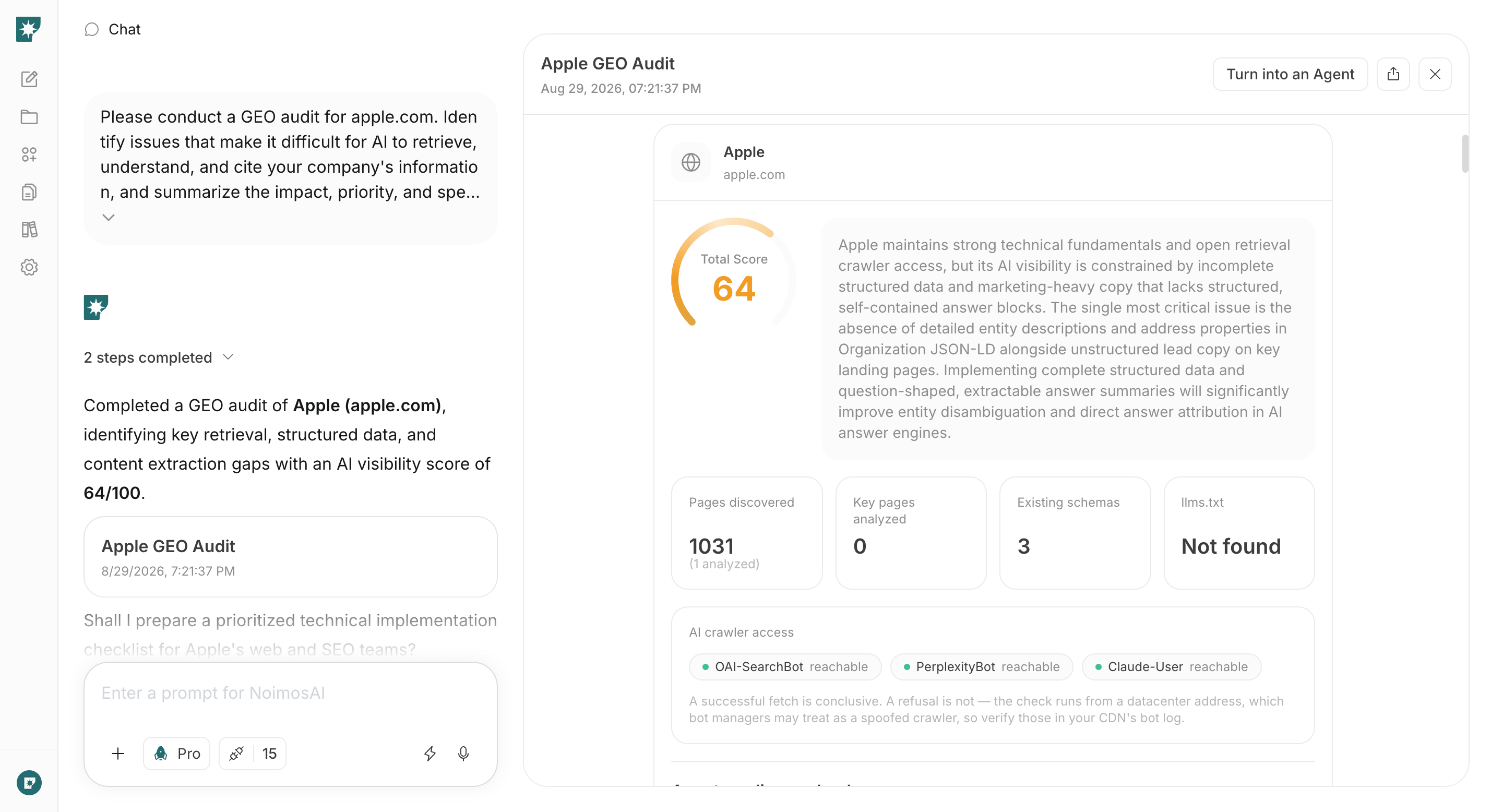
Choose one question that AI doesn’t cover well and create a public page that helps target customers decide on a vendor. Based on your published facts, use chat to draft a complete page covering scope, deliverables, process, pricing, client results, and how to consult.
#### Prompt for chat
```text theme={null}
Create a final draft for a [service, target industry, case study, pricing, comparison, FAQ, or article] page that answers [priority question]. Use [our verified facts and public URLs] as the basis, and include target clients, scope, deliverables, process, pricing, client outcomes, and a clear path to request a consultation. Do not invent results, credentials, or client information.
```
Confirm facts and publication permissions, then publish on your website, WordPress, or note. Verify internal links and sitemap.xml.
Before publishing, cross-check target customers, scope, deliverables, timeline, pricing, client results, and credentials against source documents. Ensure anonymous case studies cannot be used to identify clients, and disclose assumptions for metrics or outcomes. After publishing, add internal links from related service and case pages.
### 3. Create content that helps vendor selection
Choose one question that AI doesn’t cover well and create a public page that helps target customers decide on a vendor. Based on your published facts, use chat to draft a complete page covering scope, deliverables, process, pricing, client results, and how to consult.
#### Prompt for chat
```text theme={null}
Create a final draft for a [service, target industry, case study, pricing, comparison, FAQ, or article] page that answers [priority question]. Use [our verified facts and public URLs] as the basis, and include target clients, scope, deliverables, process, pricing, client outcomes, and a clear path to request a consultation. Do not invent results, credentials, or client information.
```
Confirm facts and publication permissions, then publish on your website, WordPress, or note. Verify internal links and sitemap.xml.
Before publishing, cross-check target customers, scope, deliverables, timeline, pricing, client results, and credentials against source documents. Ensure anonymous case studies cannot be used to identify clients, and disclose assumptions for metrics or outcomes. After publishing, add internal links from related service and case pages.
 ### 4. Monitor and improve mentions and citations
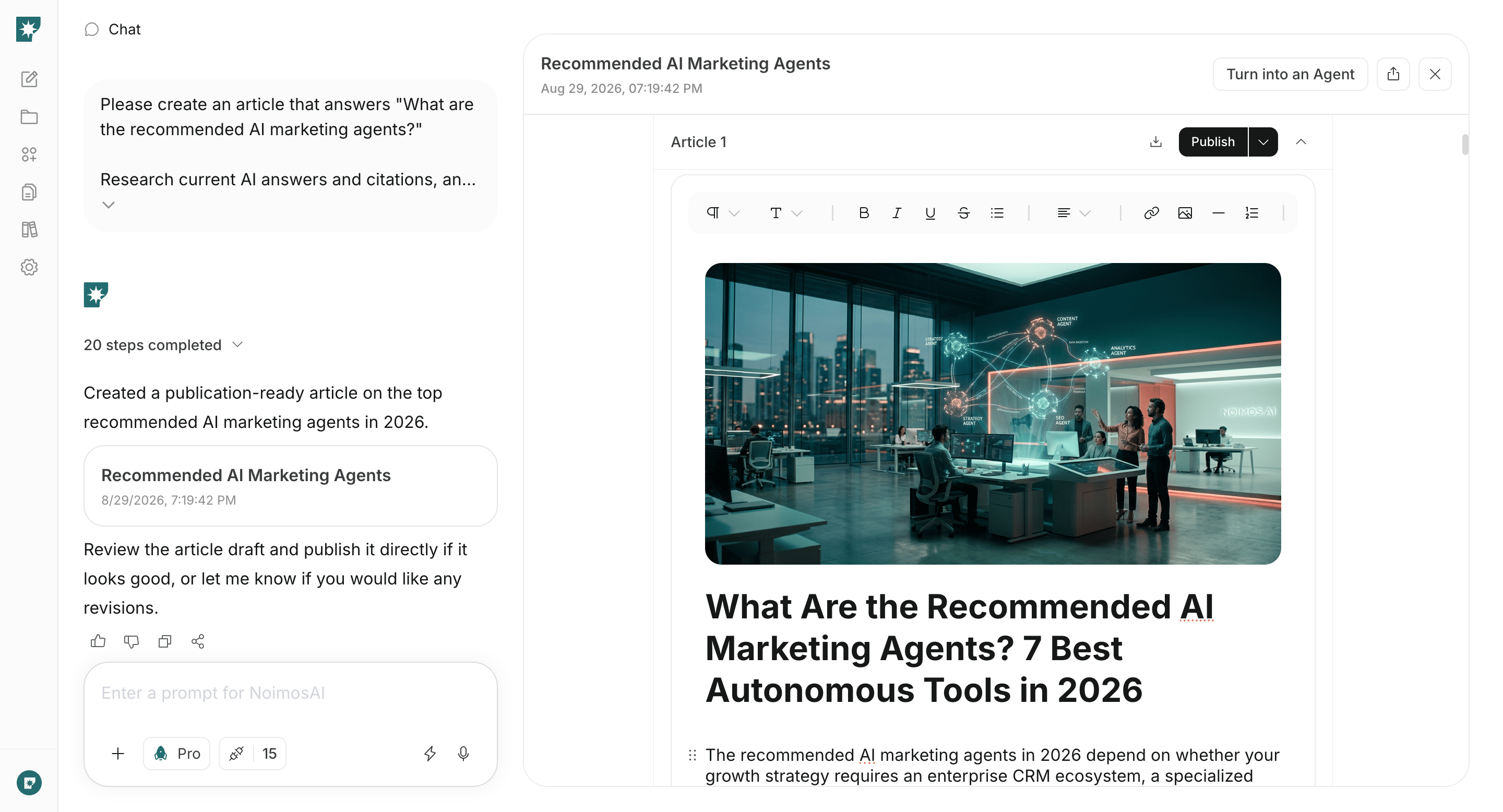
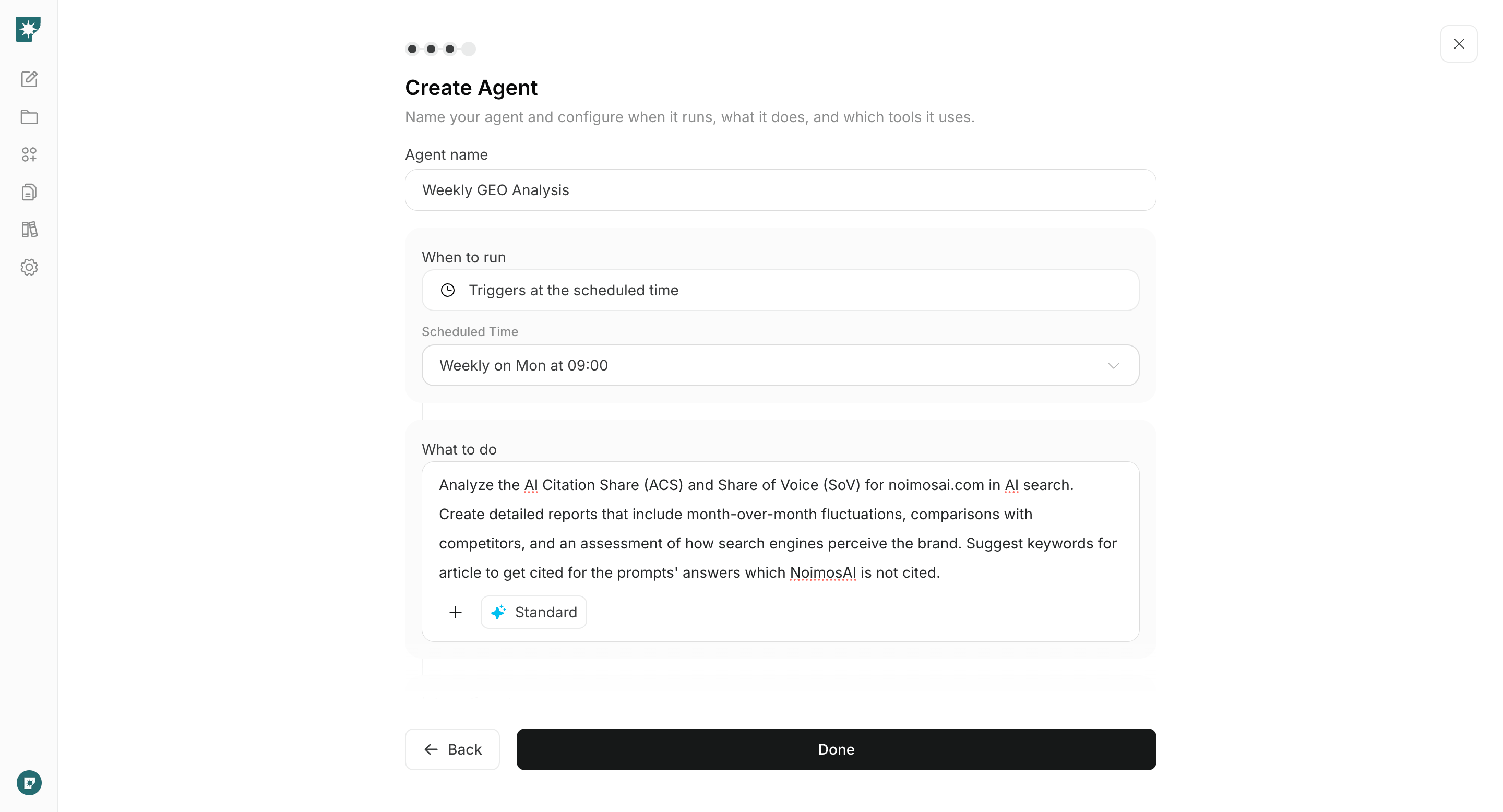
Monthly, re-run the initial questions under the same conditions and compare changes in mentions, descriptions, and cited sources. Don’t just produce a list of changes—identify the missing information with the greatest impact, and create an agent that proposes pages to update and final draft content.
#### Agent setup
**Trigger:** Schedule / Monthly
**Instructions:**
```text theme={null}
Using the same questions as last time, investigate AI answers for our company and registered competitors. Compare SOV, ACS, explanations, reasons for mention, and cited pages with the previous run. Summarize improved questions, worsened questions, incorrect explanations, and newly cited sources. For the most impactful missing information, create pages to update and full draft content.
```
**Integrations:** None
### 4. Monitor and improve mentions and citations
Monthly, re-run the initial questions under the same conditions and compare changes in mentions, descriptions, and cited sources. Don’t just produce a list of changes—identify the missing information with the greatest impact, and create an agent that proposes pages to update and final draft content.
#### Agent setup
**Trigger:** Schedule / Monthly
**Instructions:**
```text theme={null}
Using the same questions as last time, investigate AI answers for our company and registered competitors. Compare SOV, ACS, explanations, reasons for mention, and cited pages with the previous run. Summarize improved questions, worsened questions, incorrect explanations, and newly cited sources. For the most impactful missing information, create pages to update and full draft content.
```
**Integrations:** None
 After publishing drafts, continue checking with the same questions, judging not only mention counts but also explanation and citation accuracy.
If mentions don’t increase immediately after edits, continue without changing questions or conditions. First confirm that the official pages are retrievable, the current information is being described, and the correct pages are cited. If no improvement occurs, sequentially check for missing direct answers to the question, missing evidence, missing contact information, and missing internal links.
## Related pages
* [Build or Improve Your Website](/playbooks/client-services/build-website)
* [Increase Organic Traffic with SEO](/playbooks/client-services/seo)
* [Research Competitors](/playbooks/client-services/research-competitors)
After publishing drafts, continue checking with the same questions, judging not only mention counts but also explanation and citation accuracy.
If mentions don’t increase immediately after edits, continue without changing questions or conditions. First confirm that the official pages are retrievable, the current information is being described, and the correct pages are cited. If no improvement occurs, sequentially check for missing direct answers to the question, missing evidence, missing contact information, and missing internal links.
## Related pages
* [Build or Improve Your Website](/playbooks/client-services/build-website)
* [Increase Organic Traffic with SEO](/playbooks/client-services/seo)
* [Research Competitors](/playbooks/client-services/research-competitors)