
Google Analytics: Collect events you set up for acquisition, sign-up start, first launch, sign-up completion, activation, and paid conversion. Use it to build funnels, identify drop-off points, and compare before/after results.
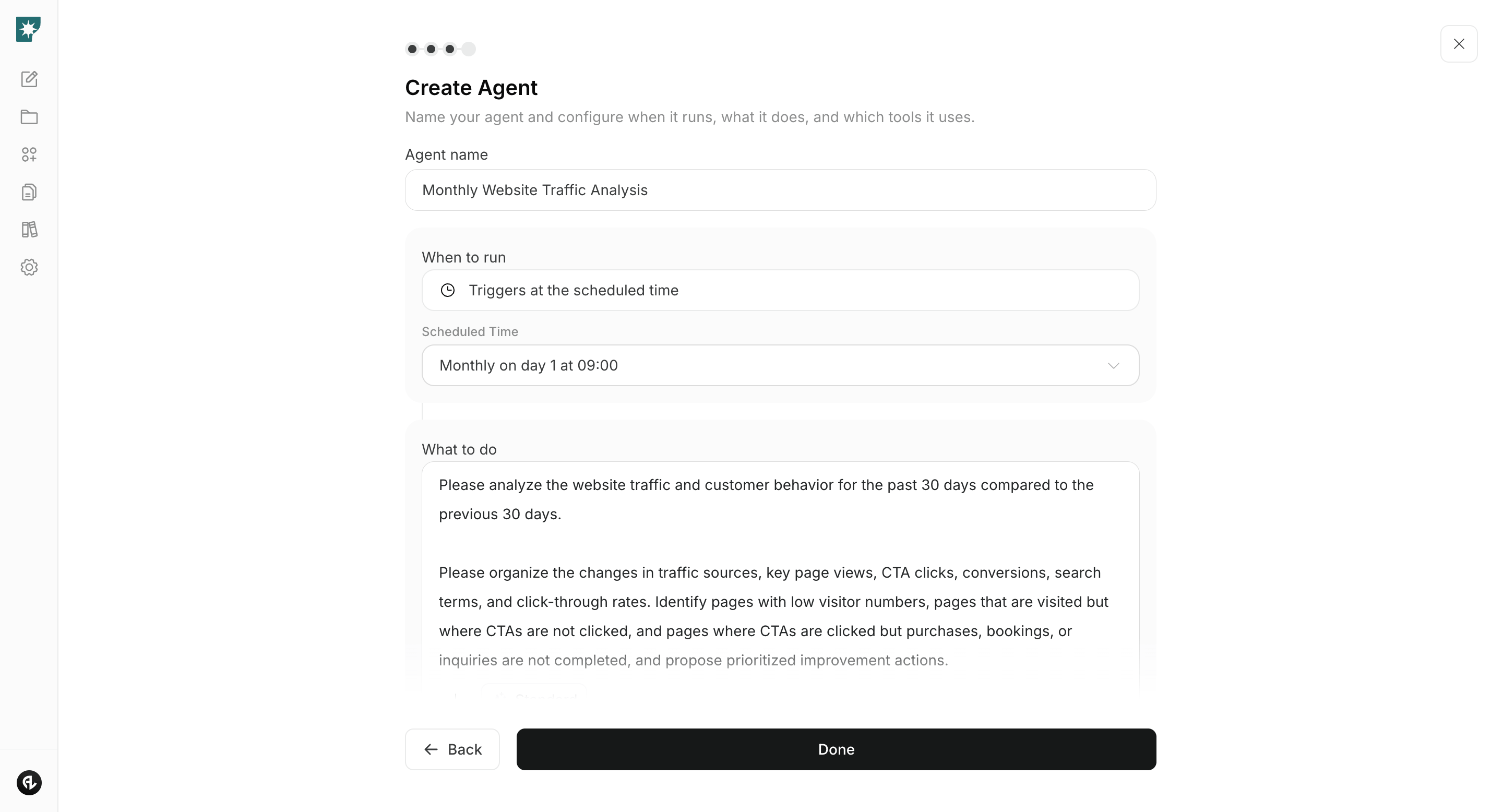
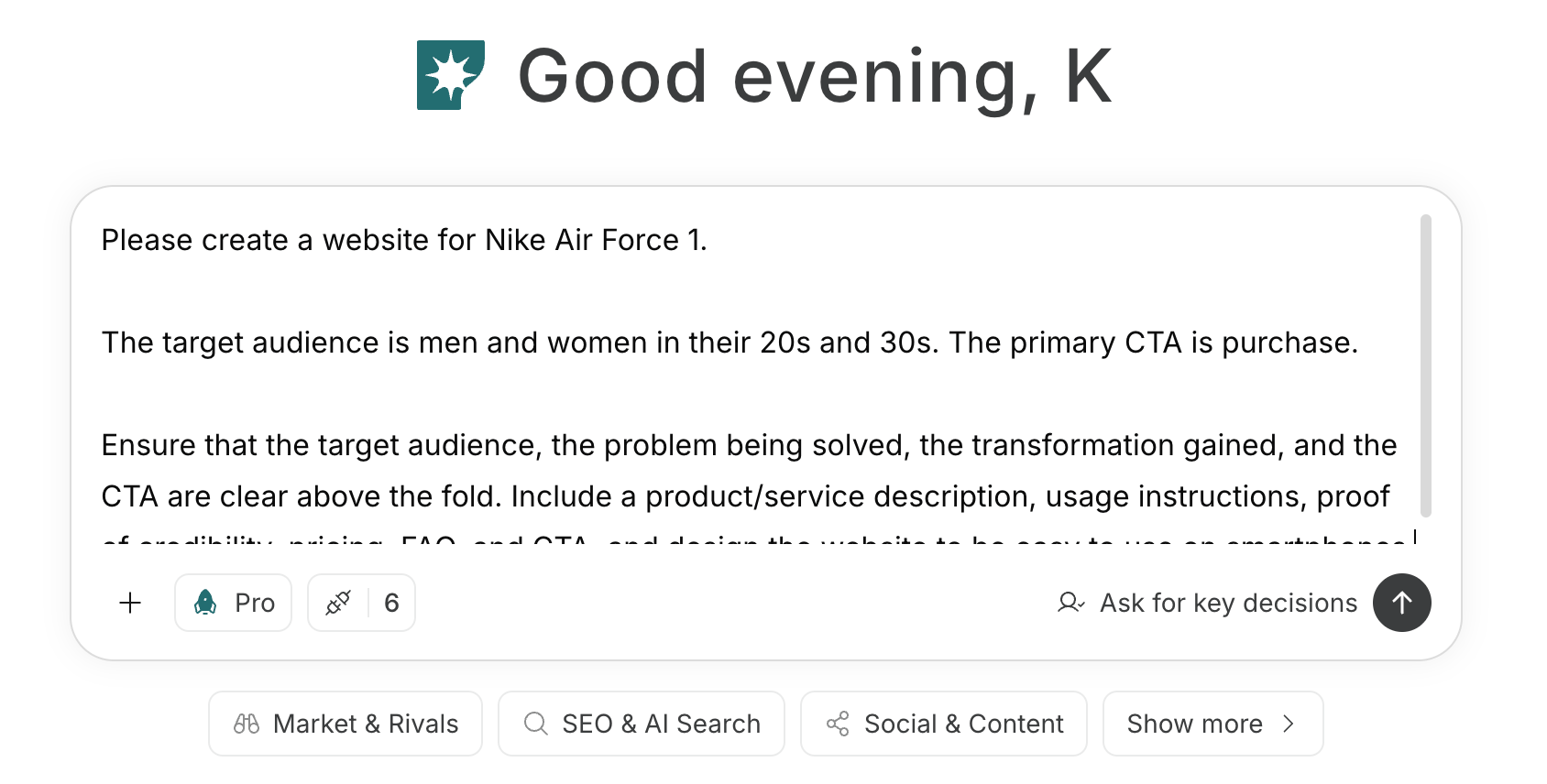 To create an agent by providing purpose and conditions via prompt, see [Create an agent from chat](/help-center/ai-team/create-a-trigger-from-chat). To manually fill in each field in the settings screen, see [Create an agent from scratch](/help-center/ai-team/create-an-agent-from-scratch).
 ### 1. Decide which conversion stage to improve and how to measure it
Connect Google Analytics and use chat to map the flow from sign-up to paid conversion and the events you actually have. Enter distribution channels such as website, App Store, Google Play, and the action you want users to take to obtain first value. If analyzing store impressions or installs, prepare the metrics from the distribution console.
#### Prompt for chat
```text theme={null}
For [product name], map the conversion stages from install or sign-up start through first launch, activation, and paid conversion across [website URL, App Store or Google Play store page URL, and other distribution methods].
Check pages and events available in Google Analytics and, for each conversion stage, list the events used for start and completion, how to calculate CVR, the main user segments to compare, and additional metrics to check. Separate the metrics that need to be checked on the store side. Do not guess events you cannot obtain—list actions that require new tracking as items that need measurement.
The action where users first obtain value in this product is [creating an artifact, viewing a report, sharing with team members, etc.].
```
In the output, confirm not just event names but which user behaviors count as sign-up completion, activation, and paid conversion. If a conversion stage cannot be measured yet, set up events and analyze after data accumulates.
### 2. Identify where users drop off and why
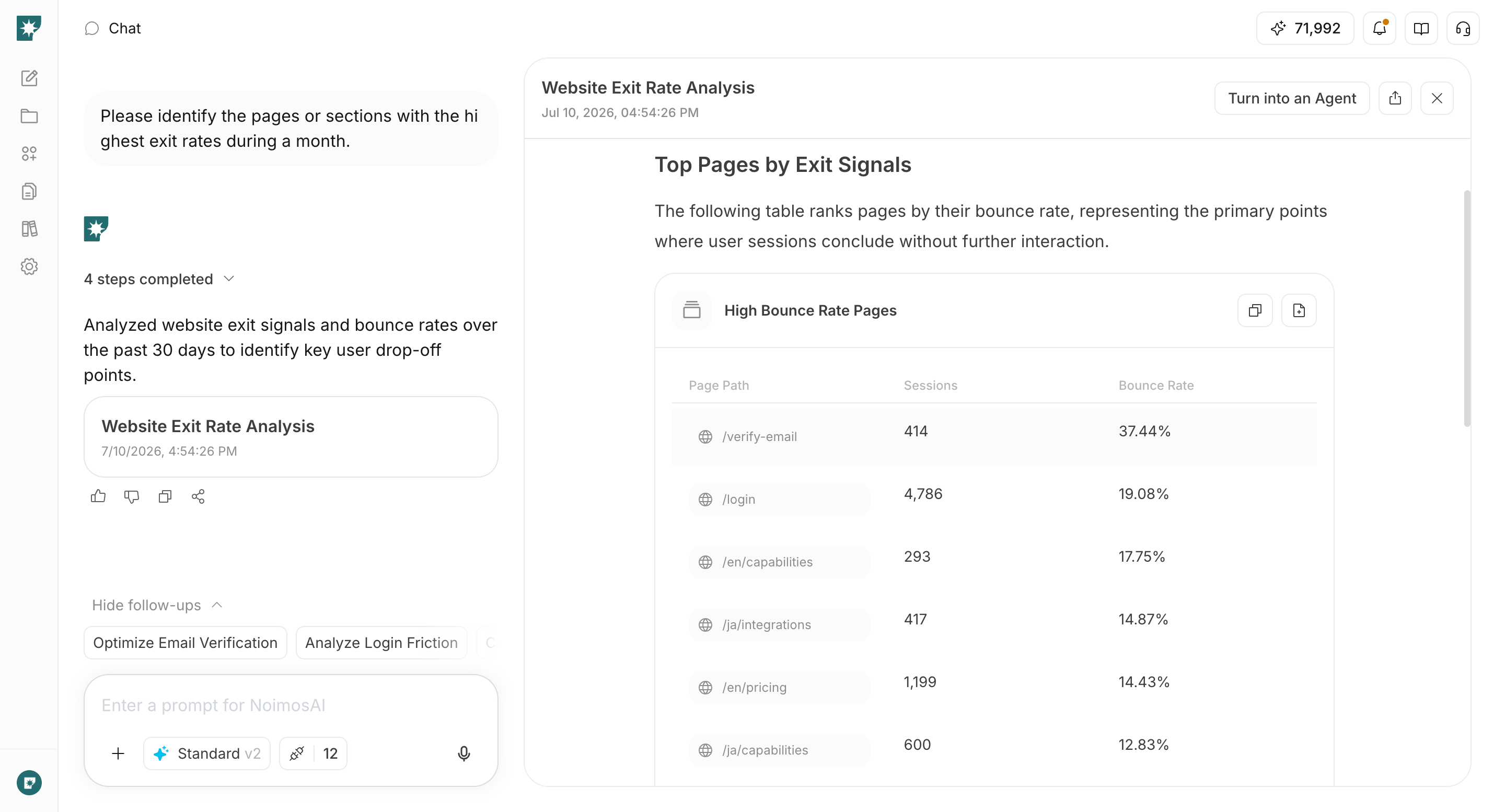
Create an agent that checks chosen conversion stages weekly and proposes fixes for the highest-impact drop-off points. Also check differences by acquisition source and device to surface problems hidden by overall averages.
#### Agent setup
**Trigger:** Schedule / Weekly
**Instructions:**
```text theme={null}
Compare the most recent 7 days of Google Analytics data to the previous 7 days.
For any measurable conversion stage among [website visits, store redirects, installs, first launch, sign-up start, sign-up completion, activation, paid conversion], tabulate the number of users who reached the stage and CVR. Check differences by acquisition source, OS, device, and new vs returning, and identify drop-off locations with the largest user loss and business impact.
Review relevant pages or screens and summarize detectable root causes and concrete fixes among: mismatch with acquisition expectations, value messaging, pricing and plans, input fields, errors, initial setup, and paid conversion timing. Do not assert causes that cannot be verified due to missing data.
```
**Integrations:** Google Analytics
In results, prioritize the single improvement to start with by looking not only at low CVR but at affected user counts, revenue impact, and the evidence supporting the identified causes.
### 1. Decide which conversion stage to improve and how to measure it
Connect Google Analytics and use chat to map the flow from sign-up to paid conversion and the events you actually have. Enter distribution channels such as website, App Store, Google Play, and the action you want users to take to obtain first value. If analyzing store impressions or installs, prepare the metrics from the distribution console.
#### Prompt for chat
```text theme={null}
For [product name], map the conversion stages from install or sign-up start through first launch, activation, and paid conversion across [website URL, App Store or Google Play store page URL, and other distribution methods].
Check pages and events available in Google Analytics and, for each conversion stage, list the events used for start and completion, how to calculate CVR, the main user segments to compare, and additional metrics to check. Separate the metrics that need to be checked on the store side. Do not guess events you cannot obtain—list actions that require new tracking as items that need measurement.
The action where users first obtain value in this product is [creating an artifact, viewing a report, sharing with team members, etc.].
```
In the output, confirm not just event names but which user behaviors count as sign-up completion, activation, and paid conversion. If a conversion stage cannot be measured yet, set up events and analyze after data accumulates.
### 2. Identify where users drop off and why
Create an agent that checks chosen conversion stages weekly and proposes fixes for the highest-impact drop-off points. Also check differences by acquisition source and device to surface problems hidden by overall averages.
#### Agent setup
**Trigger:** Schedule / Weekly
**Instructions:**
```text theme={null}
Compare the most recent 7 days of Google Analytics data to the previous 7 days.
For any measurable conversion stage among [website visits, store redirects, installs, first launch, sign-up start, sign-up completion, activation, paid conversion], tabulate the number of users who reached the stage and CVR. Check differences by acquisition source, OS, device, and new vs returning, and identify drop-off locations with the largest user loss and business impact.
Review relevant pages or screens and summarize detectable root causes and concrete fixes among: mismatch with acquisition expectations, value messaging, pricing and plans, input fields, errors, initial setup, and paid conversion timing. Do not assert causes that cannot be verified due to missing data.
```
**Integrations:** Google Analytics
In results, prioritize the single improvement to start with by looking not only at low CVR but at affected user counts, revenue impact, and the evidence supporting the identified causes.
 ### 3. Improve acquisition pages and the flow to first value
Enter the analysis for the chosen drop-off point and the current content of the target page or product screen into chat. Create fixes that address the causes and decide which metrics to check after the change.
#### Prompt for chat
```text theme={null}
Based on the following analysis, improve [web page URL, store page URL, or product screen content].
[drop-off point, target users, confirmed causes, current CVR]
Modify the page or screen order, headings, copy, CTAs, store screenshots and video, input fields, pricing and plan explanations, and error messages as needed to address the reasons users can’t progress. Provide ready-to-publish or ready-to-implement final text and a summary of the changes, the main metrics to check after publishing, and the metrics to ensure have not worsened.
```
In suggestions, confirm alignment with actual features, pricing, usage limits, contract terms, security, and support. Avoid unnecessary discounts or aggressive wording just to boost sign-ups; choose changes that guide target users to first value.
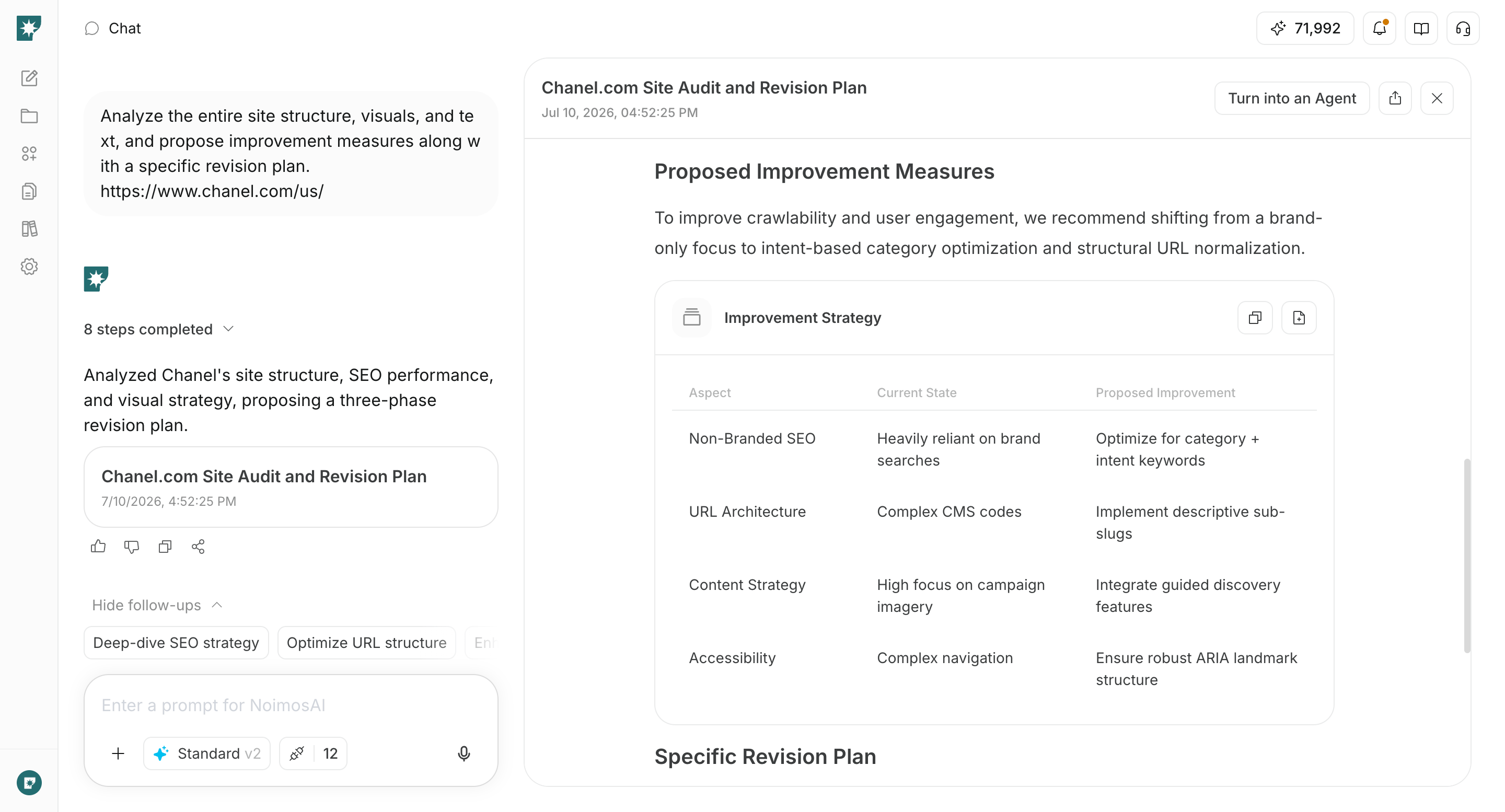
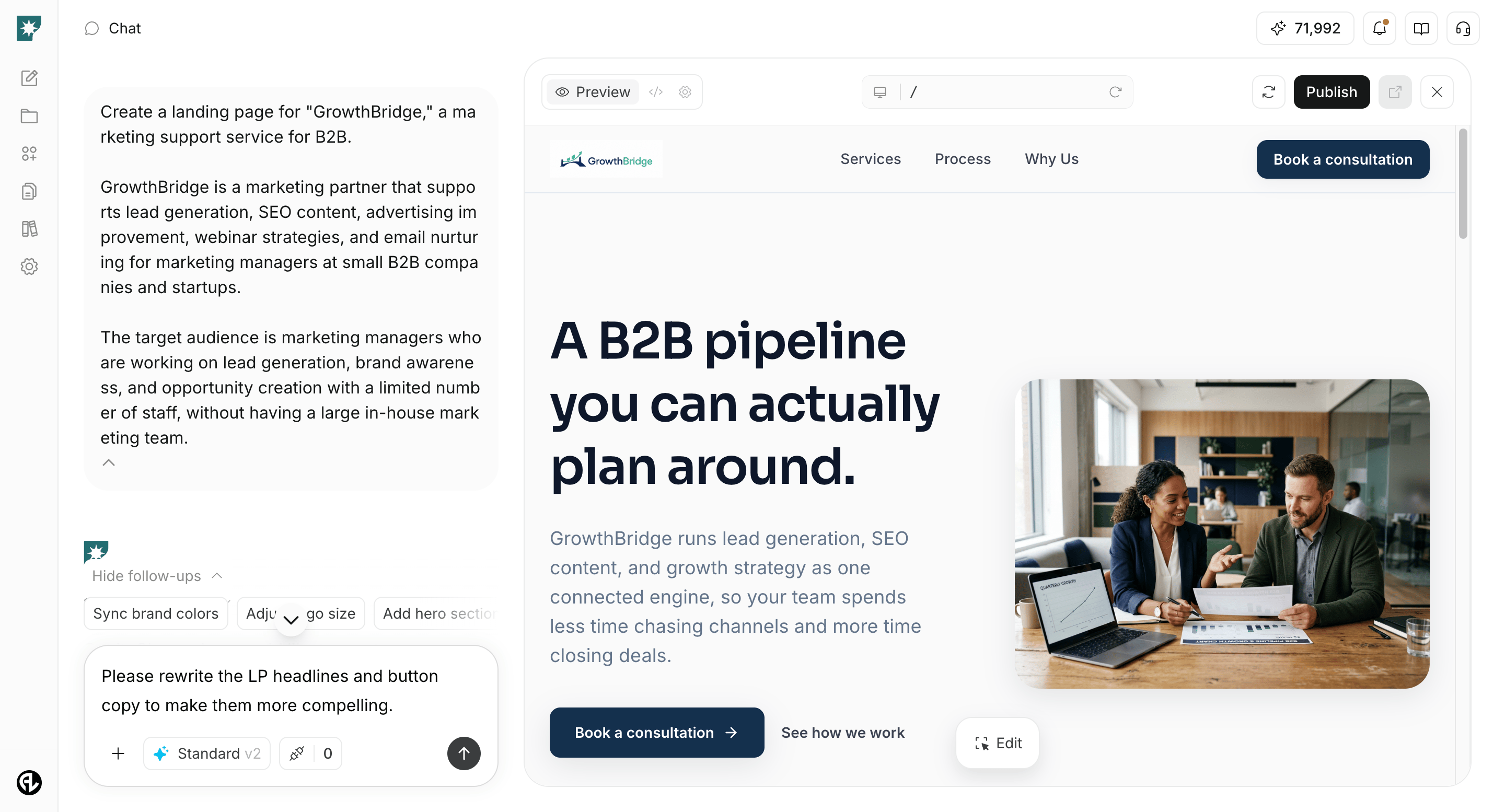
For websites managed in NoimosAI, continue the analysis in the same chat, make edits, preview on desktop and mobile, and publish. For WordPress, apply the finalized headings, body copy, and CTAs to the target page. For App Store or Google Play, apply the completed description and assets in the distribution console. For in-product screens, implement suggested screen order and wording, then test from install or sign-up through completion.
### 3. Improve acquisition pages and the flow to first value
Enter the analysis for the chosen drop-off point and the current content of the target page or product screen into chat. Create fixes that address the causes and decide which metrics to check after the change.
#### Prompt for chat
```text theme={null}
Based on the following analysis, improve [web page URL, store page URL, or product screen content].
[drop-off point, target users, confirmed causes, current CVR]
Modify the page or screen order, headings, copy, CTAs, store screenshots and video, input fields, pricing and plan explanations, and error messages as needed to address the reasons users can’t progress. Provide ready-to-publish or ready-to-implement final text and a summary of the changes, the main metrics to check after publishing, and the metrics to ensure have not worsened.
```
In suggestions, confirm alignment with actual features, pricing, usage limits, contract terms, security, and support. Avoid unnecessary discounts or aggressive wording just to boost sign-ups; choose changes that guide target users to first value.
For websites managed in NoimosAI, continue the analysis in the same chat, make edits, preview on desktop and mobile, and publish. For WordPress, apply the finalized headings, body copy, and CTAs to the target page. For App Store or Google Play, apply the completed description and assets in the distribution console. For in-product screens, implement suggested screen order and wording, then test from install or sign-up through completion.
 ### 4. Compare CVR before and after changes to decide next improvements
After data accumulates for the change, compare before/after or A/B test results in chat. Keep conditions consistent outside the changed elements, and check not only sign-ups but also activation, paid conversion, and retention.
#### Prompt for chat
```text theme={null}
Using Google Analytics, compare before and after for [the page or flow you changed]. The change date was [date], and the change made was [description of changes].
For the same acquisition sources, devices, and user segments, compare the number of target users, [CVR being improved], upstream and downstream conversion stages, activation rate, paid conversion rate, and retention rate. Show the comparison period and data volume, and separate observed changes from changes you cannot reliably judge.
Based on the results, recommend whether to keep the change, revert it, or apply additional fixes, and select one next improvement to test.
```
**Integrations:** Google Analytics
If you ran an A/B test, specify the original and variant user counts, CVR, and test period rather than a change date. Even if you keep the change, continue with the next highest-impact drop-off point and repeat the improvement cycle.
### 4. Compare CVR before and after changes to decide next improvements
After data accumulates for the change, compare before/after or A/B test results in chat. Keep conditions consistent outside the changed elements, and check not only sign-ups but also activation, paid conversion, and retention.
#### Prompt for chat
```text theme={null}
Using Google Analytics, compare before and after for [the page or flow you changed]. The change date was [date], and the change made was [description of changes].
For the same acquisition sources, devices, and user segments, compare the number of target users, [CVR being improved], upstream and downstream conversion stages, activation rate, paid conversion rate, and retention rate. Show the comparison period and data volume, and separate observed changes from changes you cannot reliably judge.
Based on the results, recommend whether to keep the change, revert it, or apply additional fixes, and select one next improvement to test.
```
**Integrations:** Google Analytics
If you ran an A/B test, specify the original and variant user counts, CVR, and test period rather than a change date. Even if you keep the change, continue with the next highest-impact drop-off point and repeat the improvement cycle.
 ## Related pages
* [Google Analytics](/help-center/integrations/analytics-and-data/google-analytics)
* [Website creation and improvement](/help-center/use-cases/channels/website-conversion)
* [Enter your own prompt](/help-center/chat/enter-your-own-prompt)
* [Create an agent from chat](/help-center/ai-team/create-a-trigger-from-chat)
* [Create an agent from scratch](/help-center/ai-team/create-an-agent-from-scratch)
* [Check agent execution results](/help-center/ai-team/check-agent-execution-results)
## Related pages
* [Google Analytics](/help-center/integrations/analytics-and-data/google-analytics)
* [Website creation and improvement](/help-center/use-cases/channels/website-conversion)
* [Enter your own prompt](/help-center/chat/enter-your-own-prompt)
* [Create an agent from chat](/help-center/ai-team/create-a-trigger-from-chat)
* [Create an agent from scratch](/help-center/ai-team/create-an-agent-from-scratch)
* [Check agent execution results](/help-center/ai-team/check-agent-execution-results)