> ## Documentation Index
> Fetch the complete documentation index at: https://docs.noimosai.com/llms.txt
> Use this file to discover all available pages before exploring further.

# Ändra kontonamn

> Uppdatera visningsnamnet som används i din profil.

## Översikt

Ändra ditt visningsnamn för att styra hur ditt namn visas för andra i NoimosAI.

## Var du hittar det

Öppna det här området via följande väg.

* `Inställningar -> Profil`

## Så uppdaterar du

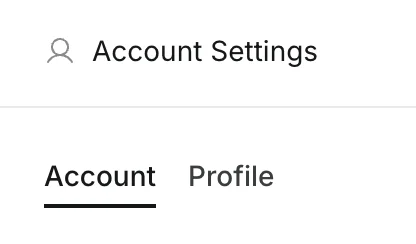
1. Öppna `Inställningar` och gå till `Profil`.
<img src="https://mintcdn.com/agoslabstechnologiesfzco/LPhU3Zr6jeMvQ4AZ/public/help-center/arcade/account-settings/change-display-name-and-profile-image/step-04.png?fit=max&auto=format&n=LPhU3Zr6jeMvQ4AZ&q=85&s=4929efde789ce3293b3bea1ea4dfcf6f" alt="Öppna fliken Profil i kontoinställningarna" style={{ border: '1px solid #e5e7eb', borderRadius: '8px', marginBottom: '1rem' }} width="416" height="244" data-path="public/help-center/arcade/account-settings/change-display-name-and-profile-image/step-04.png" />

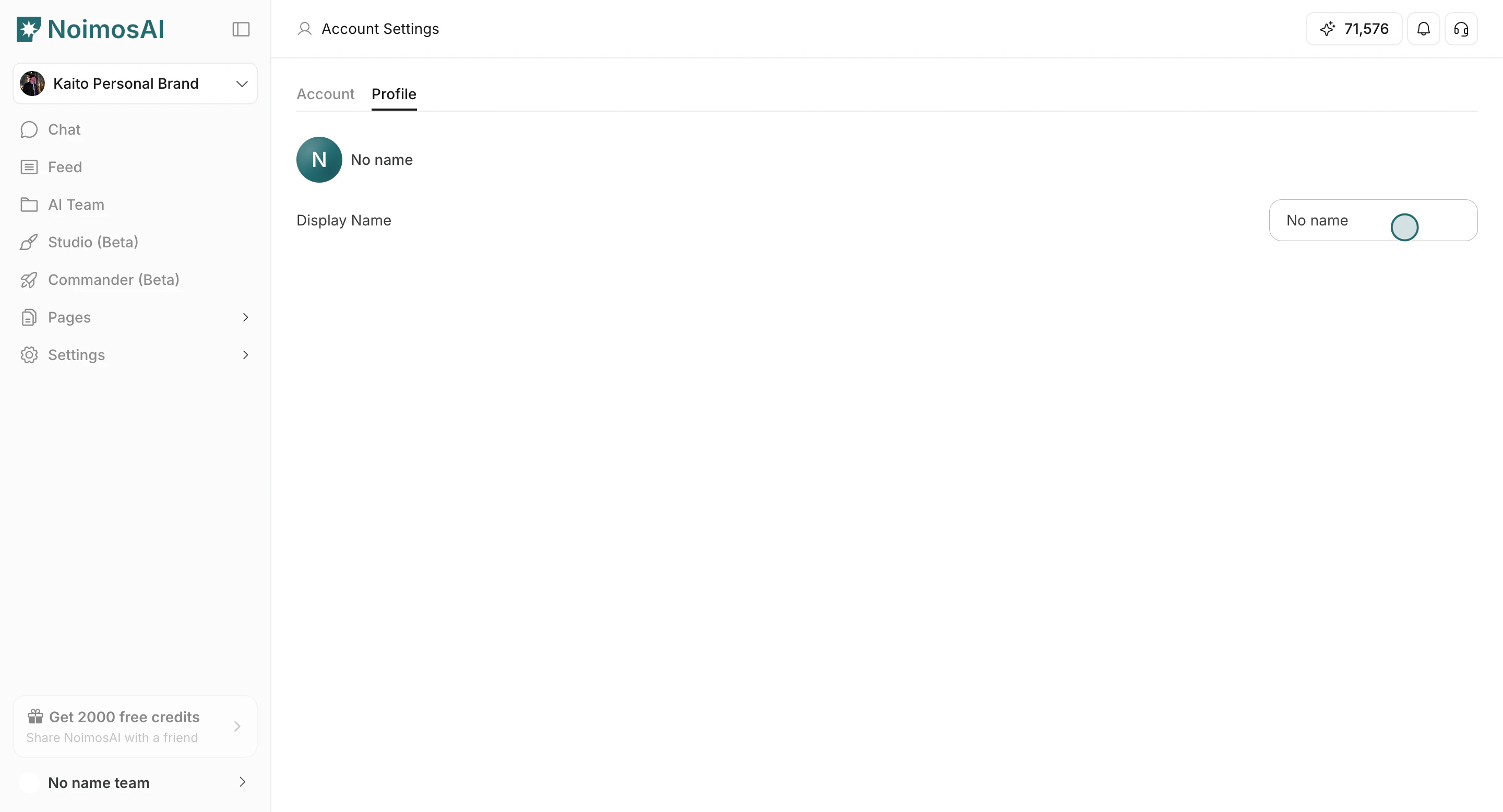
2. Redigera fältet `Visningsnamn`.

<img src="https://mintcdn.com/agoslabstechnologiesfzco/Fp8XwoziZBVDha6p/public/help-center/arcade/account-settings/change-display-name-and-profile-image/step-05.png?fit=max&auto=format&n=Fp8XwoziZBVDha6p&q=85&s=22f63cd2b53960a8e57519da2330d2ca" alt="Redigera fältet för visningsnamn" style={{ border: '1px solid #e5e7eb', borderRadius: '8px', marginBottom: '1rem' }} width="2880" height="1556" data-path="public/help-center/arcade/account-settings/change-display-name-and-profile-image/step-05.png" />

3. Klicka utanför fältet för att spara.

<img src="https://mintcdn.com/agoslabstechnologiesfzco/Fp8XwoziZBVDha6p/public/help-center/arcade/account-settings/change-display-name-and-profile-image/step-05.png?fit=max&auto=format&n=Fp8XwoziZBVDha6p&q=85&s=22f63cd2b53960a8e57519da2330d2ca" alt="Spara ändringen av visningsnamn" style={{ border: '1px solid #e5e7eb', borderRadius: '8px', marginBottom: '1rem' }} width="2880" height="1556" data-path="public/help-center/arcade/account-settings/change-display-name-and-profile-image/step-05.png" />

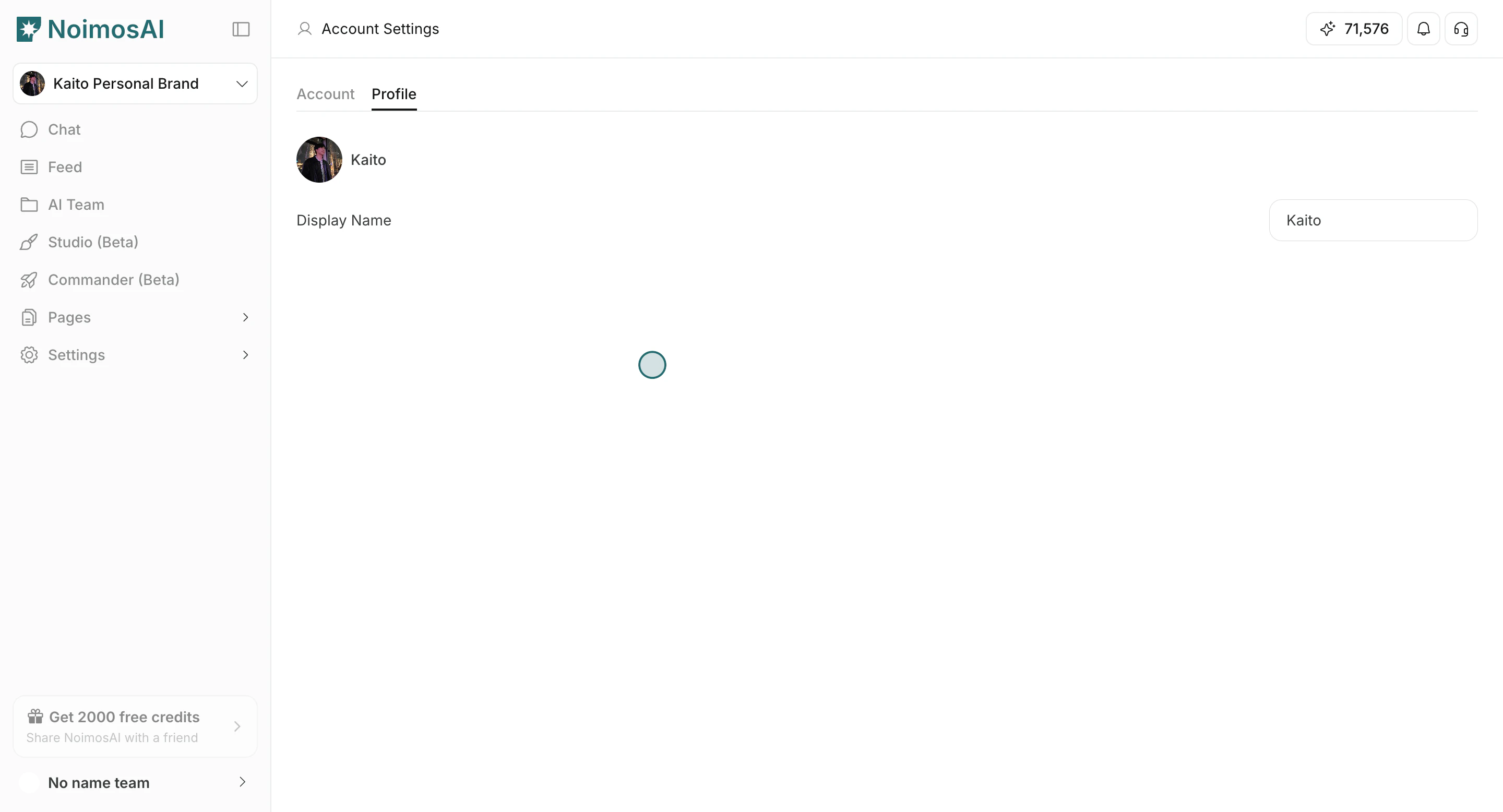
4. Kontrollera att det uppdaterade namnet visas i din profil och i gränssnittet för teammedlemmar.
<img src="https://mintcdn.com/agoslabstechnologiesfzco/Fp8XwoziZBVDha6p/public/help-center/arcade/account-settings/change-display-name-and-profile-image/step-07.png?fit=max&auto=format&n=Fp8XwoziZBVDha6p&q=85&s=c2bc8b0fe864ccd7a3eec6123865c587" alt="Det uppdaterade profilnamnet visas i gränssnittet" style={{ border: '1px solid #e5e7eb', borderRadius: '8px', marginBottom: '1rem' }} width="2880" height="1556" data-path="public/help-center/arcade/account-settings/change-display-name-and-profile-image/step-07.png" />

## Praktiska tips

* Använd ett namn som kollegor snabbt känner igen.
* Håll namnet kort och konsekvent mellan dina team.

## Relaterat

* [Grundläggande konto](/sv/help-center/account/account-basics)
* [Ändra kontoprofilbild](/sv/help-center/account/change-account-profile-image)