- Check how you appear in AI answers
- Make your website easy for AI systems to access and cite
- Create content that helps vendor selection
- Monitor and improve mentions and citations
Understand GEO fundamentals
The goal is not simply to make AI mention your company. AI answers should accurately describe the clients you serve, specialties, scope, results, service area, and pricing approach, with citations to the relevant official pages.1. Check how you appear in AI answers
Separate unbranded questions about choosing a provider from verification questions that include a company or professional’s name.
Key metrics to check are and . Along with numbers, verify explanation accuracy, reasons for mention, and which pages were cited.
Divide questions into problem understanding, solution options, vendor comparison, cost/timeline/preparation, and decision. Answers vary by industry, region, and company size, so narrow questions to the conditions your company actually serves. Save initial questions and results, then re-check under the same conditions after improvements.
2. Make your website easy for AI systems to access and cite
Ensure visitors can move from the homepage to pages for services, target industries, case studies, contacts, pricing, and FAQs. Do not block retrieval via robots.txt or distribution settings, and publish key information as HTML body content. Standardize company name, contact names, credentials, service names, target regions, pricing, and case descriptions across pages. Ensure structured data matches on-page content, and do not add unverifiable reviews or results.3. Create content that helps vendor selection
Provide pages that AI needs to answer questions and that help customers decide.4. Monitor and improve mentions and citations
Regularly run the same questions under the same conditions and compare changes in mentions, descriptions, and cited pages. For questions that don’t mention you, check whether required information is missing; for inaccuracies, update the official pages. When investigating why competitors are mentioned, don’t just copy wording—identify the cited evidence and what authoritative decision-making information your official pages lack. Don’t pursue questions outside your service scope; prioritize questions relevant to target customers’ vendor decisions.Apps you can use for GEO
Connect these apps to review search visibility, publish or update content, and measure what visitors do after reaching your website.
Google Search Console: Check search queries, clicks, and indexing for published pages.

WordPress: Use for creating, publishing, and updating articles and existing pages.

note: Review, create, publish, and update articles on note.
NoimosAI researches mentions, citations, and competitor comparisons across AI answers. You do not need to connect each AI search service separately.
Put GEO into practice with NoimosAI
Check visibility, improve official information and content, then monitor changes using the same questions. For instructions on entering a prompt in chat, see Enter your own prompt.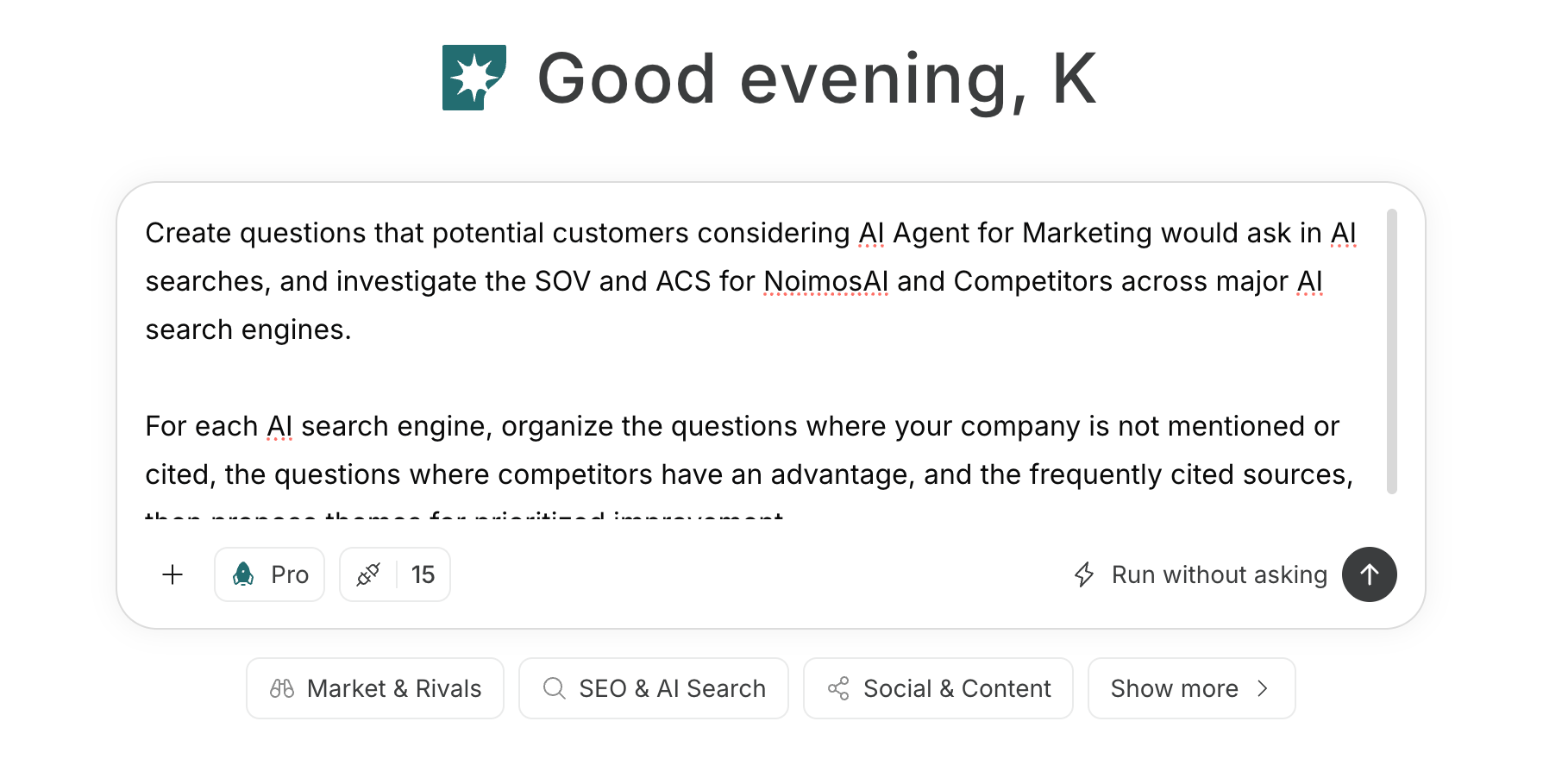
1. Check how you appear in AI answers
Start with questions your target clients would ask while researching solutions or providers. Check how AI answers describe your company and competitors. Record visibility, accuracy, reasons for recommendation, cited sources, and missing information, then choose the questions where an improvement would matter most.Prompt for chat
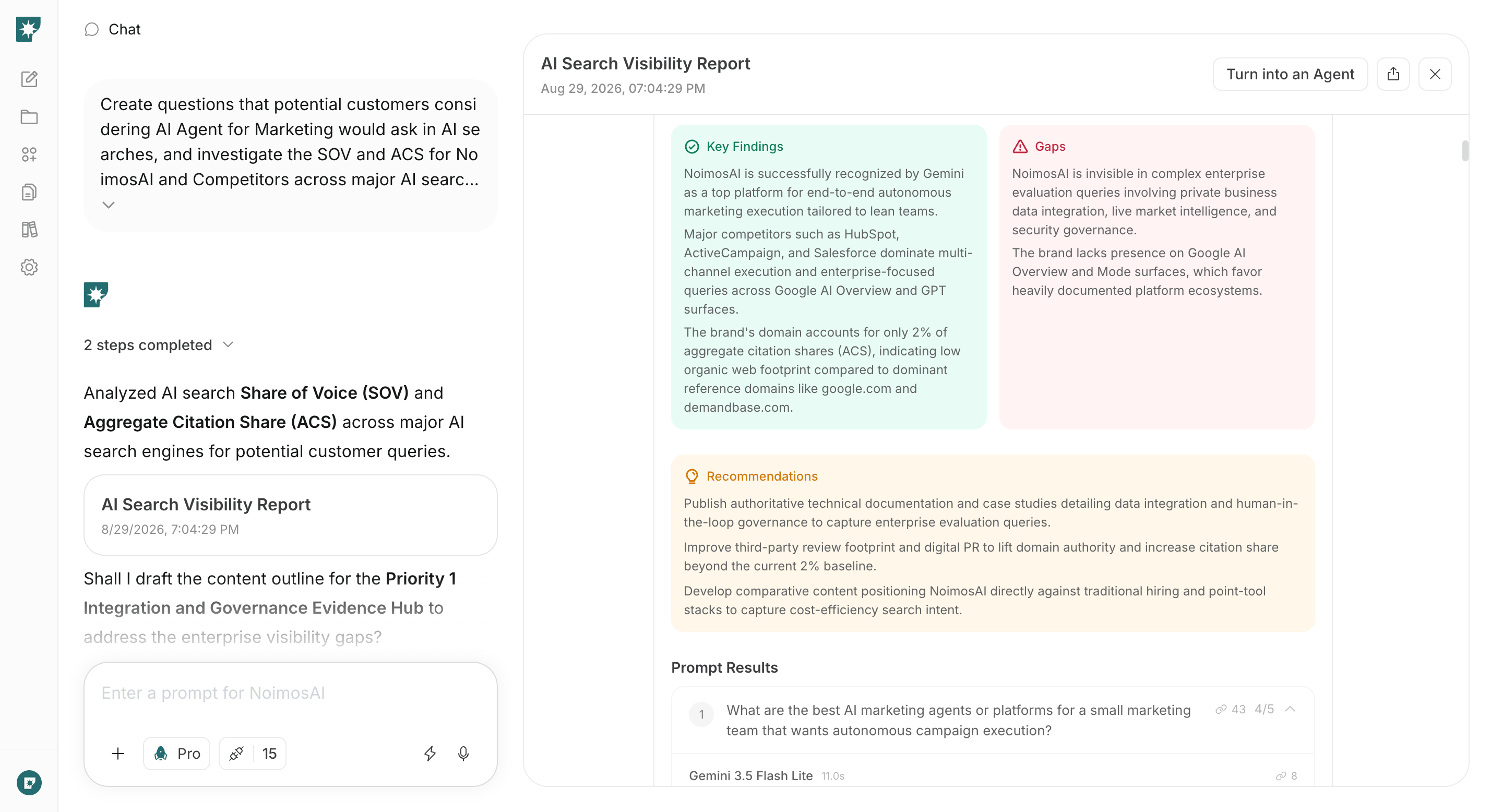
2. Make your website easy for AI systems to access and cite
Audit your live website to correct inaccurate or missing information found in the previous step. Verify that AI can retrieve and correctly understand company, contacts, services, scope, client results, pricing, and regions; then fix the highest-impact issues first.Prompt for chat
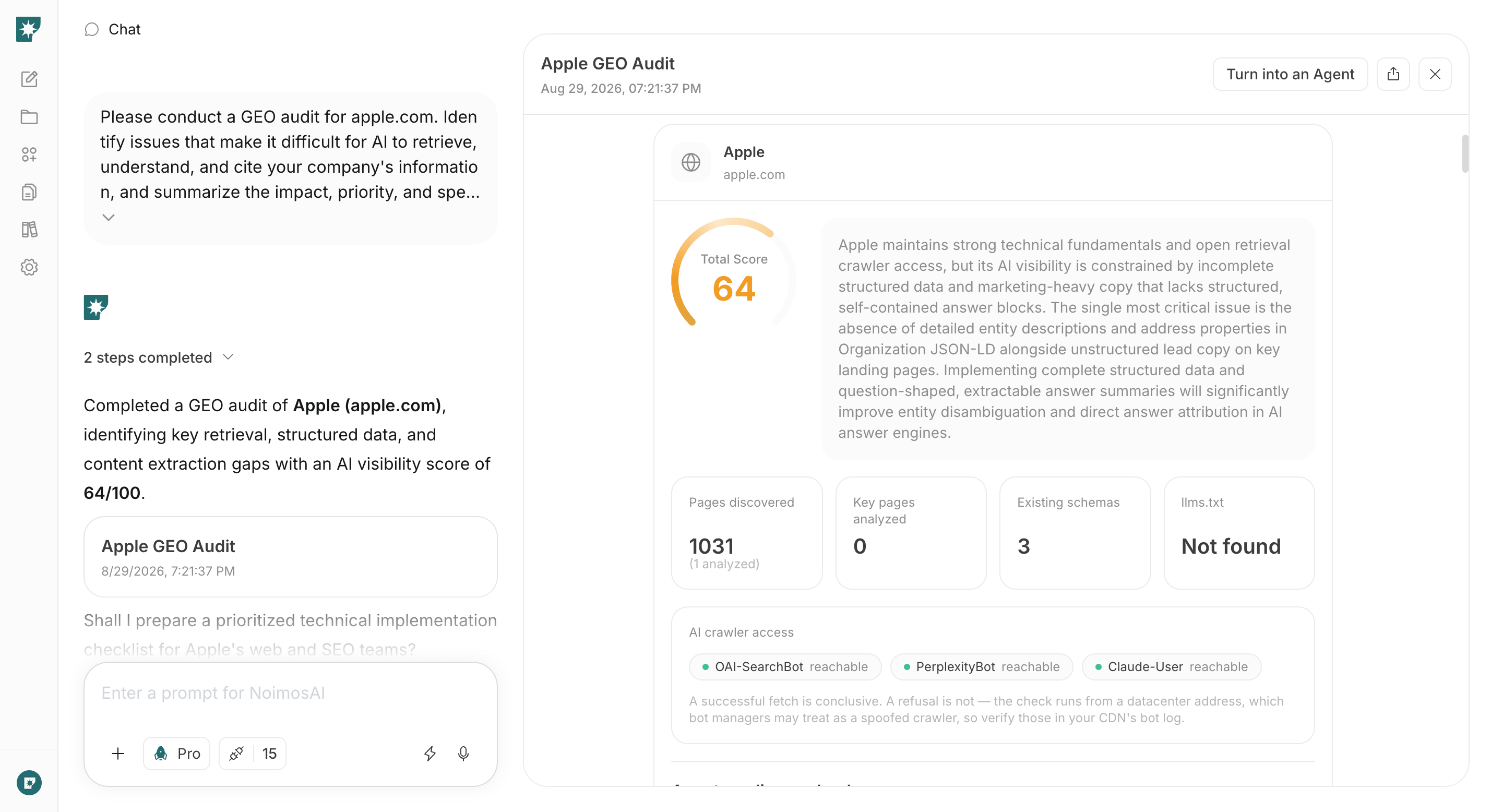
3. Create content that helps vendor selection
Choose one question that AI doesn’t cover well and create a public page that helps target customers decide on a vendor. Based on your published facts, use chat to draft a complete page covering scope, deliverables, process, pricing, client results, and how to consult.Prompt for chat
4. Monitor and improve mentions and citations
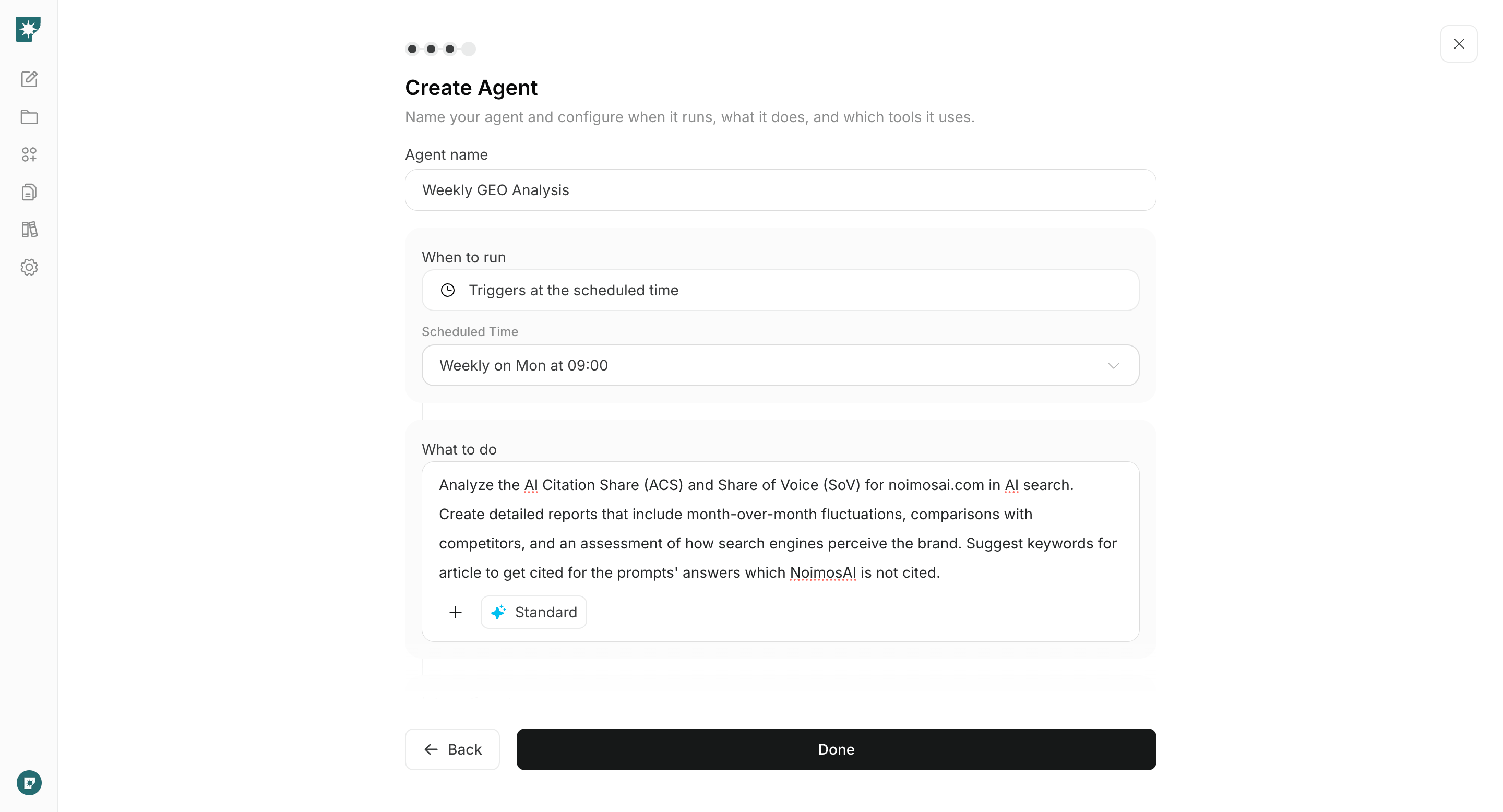
Monthly, re-run the initial questions under the same conditions and compare changes in mentions, descriptions, and cited sources. Don’t just produce a list of changes—identify the missing information with the greatest impact, and create an agent that proposes pages to update and final draft content.Agent setup
Trigger: Schedule / Monthly Instructions: