

Overview
Use custom prompts when your request does not fit a template or when you need direct, task-specific instructions.Where to find
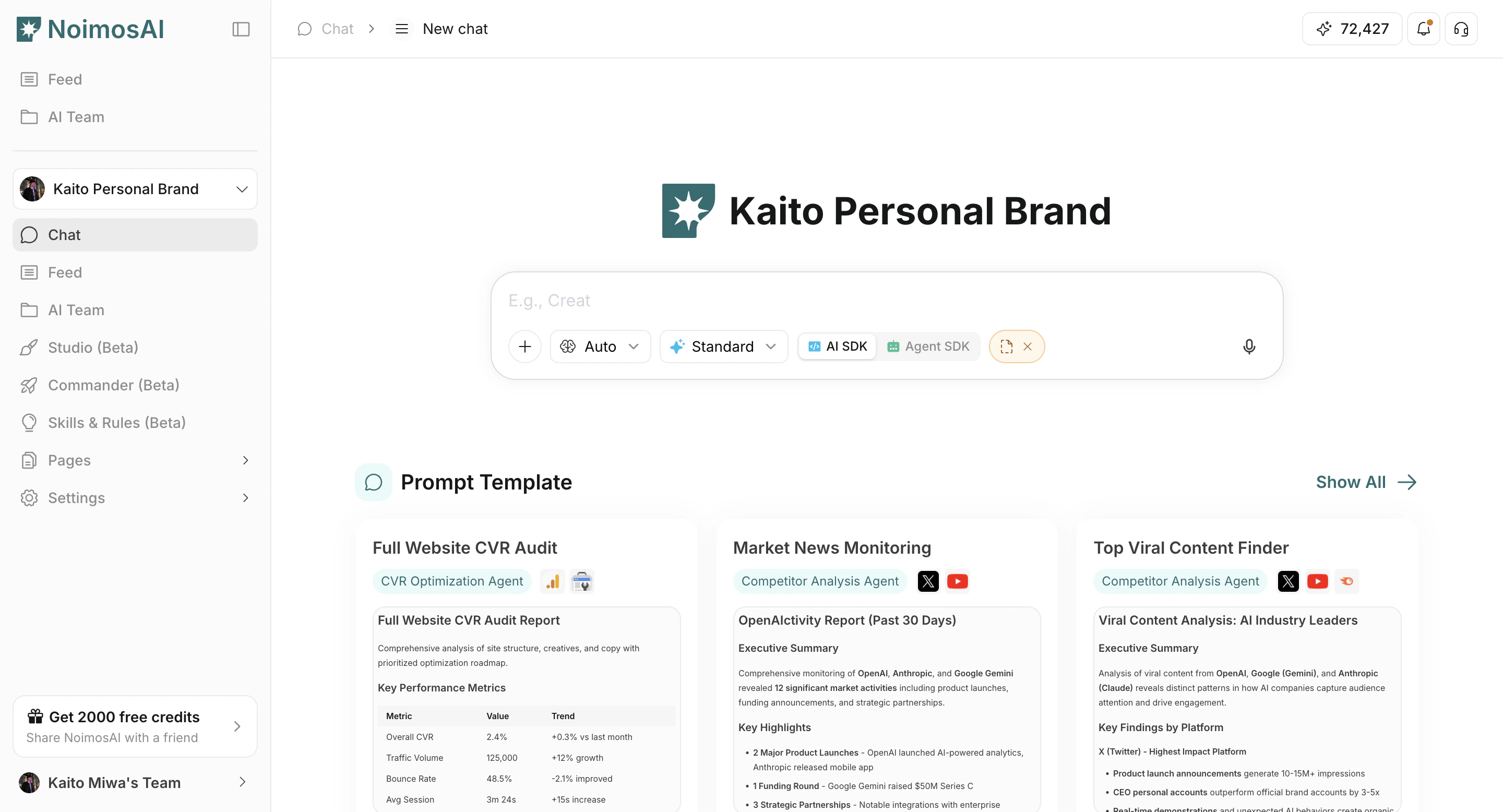
Use the following path to open this area.- Open
Chat. - Enter your request in the prompt field.
Prompt structure that works well
Use this section to understand prompt structure that works well and what to confirm while completing this part.- Objective: what should be completed.
- Context (optional): target audience, channel, and relevant background.
- Constraints: tone, length, do/don’t rules, data boundaries.
- Output format: exact structure to return.
Example
Collect and analyze mentions of brand and product names over the past 24 hours.
Tips
Use these tips to improve consistency and output quality.- Keep one main goal per prompt.
- Attach files only when additional context is needed.