

Overview
Use this flow when a one-time chat instruction worked and you want to operationalize it as an agent. NoimosAI reads your chat context, then proposes settings such as agent name, execution timing, instructions, optional destinations, and integrations.Where to find
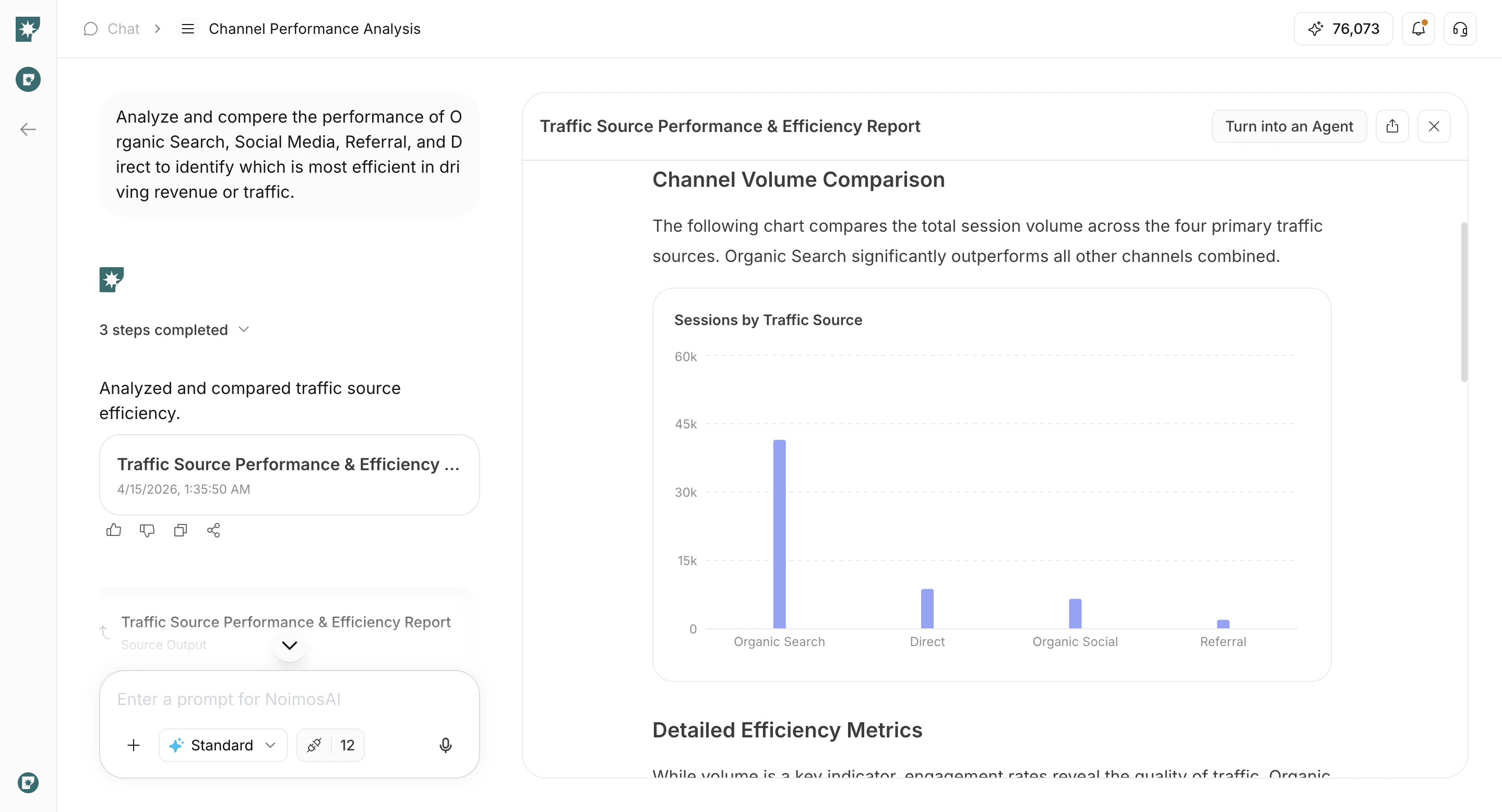
Use the following path to open this action.- Open a chat result you want to repeat.
- Click
Create Agent from Chat.
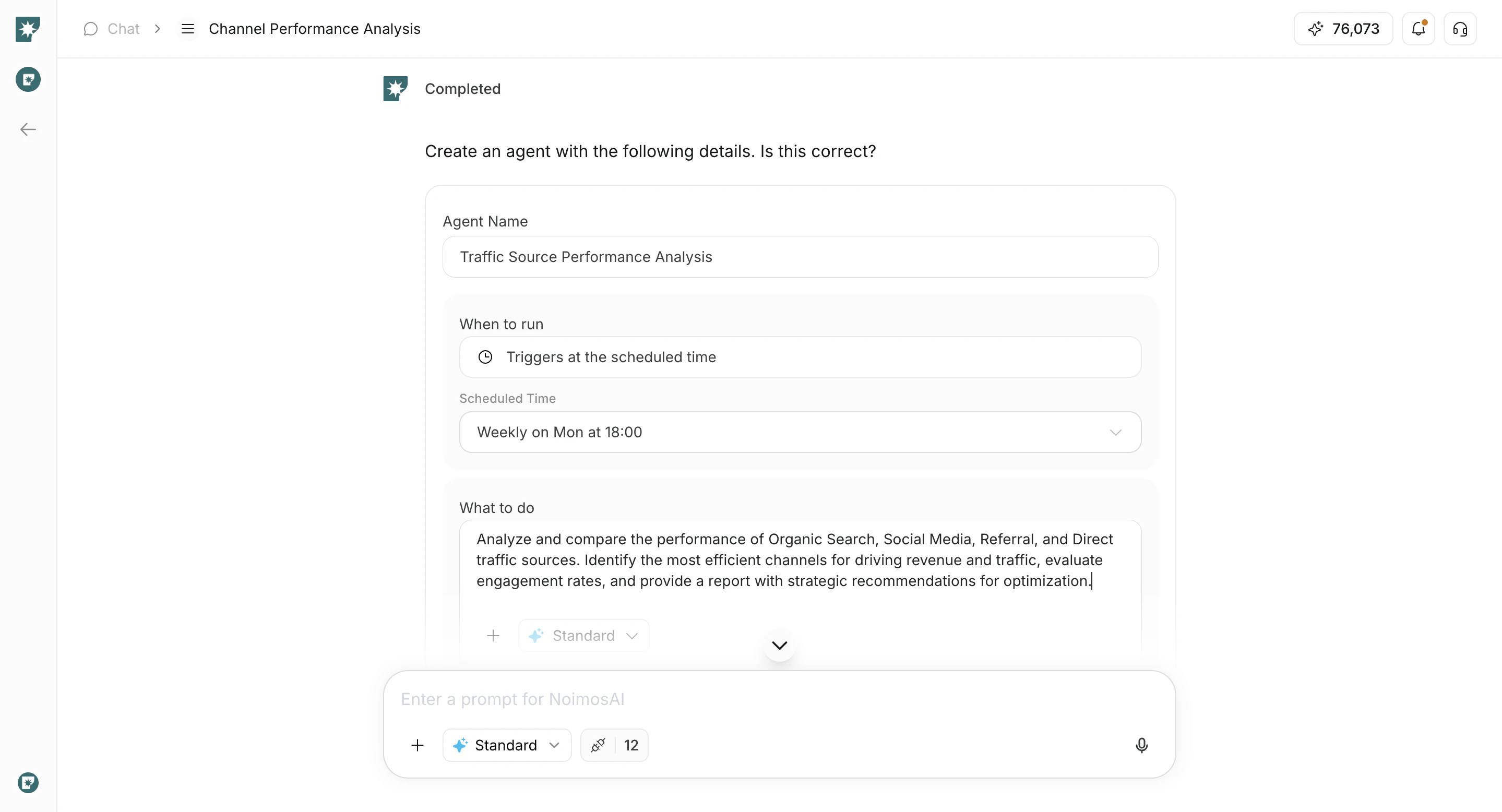
Review AI-Suggested Settings
Use this section to review what AI prepared before you create the agent.- Edit the agent name if needed.
- Confirm
When to run. - Review
What to doand edit when needed. - Review
Destinationswhen needed. - Review integrations and connected accounts.
Create and Verify
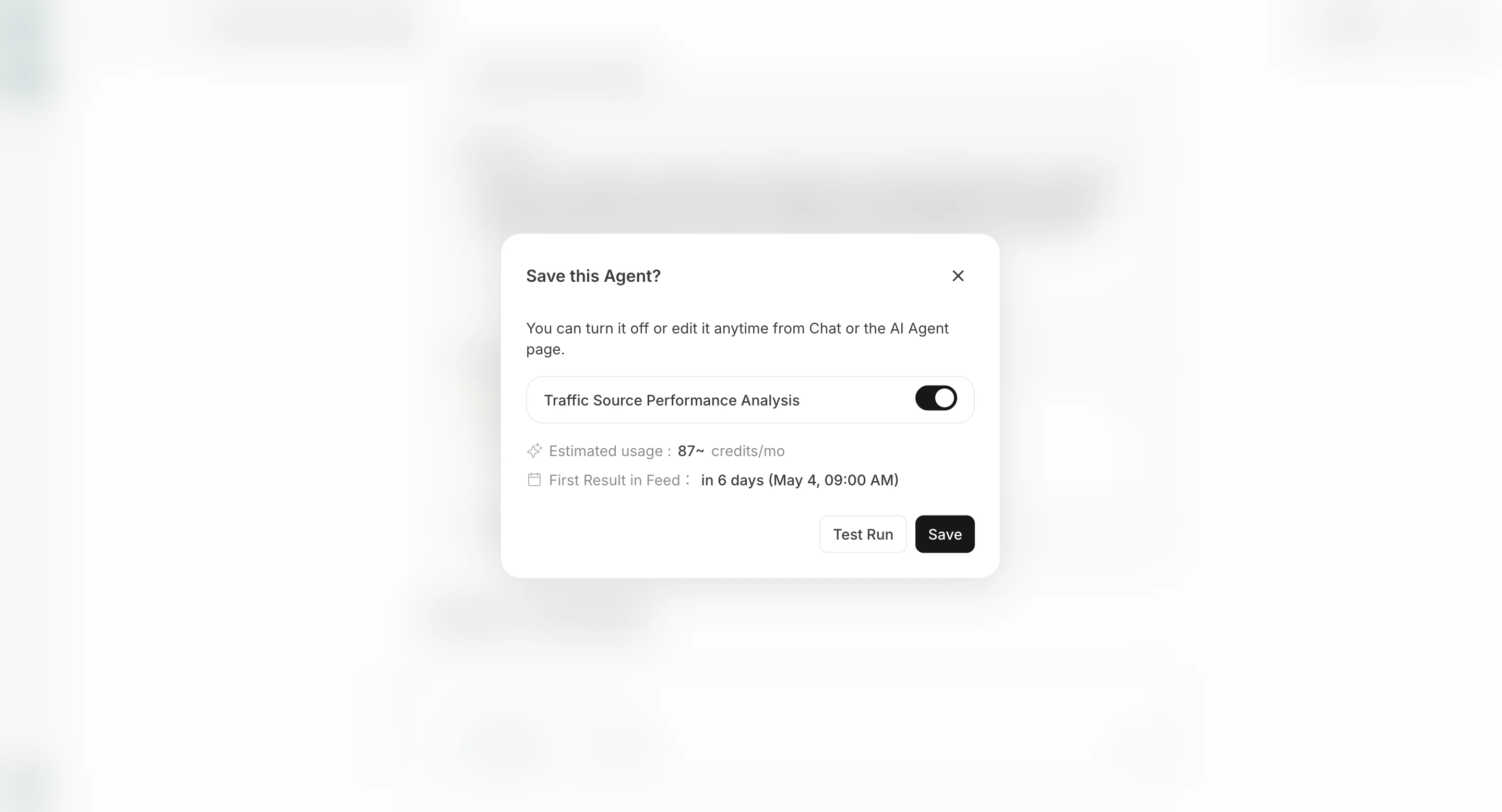
Use this section to finalize creation and verify the new agent.- Click
Save Agent.
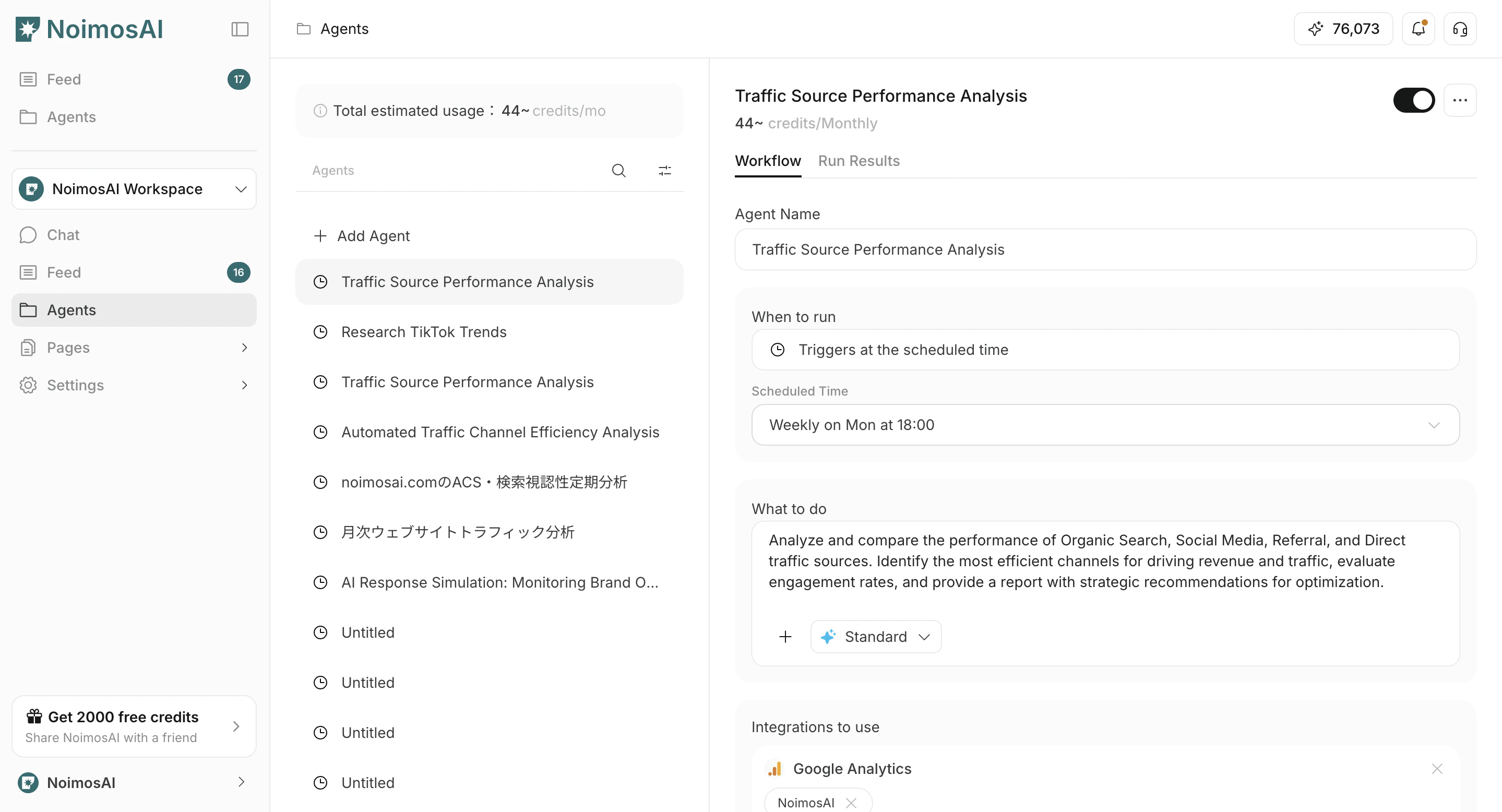
- Open
Agentsand confirm the created agent.
Configure destinations
Destinations are optional. Results are available from All Tasks in the related chat session, but you can add destinations when you also want notifications or shared storage.
There are two main ways to add a destination.
- Add destination lets you choose connected apps or storage destinations such as Slack, LINE, Discord, Telegram, WhatsApp, Notion, and Google Drive.
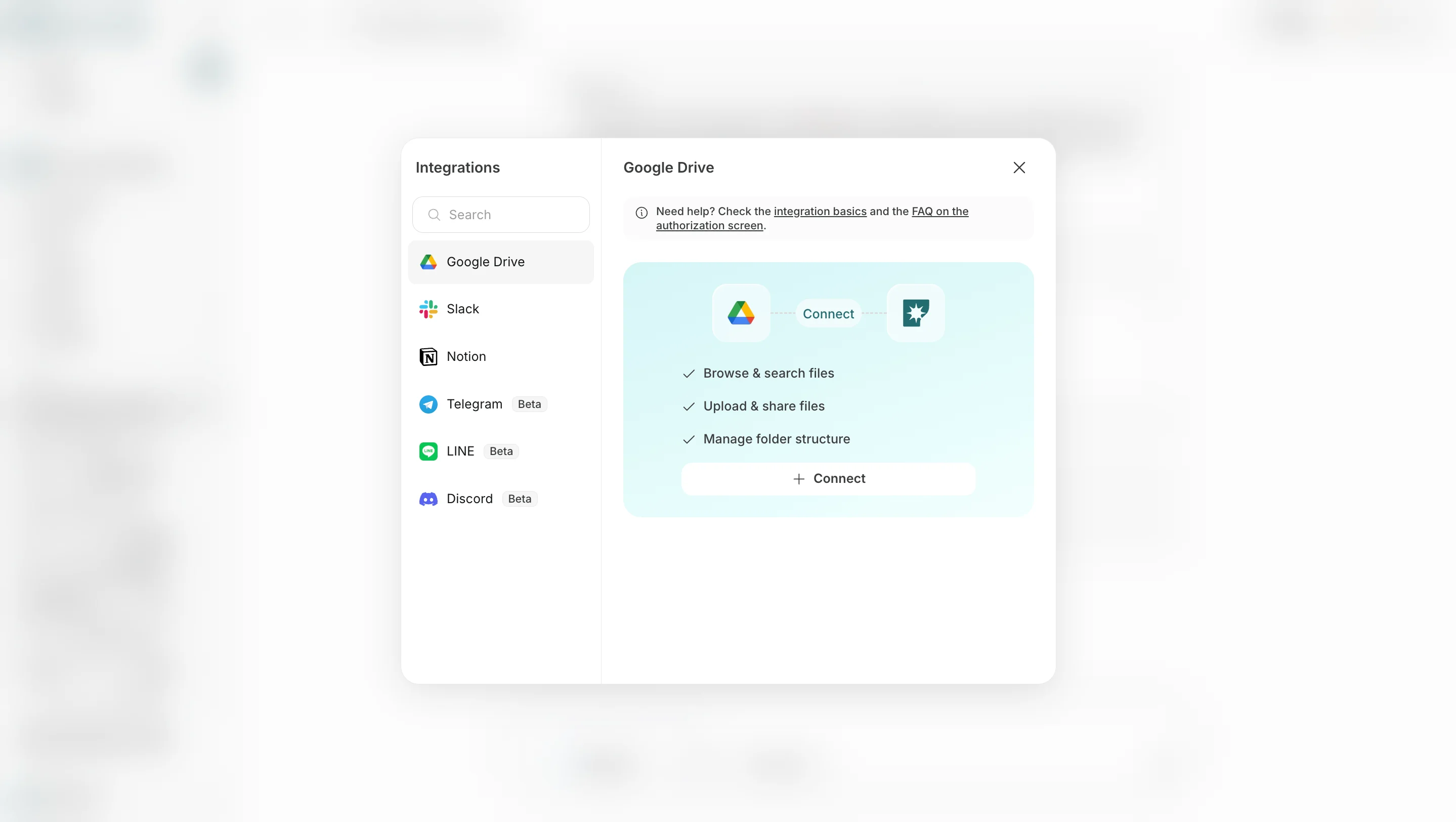
- Add email lets you specify an email address so results can also be sent by email.
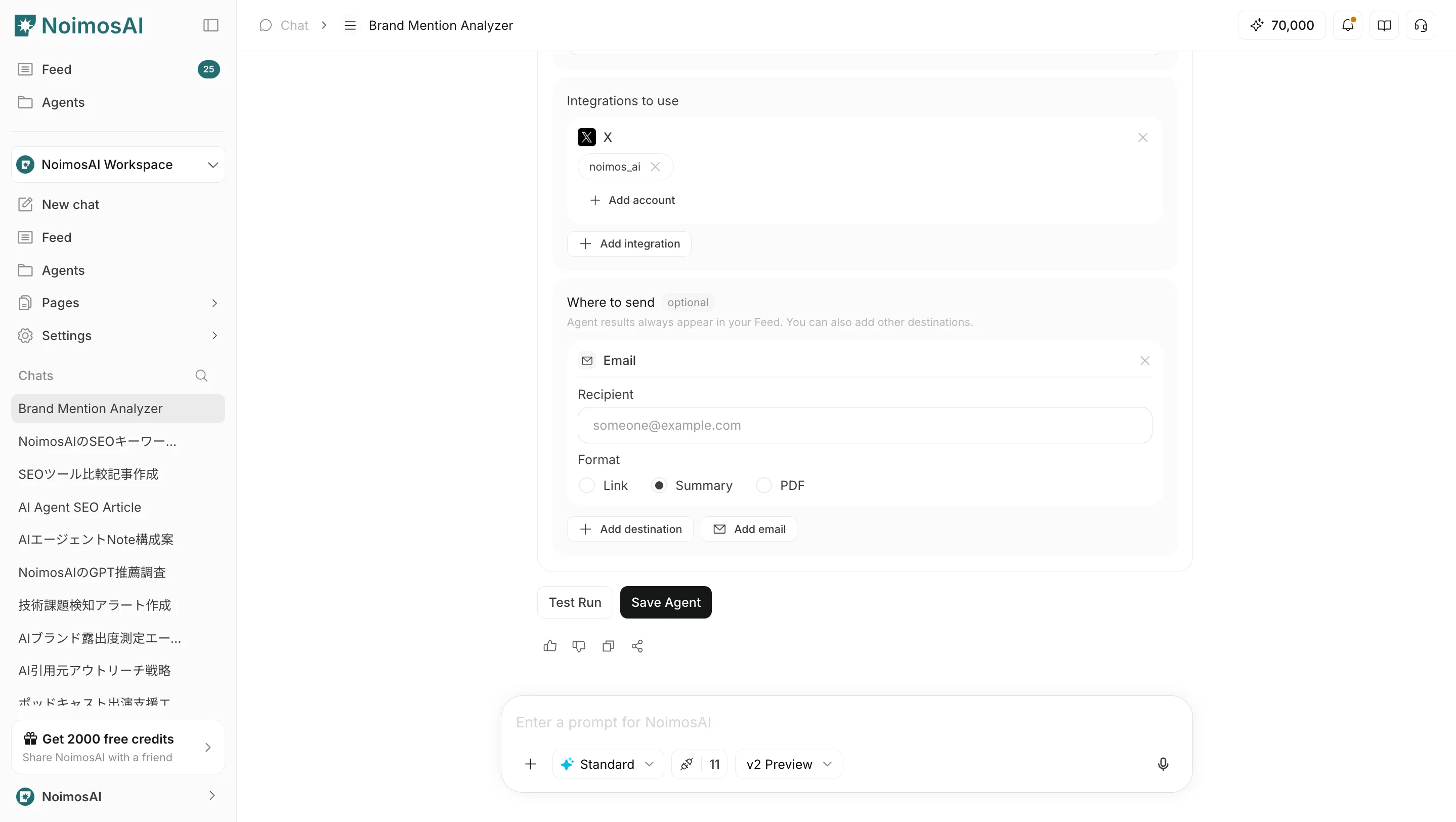
Link, Summary, or PDF.