- Decide which competitors to compare
- Monitor competitor changes and turn findings into improvements
Understand the basics of competitor research
In competitor research, the goal is not to copy other companies’ wording but to identify the selection criteria customers use and the areas of expertise your company should emphasize. Check not only services with the same name but also alternative options that solve the same problem in different ways.1. Decide which competitors to compare
For client and professional services, competitors include not only firms offering the same service but also other support options or in-house options customers may choose to solve the same problem. The table below divides comparison targets into three types and helps you include options that are easy to overlook.
Choose 3–5 companies customers are likely to actually compare and compare them on the same criteria. Prioritize companies mentioned during inquiries, companies shown together in search results or comparison sites, and companies whose target customers and service areas are similar to yours.
2. Monitor competitor changes and turn findings into improvements
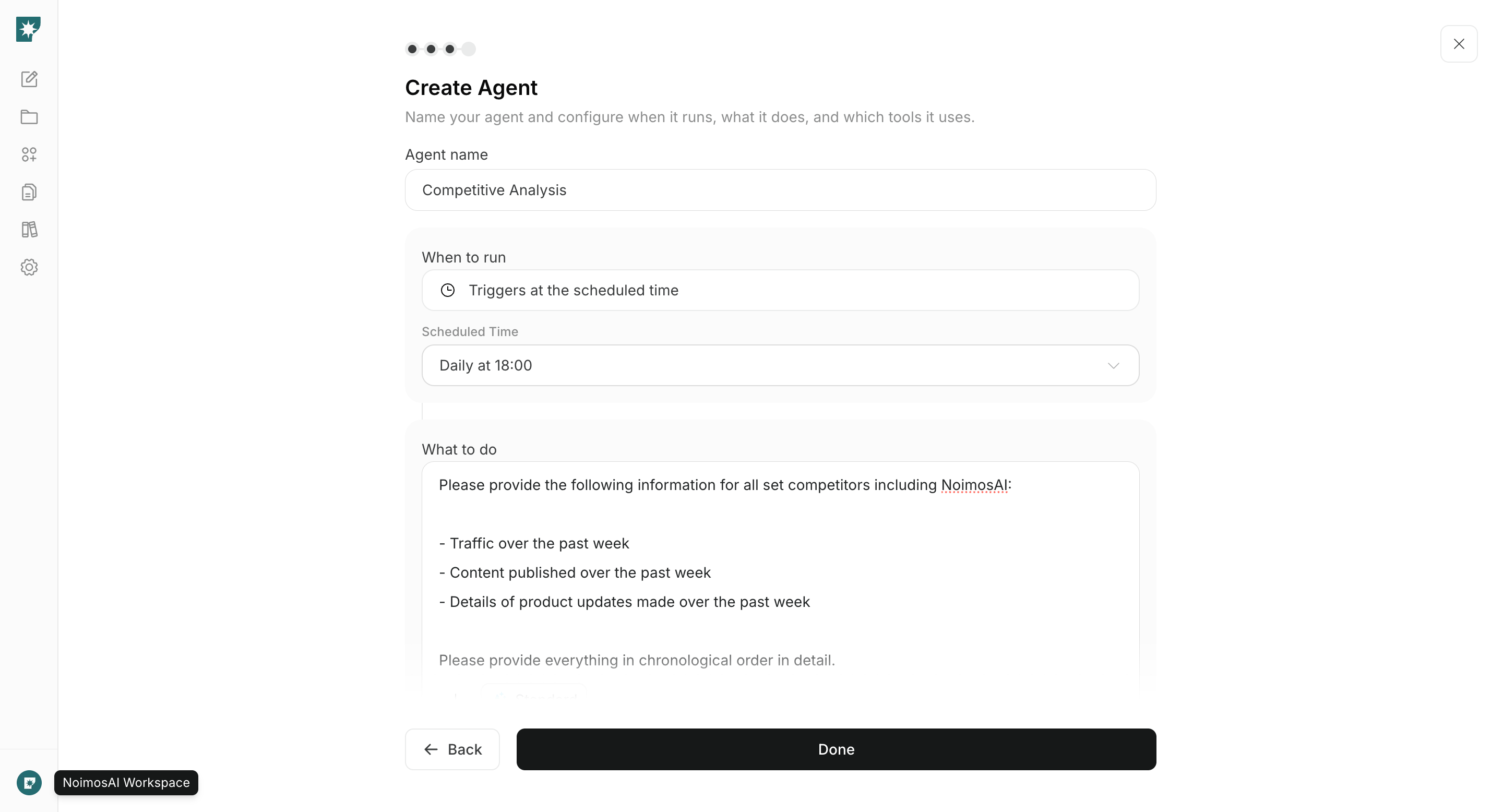
Once you’ve selected competitors, regularly check for changes in services, pricing, case studies, staff, articles, and social posts. Identify what changed since the last check and which customer problems your company is missing, then decide on concrete actions.
Record the publication or verification date and the source URL, and separate verified facts from speculation. Estimated traffic for competitor sites should be treated as trend information, not exact visitor counts.
Research competitors with NoimosAI
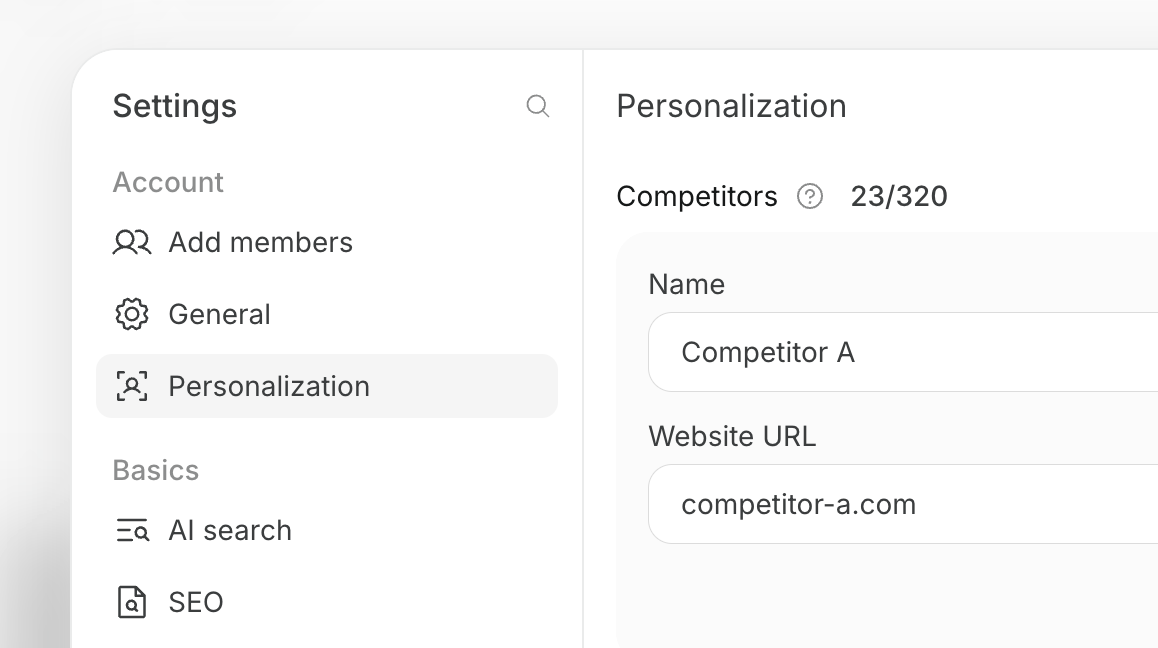
Register the competitors you want to compare and create an agent that turns competitor changes into improvements to your content and website. For instructions on entering a prompt in chat, see Enter your own prompt.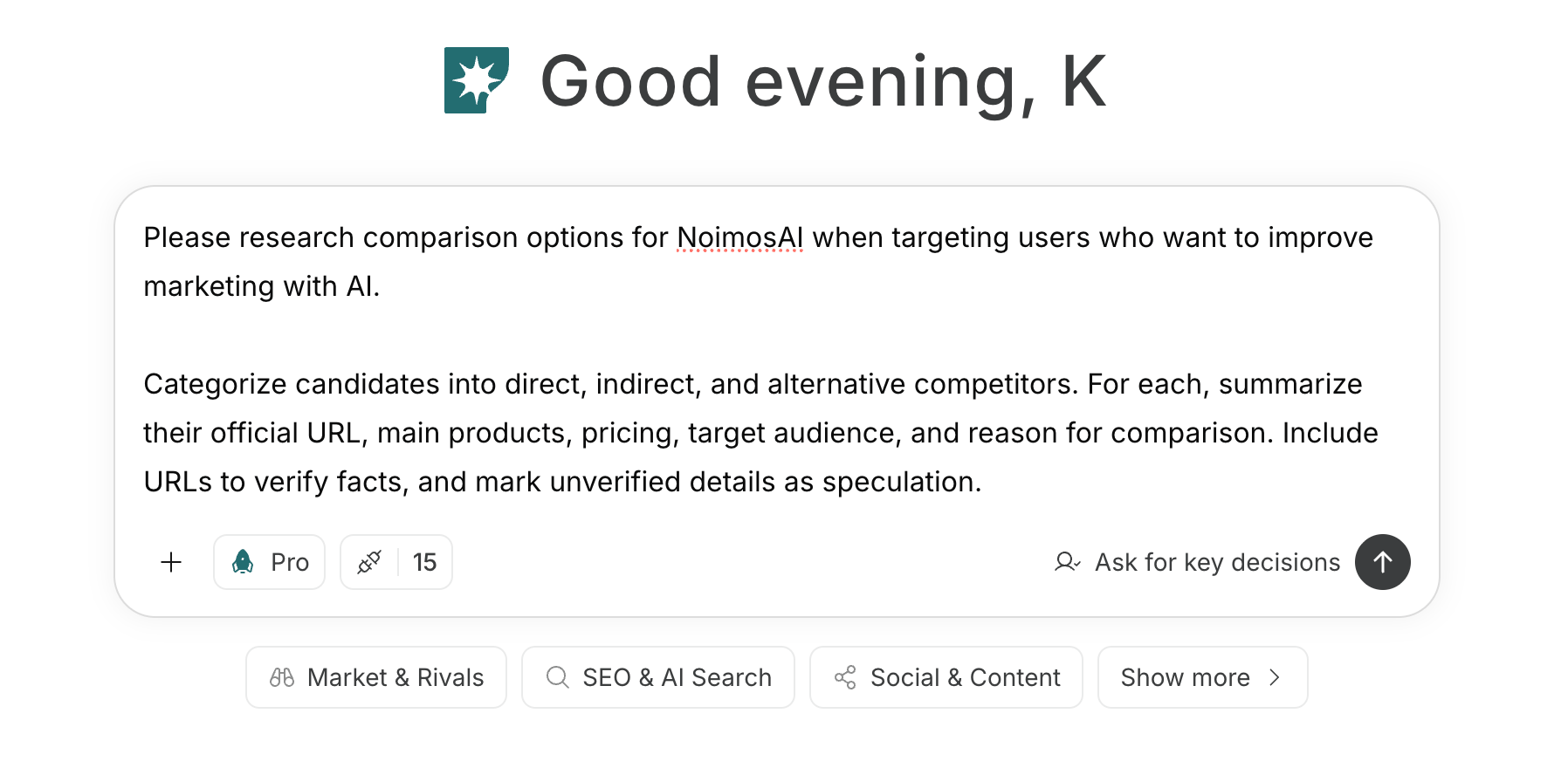
1. Decide which competitors to compare
If you haven’t decided on competitors, enter your company’s service, target customers, the problem you solve, and the geographic area into chat. Classify candidates into direct competitors, businesses that solve the same problem in a different way, and alternatives such as in-house solutions, then choose candidates with clear reasons for comparison.Prompt for chat