

Overview
NoimosAI is an all-in-one autonomous AI marketing platform that helps brands grow and increase revenue. AI autonomously handles daily marketing work such as research, content creation, and analysis, then saves completed outputs to the related chat session. When needed, outputs can also be delivered to Slack, email, or other destinations. By connecting your apps and website, AI understands your business profile and past content. Combined with rich real-time external data, NoimosAI can provide personalized answers for your business from day one. It also learns and improves from results and user feedback, so accuracy improves the more you use it.Core Product Areas
These are the main areas you use day to day inside a workspace.Chat
Chat is for ad hoc instructions and immediate conversations.Use it for questions, one-off requests, and quick experiments. When needed, you can move from Chat into agent creation. Chat outputs remain in the same chat session, and you can return to them later from
All Tasks.

Agents
Agents is where you create agents and manage execution conditions.You can configure integrations, execution conditions (triggers), and workflow content. Agent execution results are saved to the target agent session, and you can open them from
All Tasks and review them in Execution Results.
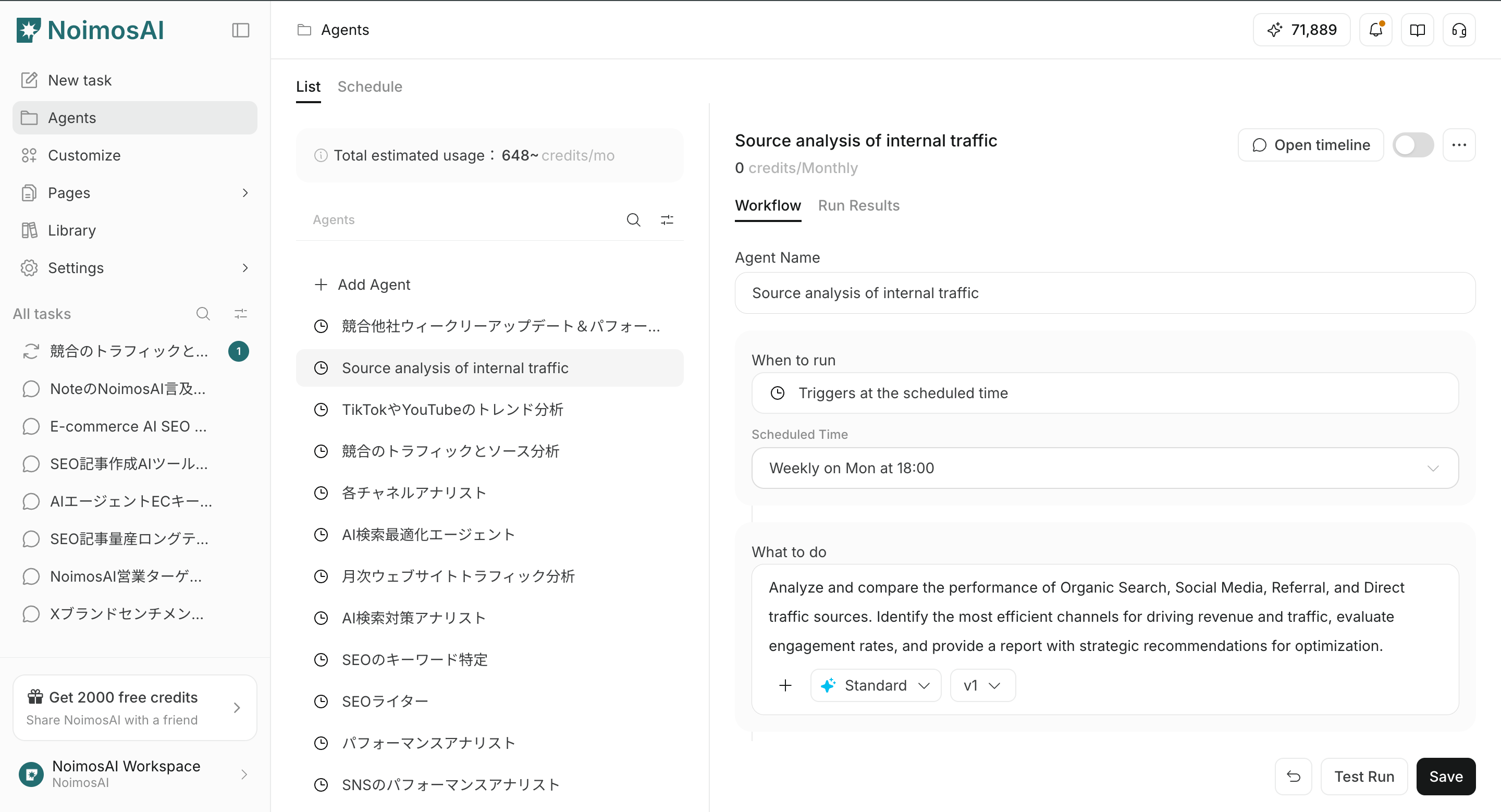
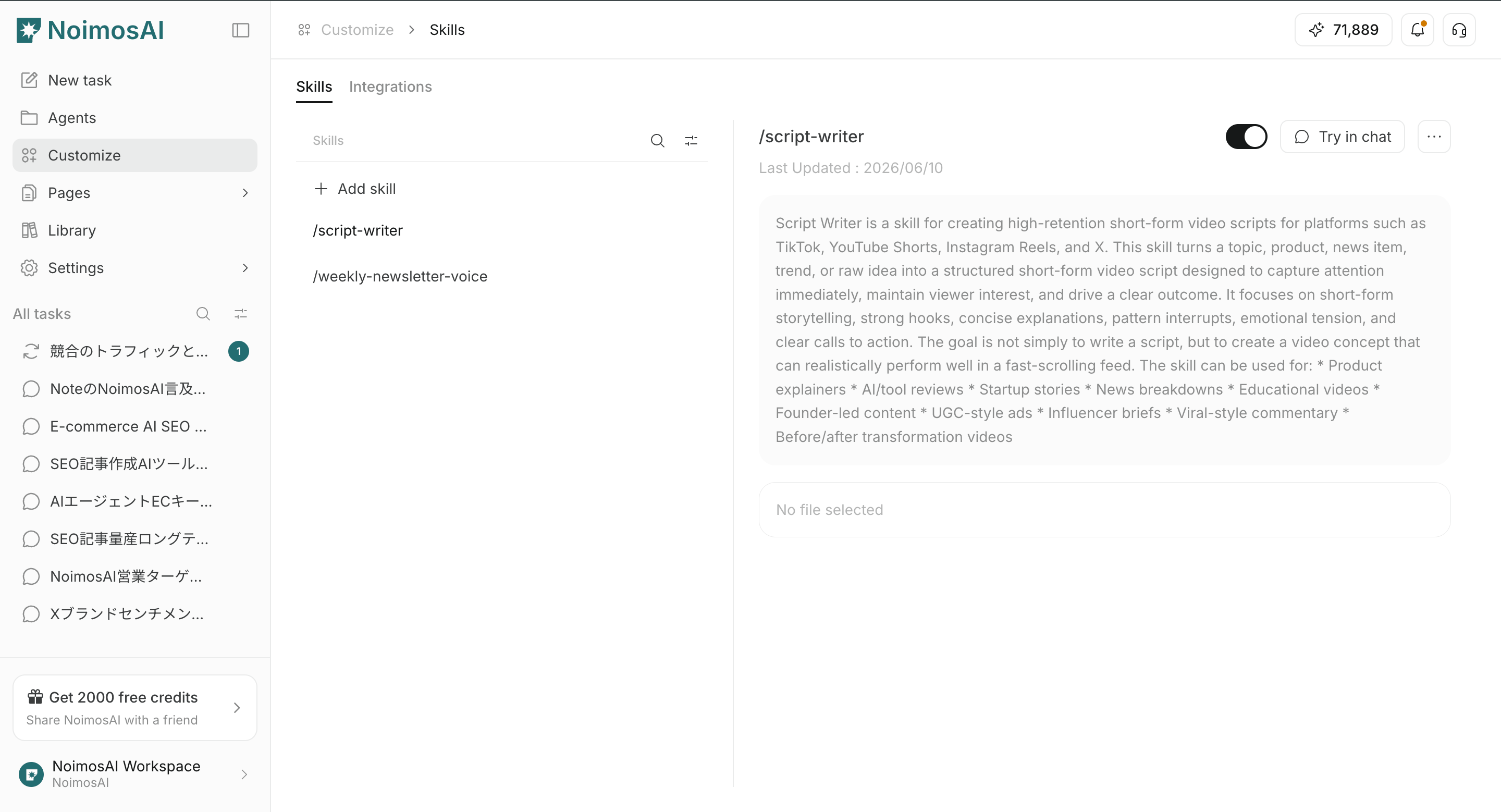
Customize
Customize is where you manage settings shared across the workspace.In
Skills, you can create and edit reusable work procedures, decision criteria, and output rules for Chat.
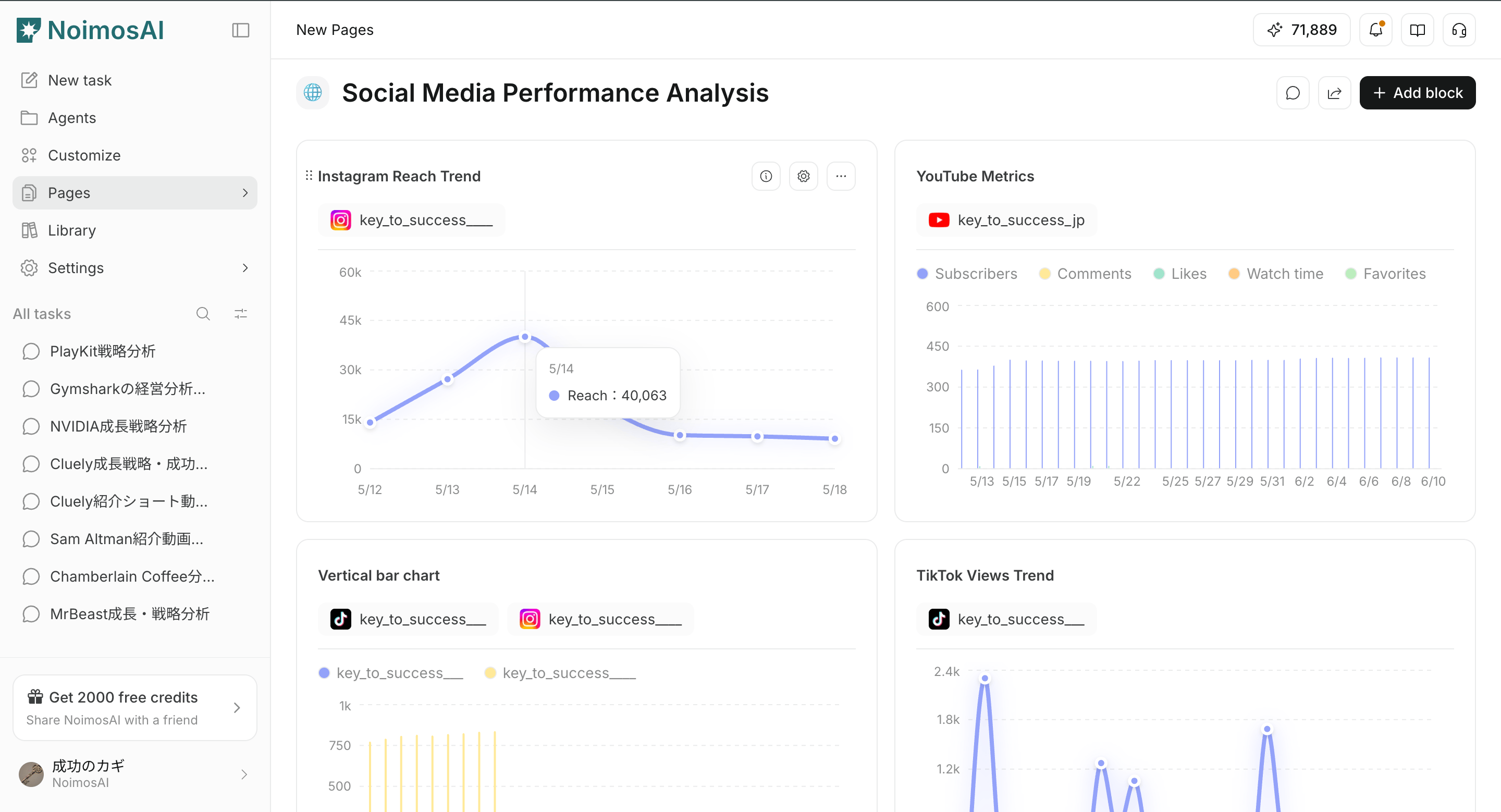
Pages
Pages are structured workspaces for planning and sharing.Use blocks to organize strategy notes, dashboards, and final deliverables in one place.
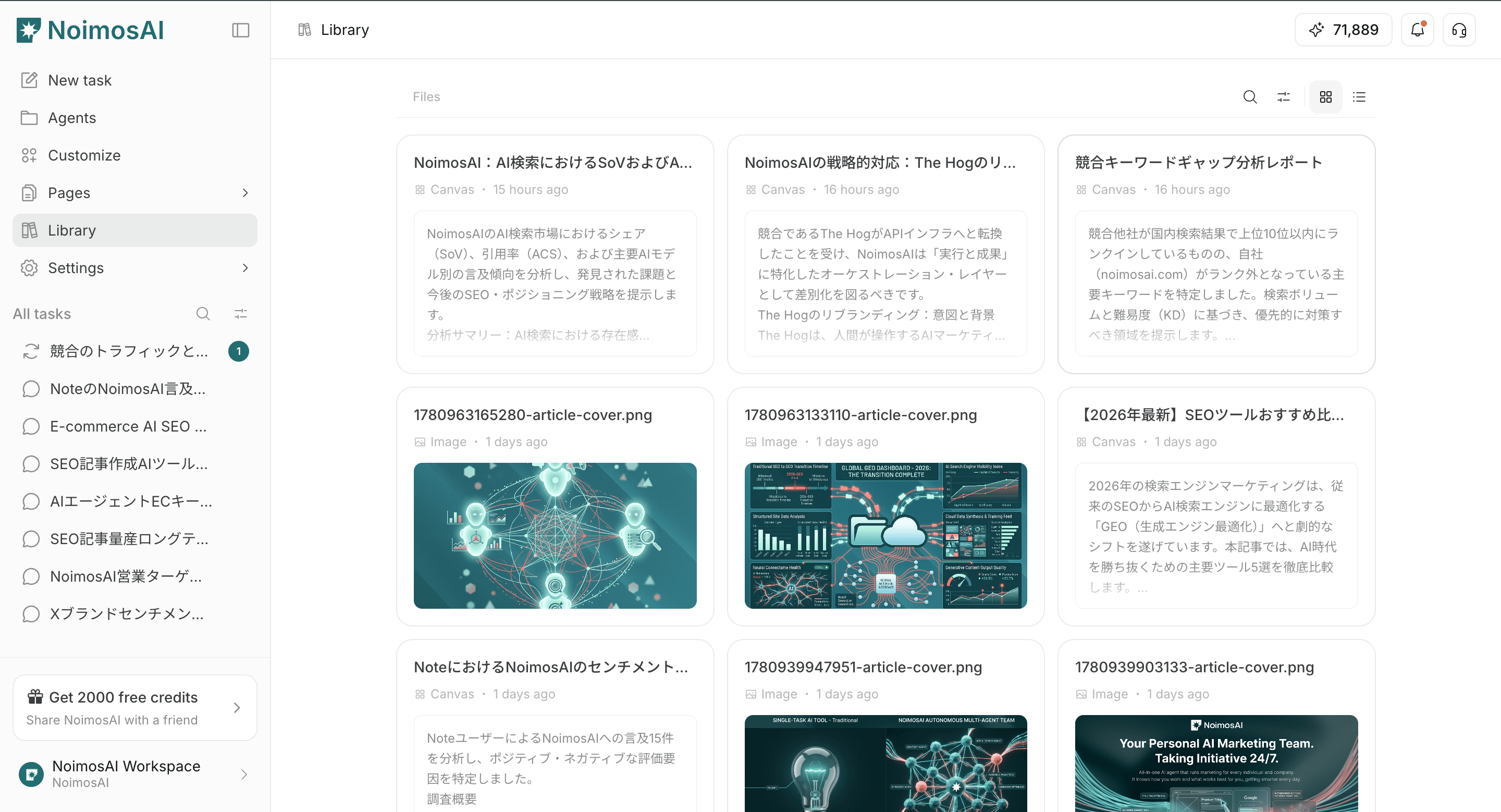
Library
Library is where you review outputs created or saved in the workspace.Use it to revisit images, videos, audio, documents, pages, Knowledge Base items, and other assets.
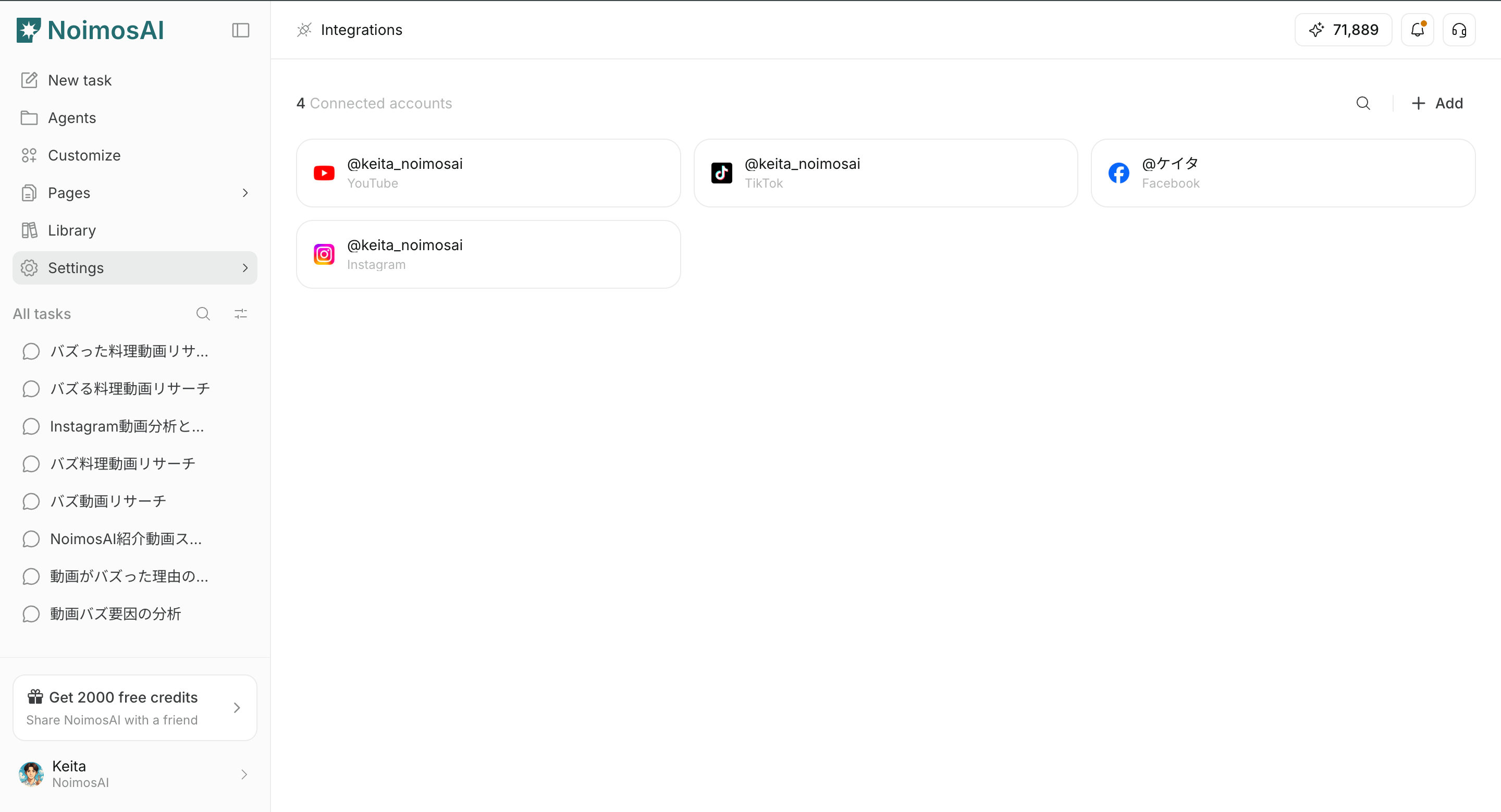
Integrations
Integrations is where you manage external apps connected to the workspace and the integrations agents can use.You can check connected account status and enable only the integrations required for execution.
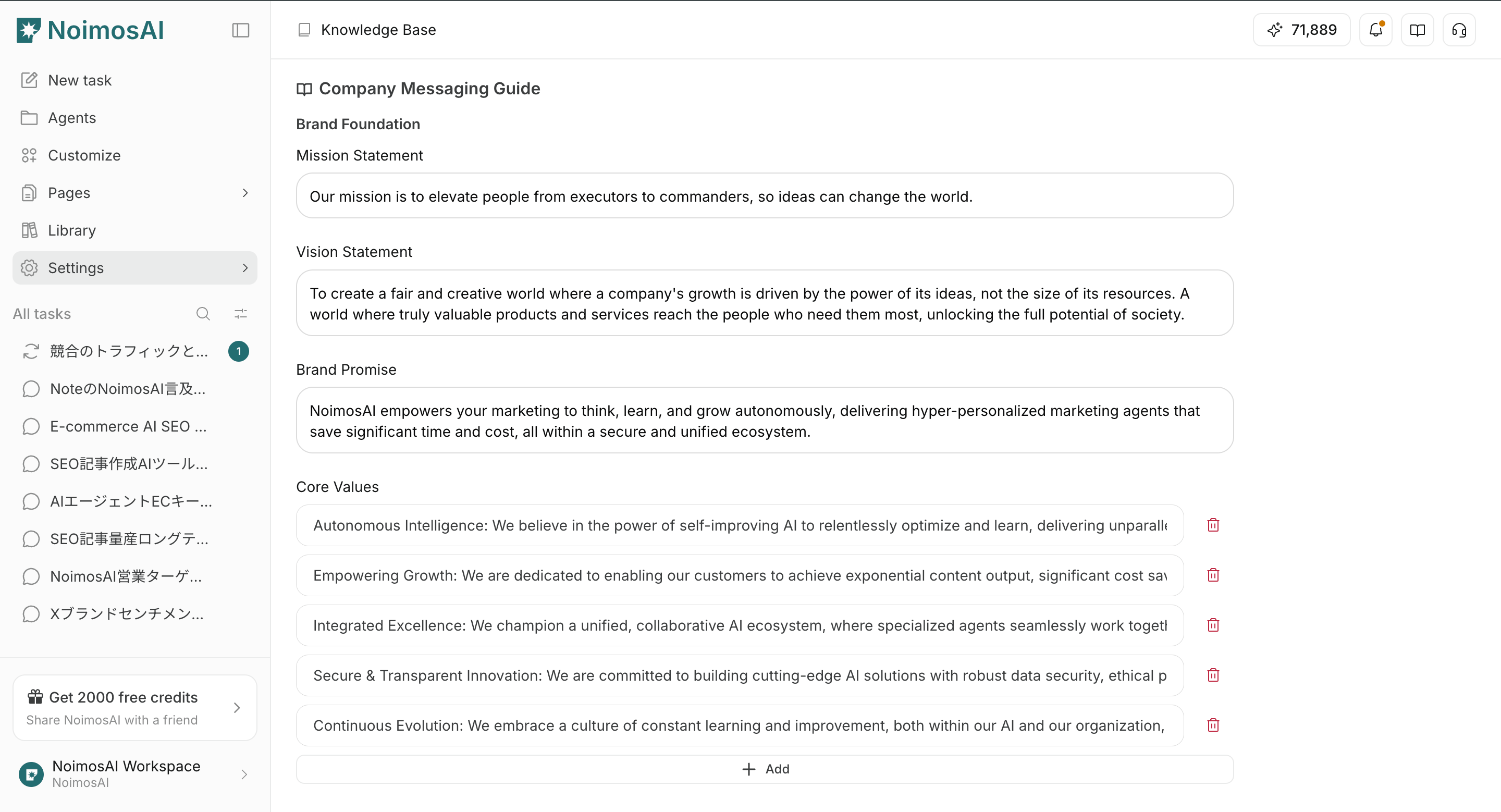
Knowledge Base
Knowledge Base stores trusted context such as documents, links, and reference information.Agents reference this information to produce outputs that follow your brand policies and internal rules.
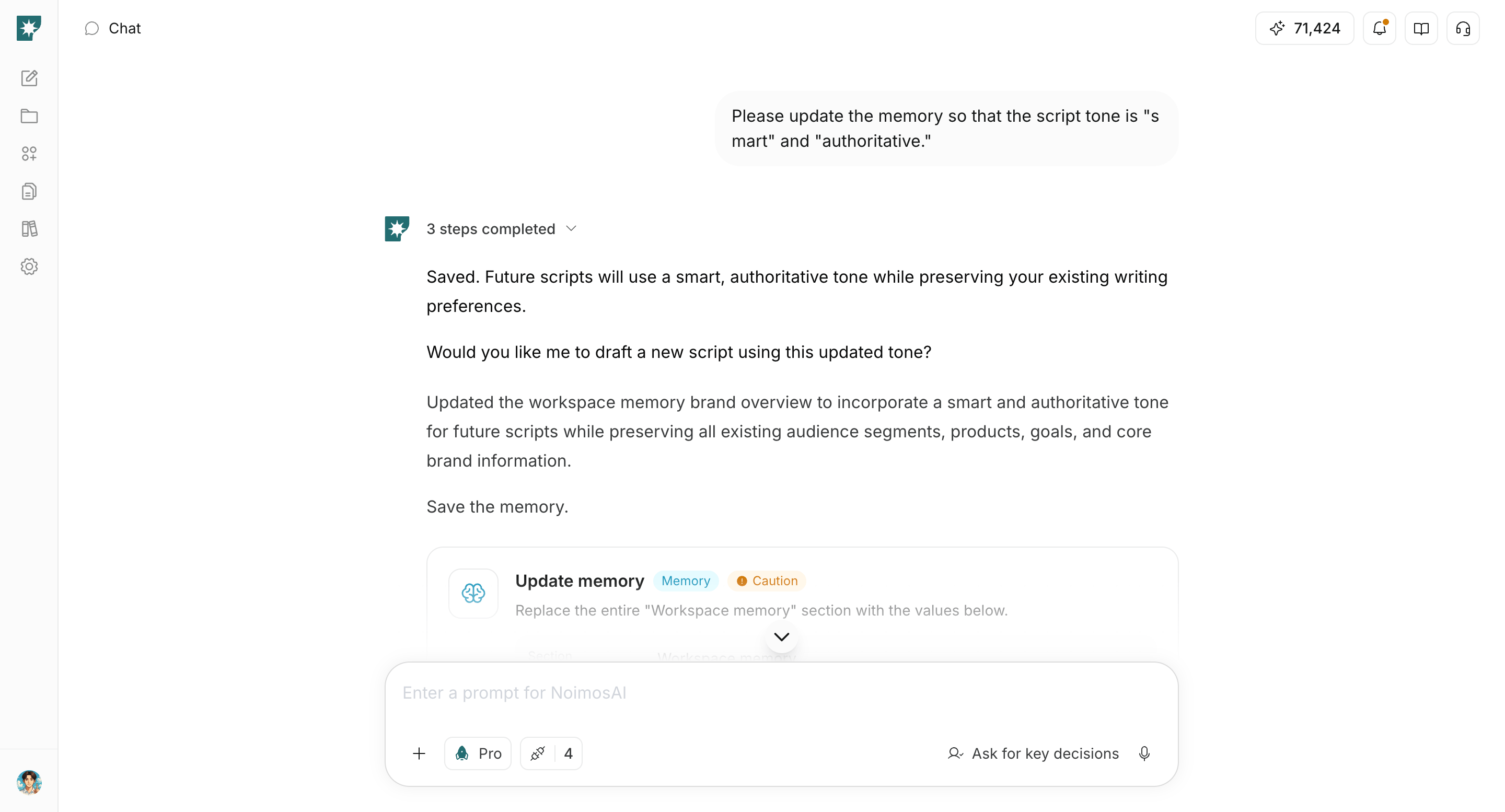
Memory
Memory retains context learned from past conversations and execution results to improve consistency during ongoing operations.NoimosAI’s 24/7 memory agents continuously adjust Memory based on feedback in Chat and execution results. When needed, you can ask NoimosAI in Chat to review or change its contents.
Who NoimosAI Is For
NoimosAI is useful for people who want to delegate time-consuming work to agents and improve marketing results without increasing operating costs.- Creators and solopreneurs
- Freelancers and consultants
- Startup and small business marketing teams
- Agencies managing multiple clients
Your Goal for the First Week
In the first week, aim to establish this minimum operating loop:- Connect your existing business apps to the workspace.
- Enable the integrations used by your agents.
- Start autonomous execution by creating triggers or giving instructions in Chat.
- Review results from
All Tasksor Chat, then continue in the same session to adjust, approve, or move work into execution.
Start from Advisor Agent recommendations
Each workspace includes one Advisor Agent by default. It analyzes connected marketing data and brand information, then recommends the next actions to take in priority order. If you are not sure what to do first after connecting apps, start from the recommendations on the home screen or fromAgents > Advisor Agent > Recommendations.
See Advisor Agent Basics for details.