- Create and improve a website that leads to inquiries and consultations
- Prepare a foundation that search engines and AI can read
- Improve based on customer behavior
Understand website fundamentals
For client and professional services, a website should communicate not only the service name but also who you help, what problems you solve, how you work, and why clients can trust you. After publishing, keep the content accessible to search engines and AI systems, and improve the site using visitor behavior that leads to consultations.1. Create and improve a website that leads to inquiries and consultations
Start by defining target customers, problems, delivered outcomes, scope of services, and primary actions.
The should identify the target client, problems you handle, expected outcomes, and next action. The rest of the page should provide the evidence and commercial information needed to evaluate you as a provider.
If you cannot publish client names in case studies, provide industry, problem, scope handled, outcomes, and duration—only within permitted limits. Do not fill gaps in unpublished metrics or facts with guesses.
Information visitors want before consulting varies by their decision stage. At the awareness stage, they want to know which problems you can handle; when comparing vendors, they look for client results, team, and process; right before consulting they need pricing, preparations, and contract terms. Don’t cram everything onto one page—separate pages by role and link them internally.
2. Make your website easy for search engines and AI to understand
Make it easy to navigate from the homepage to services, target industries, case studies, team, pricing, and contact, and include important pages in the . Technically, check , , HTTPS, broken links, redirects, and . Standardize how you display company name, service name, target customers, region, and team members in page titles, headings, and body text. Set up for company, team, services, articles, FAQ, etc., where appropriate. Do not put qualifications, ratings, or pricing only in structured data without showing them on the page.3. Improve based on customer behavior
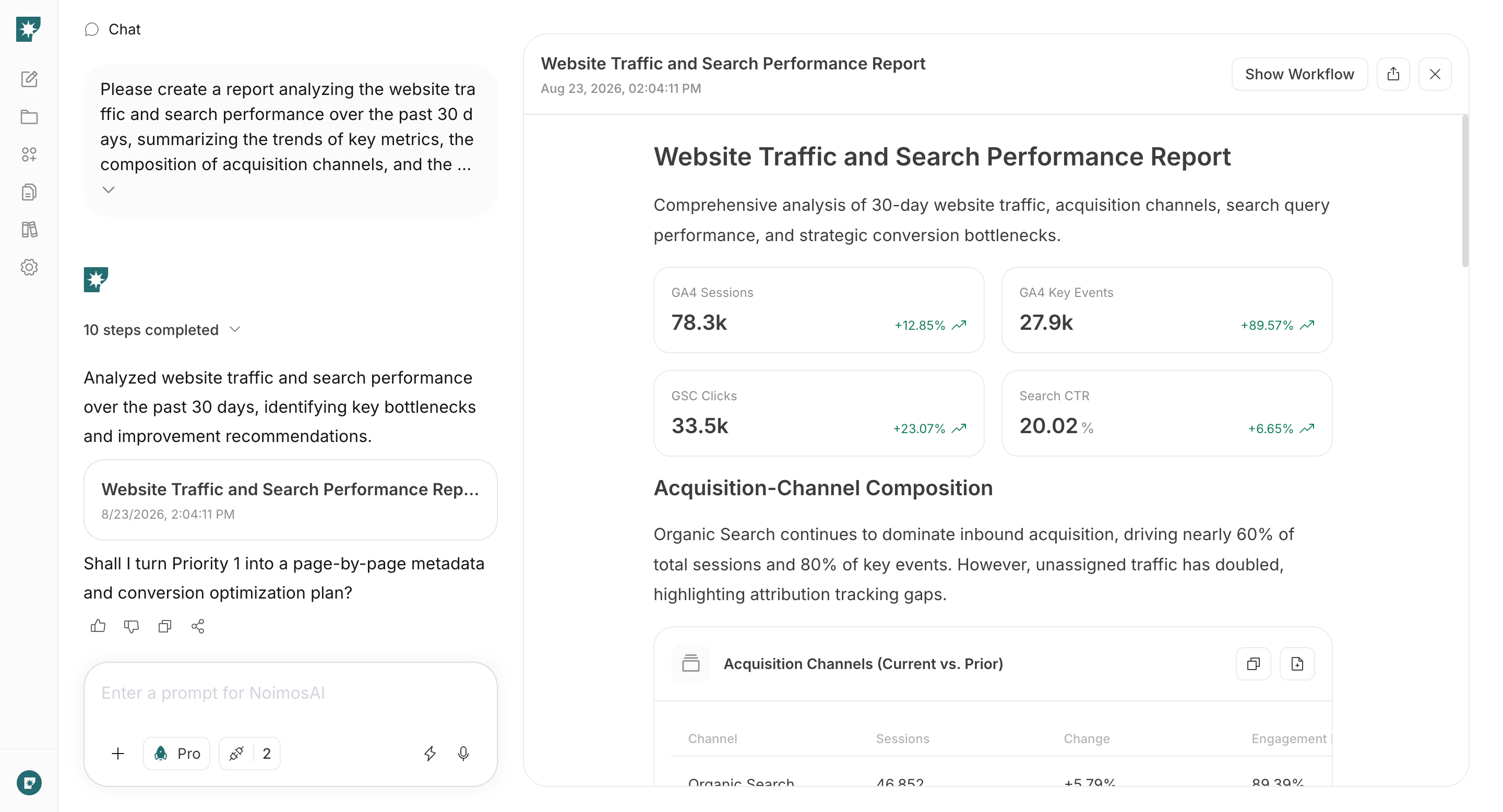
After publishing, monitor not just visits but whether target customers read services, case studies, and pricing, and whether they complete a consultation.
In Google Analytics, check sources, key pages, CTAs, form starts, and inquiry completions. In Google Search Console, check queries, impressions, clicks, positions, and index status.
Apps you can connect for website analysis
For analyzing post-publish behavior and search performance, use the following apps.
Google Analytics: Collects sources, viewed pages, CTAs, forms, and inquiries to decide which pages to improve.

Google Search Console: Retrieves queries, impressions, clicks, positions, and index status to improve discoverability and search traffic.
Build and improve your website with NoimosAI
Use chat to create or audit the website, then use an agent to analyze performance on a recurring schedule. For instructions on entering a prompt in chat, see Enter your own prompt.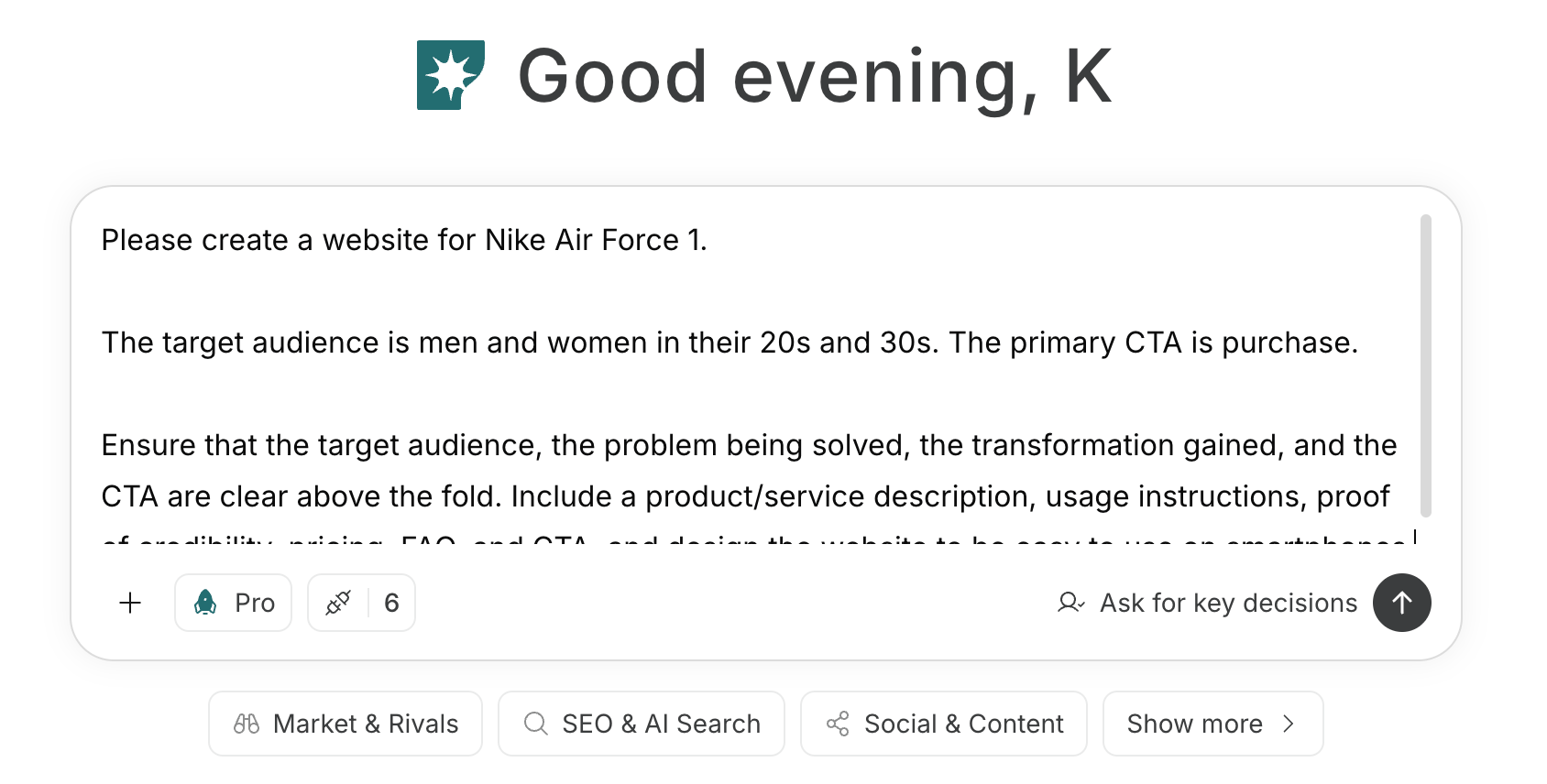
1. Create and improve a website that leads to inquiries and consultations
For a new site, enter target customers, problems, deliverables, scope, case studies, and primary CTAs into the chat. Have NoimosAI draft page structure, copy, and design, and use the preview to confirm that the materials needed before consulting and the path to inquiry are clear.Prompt for chat
Prompt for chat
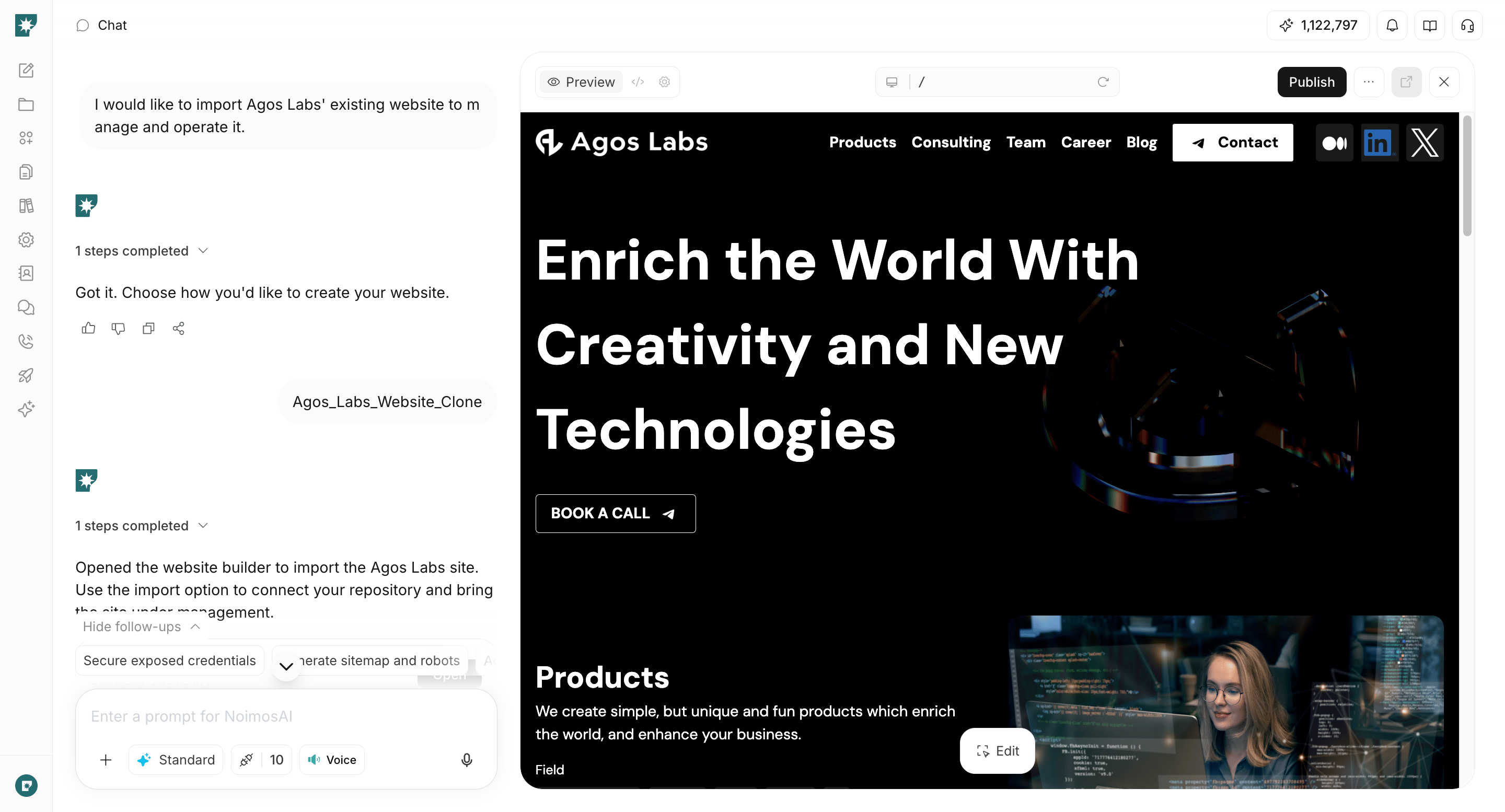
2. Make your website easy for search engines and AI to understand
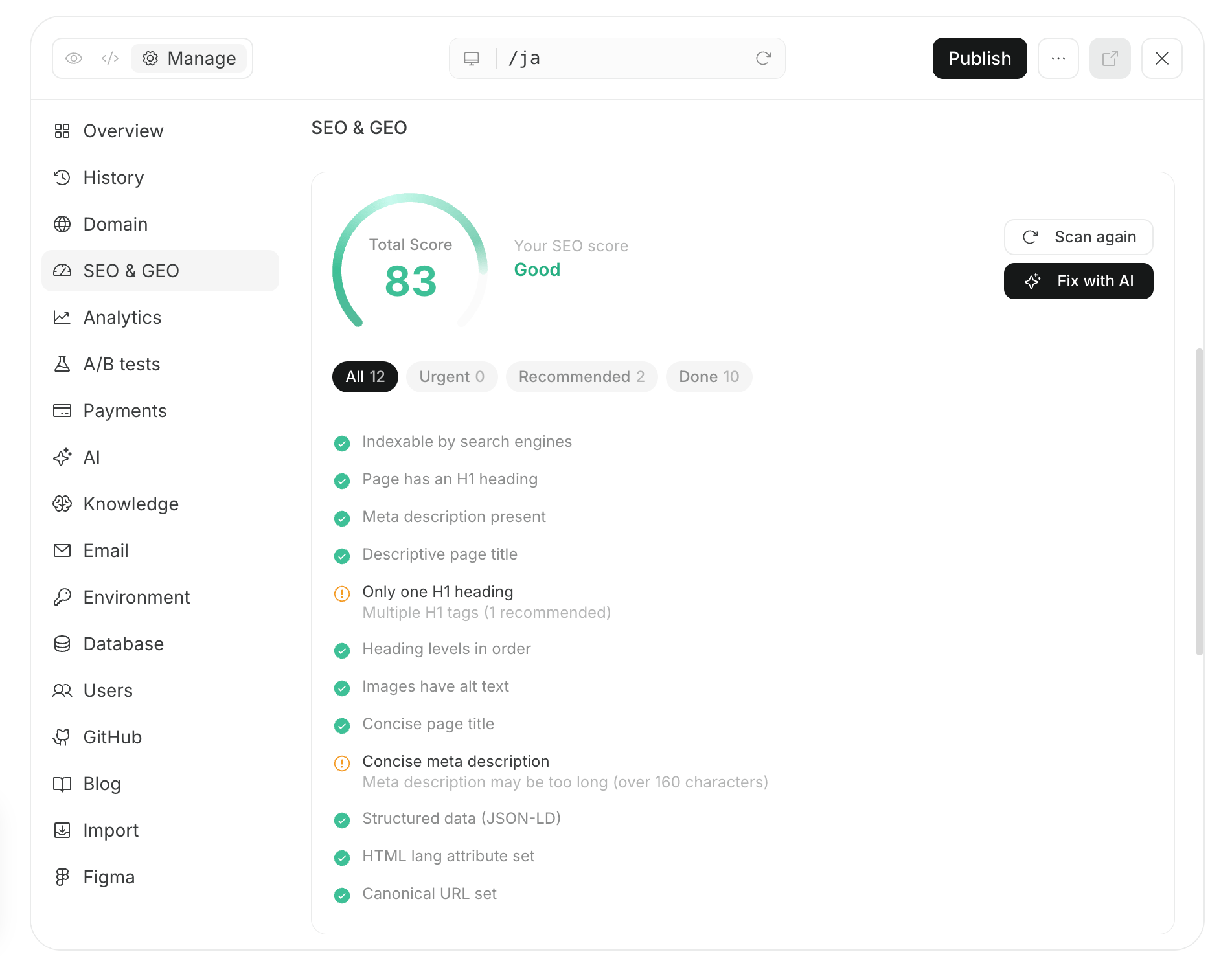
Enter the published URL in chat and check for issues that prevent important pages from being crawled and understood. Verify that services, target customers, scope, case studies, and pricing can be read by search engines and AI, and fix the most impactful issues first.Prompt for chat
3. Improve based on customer behavior
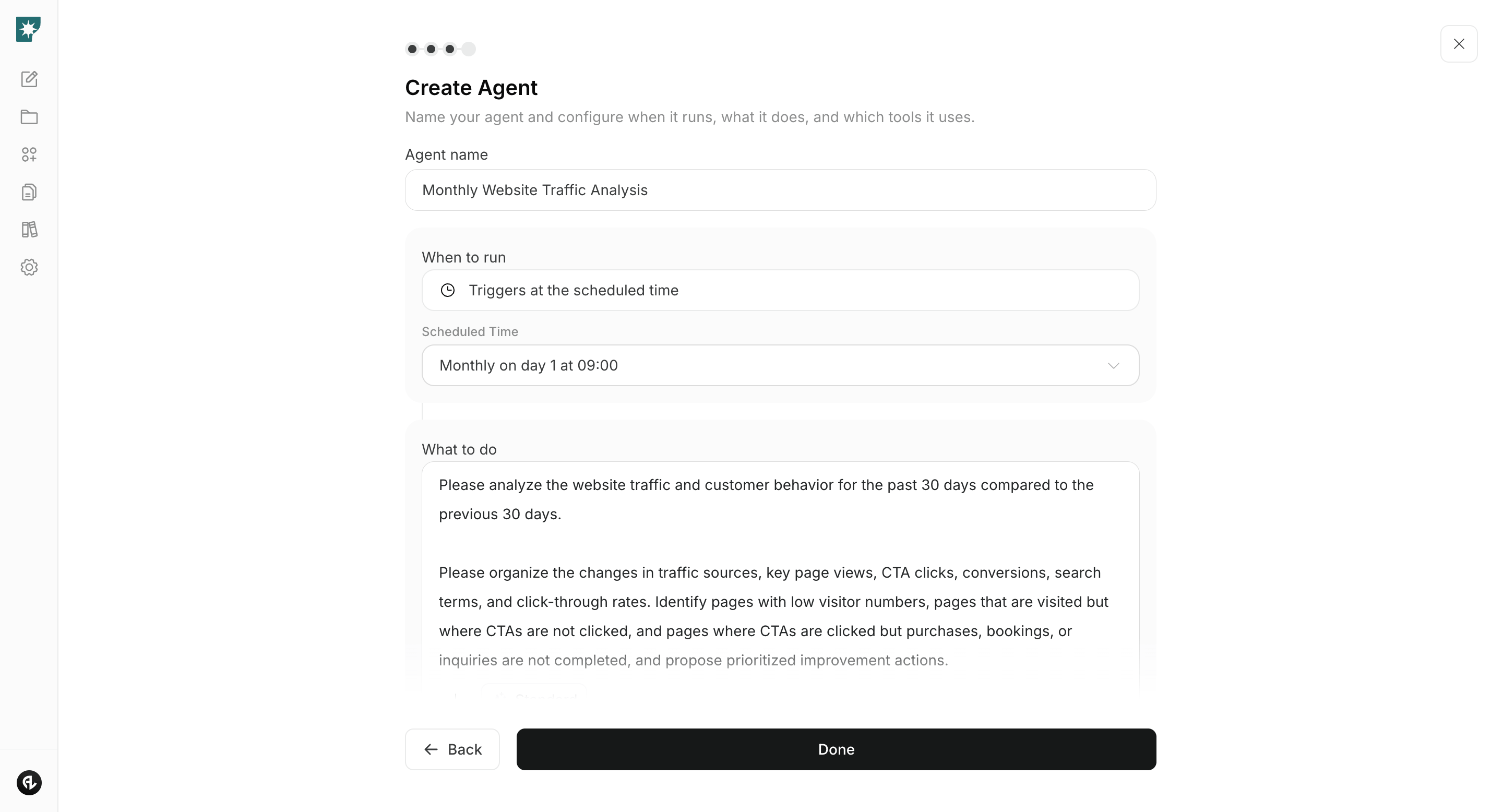
Connect Google Analytics and Google Search Console, and compare the last 30 days to the previous 30 days. Identify important pages with low traffic, pages that are viewed but don’t lead to consultations, and funnels where users drop out of forms, then receive prioritized improvement suggestions.Agent setup
Trigger: Schedule / Monthly Instructions: