- Decide the roles of distribution channels and the website/media
- Create a structure so content can be found and understood
- Improve based on views and ongoing touchpoints
Understand the fundamentals
1. Define the role of each distribution channel and your hub
For each distribution channel, decide whether it handles discovery, viewing, saving, subscription, or interaction. Don’t assume you must centralize all content on the website; distinguish actions readers can complete on that channel from actions that require directing them elsewhere. The table below compares the roles each distribution channel naturally plays. For the channels you currently use, choose one primary role and avoid having too many channels with the same role.
The primary channel can provide the complete experience. Use a website to supply information that the channel cannot present clearly, such as publisher details, topic structure, primary sources, and subscription or participation options.
2. Create a structure so content can be found and understood
On a website or media hub, separate the following roles:- Home page: Explain who the publication or community is for, what it covers, and where a new visitor should start
- Topic / category pages: Group related articles, videos, and audio so they can be reviewed in order
- Content pages: Display article body, video/audio, summary, sources, publish date, and update date
- Publisher / author pages: Show areas of expertise, experience, editorial approach, and published or featured work
- Sign-up / participation pages: Explain what readers get by following, subscribing to the newsletter, subscribing to channels, or joining a community
- Search / navigation: Allow finding past content by topic, format, or publish date
3. Improve based on content journeys and subscriptions
Measure whether people continue to related content or a subscription or participation page, not page views alone. Trace journeys from the entry page and improve the structure, links, or invitation at the stage with the largest meaningful drop-off. The table below maps observable states in viewing data to what you should first investigate and improve.
Check not only the entry pages but also the pages readers navigate to afterward. If readers move to more content on the same topic, interest and structure align. If readers always return to the top, leave after search, or drop off predominantly on sign-up pages, review related links, page roles, and guidance text.
Build and improve your hub with NoimosAI
For instructions on entering a prompt in chat, see Enter your own prompt.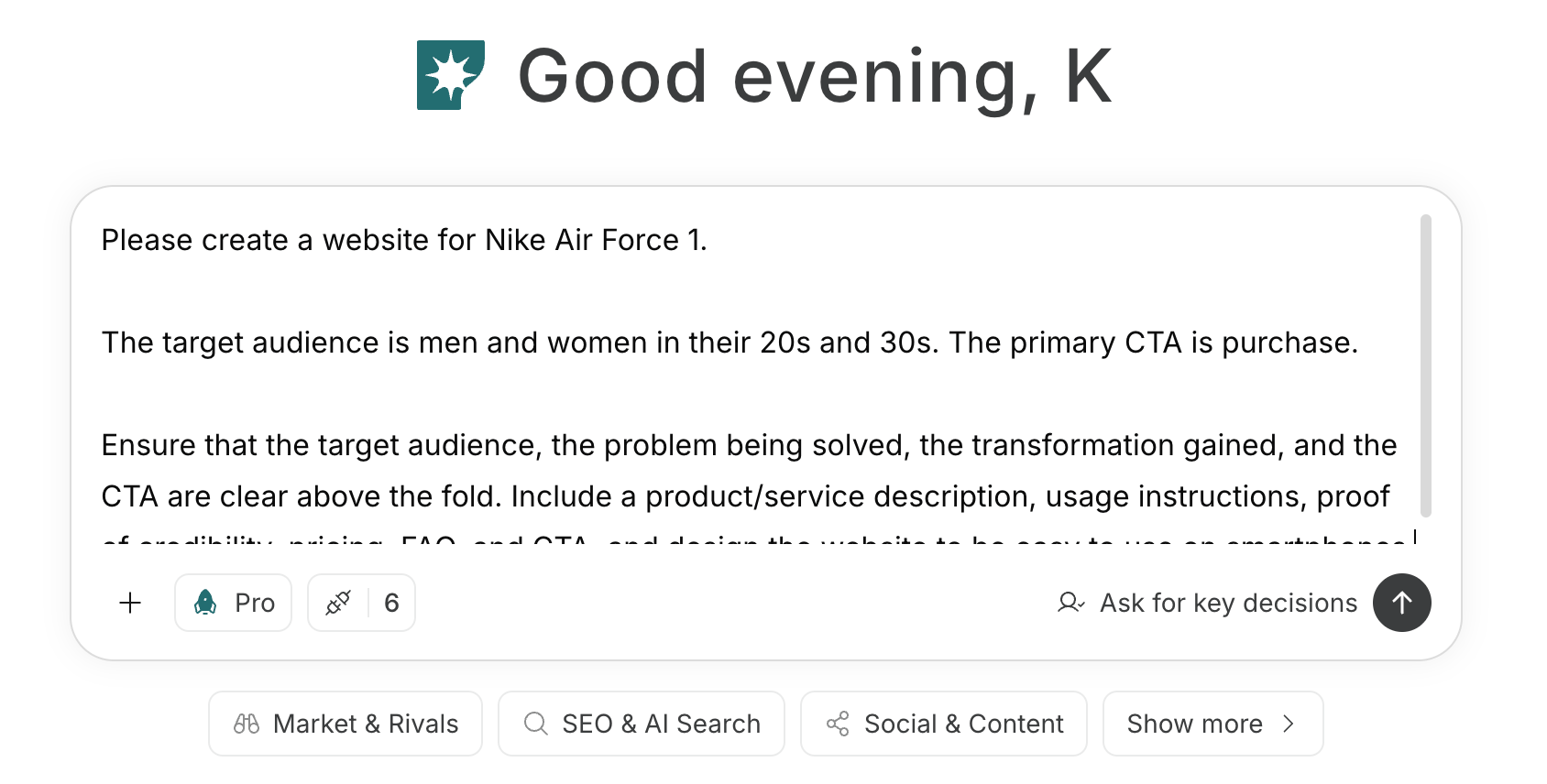
1. Define the role of each distribution channel and your hub
First, enter the target audience, topics, and current distribution channels in chat. Ask NoimosAI to define each channel’s role in discovery, consumption, subscription, and interaction; identify what information a website should add; and map the routes between related content and follow, subscribe, or join actions.Prompt for chat
2. Create a structure so content can be found and understood
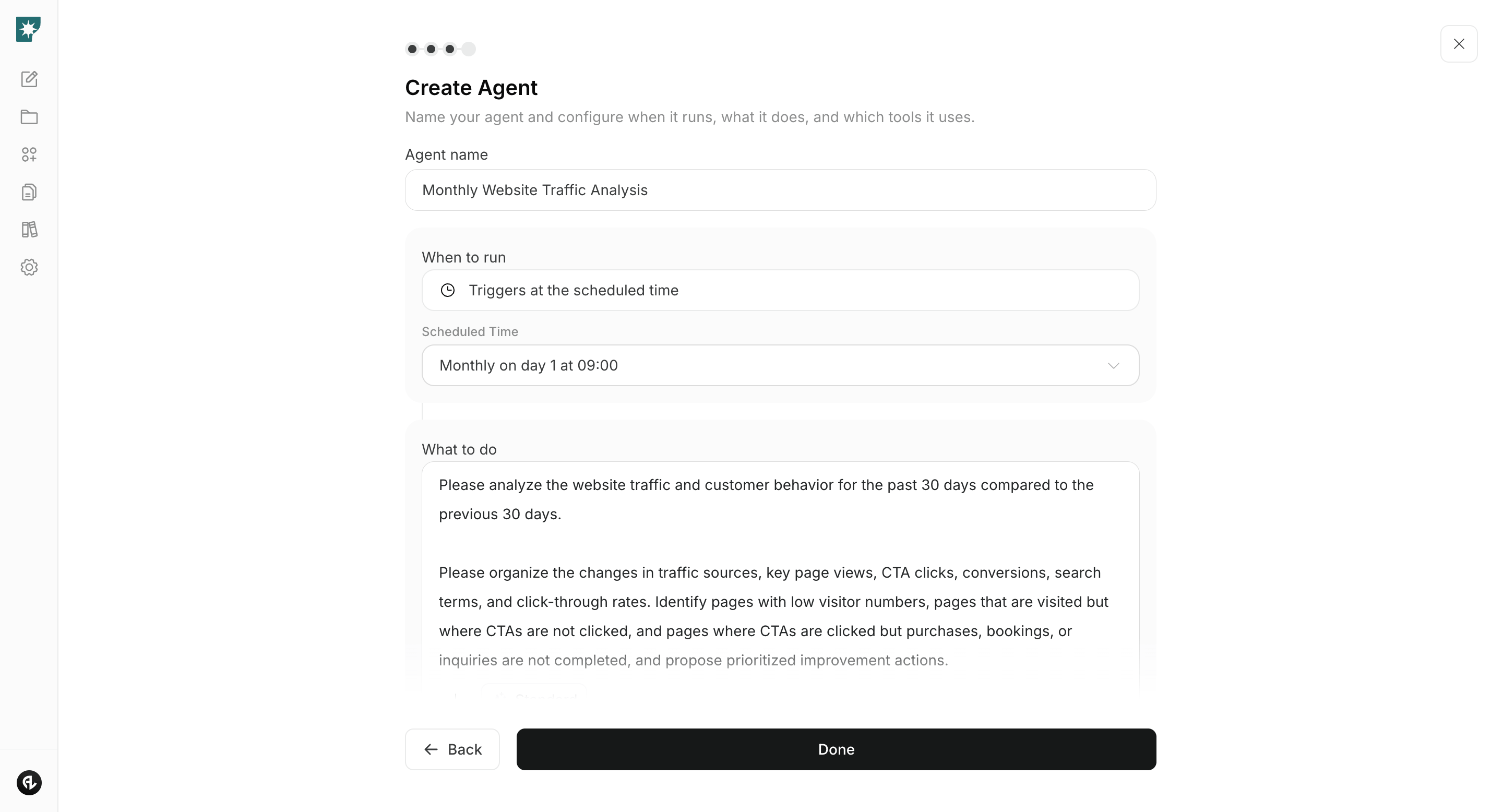
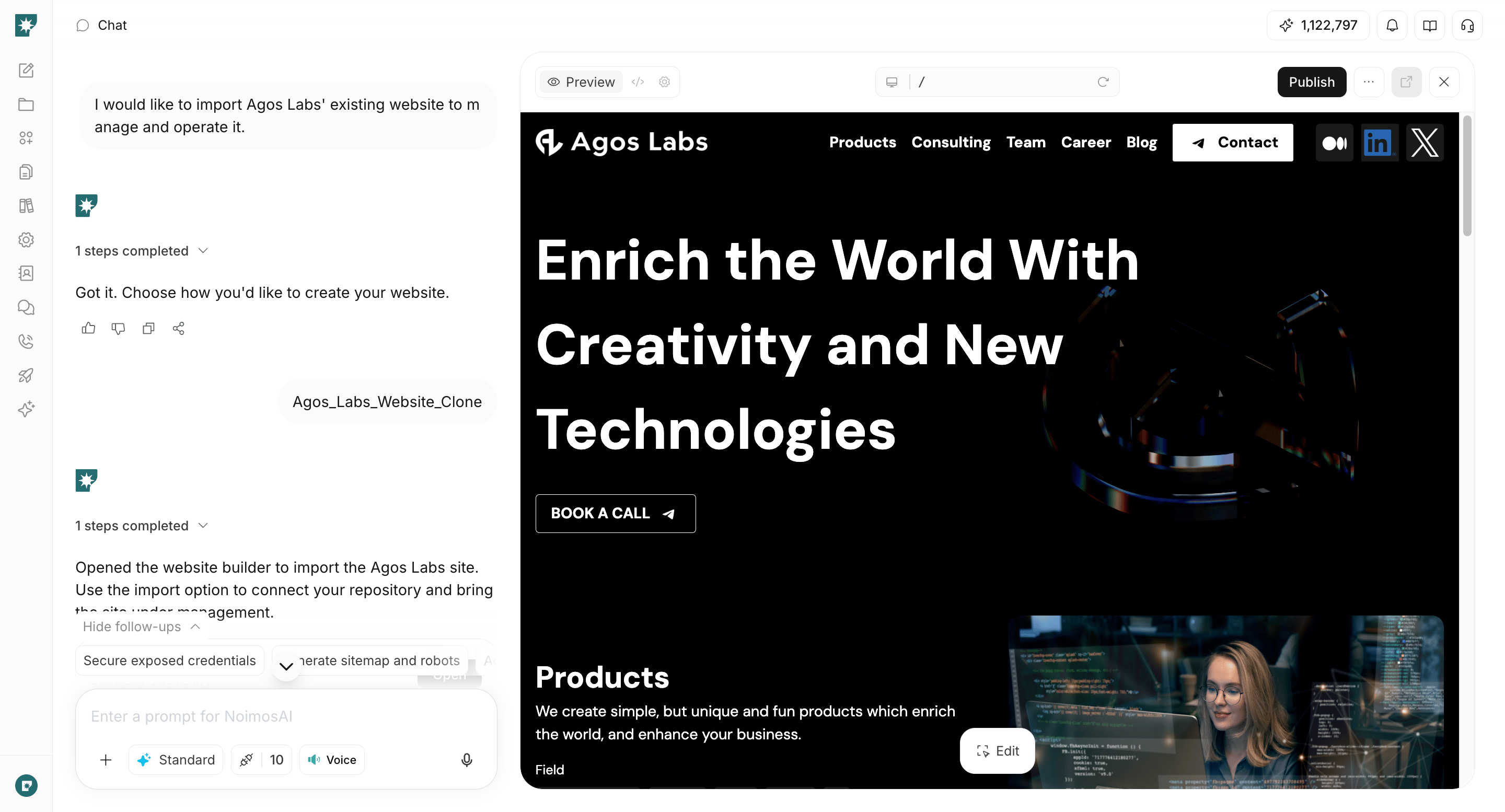
Provide URLs for existing channels and content and create the necessary pages and structure. NoimosAI will review existing content and define the role and navigation for the homepage, topic or category pages, content pages, publisher or author pages, and subscription or participation pages. Do not duplicate content that already works well on another channel; create only the missing pages people need to explore the work and keep receiving updates.Prompt for chat
- First-time visitors can identify the target readers and topics
- Articles, videos, and audio can be found by topic and format
- Each piece of content shows author, publish date, update date, and sources
- Users can move to related content and previous/next items in a series
- What readers get and how often they’ll get it is clear for follow, subscription, and participation
- You have the rights to publish images, video, audio, and quotes
- Private community information is not included on public pages
3. Improve based on content journeys and subscriptions
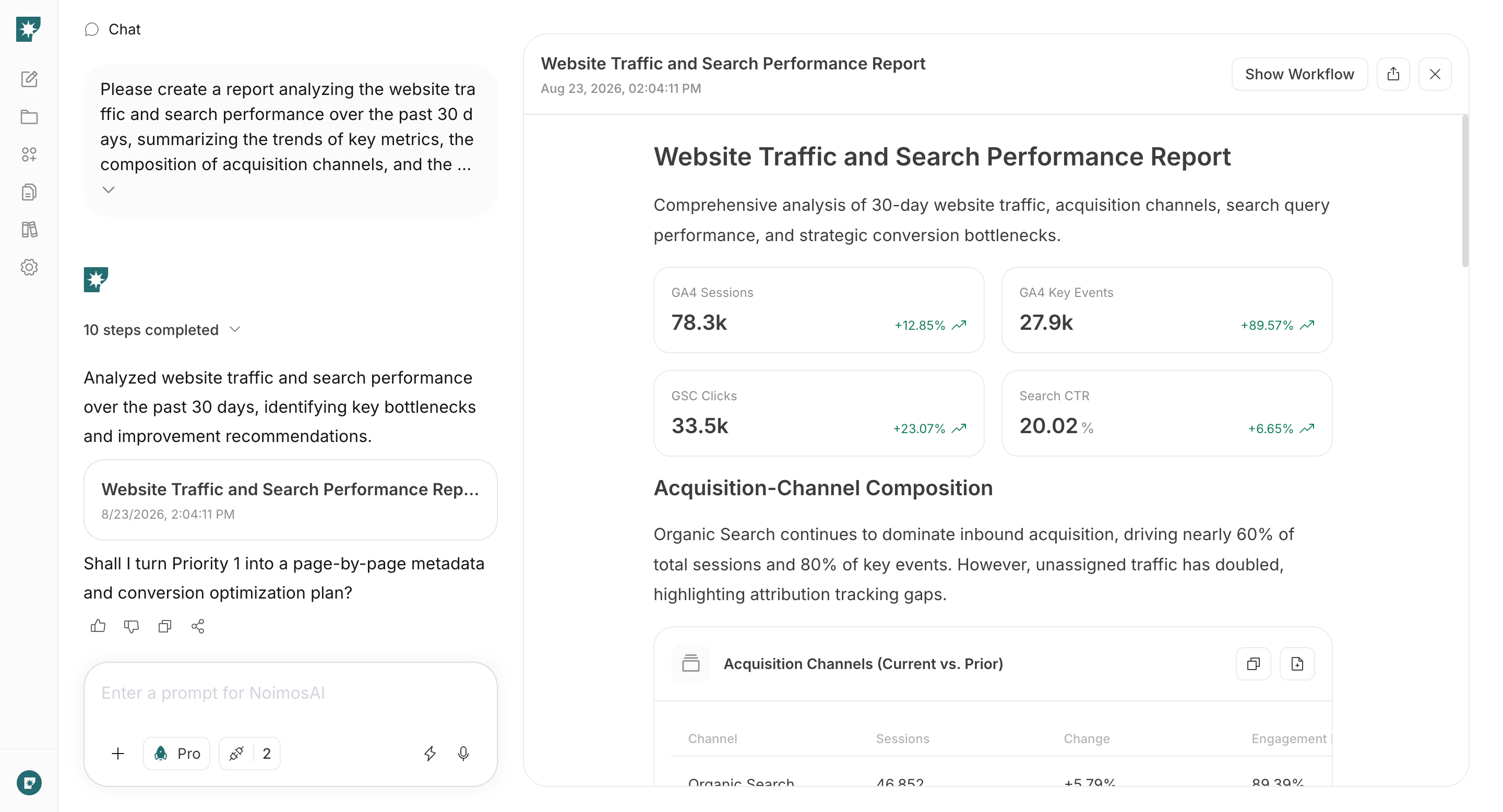
After publishing, review monthly how visitors move from entry pages to the next content and to sign-up/participation. Create an agent that identifies themes with sustained growth, pages where movement stops, and past content that needs updating or consolidation.
Google Analytics should be connected to check entry pages, subsequent content views, and movement to sign-up/participation pages.
Agent setup
Trigger: Schedule / Monthly Instructions: