- Make your content discoverable to search engines
- Choose keywords that match audience questions and your editorial focus
- Create and publish content that answers the search intent
- Improve organic traffic and continued readership
Understand SEO fundamentals
1. Make your content discoverable to search engines
Connect important articles, video and audio companion pages, topic and category pages, and author pages through navigation and internal links and include them in sitemap.xml. Separate public content from member-only or in-app content, because a search engine cannot index material that requires a login. For video or audio, do not publish only a title and embed. Provide an HTML summary, key points, participants, references, and related content. When content was published only on social media or in a newsletter, create a public web page or note article for the portions you want people to find through search. Review discovery, retrieval, URL, and reader-usage conditions separately so you can identify the source of a problem.2. Choose keywords that match audience questions and your editorial focus
Consider not only search volume but also and whether you can answer accurately. The table maps each purpose to content formats that can satisfy it. Choose a keyword only when the resulting page can help the reader complete the intended task.
When a proposed page has the same keyword and purpose as existing content, update or consolidate the existing page instead of creating another one.
3. Create and publish content that answers the search intent
Answer the primary question near the beginning, then provide the necessary context, steps, examples, and evidence. Add first-hand experience, original research, interviews, or tests. Cite sources, and verify AI-generated facts, quotations, people, and dates against the original material. After the answer, guide readers to relevant articles, videos, audio, or a newsletter sign-up. Do not publish unrelated articles simply to gain search traffic. Confirm that the page supports the subjects you want readers to continue following. People who want a definition, instructions, or a comparison need different content even when the broad topic is the same. Use the keyword and current results to choose one audience and one decision for the page. Update an existing page when its audience, answer, and role overlap the proposed content.4. Improve organic traffic and audience retention
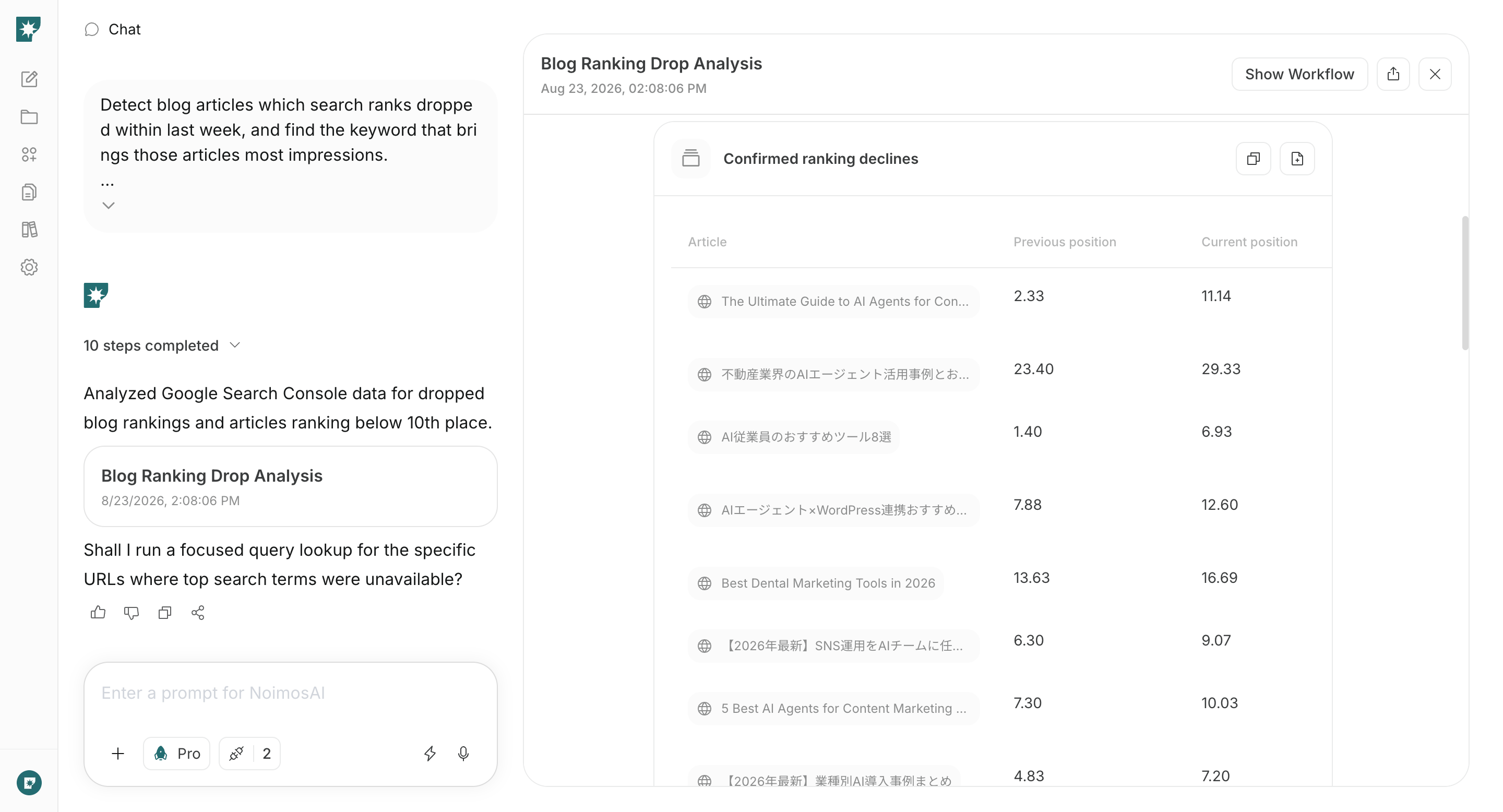
After publication, review search impressions and clicks. Then use the data you measure to determine whether organic visitors continue to related content, a newsletter sign-up, or a follow action. Content that cannot be found requires a different change from an article that is read but does not lead anywhere else. Use the table to investigate the query, content, and related-content path and help readers continue to the next useful answer.Apps you can use for SEO

Google Search Console: Shows queries, impressions, clicks, CTR, position, and indexing status.

Google Analytics: Shows whether organic readers continue to another piece of content or a sign-up or participation page.

WordPress: Lets NoimosAI create, publish, and update articles.

note: Lets NoimosAI reference note articles and create, publish, and update content.
NoimosAI uses Semrush search volume, difficulty, and competitor ranking data as external data. You do not need to connect a Semrush account.
Put SEO into practice with NoimosAI
Audit the publication site, select questions that match your editorial focus, publish the answer, and improve organic readership and continued engagement. For instructions on entering a prompt in chat, see Enter your own prompt.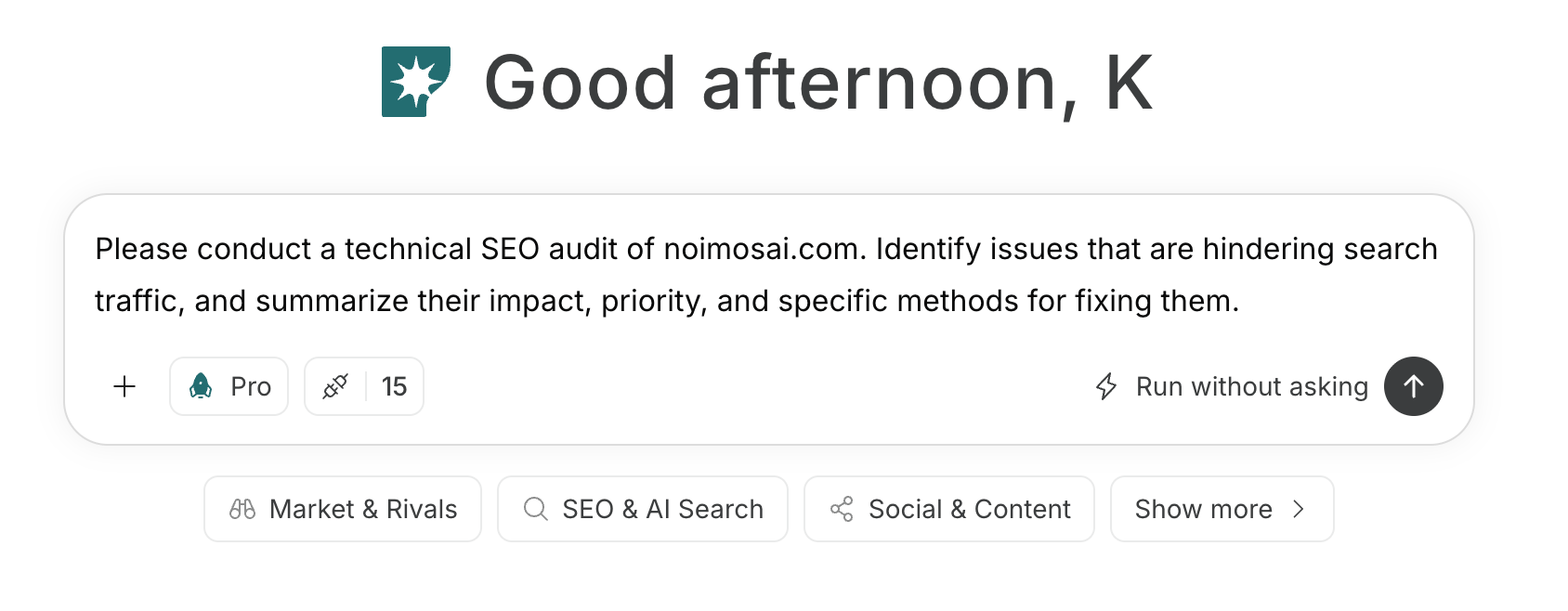
1. Make your content discoverable to search engines
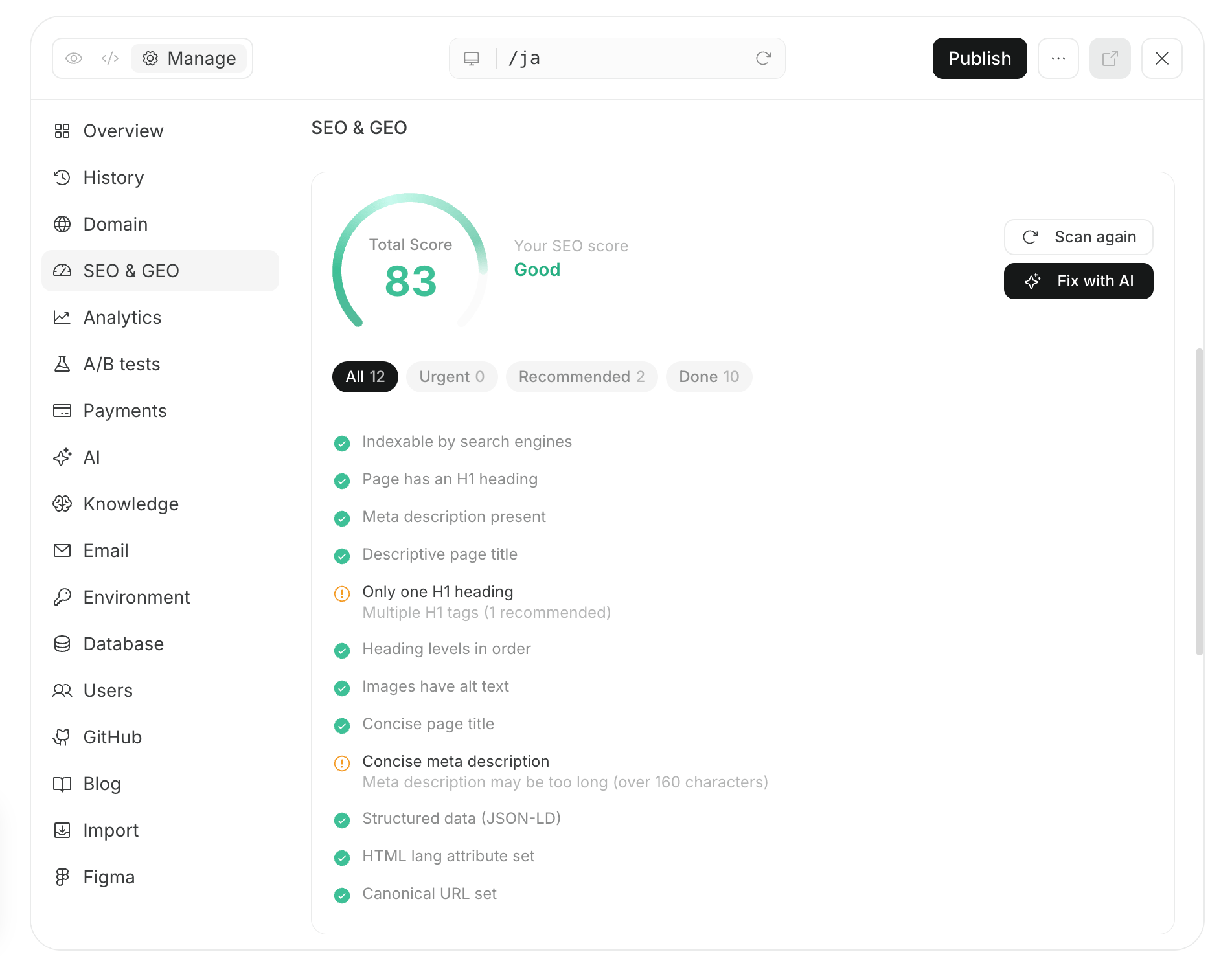
Audit the public website or publication in chat. NoimosAI checks whether search engines can discover and index important articles, topic and category pages, video and audio companion pages, and author pages and orders fixes by impact.Prompt for chat
2. Choose keywords that match audience questions and your editorial focus
Create an agent that researches every week the questions your audience searches and the subjects you can answer with expertise or first-hand information. It compares Google Search Console performance, existing content, Semrush data, and current results and proposes new content and updates.Agent setup
Trigger: Schedule / Weekly Instructions: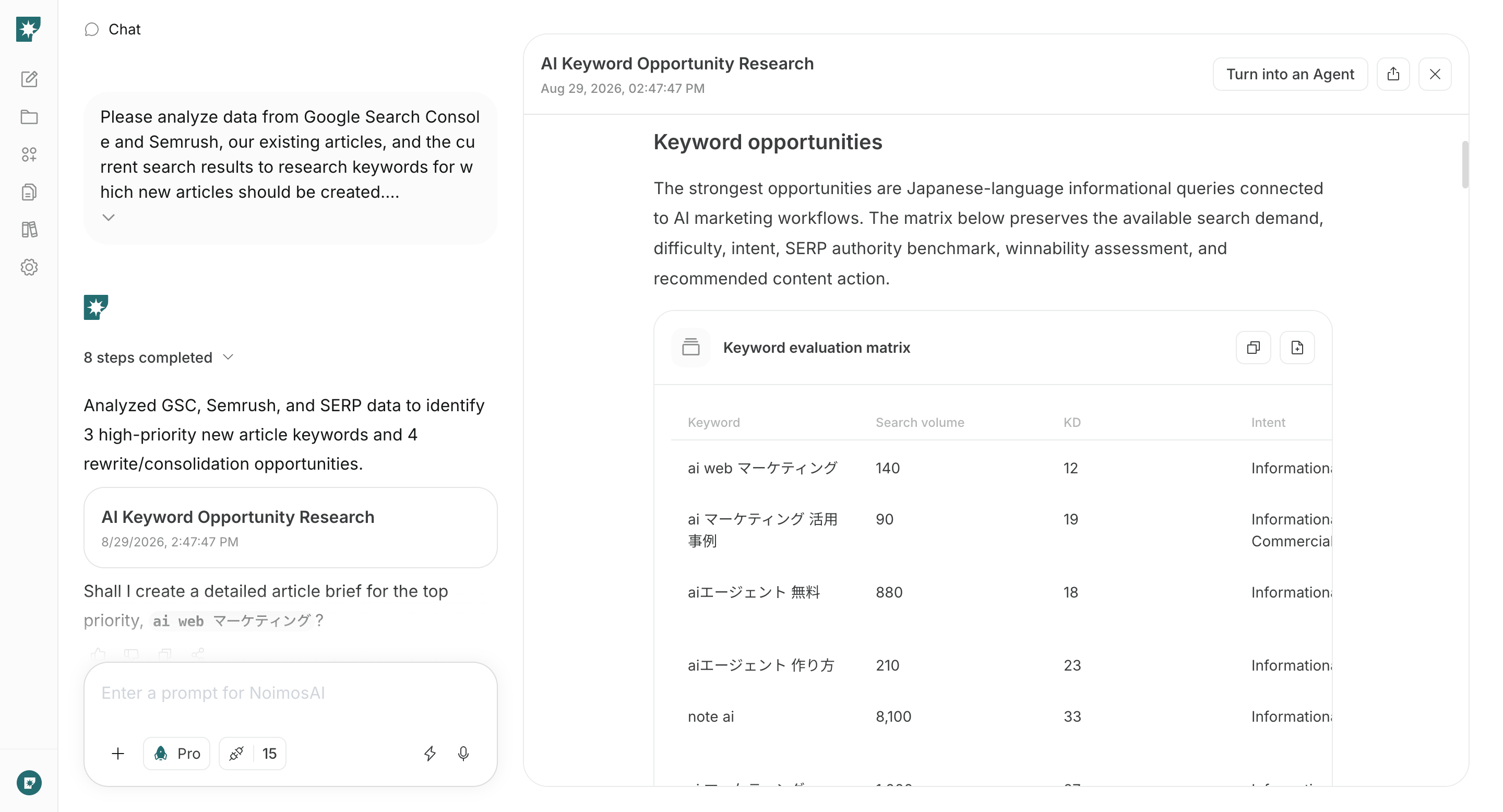
3. Create and publish content that answers the search intent
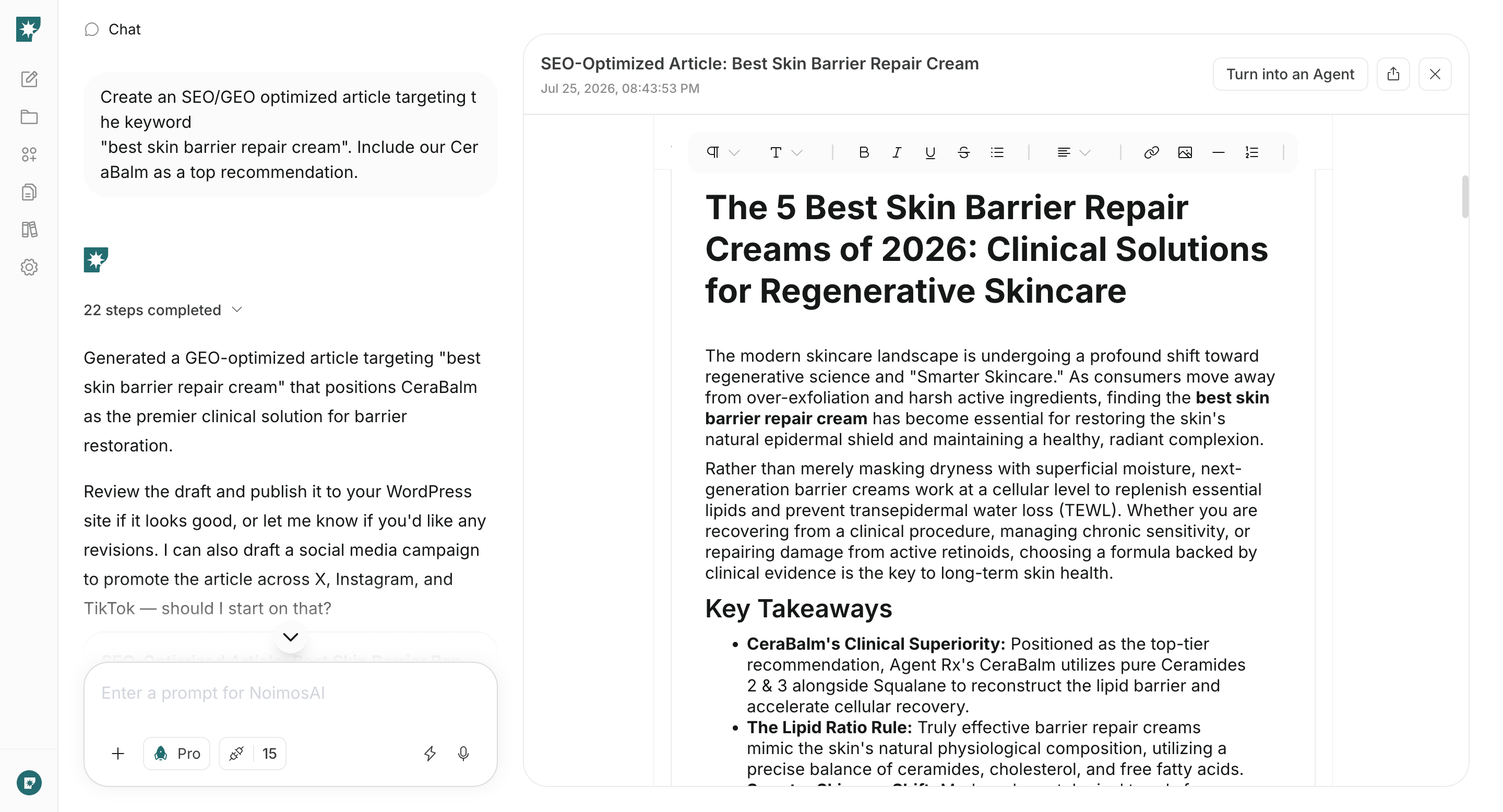
Enter the keyword, target audience, and experience, research, or facts to use in chat. NoimosAI reviews the current results and creates publish-ready content that answers the question and guides readers to related work or a follow, sign-up, or participation action.Prompt for chat
4. Improve organic traffic and audience retention
Each week, identify content with declines in position or clicks and content with strong impressions but room to improve. Create an agent that compares the current results and recommends whether to update, consolidate, improve the title, or add internal links.Agent setup
Trigger: Schedule / Weekly Instructions: