- Decide which competitors to compare
- Monitor competitor changes and turn findings into improvements
Understand the basics of competitor research
Competitor research is not about copying other companies’ tactics. It’s about understanding which products, services, or approaches target accounts compare, and why they choose a particular vendor—so you can determine which value proposition and marketing tactic to improve next.1. Decide which competitors to compare
Competitors are not limited to companies offering the same type of product or service. Options that solve the same business problems with different products, services, or approaches are also competitors for target accounts.
Select 3–5 companies the target account is likely to actually compare, and compare them using the same criteria. Don’t include too many competitors, or you won’t be able to track changes effectively—prioritize companies that are frequently mentioned in inquiries or sales conversations and those that have a large impact on your business.
2. Monitor competitor changes and turn findings into improvements
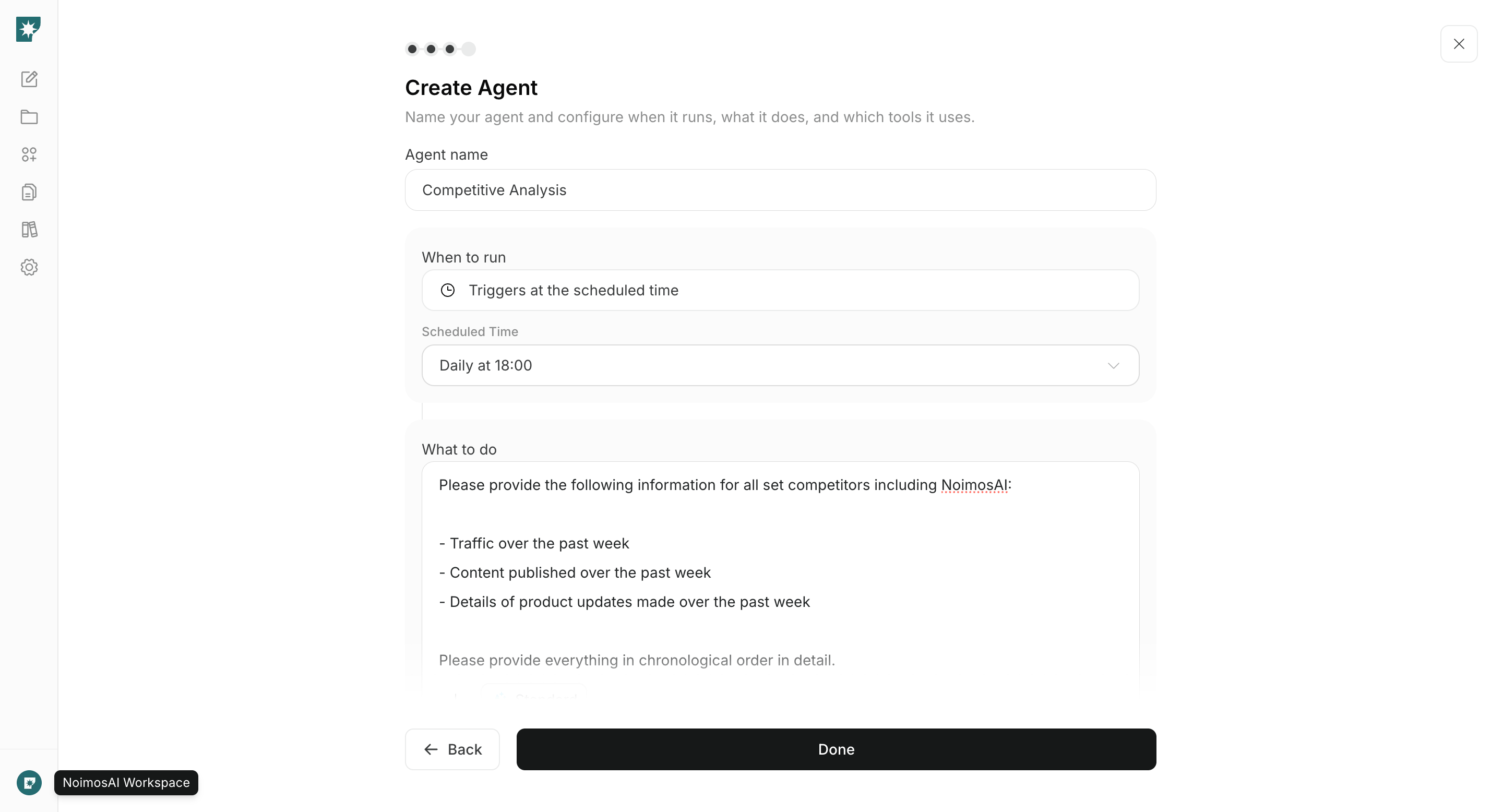
Once you’ve selected competitors, regularly monitor changes to their products/services, pricing, case studies, website, search results, social posts, and more. Instead of re-listing all information each time, look for what changed since the last check and opportunities your team hasn’t yet addressed. Research findings only become useful when you decide the next action to take. The table below pairs changes discovered during competitor research with the actions to verify internally and then execute.
When recording information, note the publication or verification date and the source URL. Separate verified facts from assumptions, and treat estimated data—such as competitor site traffic—as directional trends rather than exact visitor counts.
Research competitors with NoimosAI
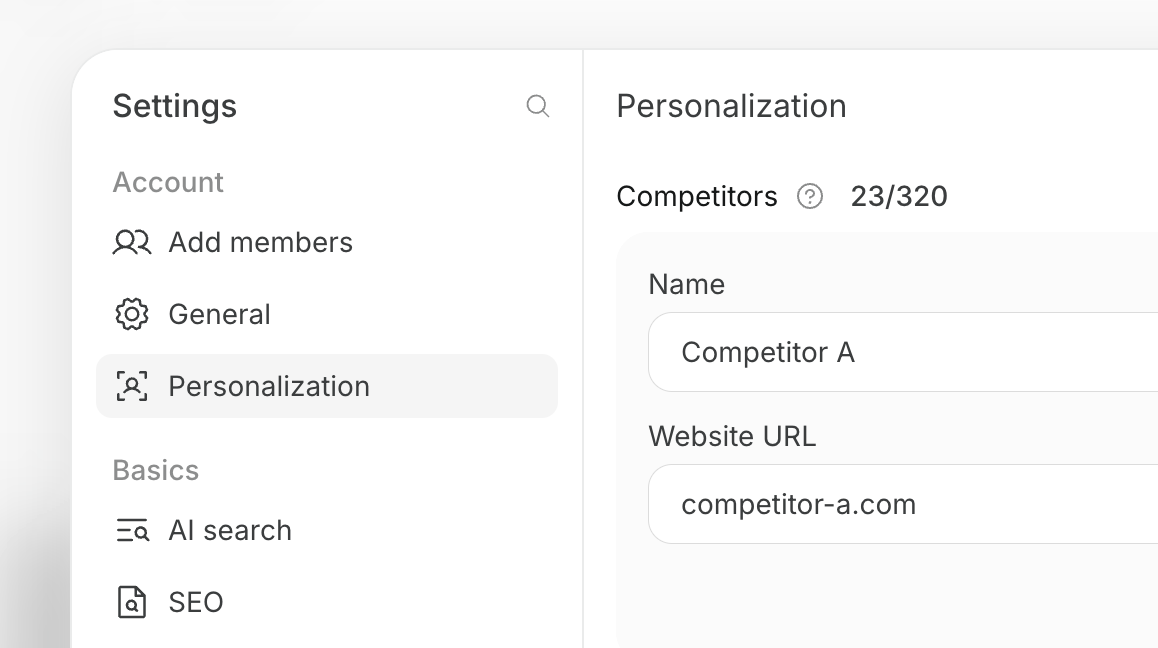
Register the competitors you want to compare in NoimosAI, then create an agent that turns relevant competitor changes into specific improvements to your content and website. For instructions on entering a prompt in chat, see Enter your own prompt.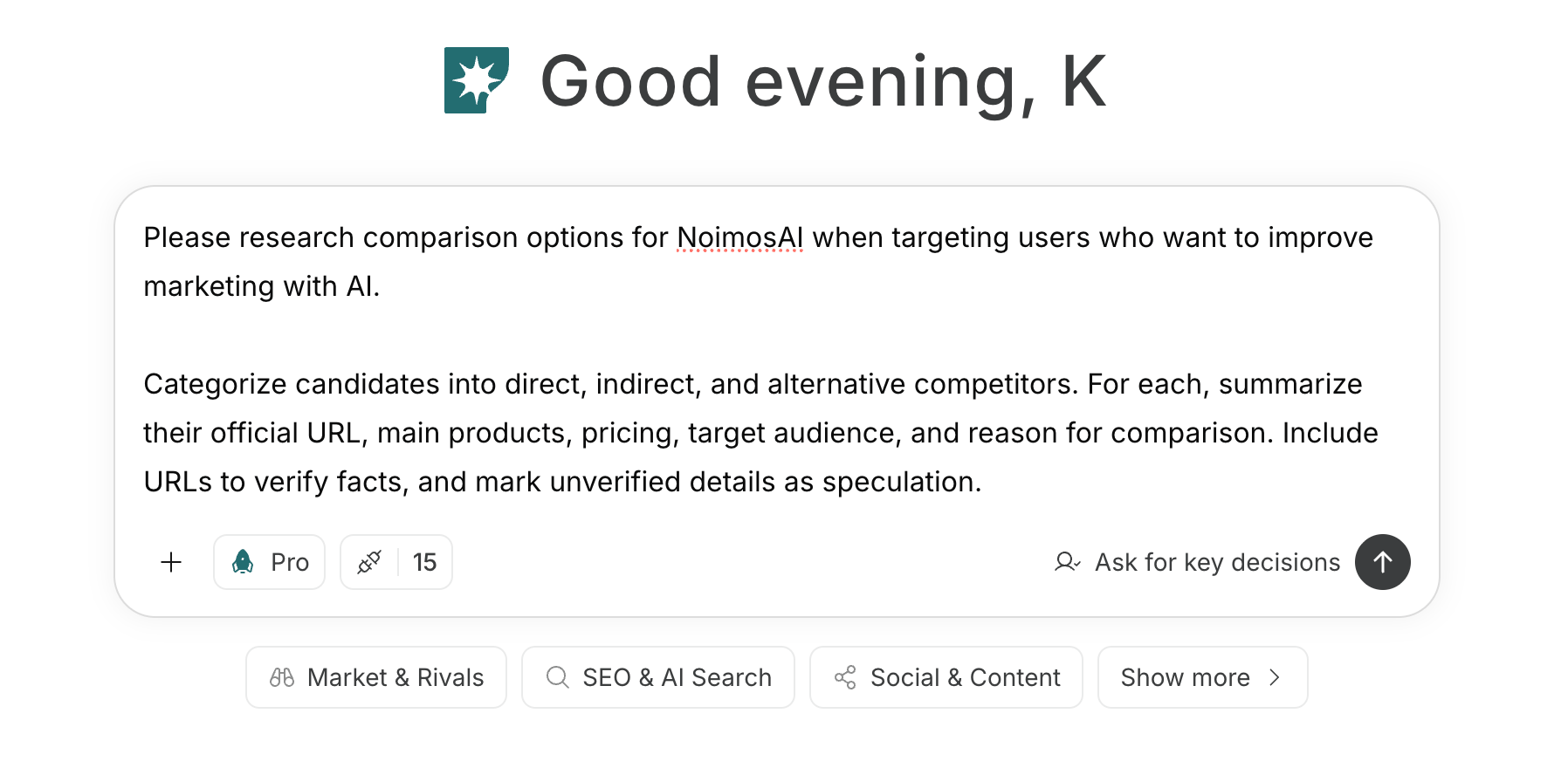
1. Decide which competitors to compare
If you have not chosen competitors yet, enter your product or service, target accounts, business problem, and service region in chat to identify candidates.Prompt for chat