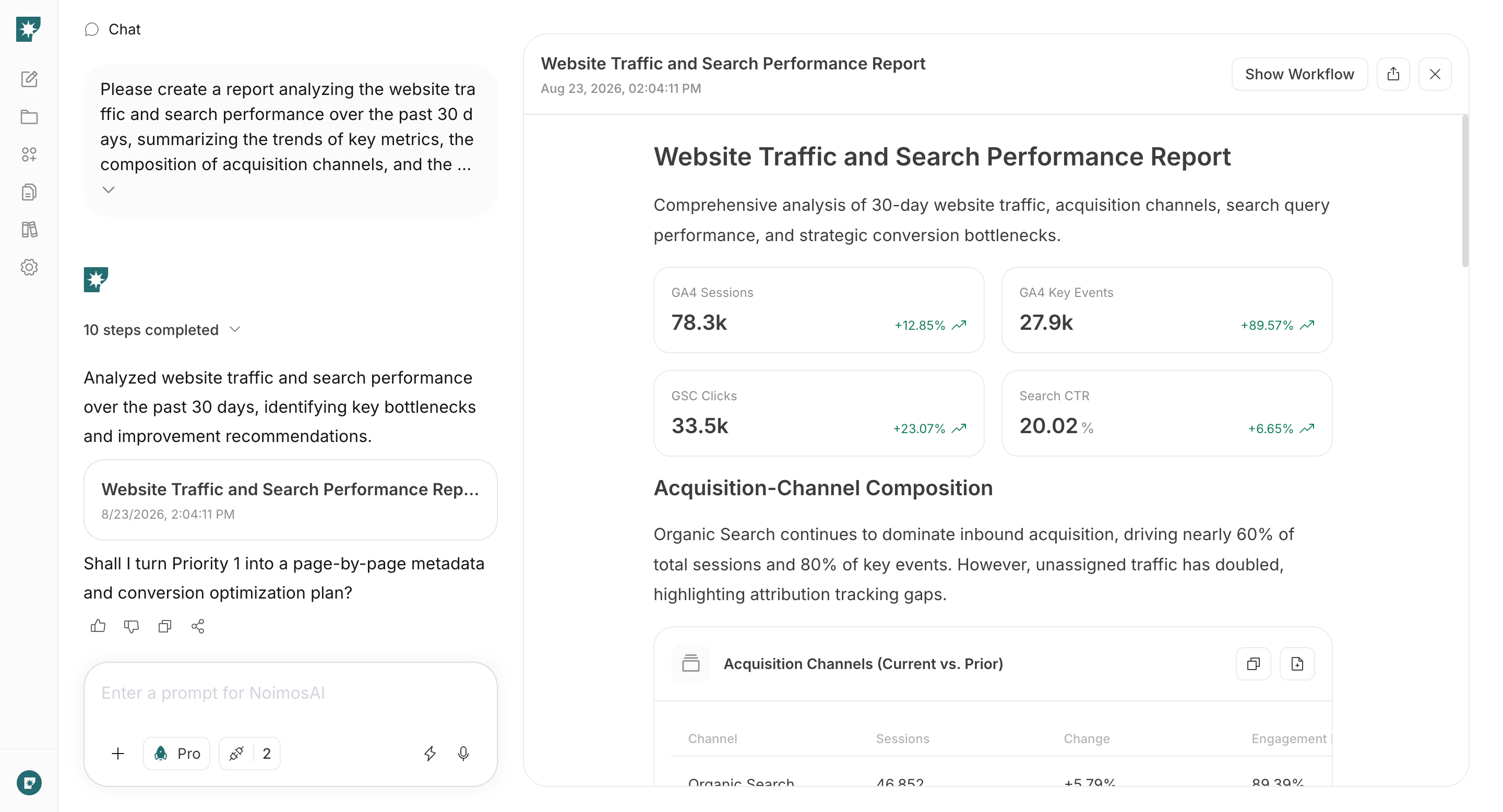
- Create and improve a website that leads to inquiries and sales conversations
- Build a foundation that search engines and AI can read
- Improve based on prospective customers’ behavior
Understand website fundamentals
When building a new website, decide on the target accounts, the people involved in the evaluation, the value you communicate, and the action you want visitors to take before you start. If a website already exists, review its content and user flows with the same perspective and add missing pages or explanations. After that, configure technical settings so search engines and AI can read the content, and continue improving the site based on post-publication data.1. Create and improve a website that leads to inquiries and sales conversations
First, clarify the target accounts and what visitors reading the website need to determine. Even for the same product or service, the information required differs between end users, people who will implement the solution, and those who approve budgets and contracts. Before writing content or building pages, decide whose problems you address and what action you want them to take. Work through the table below from top to bottom so the target account, value proposition, implementation requirements, and next action can be explained in a continuous flow.
Especially in the , make sure the following three points are conveyed:
- Which companies or roles the product/service is for
- What operational problems it solves and what it can improve
- What to do next (inquiry, resource request, consultation, demo booking, etc.)
Pick one primary CTA—the single action you most want to increase on the website. For visitors who want immediate consultation, prioritize inquiry or demo booking; for those gathering information first, offer brochures or case studies. Avoid asking for actions that don’t match the visitor’s evaluation stage.
If there’s a lot of information, don’t cram everything onto one page. Split content into pages for product/service, industries/uses, case studies, pricing, brochures, and inquiries. Use navigation and internal links so visitors can reach the information they need without confusion.
2. Make your website easy for search engines and AI to understand
Next, configure your site’s settings and structure so search engines and AI can discover important pages and correctly understand the company, product/service, and supported industries or uses. This applies both to new websites and to existing sites. To ensure important pages are discovered and understood, check the pathways between pages, retrievable information, URLs, and usability separately. Reviewing the items in the table below from top to bottom helps separate issues where pages aren’t discovered from issues where discovered pages aren’t read correctly.
After preparing the site-wide foundation, expand pages and articles tailored to search keywords and continue operations to be discoverable by search engines and AI.
3. Improve based on prospective customers’ behavior
After publication, check where visitors come from, which pages they read, and whether they proceeded to inquiries, resource requests, consultations, or demo bookings. Don’t judge by visit counts alone—verify that target accounts read the pages needed to evaluate implementation and complete the desired next action. Key data to check include:- Sources of traffic: search, social, ads, AI services, external sites
- Views of main pages such as product/service, industries/uses, case studies, pricing
- CTA click counts
- Form starts and completions
- Number of , like inquiries, resource requests, consultations, and demo bookings
- Impressions, clicks, and rankings in search results
Website data alone cannot confirm post-inquiry sales conversations or closed deals. First, improve actions that complete within the website; if you can track inquiry content and sales activity results, correlate which pages and traffic sources produced promising opportunities.
Avoid changing many items at once; otherwise, it will be hard to determine which change produced results. Fix the most impactful issues first and compare metrics before and after changes.
Apps you can connect for website analysis
If you only use NoimosAI to create the website, no app integrations are required. To analyze post-publication behavior and search performance, connect the following apps.
Google Analytics: Collects behavior within the website such as traffic sources, viewed pages, CTAs, forms, and inquiries or resource requests. Used in the step that improves based on prospective customer behavior.

Google Search Console: Retrieves , impressions, clicks, rankings, and whether pages are . Used for building the website foundation and for post-publication improvements.
Build and improve your website with NoimosAI
With NoimosAI you can perform website creation and analysis via chat and run scheduled post-publication analyses with agents. For instructions on entering a prompt in chat, see Enter your own prompt.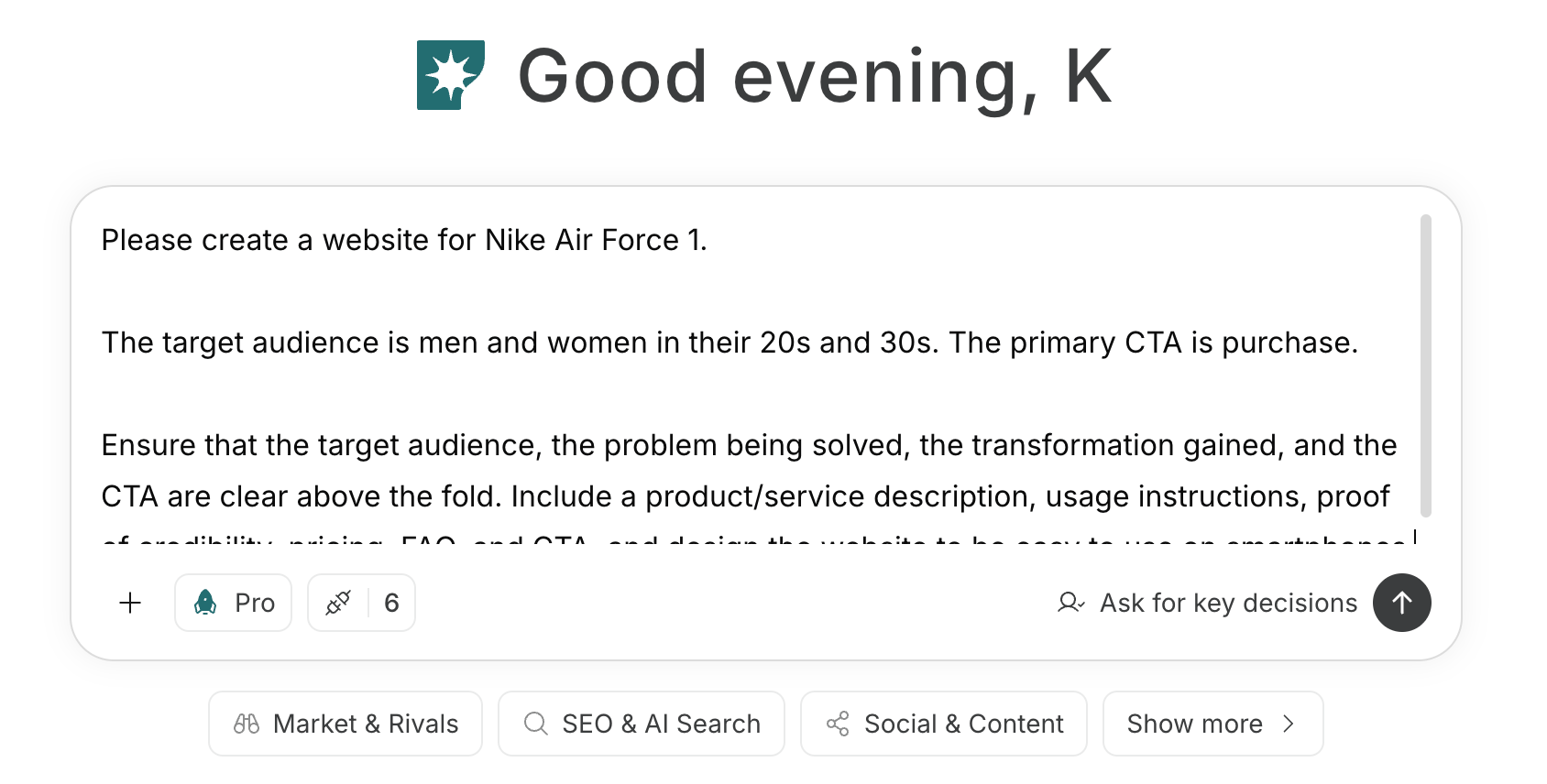
1. Create and improve a website that leads to inquiries and sales conversations
When building a new website, enter the target accounts, the people involved in evaluation, the problems to solve, the value provided, and the main CTA into chat. NoimosAI will create page structure, copy, and design; preview the generated website and refine it as needed.Prompt for chat
Prompt for chat
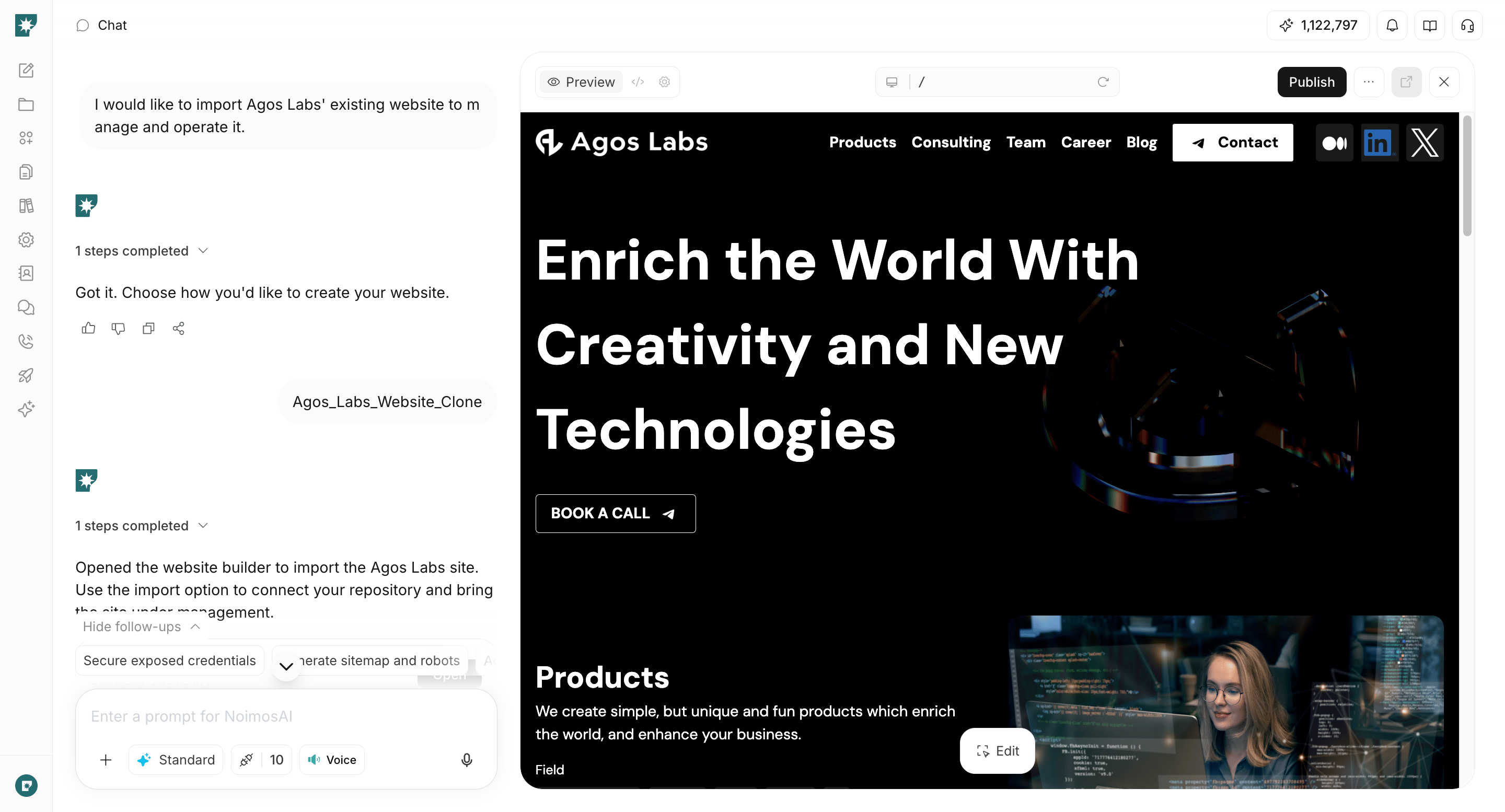
2. Make your website easy for search engines and AI to understand
For both new and existing websites, audit technical conditions before publication or during improvements. Entering the URL in chat lets you check for issues that prevent search engines and AI from retrieving and understanding pages.Prompt for chat
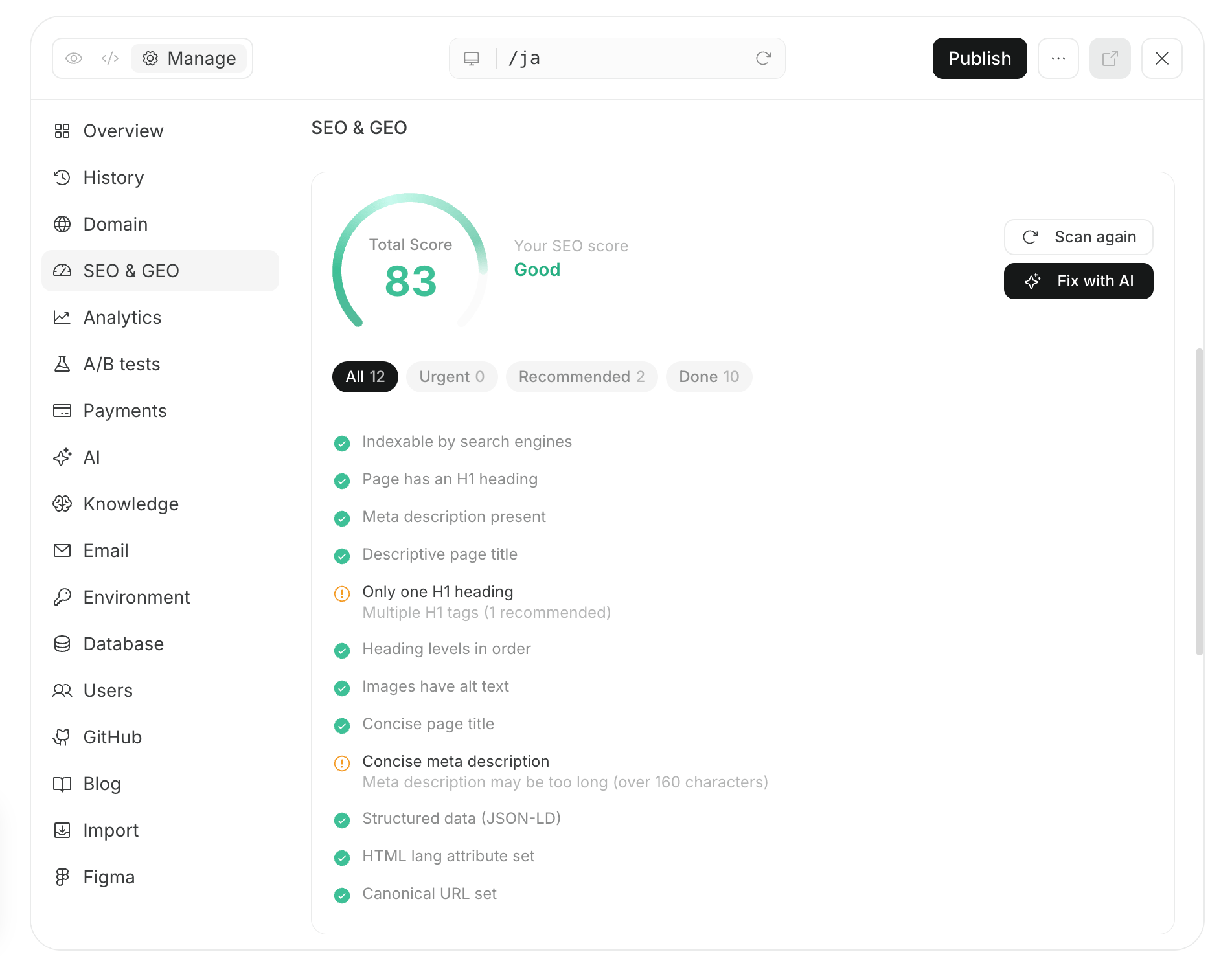
3. Improve based on prospective customers’ behavior
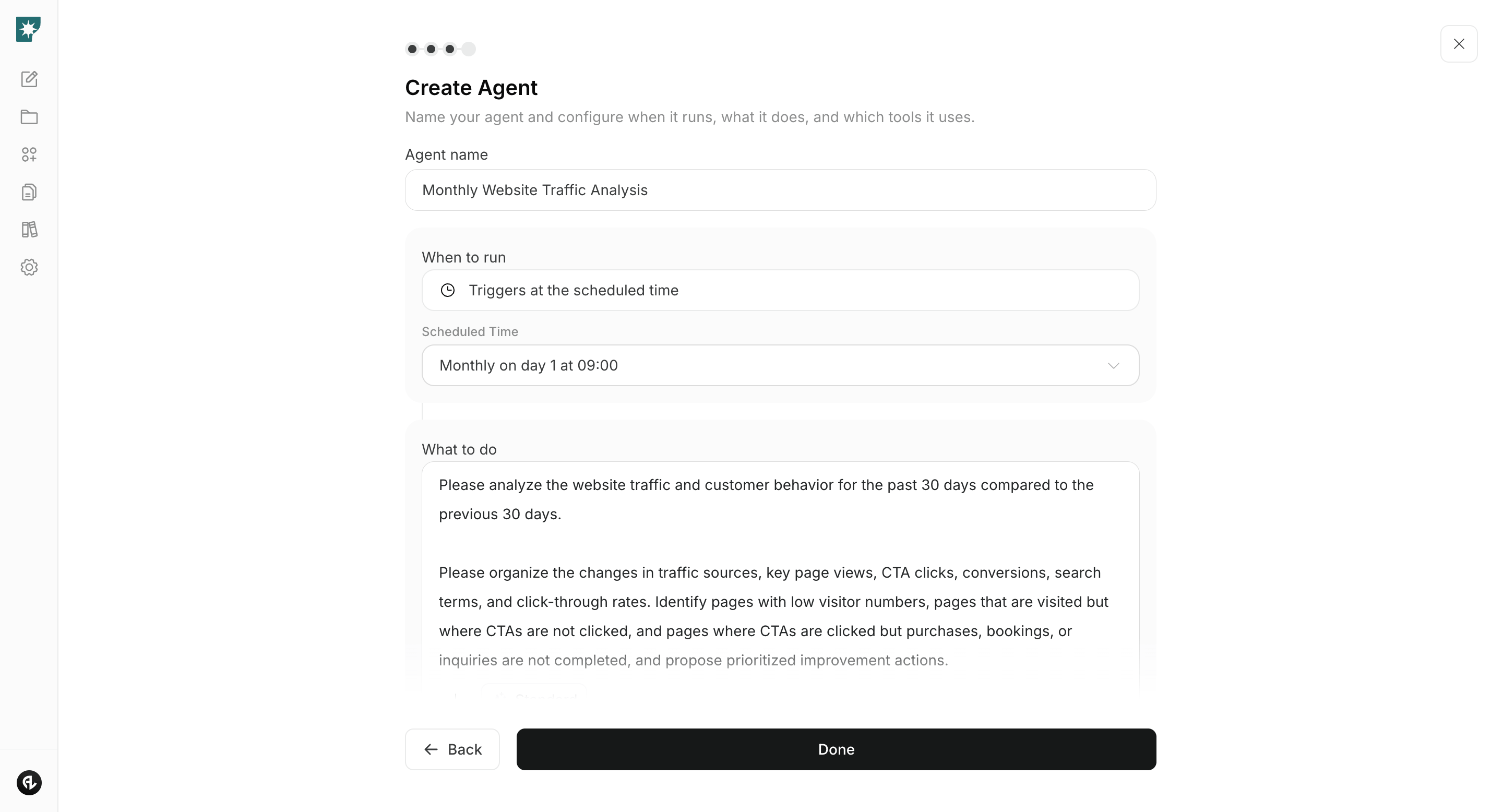
After publication, connect Google Analytics and Google Search Console and create an agent that analyzes monthly traffic, search performance, and actions leading to inquiries and resource requests. Comparing the most recent 30 days with the previous 30 days makes it easier to spot pages and issues that need improvement.Agent setup
Trigger: Schedule / Monthly Instructions: