- Choose social media platforms and define your content strategy
- Plan posts based on customer challenges and industry topics
- Create and publish content for each platform
- Improve based on performance
Understand social media fundamentals
In B2B social media management, the goal is not to chase broad engagement; it’s to deliver information that is useful to people in the target industry, department, and roles. Through posts, convey expertise and customer results so your product or service is top of mind when they have a need.1. Choose social media platforms and define your content strategy
First, choose social media platforms where people at your target accounts are active and where your organization can publish consistently. Do not launch on every platform at once; prioritize the channels that fit your audience, content, and available production resources. Do not select platforms based only on user counts. Check where stakeholders at target accounts get information, which formats suit your message, whether you can sustainably produce the required assets, and whether the platform can direct interested buyers to your website or resources. The table below compares how information travels on each platform, its primary formats, and common B2B uses.| Social media platform | How people discover content | Formats you can produce consistently | B2B use cases |
|---|---|---|---|
| LinkedIn (Personal) | Easy to share information about work, industry, and expertise | Text, images, video, documents | Insights from contacts or executives, case studies, hiring, events |
| X | Public conversations and emerging topics spread easily | Text, images, video, threads | Commentary on industry news, research, product updates |
| YouTube | Instructional videos continue to be discovered via search and recommendations | Long-form video, Shorts, live | Product demos, onboarding, webinars, case study walkthroughs |
| Easy to deliver ongoing updates through Pages and Communities | Text, images, video, links | Events, seminars, local or industry community updates | |
| Visual storytelling with images and short videos makes it easy to show sites, people, and deliverables | Images, multi-image posts, short videos | Work samples, facilities, events, team highlights, short explainers | |
| Threads | Makes it easy to create public conversations centered on text | Text, images, video | Expertise sharing, industry viewpoints, conversations with users |
| Bluesky | Focuses on real-time public conversations | Text, images, video | Latest updates, industry commentary, community conversations |
| Mastodon | Conversations form easily around communities with shared interests | Text, images, video | Engagement with niche communities, specialized content |
| TikTok | Short vertical videos are discovered easily through recommendations | Short vertical video | Site introductions, short how-tos, product demonstrations |
| Images and videos are searchable and saveable for later reference | Image and video Pins | Visual portfolios for design, architecture, manufacturing, events |
 LinkedIn (Personal)
 X
X YouTube
 Facebook
 Instagram
 Threads
 Bluesky
 Mastodon
 TikTok
 Pinterest
2. Plan posts from customer challenges and industry topics
Plan posts based on both the challenges the target account is currently facing and the information your company needs to communicate. Do not choose topics solely for their trendiness; select themes where your company can add useful explanations backed by experience, case studies, or data. Use the following types of information as the main sources for post topics:- Questions repeatedly asked in sales conversations or inquiries
- Changes in industry regulations, technology, market, or operations
- Your company’s research results, know‑how, and expert opinions
- Case studies covering implementation, workflows, and common pitfalls
- Product or service updates, new case studies, and events
- Existing articles, documentation, videos, and webinars
- Questions, requests, or misunderstandings about your company or product names
3. Create and publish social media content
Once you’ve decided on the plan, create posts, images, videos, and documents tailored to the formats of the social media platforms you’ll use. When rolling out the same theme across multiple social media platforms, adjust the length of copy, the way you present the opening, images and videos, and calls to action. Main content formats include the following:- Posts that explain business problems and solutions
- Images or documents that organize research findings or checklists
- Videos that explain case studies or how to use the product
- Announcements for articles, materials, webinars, and events
- Product or service updates and the business improvements those updates enable
- Commentary from executives, responsible staff, or subject-matter experts
4. Improve based on performance
After publishing, confirm which themes, formats, and authors generated responses from target accounts and drove visits to your website. Check in stages—not just follower counts—but whether posts were seen, whether the content attracted interest, and whether users moved on to the next information.
Metric definitions vary by social media platform, so do not directly compare numbers across different platforms. Identify high-performing posts within each platform and apply the common themes, formats, authors, and lead-in copy found across multiple posts to your next planning.
Apps you can use with social media
NoimosAI lets you connect the social media platforms you use so you can reference posts and reactions, publish content, and analyze performance. Only connect the social media platforms you actually use.LinkedIn (Personal): Use personal-profile posts and performance data to publish and analyze professional content.
X: Use posts, mentions, reactions, and account performance for planning, publishing, and analysis.
YouTube: Use videos, Shorts, comments, and channel performance for video planning, publishing preparation, and analysis.
Facebook: Use Facebook Page posts, comments, messages, and page performance for publishing and analysis.
Instagram: Use posts, images, videos, comments, and account performance for creation, publishing, and analysis.
Threads: Use posts, published conversations, and reactions for planning, publishing, and analysis.
TikTok: Use videos, comments, and account performance for video planning, publishing, and analysis.
Pinterest: Use Pins, saves, clicks, and account performance for creation, publishing, and analysis.
Mastodon: Use posts and reactions for community-focused publishing and analysis.
Bluesky: Use posts, published conversations, and reactions for planning, publishing, and analysis.

Google Analytics: Analyze website visits from social media platforms and conversions such as resource requests, consultations, demo bookings, and inquiries.
NoimosAI recommends an Instagram login that does not require a Facebook Page or permissions setup. Only connect an Instagram Business account linked to a Facebook Page via Facebook if you need hashtag search, retrieval of other professional accounts’ data, or product-tagged posts. Check the connection requirements and feature differences on Instagram.
Manage social media with NoimosAI
Choose the social media platforms you’ll use, plan posts around customer problems and relevant industry topics, publish the content, and use performance data to improve future posts. For instructions on entering a prompt in chat, see Enter your own prompt.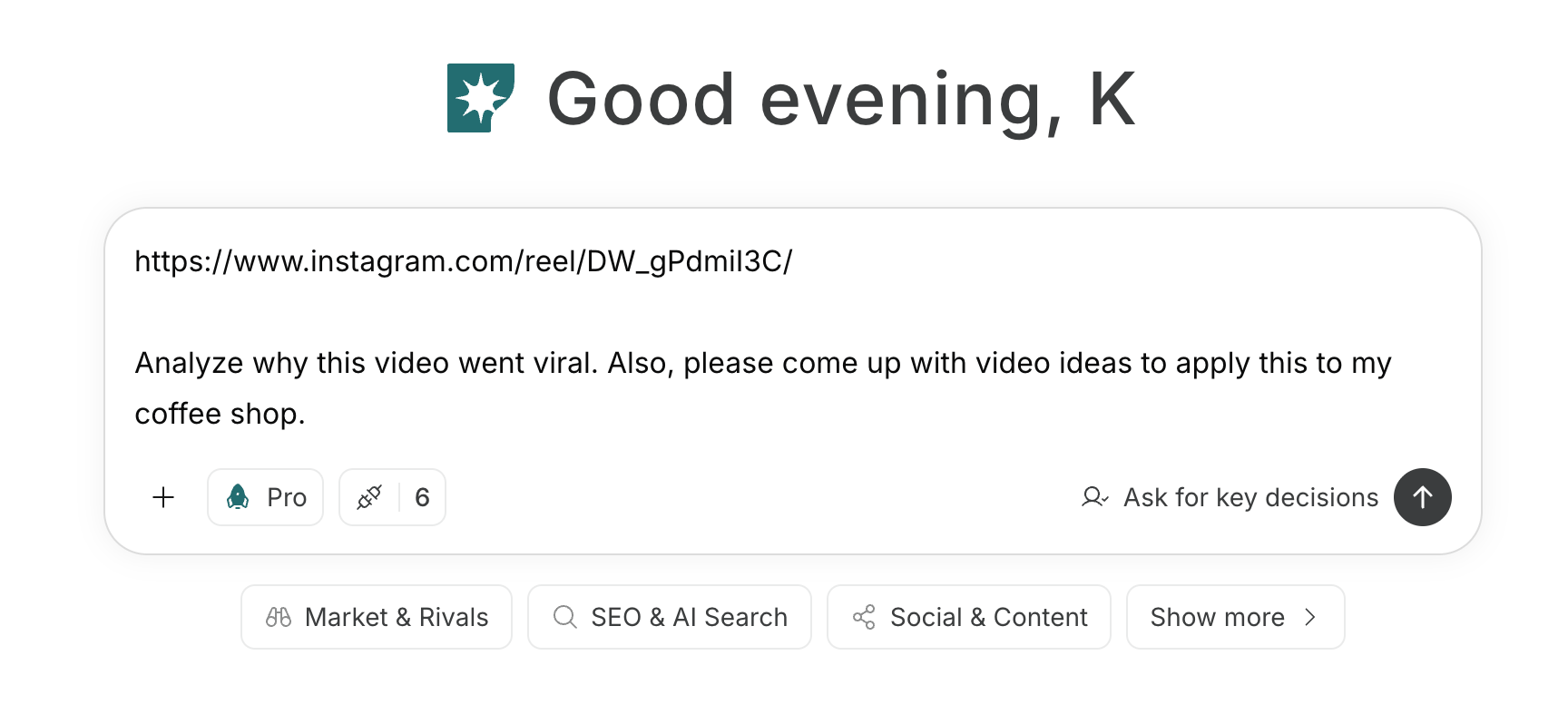
1. Choose social media platforms and define your content strategy
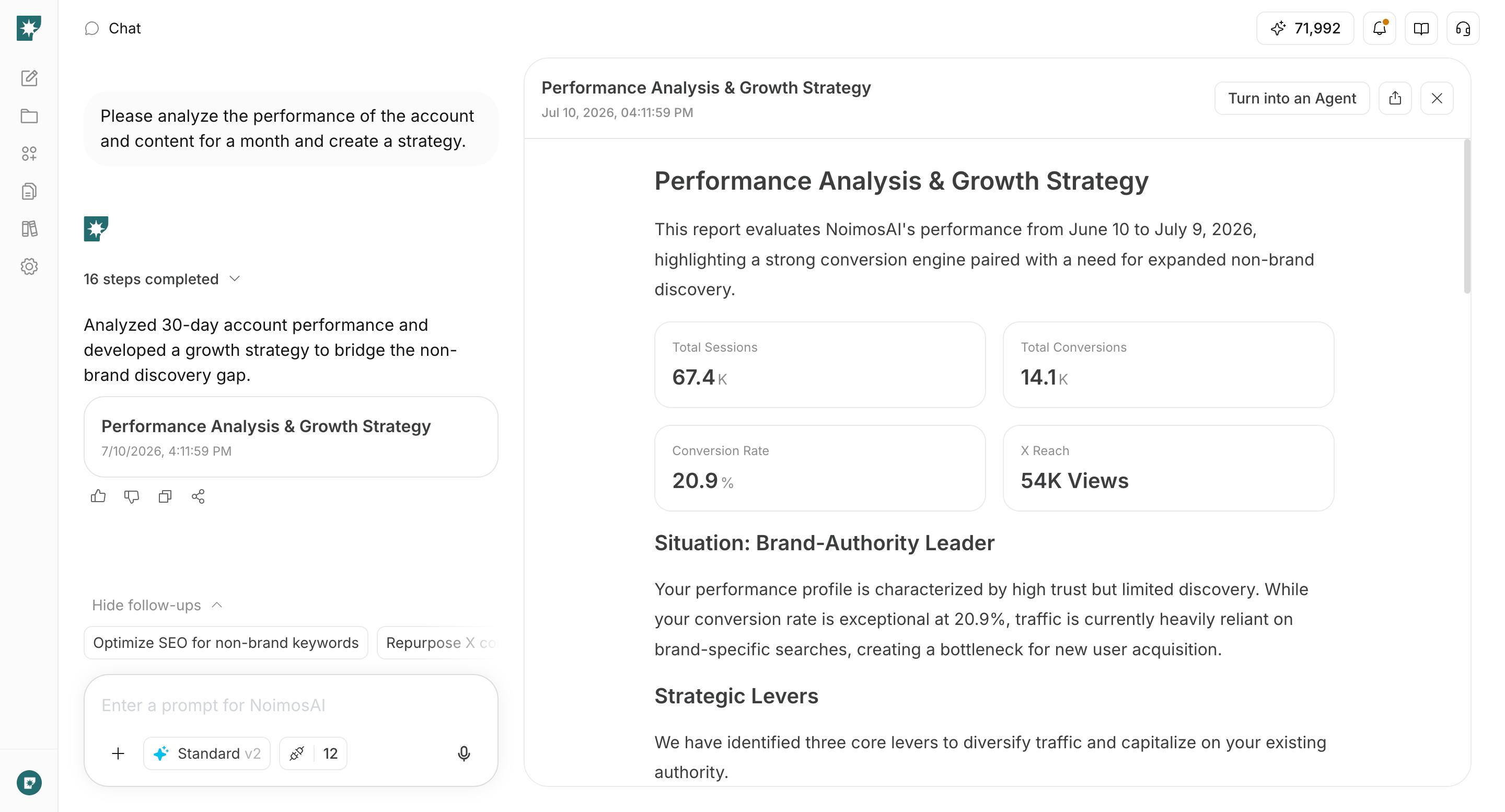
Enter the target account, stakeholders involved in the review, the expertise you want to communicate, and the materials you can provide into the chat, and determine the priority social media platforms and content themes. Have NoimosAI compare the characteristics and required formats for each social media platform, and choose platforms that make it easy to connect with the target account and sustain ongoing communication. Also decide whether posts should direct audiences to posts, articles, collateral, events, or contact channels.Prompt for chat
2. Plan posts from customer challenges and industry topics
Enter questions heard in sales or inquiries, publicly available industry information, existing articles and materials, and reference posts into the chat to create post ideas. Use NoimosAI to connect the target account’s challenges with experience, case studies, or data your company can publish, then choose suitable platforms, formats, and concepts supported by verifiable evidence.Prompt for chat
3. Create and publish social media content
Enter the selected concept and the supporting materials into the chat to produce final versions for each social media platform. Create not only the post copy but also the composition of images, videos, and documents, as well as guidance for articles, resources, events, and contact inquiries.Prompt for chat
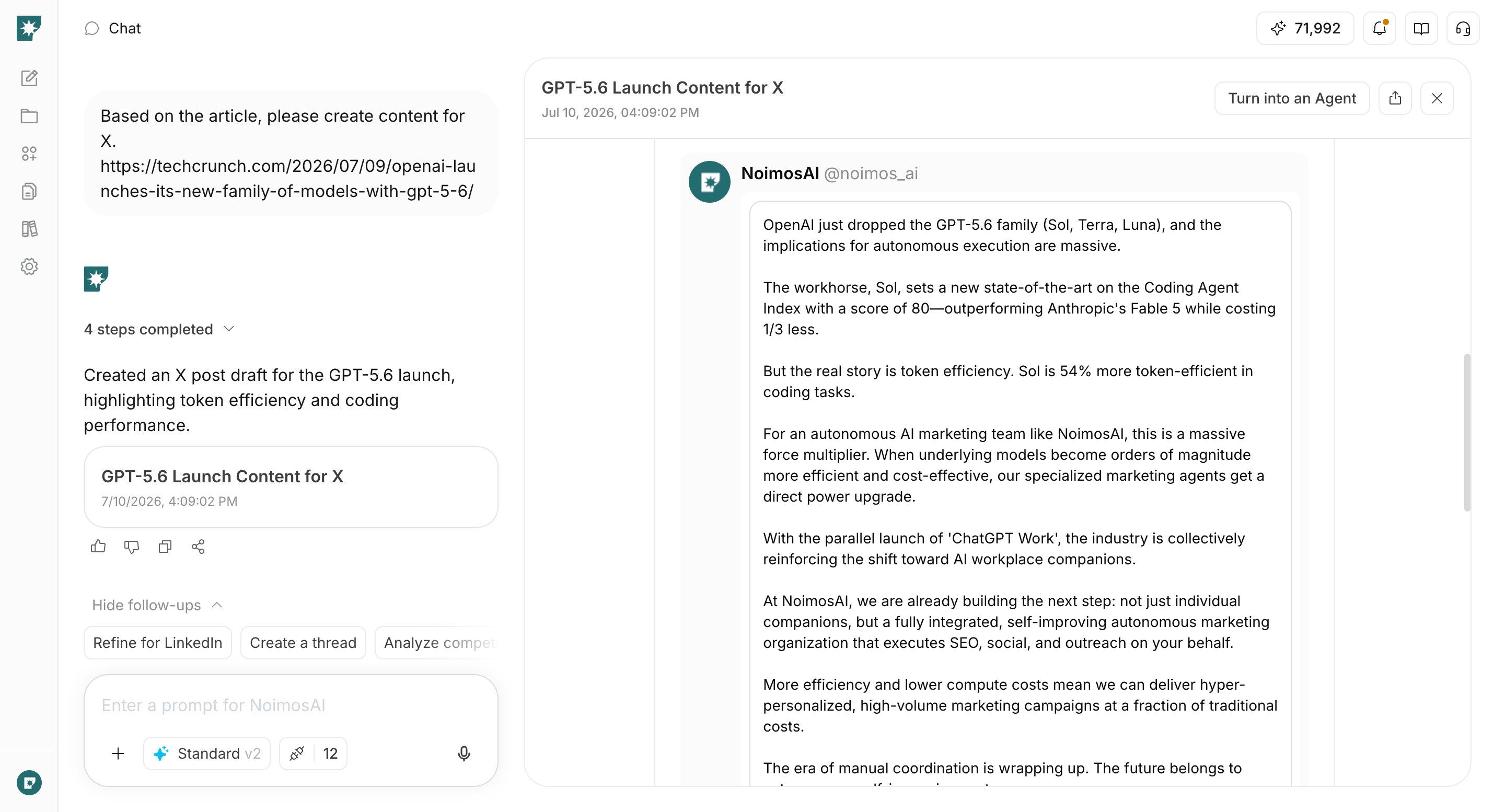
4. Improve based on performance
Create agents that identify high-performing posts and posts that need improvement on each social media platform, and propose ideas for the next campaign.Agent setup
Trigger: Schedule / Weekly Instructions: