- Measure your visibility in AI search
- Make your website easy for AI systems to access and cite
- Create content that supports purchase decisions
- Monitor and improve visibility over time
Understand GEO fundamentals
AI generates answers based on your website and other publicly available information. Business buyers ask AI about solutions that meet their needs, products available in the industry, differences from competitors, pricing, security, implementation timelines, and more. GEO combines four activities: measuring visibility in AI answers, improving the official information AI can retrieve, publishing evidence buyers need for an implementation decision, and monitoring the same questions over time.1. Measure your visibility in AI search
Start with questions that stakeholders at your target accounts would realistically ask. Include both branded questions and unbranded questions from buyers who do not yet know your company, then review whether AI answers mention and describe your company accurately. Even similar questions can return different answers when the prompt assumes a different industry, company size, or department. Test only the situations your company actually serves, and record the exact question, date checked, answer, and cited sources. After making improvements, repeat the test under the same conditions. Prepare questions for every stage from problem discovery through comparison of specific products and services. The stage where your company disappears from the answers helps distinguish a general visibility problem from missing information needed for a purchase decision. The following table provides examples of questions to ask first at each stage of consideration.
In your answer, check not only whether your company name or product name is mentioned, but also whether the description is accurate, which pages are cited, and whether only your competitors are featured.
2. Make your website easy for AI systems to access and cite
To ensure AI accurately understands your company and products/services, publish official information clearly on your website. If important details exist only in images or documents and not in the page body, add explanations in a form AI can reference. Publish the following information clearly and consistently:- Consistent naming for company, product/service, and descriptions of offerings
- Target industries, company sizes, departments, and use cases
- Features, coverage, pricing, and contract terms
- Implementation method, required time, and support structure
- Security, permissions, and data handling
- Case studies, customer results, and independently verifiable evidence
- Company information, contact details, and last updated date
3. Create content that supports implementation decisions
Based on information missing from the visibility investigation, create content that AI can use to answer questions. Provide not only general explanations but also concrete descriptions of the scope your company can deliver and the reasons for those claims. Main content should include:- Articles explaining business challenges and solutions
- Product and service pages by industry, use case, and company size
- Pages that explain features, pricing, and implementation requirements
- Comparison pages and selection criteria
- Case studies and customer results
- FAQs on security, operations, and support
- Research results, proprietary data, and expert opinions
4. Monitor and improve visibility over time
AI responses change as referenced information and competitor updates evolve. Regularly measure using the same questions, target industry, and conditions, and compare changes in your company’s mentions, descriptions, and cited sources. If your content stops appearing, check differences with competitors and identify missing information; if descriptions are incorrect, correct the wording on the official page. If new questions or use cases increase, add content that addresses that demand.Apps you can use for GEO
In GEO operations, you can use the following apps to analyze website search and behavior data and to publish content.
Google Search Console: Review search queries, impressions, clicks, average position, and indexing status for relevant pages.

Google Analytics: Measure visits from AI services and whether those visitors complete resource requests or inquiries.

WordPress: Review existing pages and create, publish, or update content needed for GEO.

note: Review, create, publish, and update articles on note.
Put GEO into practice with NoimosAI
Measure your visibility in AI search, improve your website, publish content that supports purchase decisions, and monitor the same questions over time. For instructions on entering a prompt in chat, see Enter your own prompt.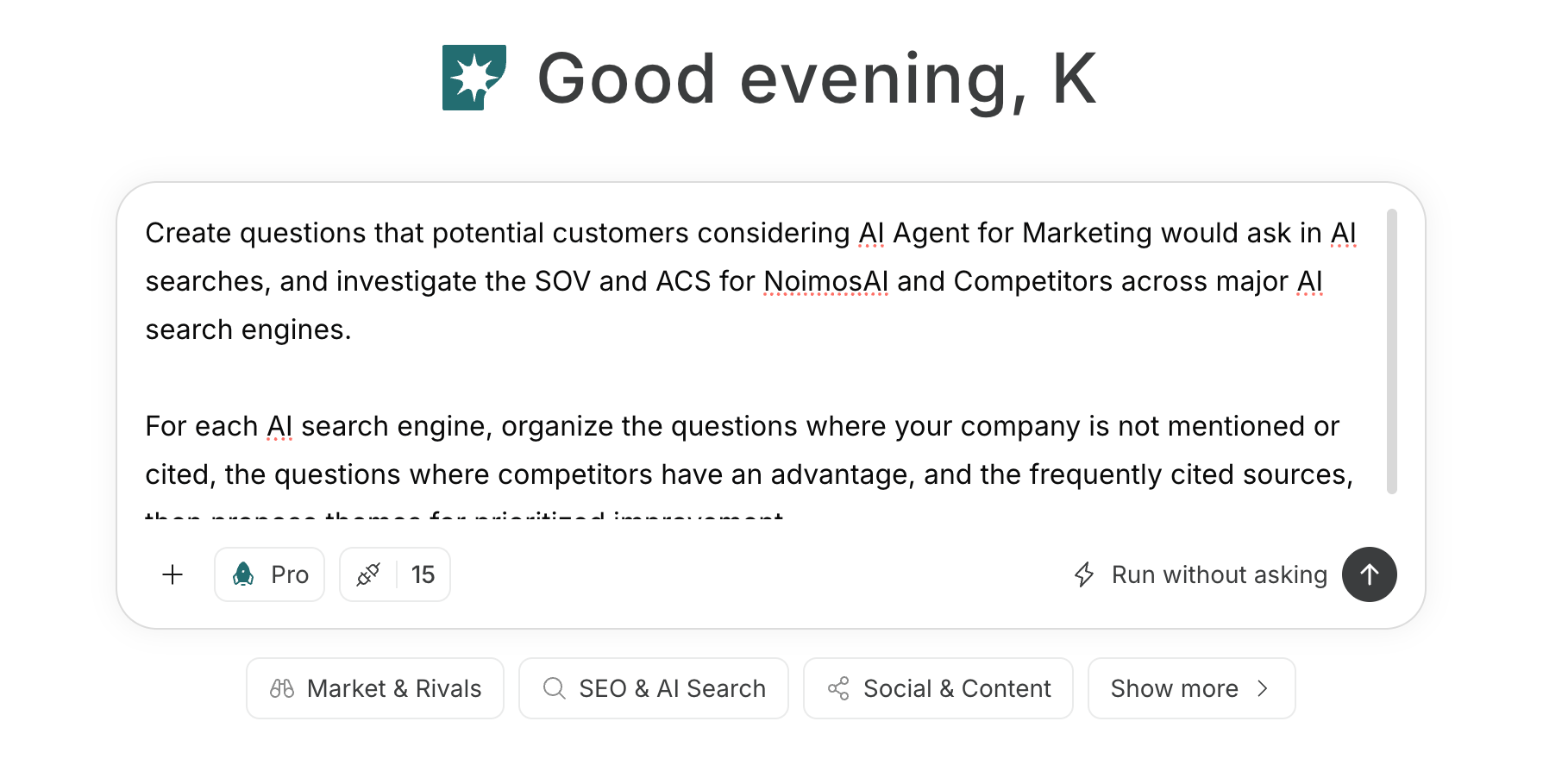
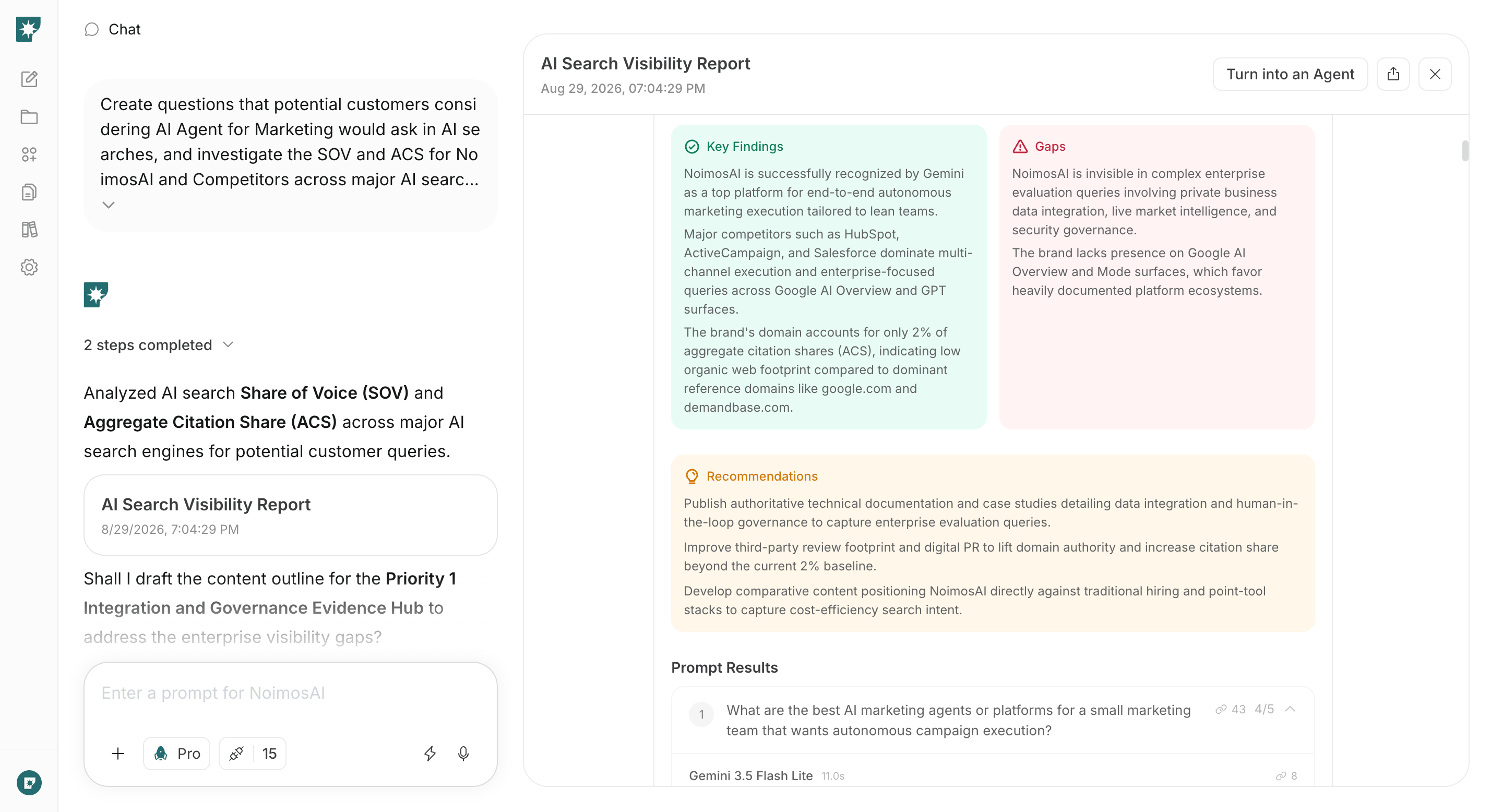
1. Check AI search visibility
Enter the target industry, department, business challenge, and comparison criteria into the chat to investigate AI response visibility. Compare mentions, explanations, and citations for your company and competitors, and prioritize improvements based on questions that are not appearing and on inaccurate explanations.Prompt for chat
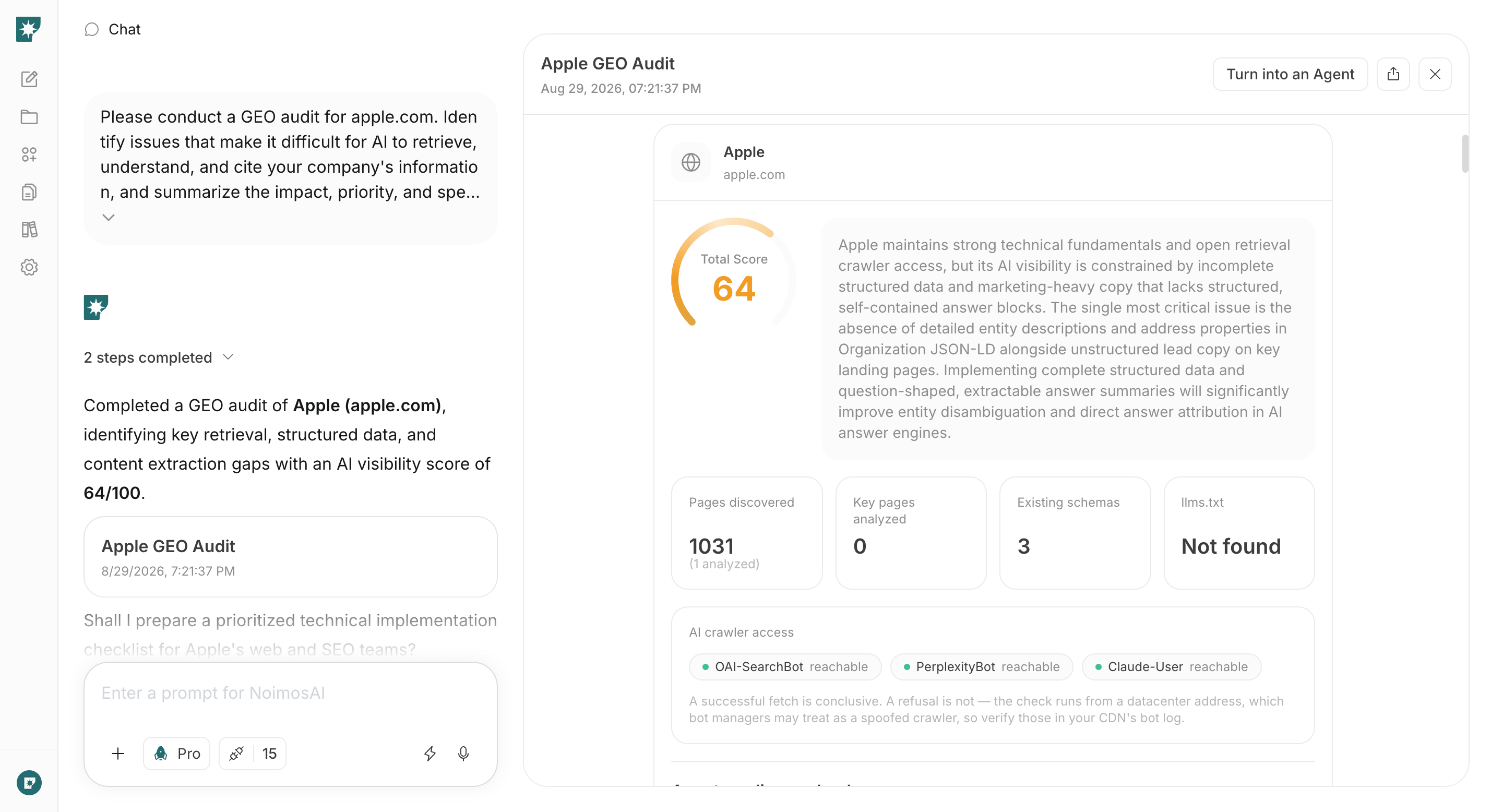
2. Make your website easy for AI systems to access and cite
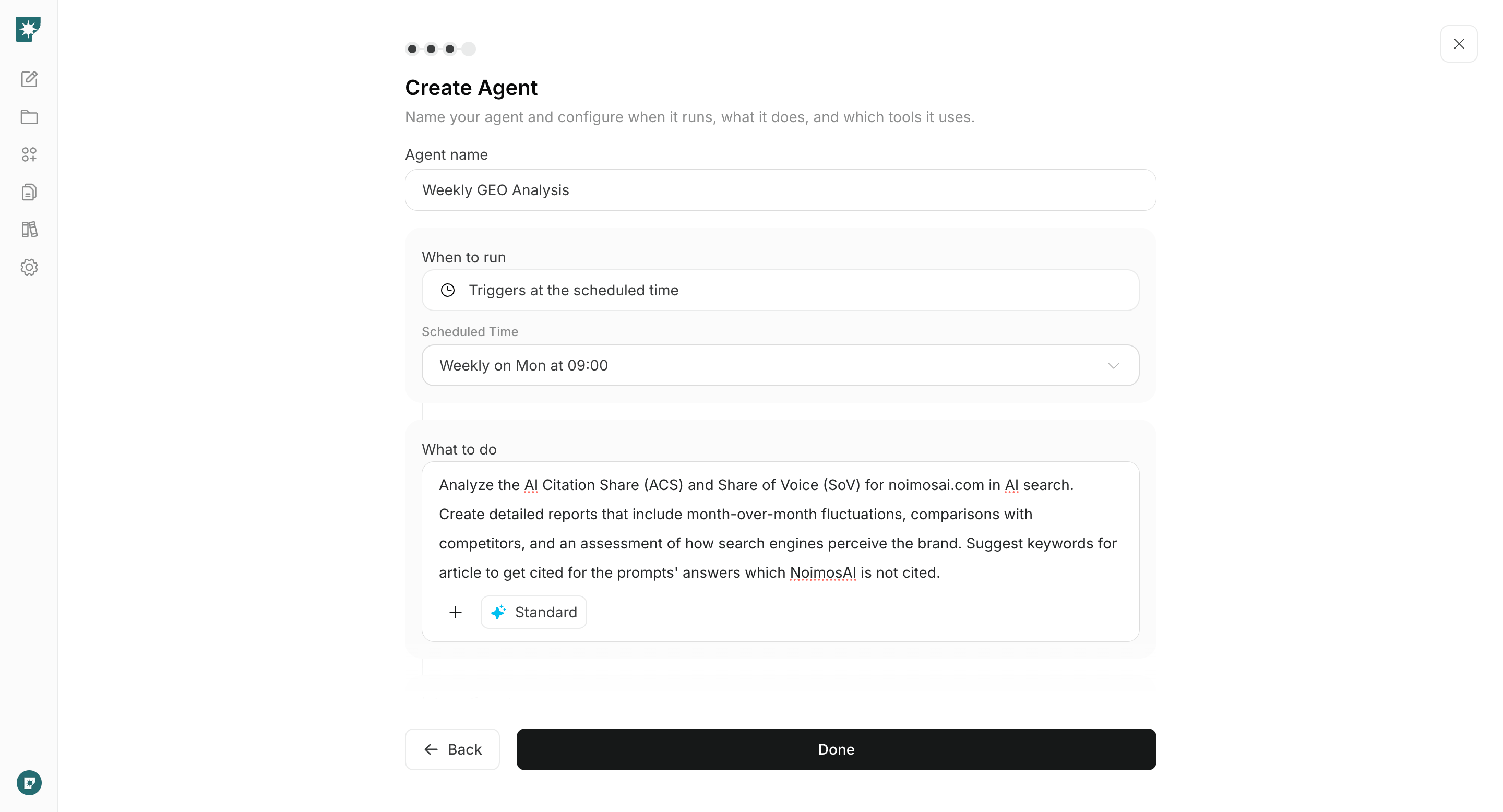
Enter the visibility-audit results and website URLs in chat to review the official information and technical setup. Identify important information AI systems cannot access and the sources of inaccurate descriptions about the company, products, or implementation requirements. Fix the highest-impact issues first.Prompt for chat
3. Create content that supports implementation decisions
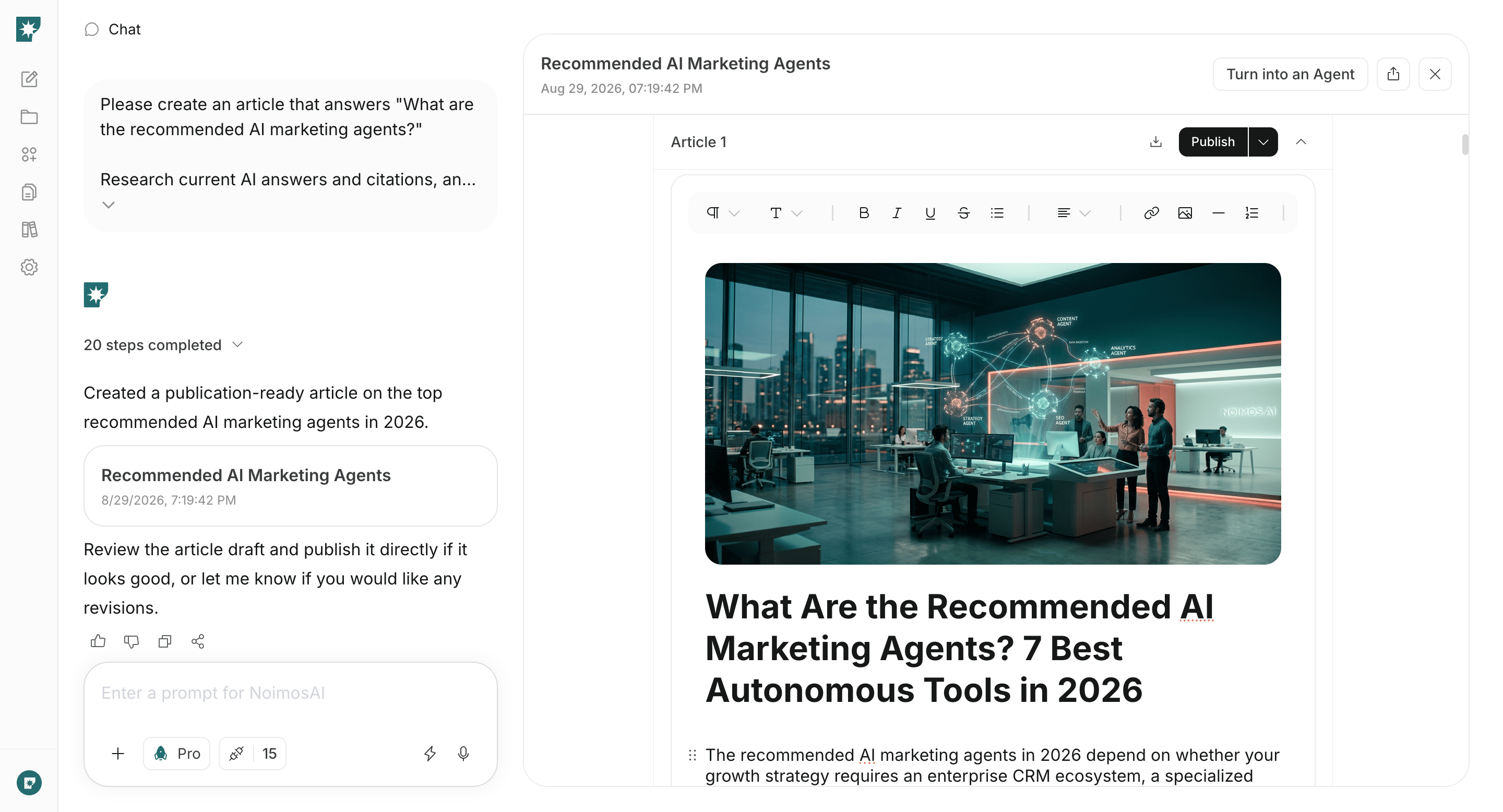
Choose one missing question, then specify the URL of the relevant page on your website, any published case studies, and product or service information to produce the final draft. If you’ve connected WordPress or note, you can also reference existing articles.Prompt for chat